

An admin access is required to connect Posthog to Corma
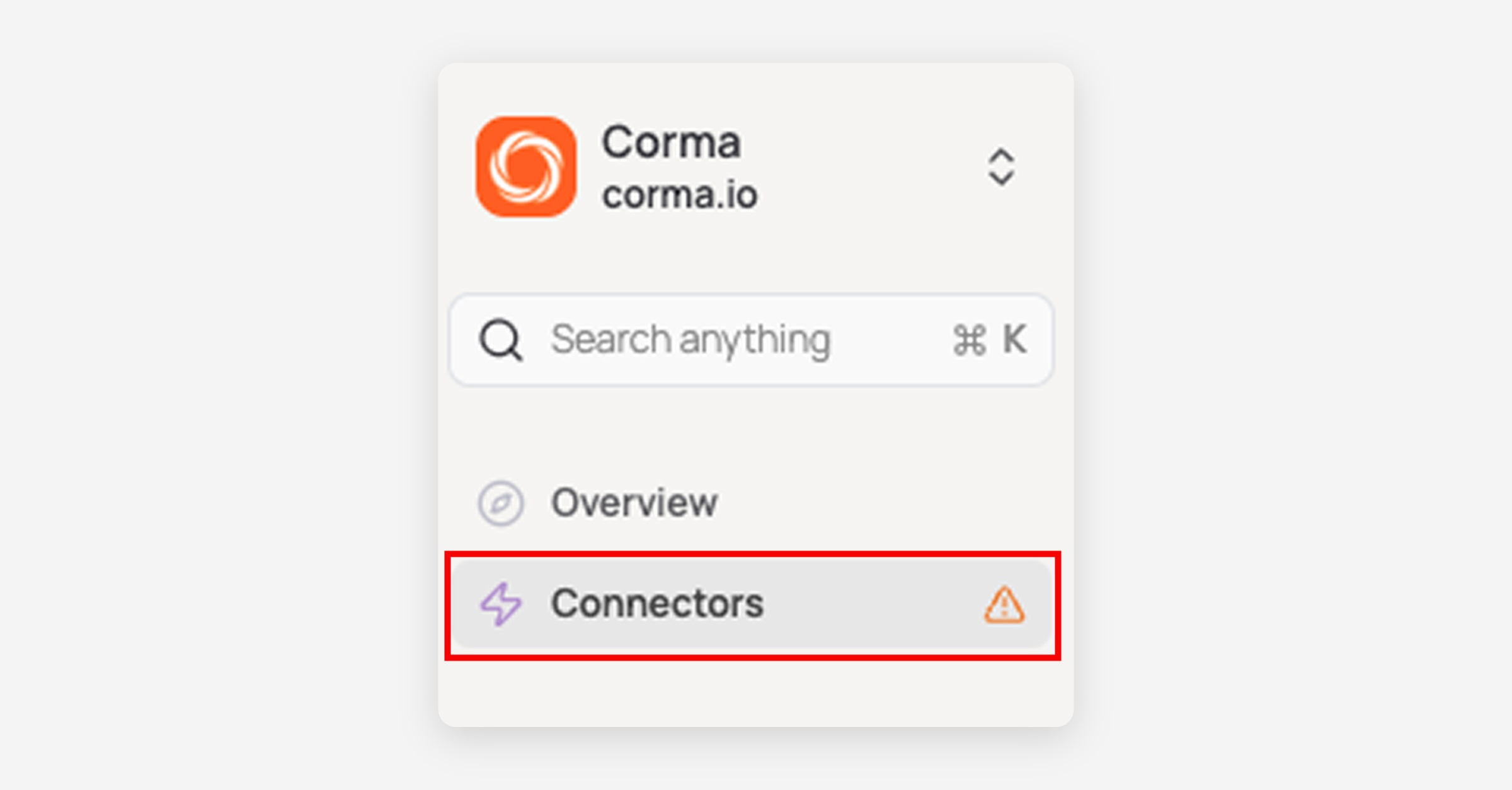
On your Corma app go to the connectors page
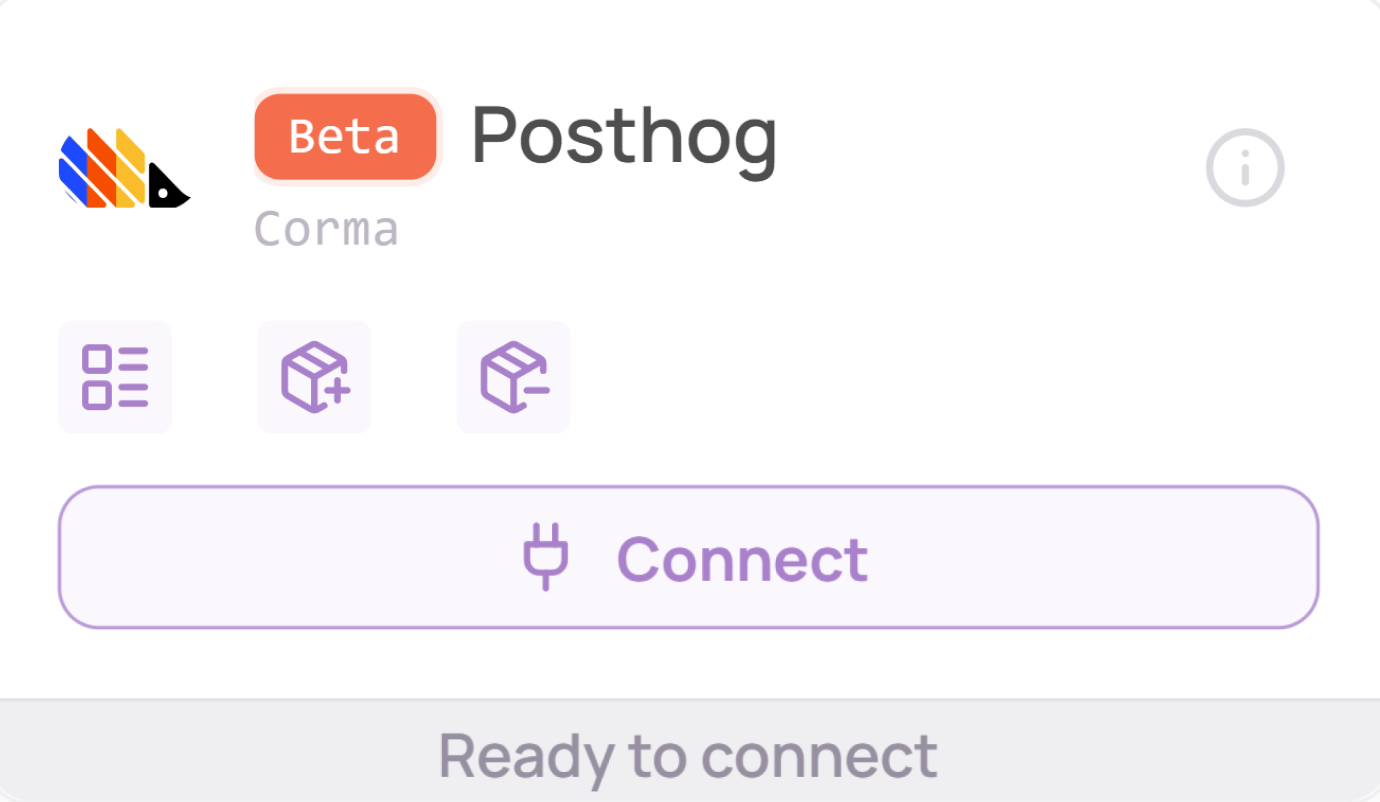
In "All connectors", search for “Posthog” and click "Connect"
Retrieve your API Key
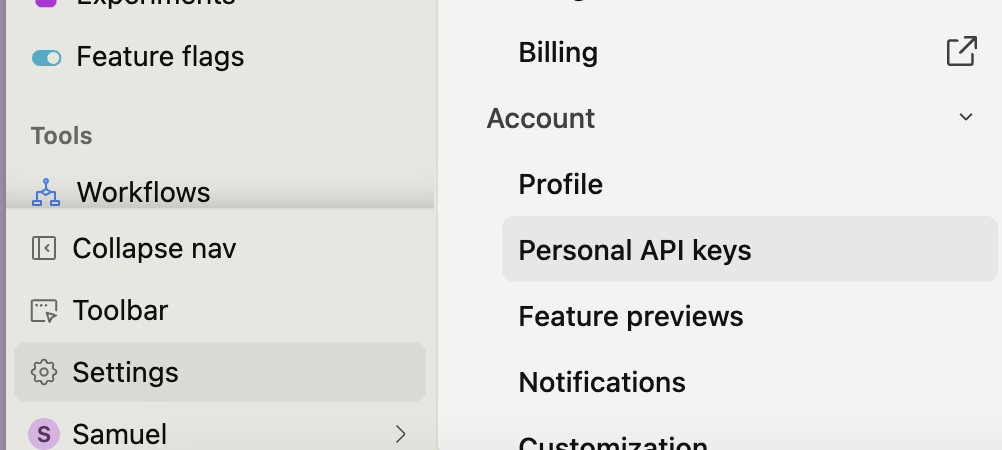
Go to your Posthog workspace, then go to “Settings”, and then go to “Personal API keys”
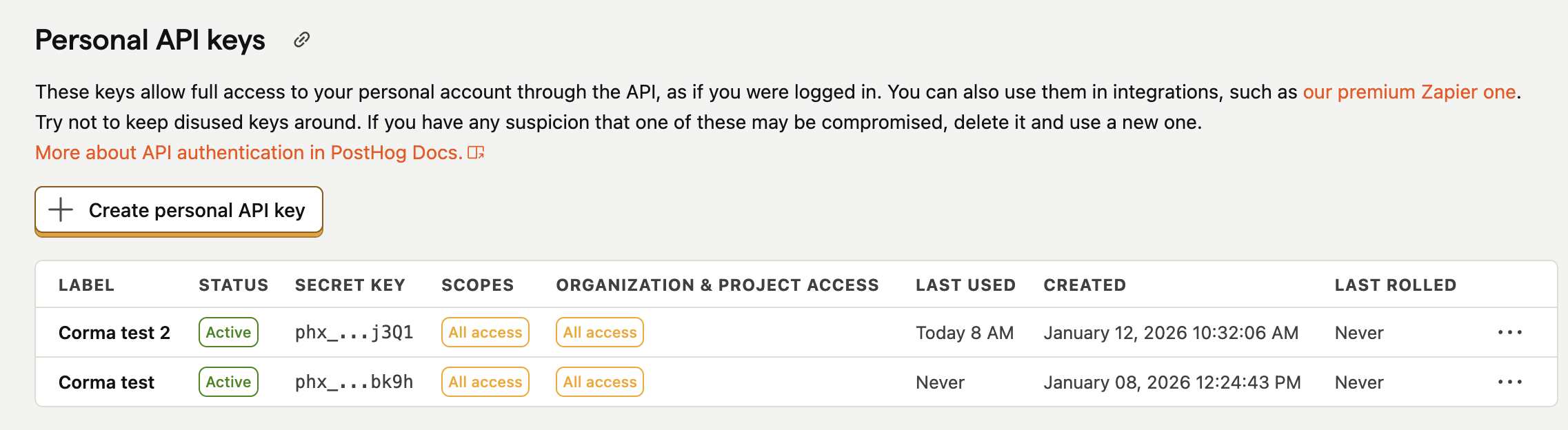
Click on “Create Personal API key”
Select scopes “Project and user Management”
Select the following scopes:
organization:read
organization_member:read
organization_member:write
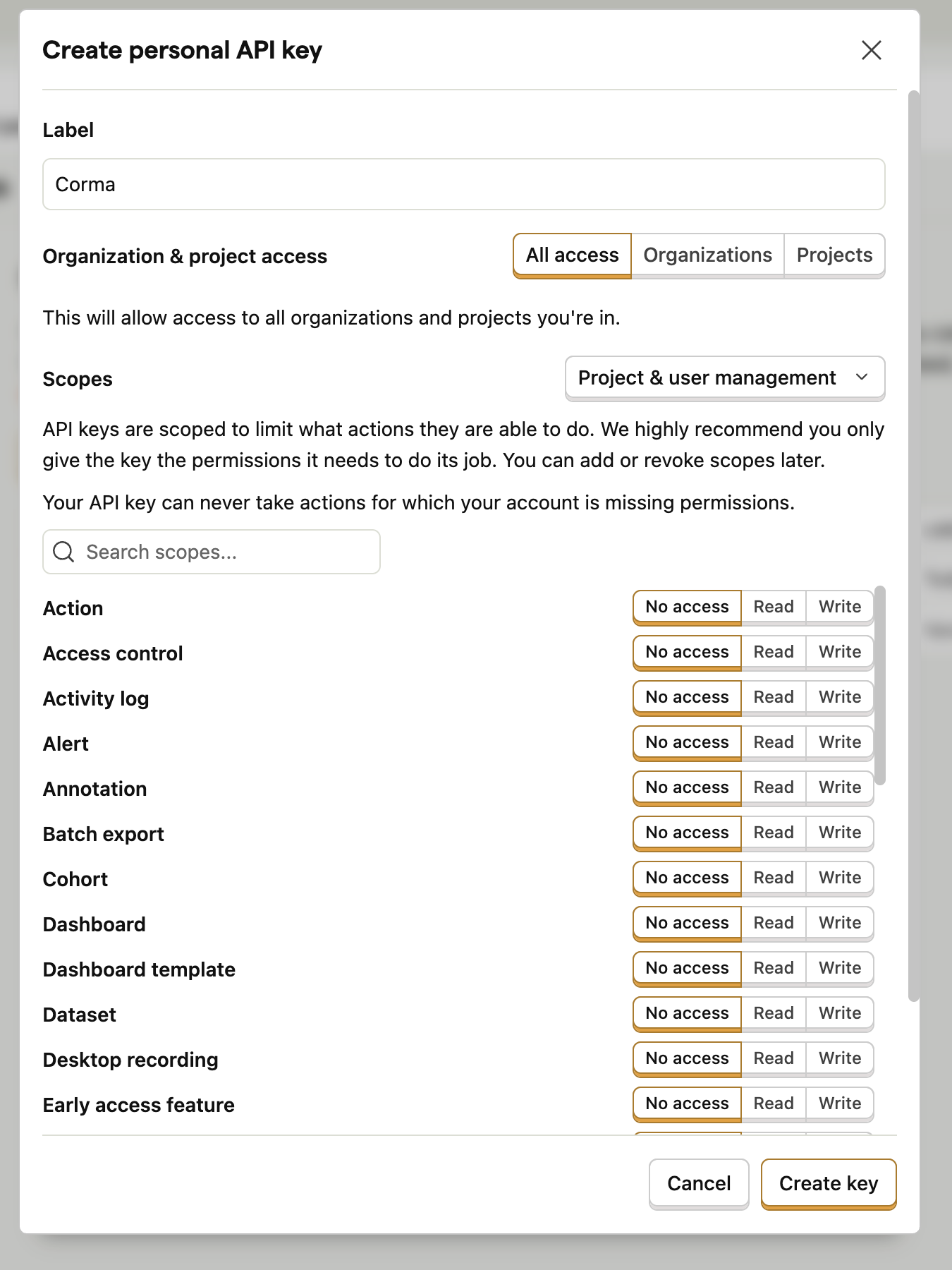
Copy the key and paste it in Corma
Select your PostHog instance (host):
US Cloud: https://us.posthog.com or https://us.i.posthog.com
EU Cloud: https://eu.posthog.com or https://eu.i.posthog.com
Self-hosted: Enter your self-hosted domain URL
You've successfully connected Posthog to Corma!
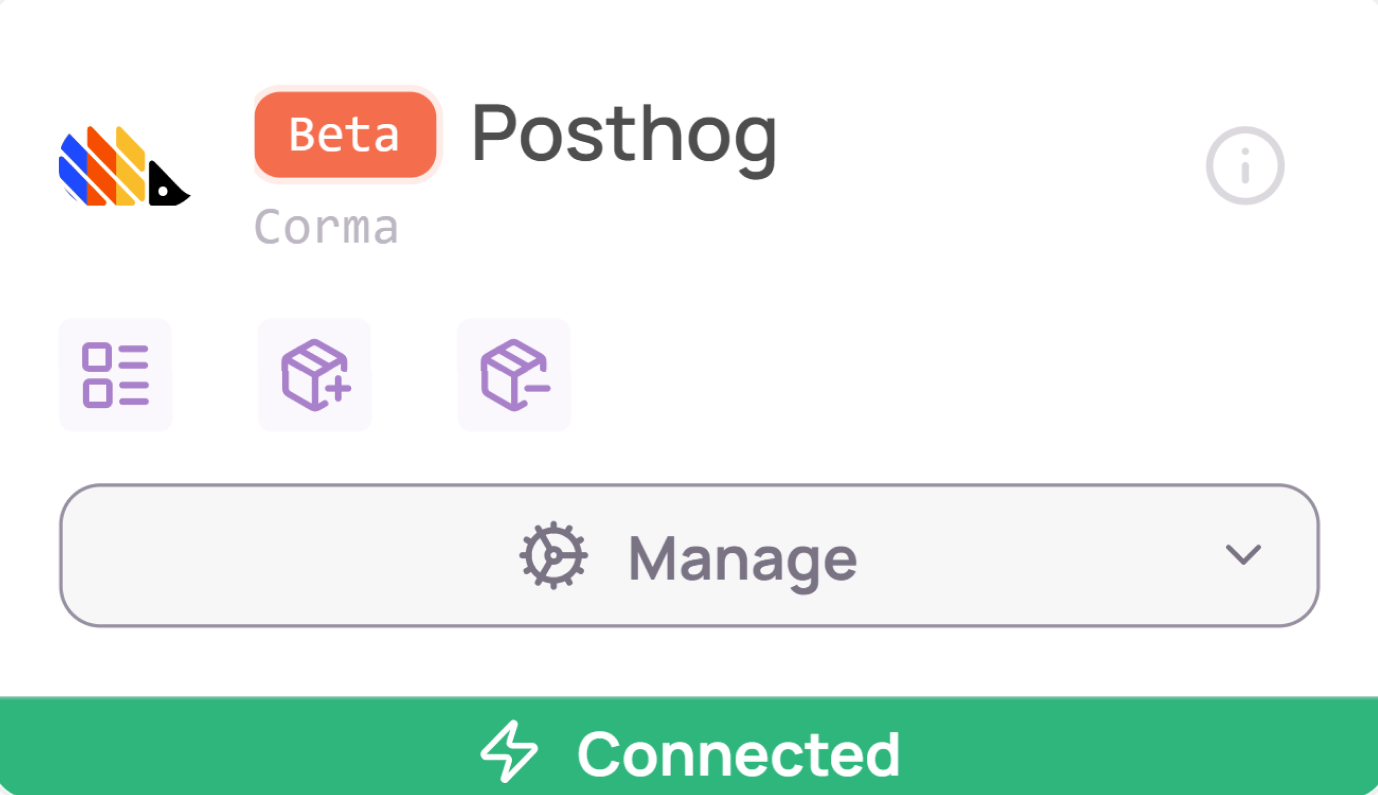
Data should be synchronized within the next 24 hours and will be synched every day to your Corma app.