

An admin access is required to connect Cloudflare to Corma
Retrieve your API token
Log in to Cloudflare
On the top right corner navigate to My Profile > API tokens
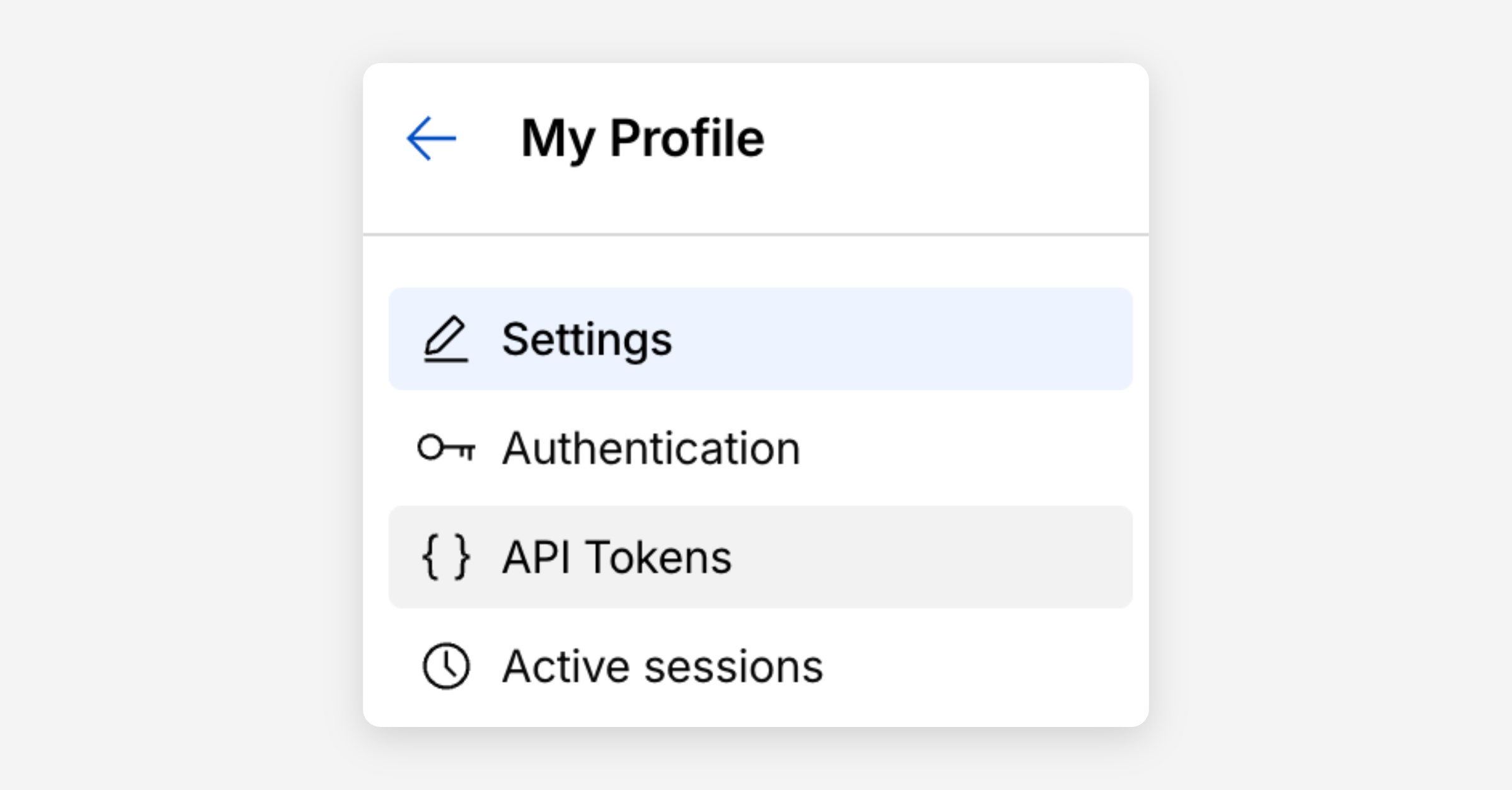
Click Create token then "Create custom token"
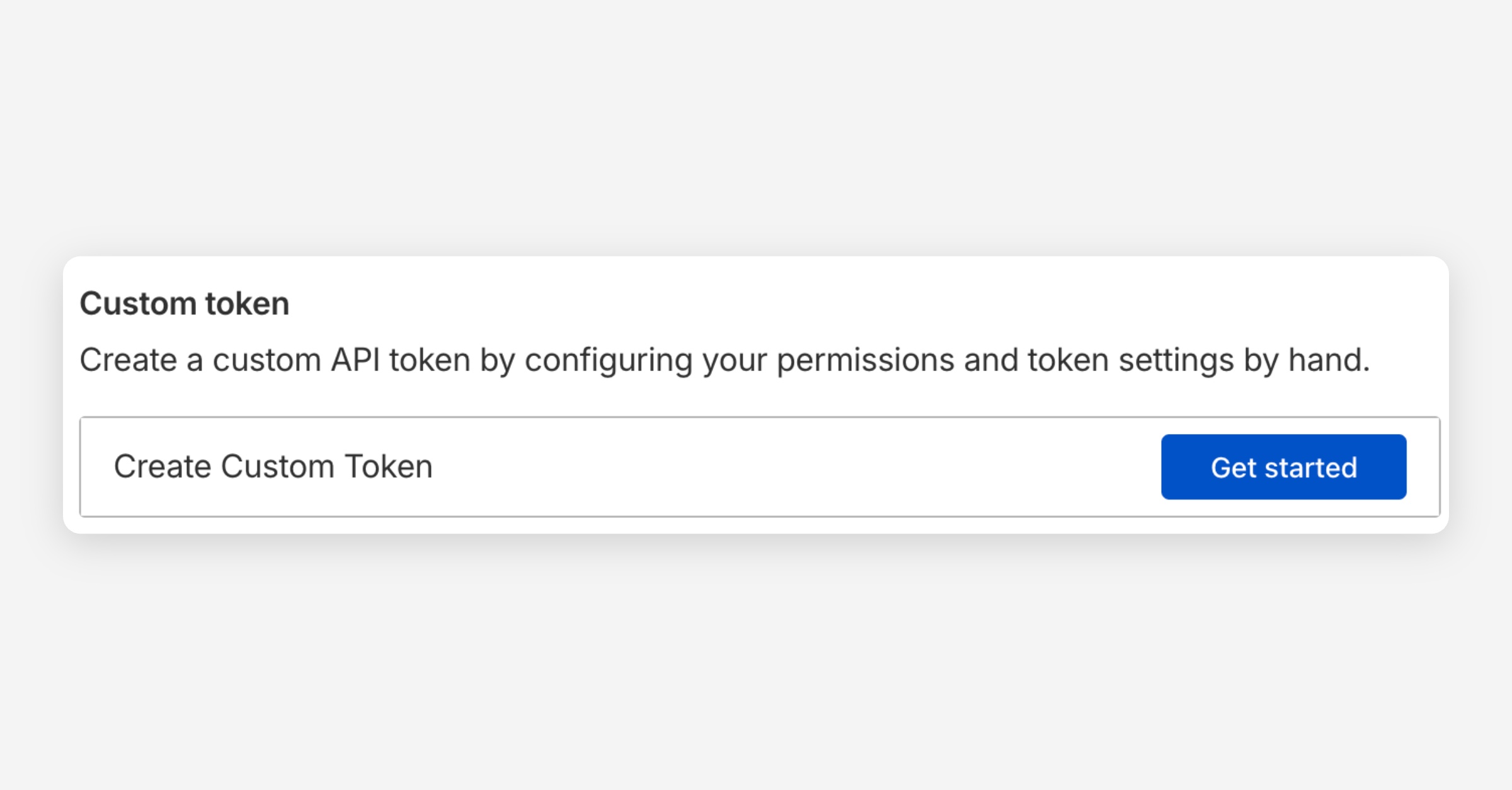
Under permissions, add the following:
SCIM provisioning: Edit
Account settings: Edit
Account settings: Read
Assign the token to the Cloudflare Account you want to connect.
Click Create Token and copy your API Token.
You've successfully connected Cloudflare to Corma!
Data should be synchronized within the next 24 hours and will be synched every day to your Corma app.