

An admin access is required to connect Claap to Corma
On your Corma app go to the connectors page
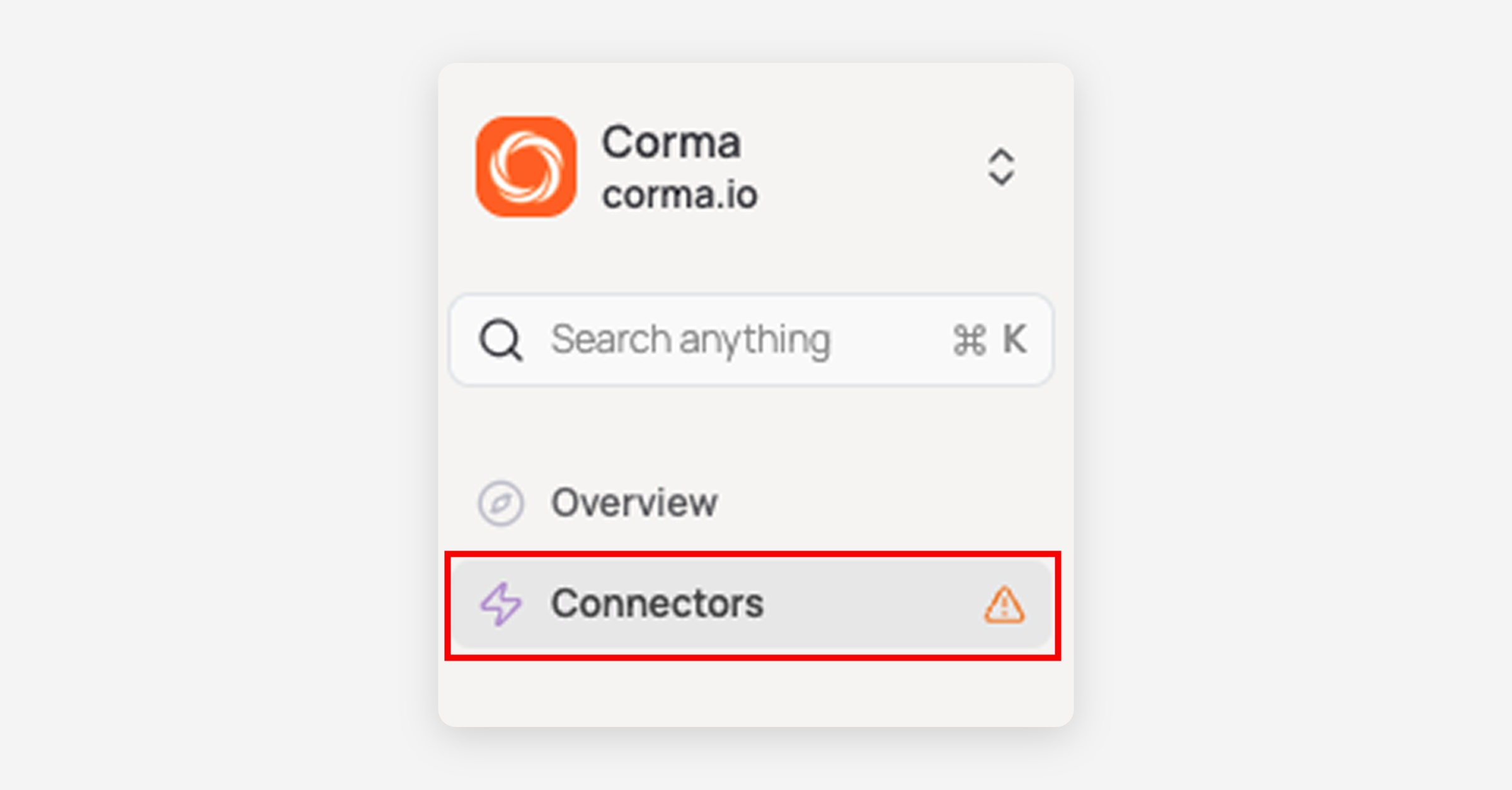
In "Add connectors", search for “Canva” and click "Connect"
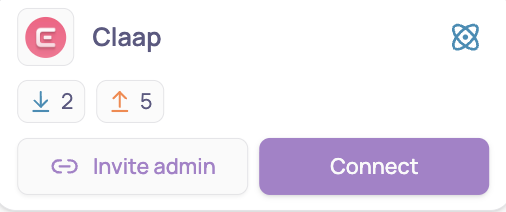
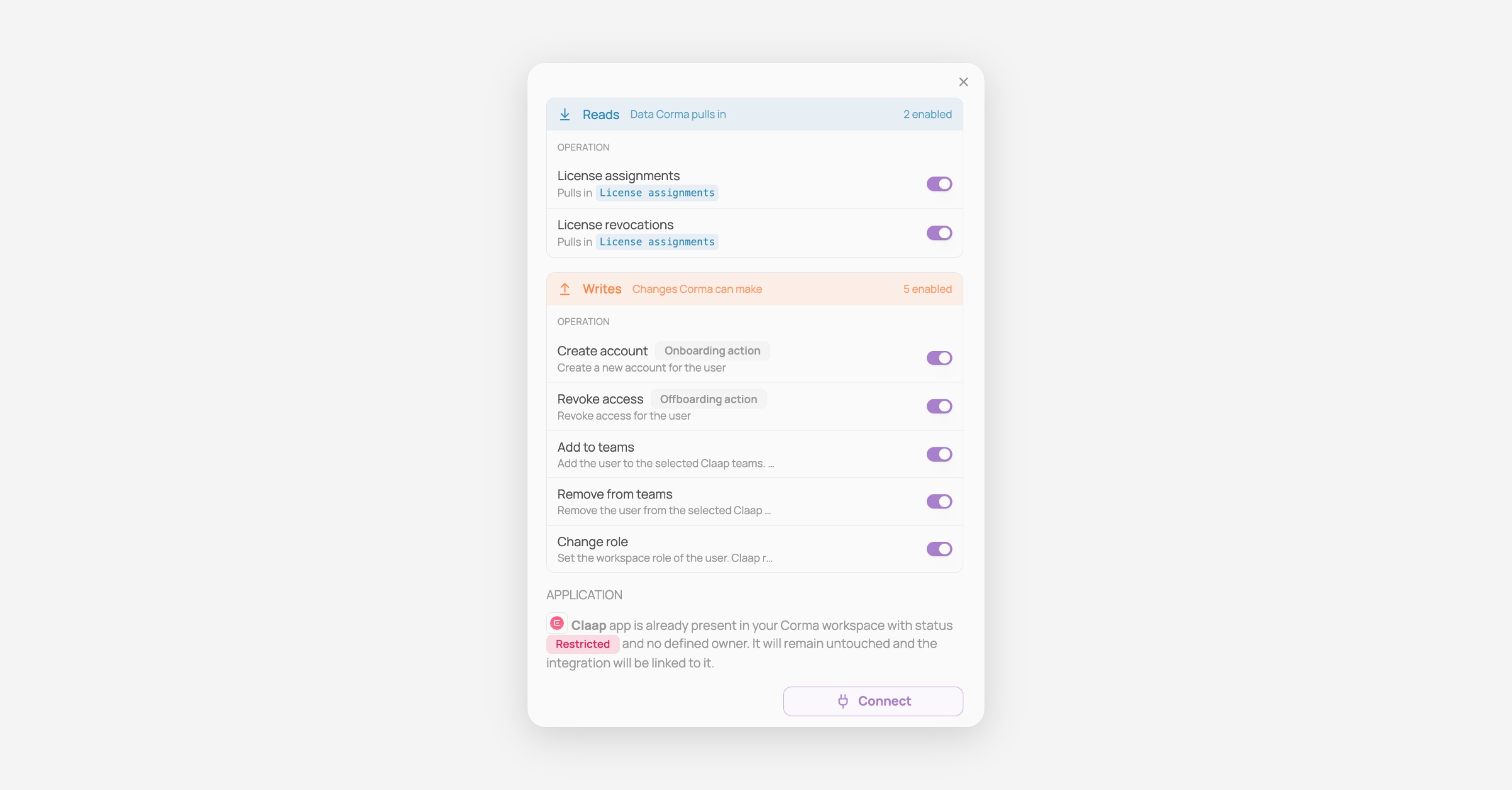
Review the reads and writes, switch off any you don't want, then click "Connect" again
Retrieve your API key
Log in to your Claap account
Navigate to the API & Webhooks section from your account settings
Click Create API Key and enter a name for your key
Copy the generated API Key and paste it below
You've successfully connected Claap to Corma!
Data should be synchronized within the next 24 hours and will be synched every day to your Corma app.