

An admin access is required to connect Datadog to Corma
Log in to Datadog
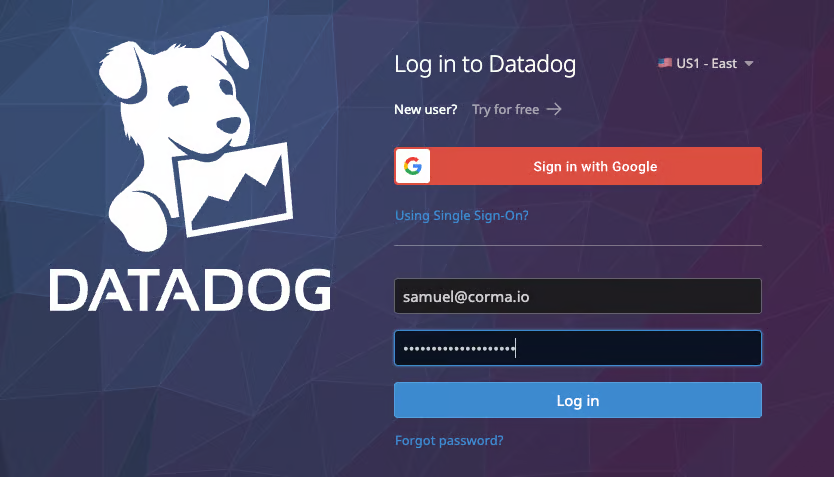
Once in Datadog go to upper left corner to the search bar
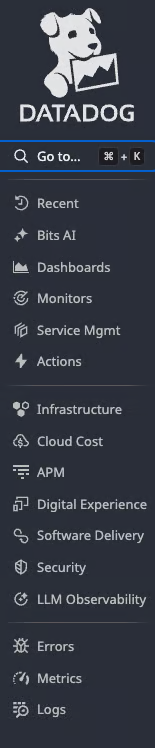
Type "organization settings"
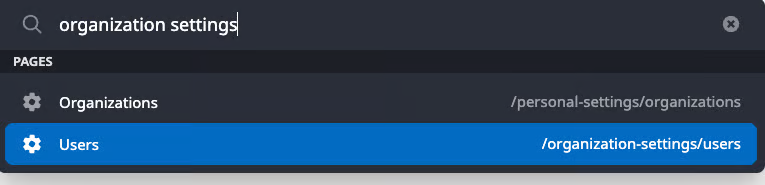
To retrieve Last activity data, make sure the "audit trail" option is activated
Navigate to Audit trail
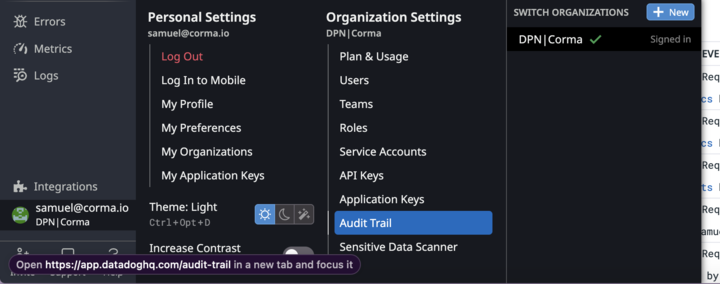
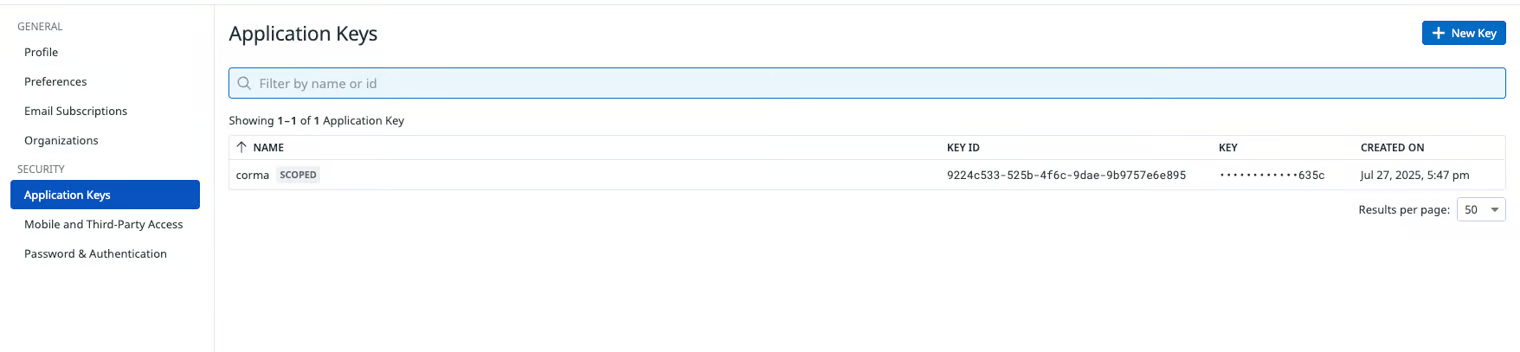
Under Security > Application Keys > New Key
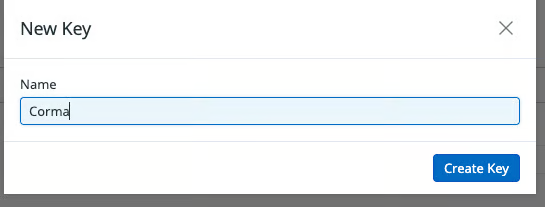
For the name, enter Corma and then click Create Key
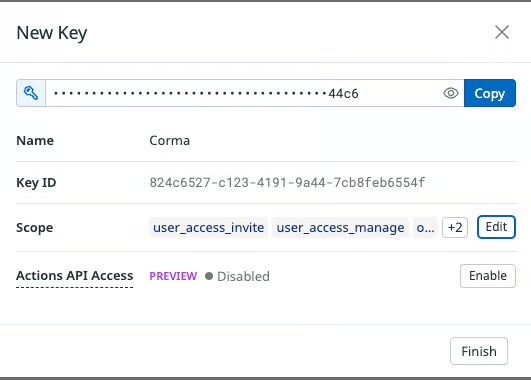
Now, select [org_management], [user_access_manage], [user_access_invite], [user_access_read] in a scope
Under Access> API Keys > New Key
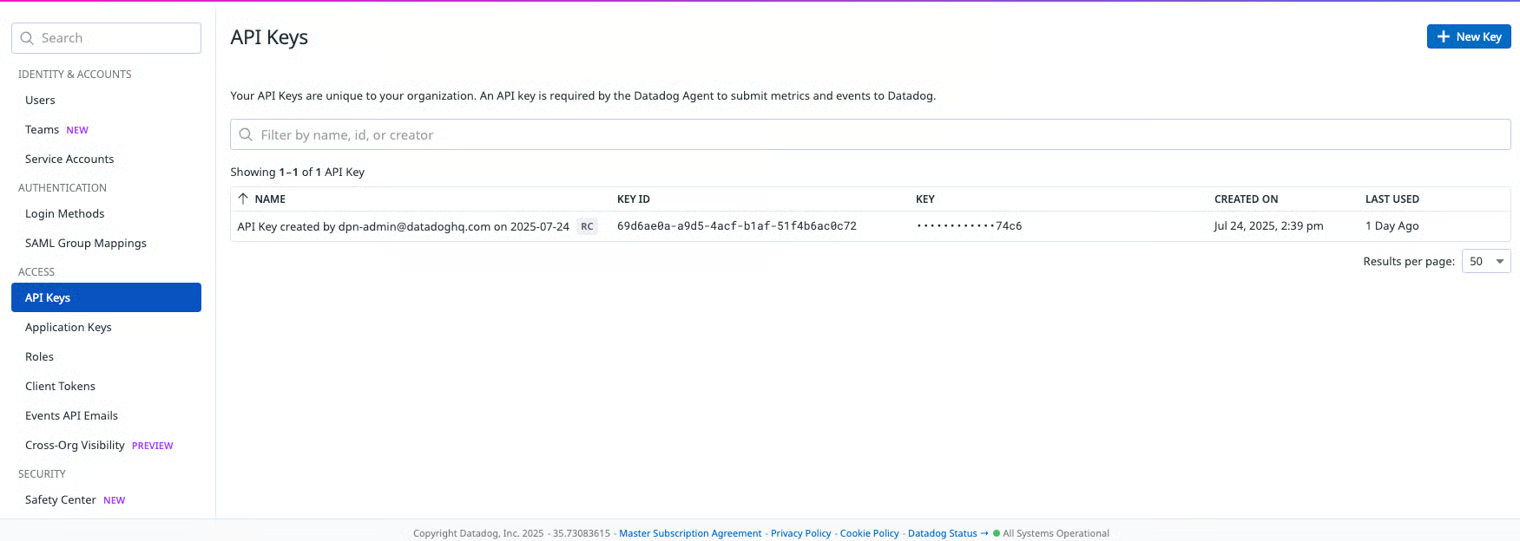
Repeat the same process by going into API Keys under Access
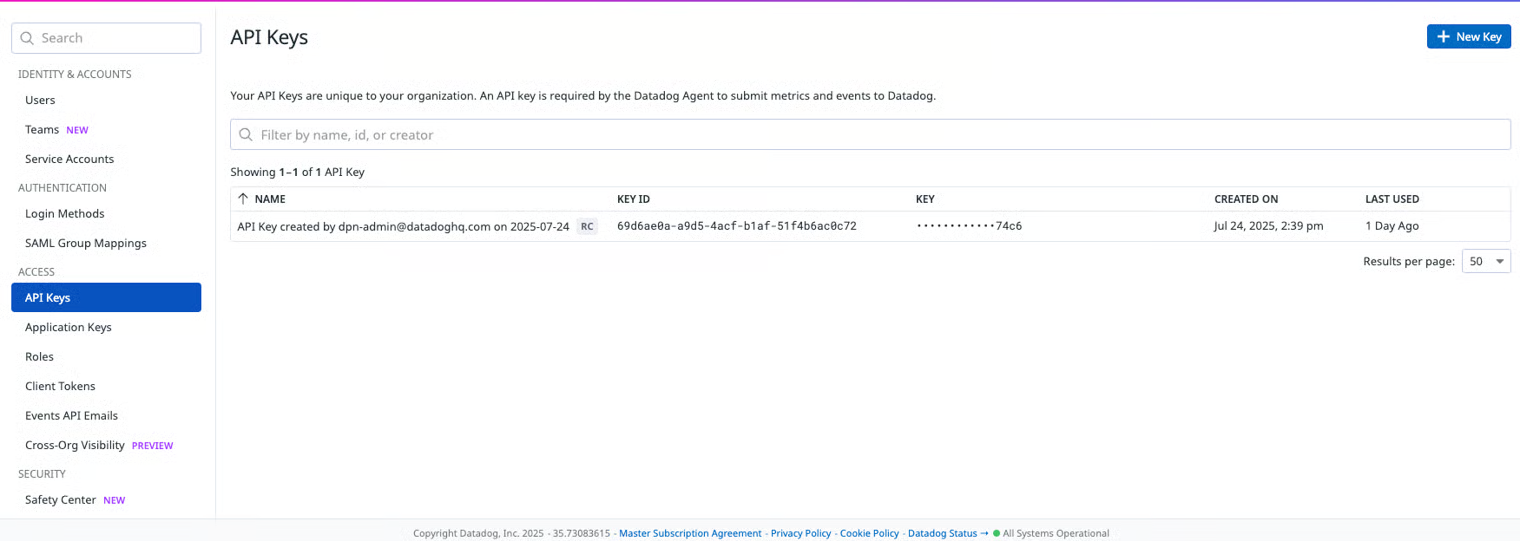
Click New Key
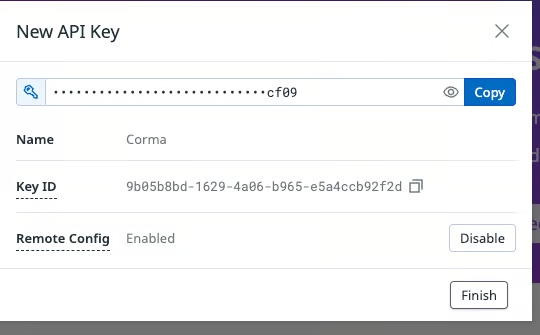
Now, select
orgmanagementuseraccessmanageuseraccessinviteuseraccessreadauditlogs_readin a scopeRepeat the same process by going into API Keys under Access
You've successfully connected Datadog to Corma!
Data should be synchronized within the next 24 hours and will be synched every day to your Corma app.