
How to invite an admin
Admins play a critical role in managing your organization’s Corma account. They ensure smooth operations, maintain security, and help teams get the most out of Corma’s features.
Corma allows you to invite other members of your organization as admins, giving them full access to your workspace.
How to Invite an Admin
Click on your workspace in the top-left corner and select "Invite admins"
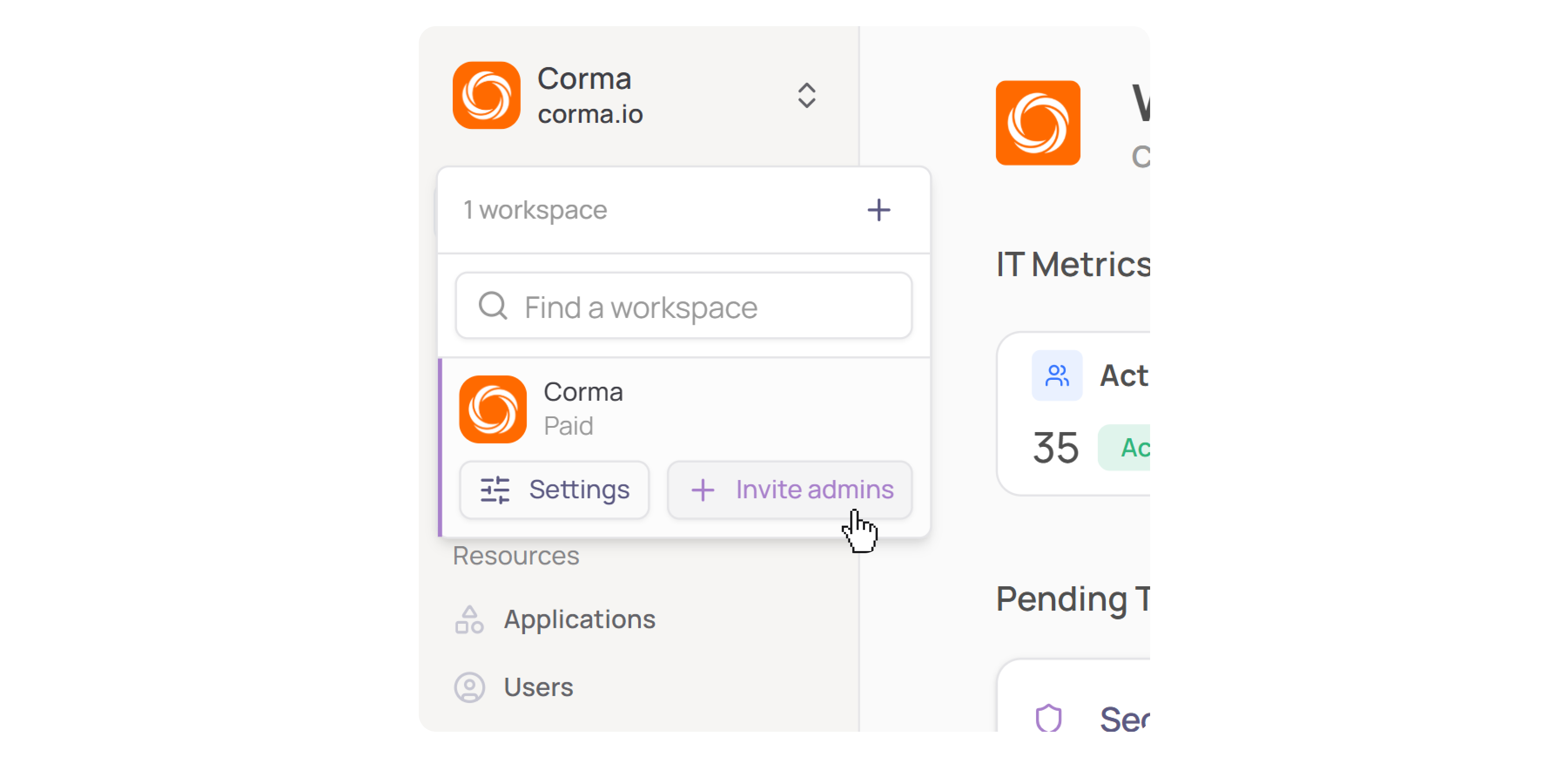
Click "Invite admin" in the top-right corner

Search for a person by name or enter their email address directly
Click "Invite as admin" next to their name
The invitee receives an email invitation with an "Accept invite" button to join the workspace
What Happens After the Invitation?
The invited person receives an email from Corma saying they've been invited as an admin. Once they click "Accept invite", they are granted full admin access to the workspace and can log in using any of the supported login methods (Google SSO, Microsoft SSO, or email + password).
Managing Existing Admins
From Settings → Admins, you can:
View all current admins and their IdP and HR status
Search for a specific admin
Remove or manage admins using the Actions menu (three-dot icon) on each row
Who Can Invite Admins?
Only existing admins can invite new admins to the workspace.
Admin Permissions
Admins have full platform access, including:
Managing integrations and data sources
Viewing all users, licenses, and applications
Configuring provisioning and deprovisioning workflows
Managing settings, teams, and security configurations
Was this helpful?