
Notifications channels
Corma can ping you on different channels presented below. Learn how to connect and use them now!
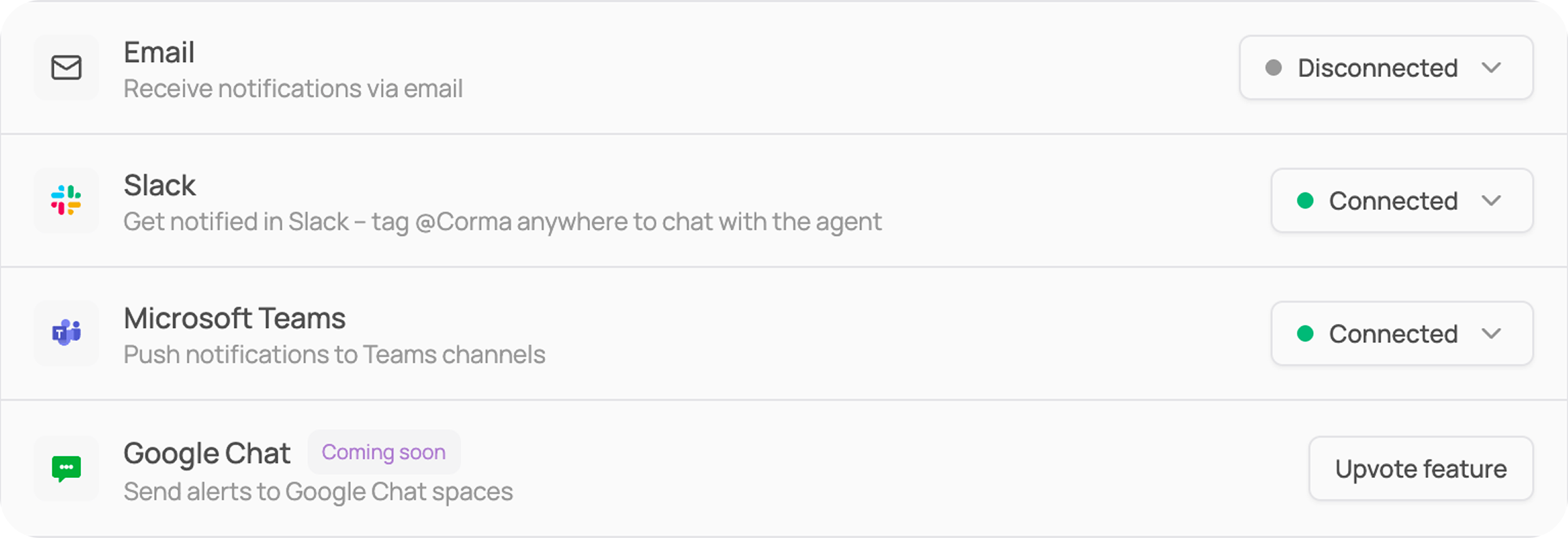
Corma can use several communication channels to send you notifications about your apps, requests, reviews and more. The currently available channels are:
Email (no configuration needed you can active and de-active this option form the settings > Notifications)
Slack
Microsoft teams
Google Chat (not available yet - coming soon)
Reminder frequency
Beyond choosing where notifications go, you can control how often Corma chases outstanding items. Go to Settings → Notifications and set the reminder frequency for:
Access requests & Tickets — pending items waiting on someone's action
Access reviews — reviews that have been launched but not completed
ℹ️ See General settings for a full map of the Settings page.