

An admin access is required to connect Notion to Corma
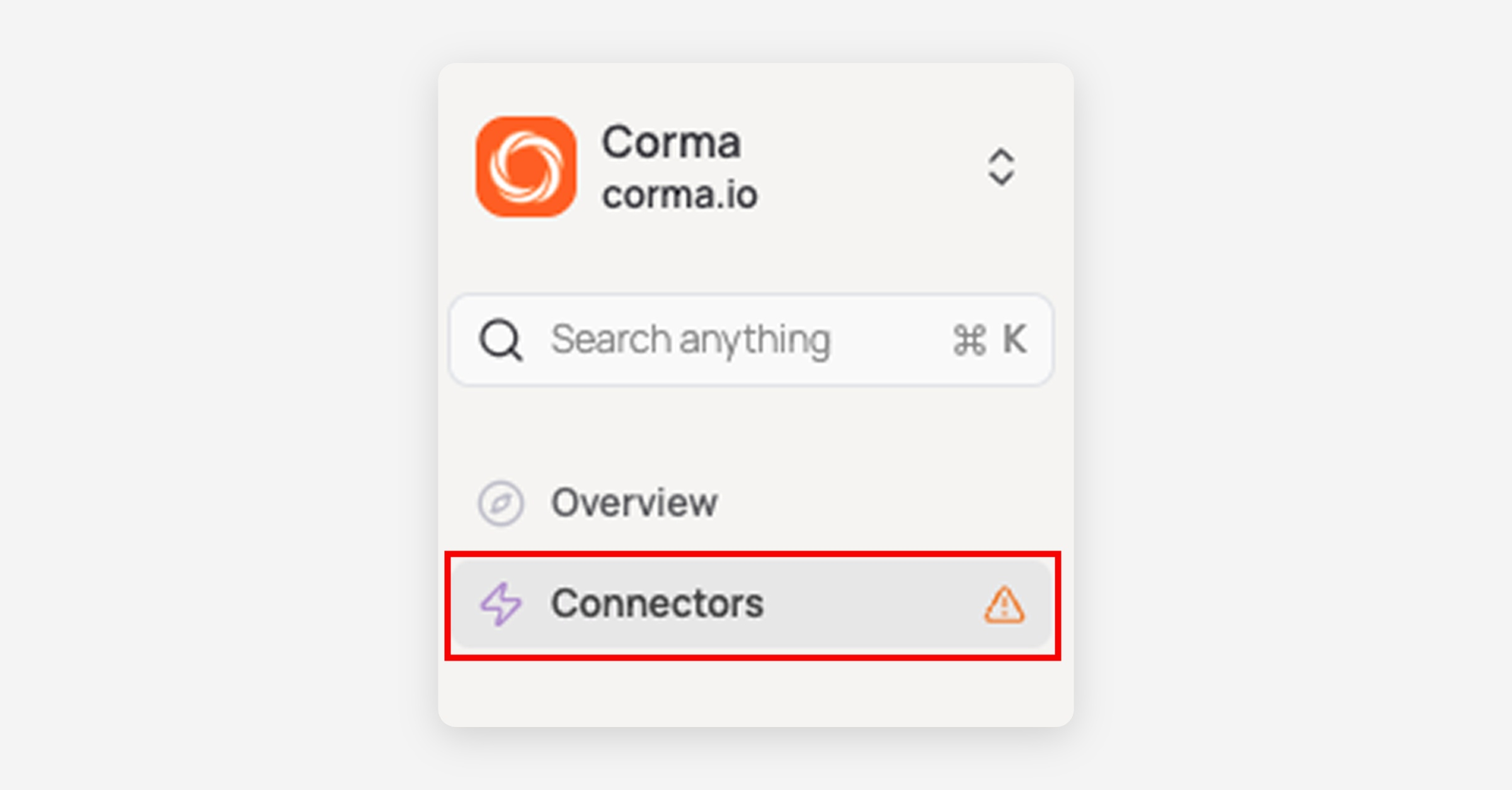
On your Corma app go to the connectors page
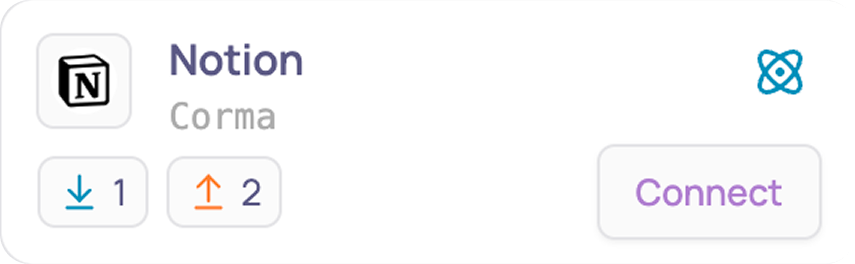
In "Add connectors", search for “Notion” and click "Connect"
Click on "Select pages" to continue

Select your Notion core pages so Corma can detect user activity and click on "Allow access"
Corma will not have access to any content on the pages you select, this is only to detect the activity of users on that page so that Corma can extract last_activity values from it. Please select one or a few key Notions pages where most users are the most likely to perform actions of write comments

Select the relevant pages and click on "Allow access"
Alternatively, to connect via API key:
Navigate to the General tab
Click the>symbol next toSCIM provisioning
Generate an API token
Copy and paste your API token below
You've successfully connected Notion to Corma!
Data should be synchronized within the next 24 hours and will be synched every day to your Corma app.