
Leexi
An admin access is required to connect Leexi to Corma
On your Corma app go to the integrations page
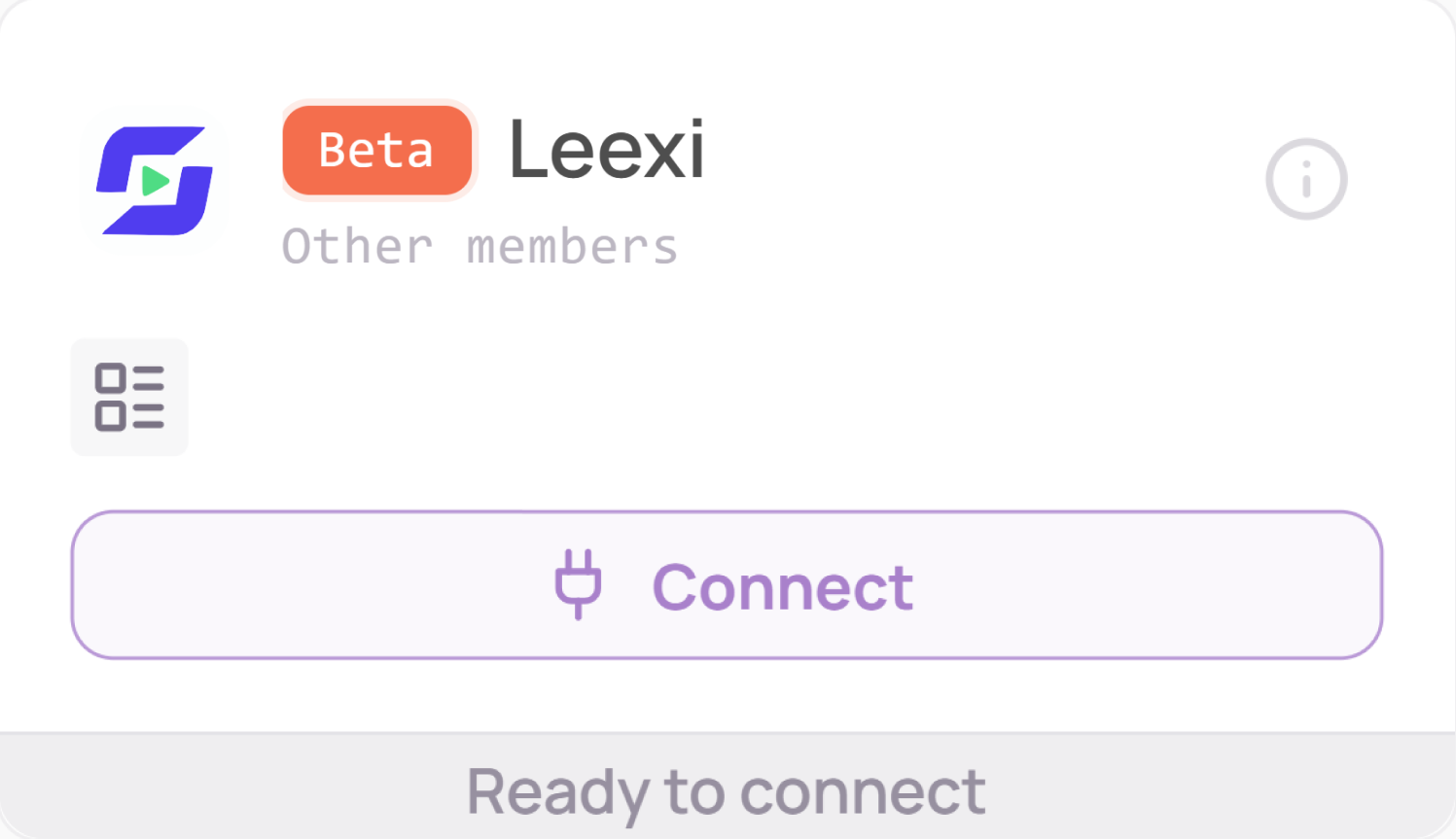
Under "Direct SaaS integrations" click on "Connect" for Leexi
Retrieve your API key
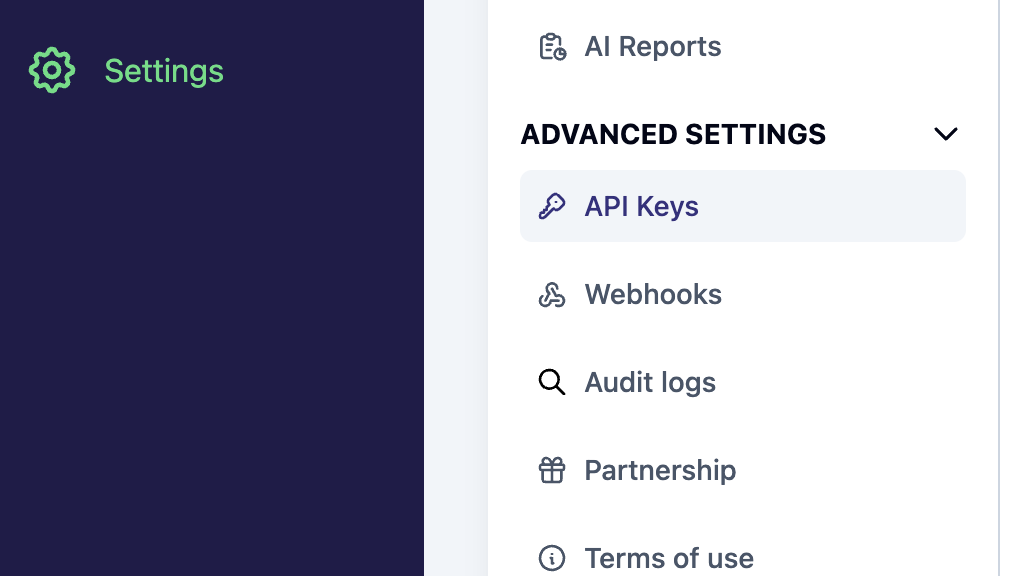
Go to Leexi in “Settings”, then click on “API Keys”
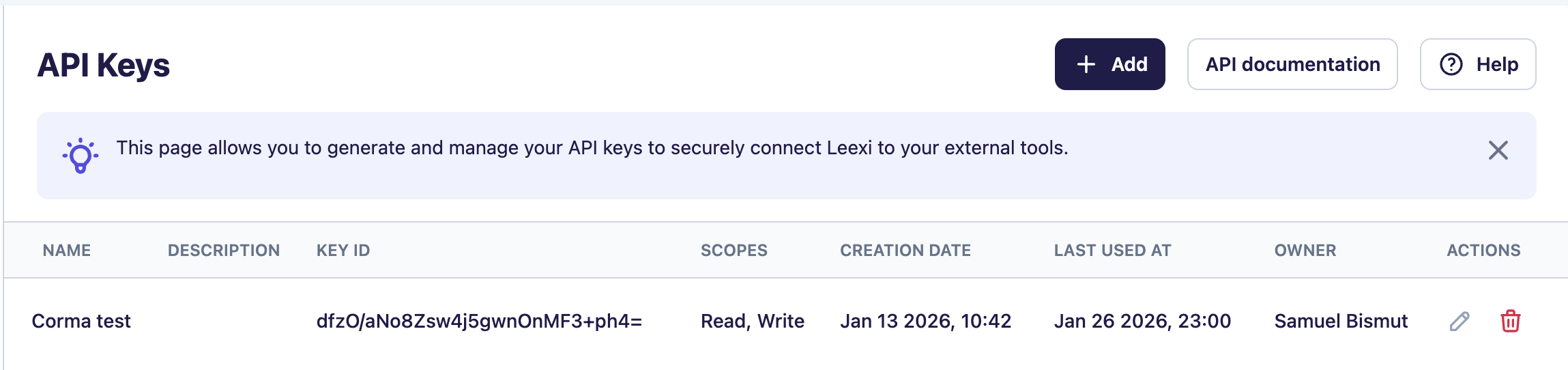
Click on “Add”
Copy paste the Key ID and Key secret in Corma.
Make sure that all the scopes are selected (both “read” and “write”)!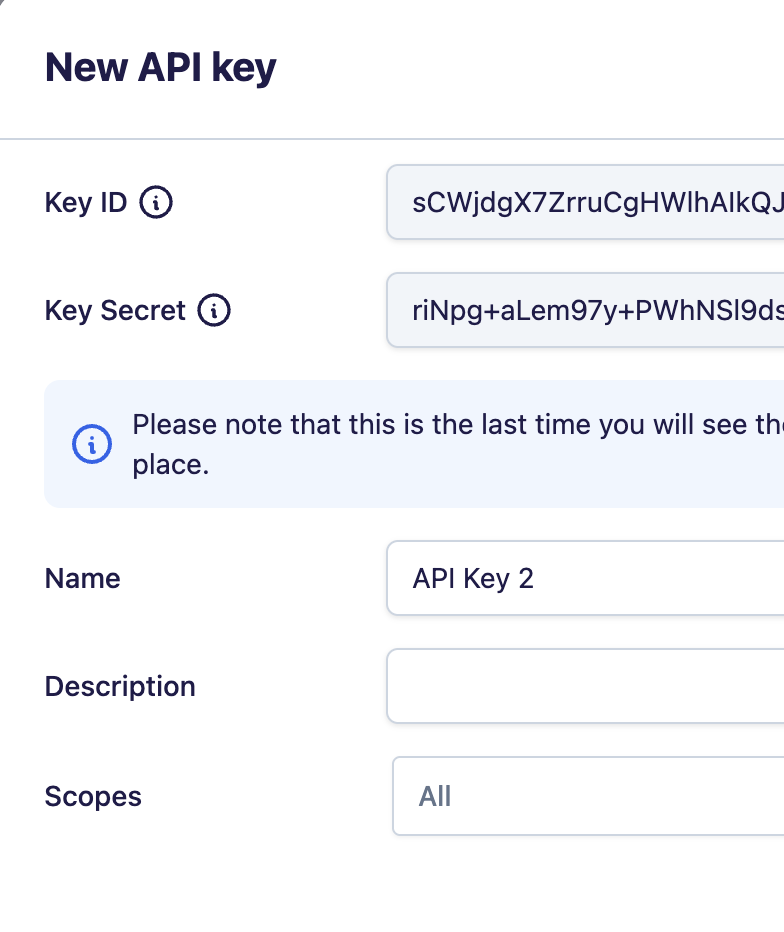
You've successfully connected Leexi to Corma!
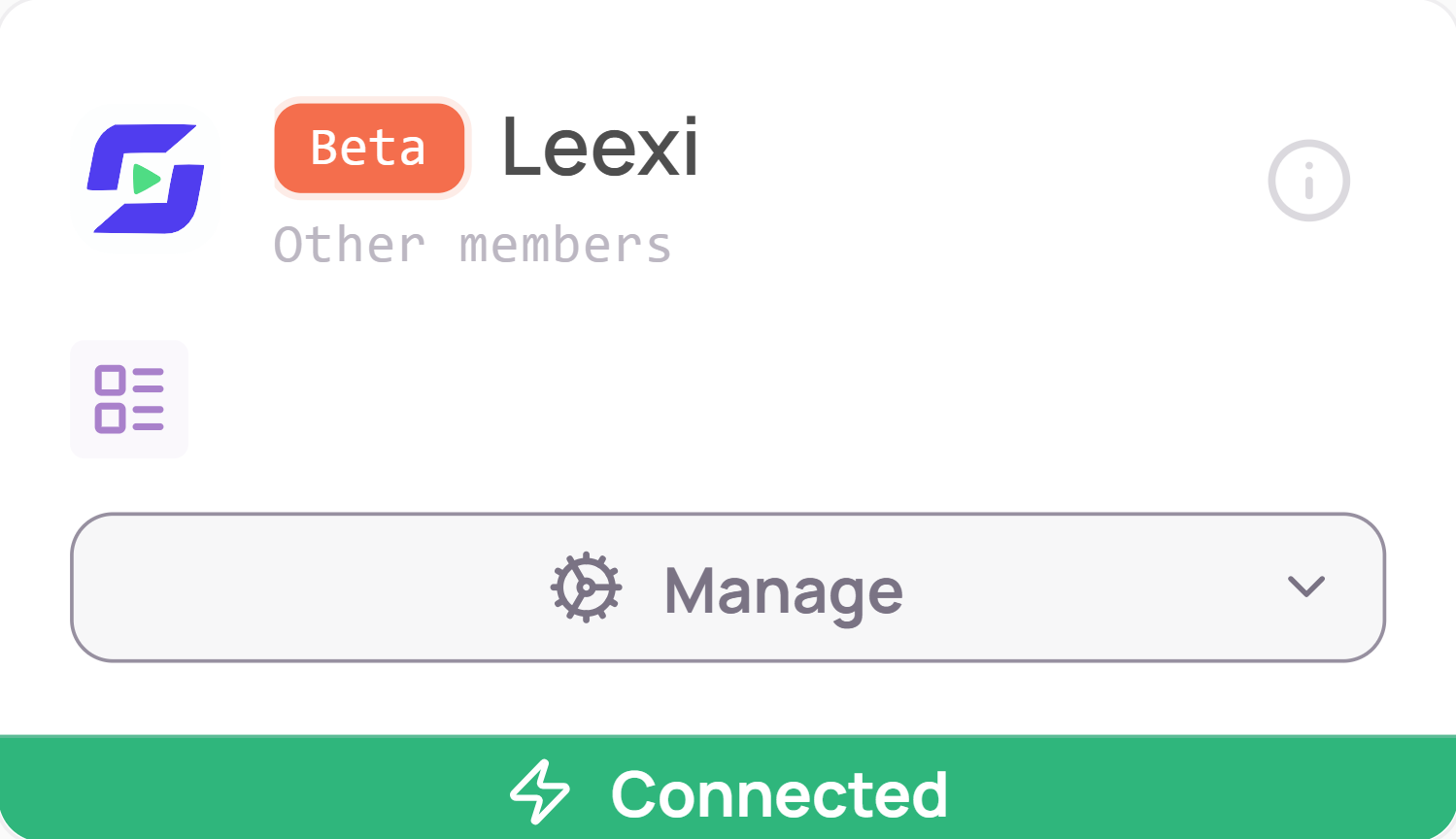
Data should be synchronized within the next 24 hours and will be synched every day to your Corma app.
Was this helpful?