

An admin access to Freshservice, Freshdesk, and Freshcaller is required to connect them to Corma
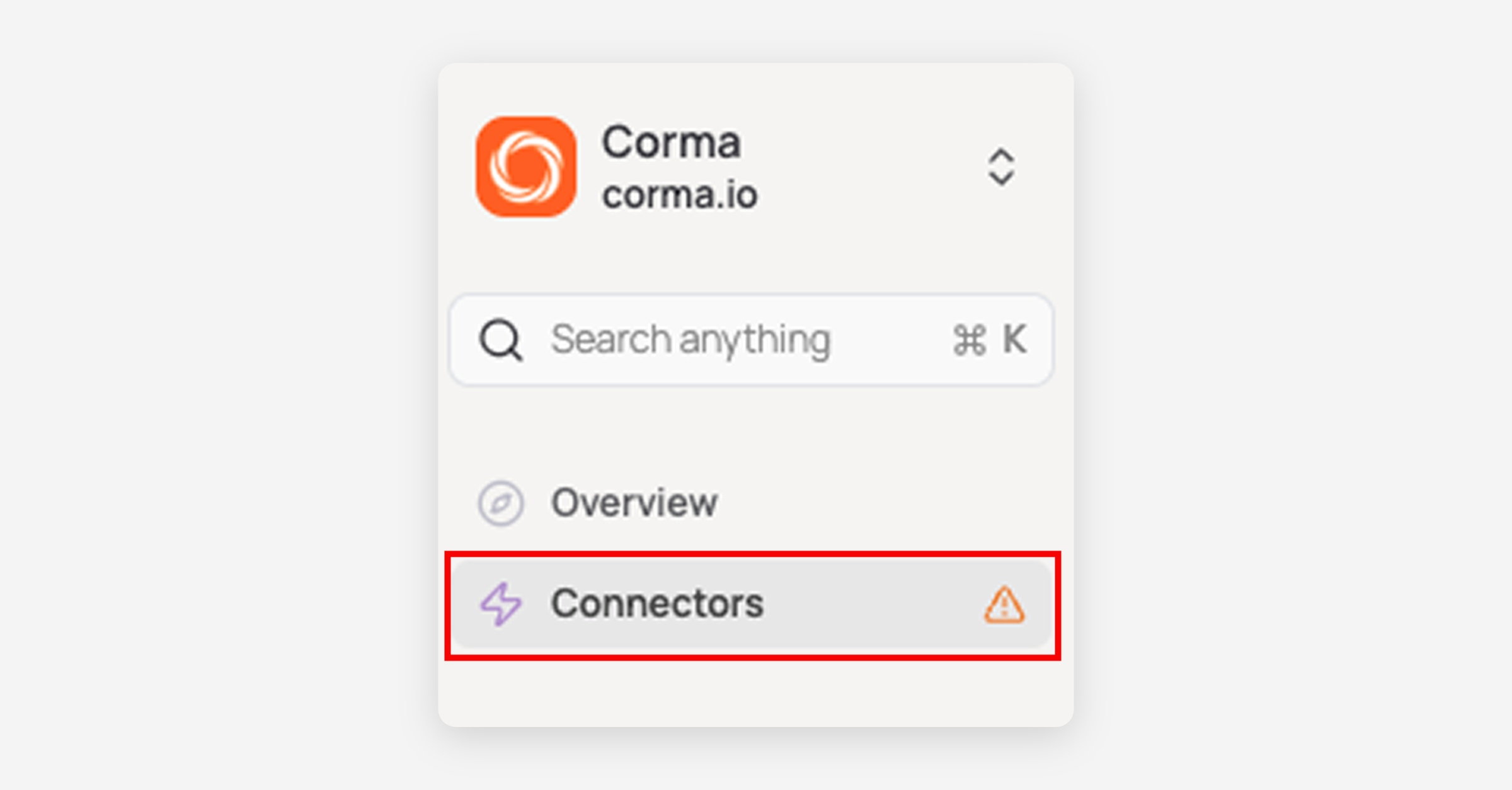
On your Corma app go to the connectors page
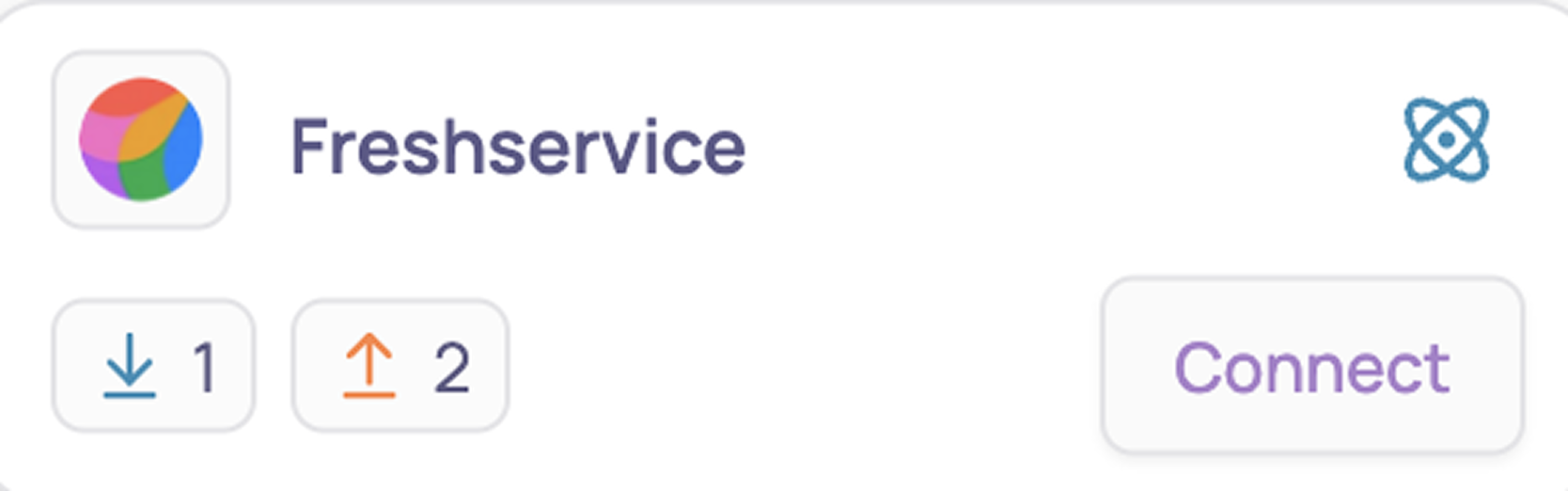
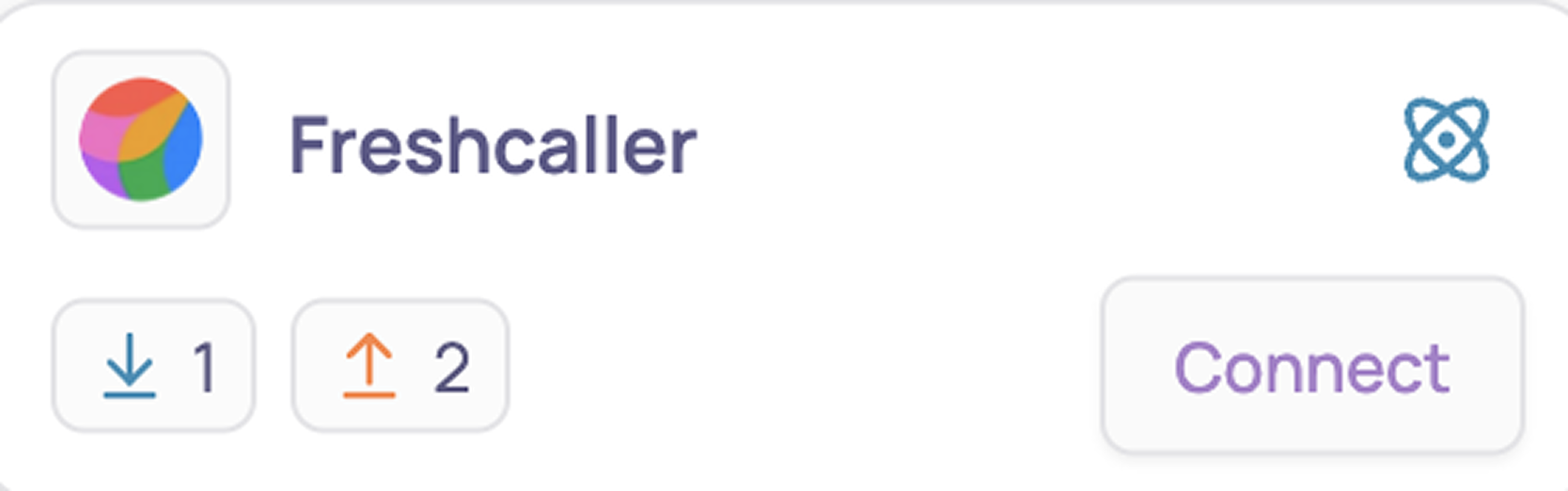
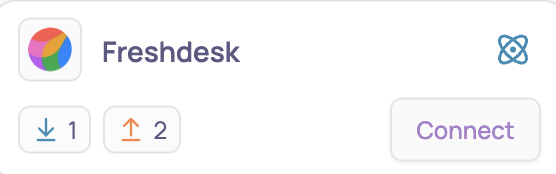
In "Add connectors", search for “Freshservice, Freshdesk, and Freshcaller” and click "Connect"
Retrieve your API key:
As an account admin, log in to your Support Portal .
Click on your profile picture on the top right corner of your portal
Go to Profile settings Page
Your API key will be available below the change password section to your right.
Submit your Domain Names and API Keys
Domain name is the name of your company or organization.
Example:https://yourcompany.freshdesk.com
Domain name: yourcompanyEach application will have a separate Domain Name and API Key
You've successfully connected Freshservice, Freshdesk, and Freshcaller to Corma!