
Siit
An admin access is required to connect Siit to Corma
On your Corma app go to the integrations page
Under "All Data sources" search for Siit and click on "Connect"
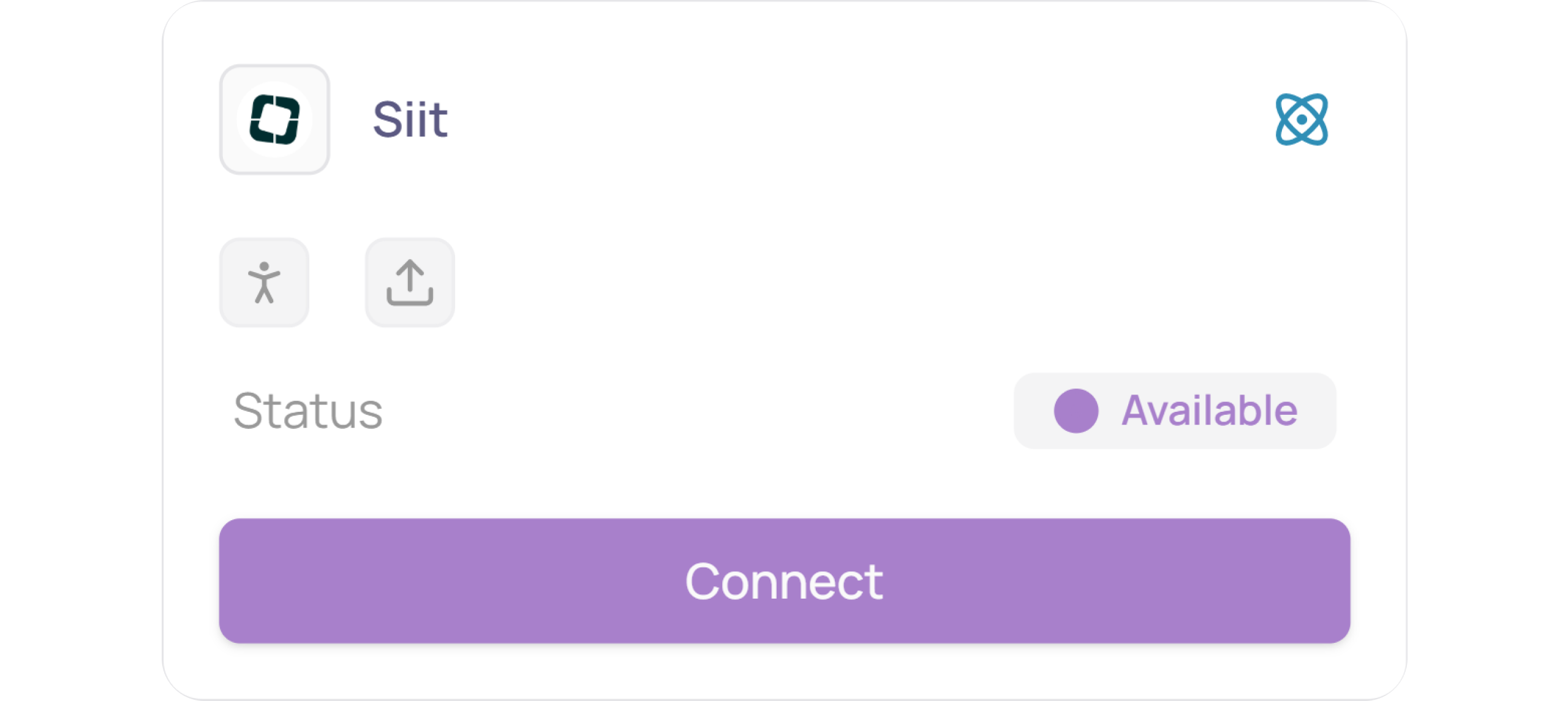
Click on “Connect” again
Create your API Key
Log in to your Siit workspace at https://app.siit.io/login
In the top-right corner, click on the Settings symbol

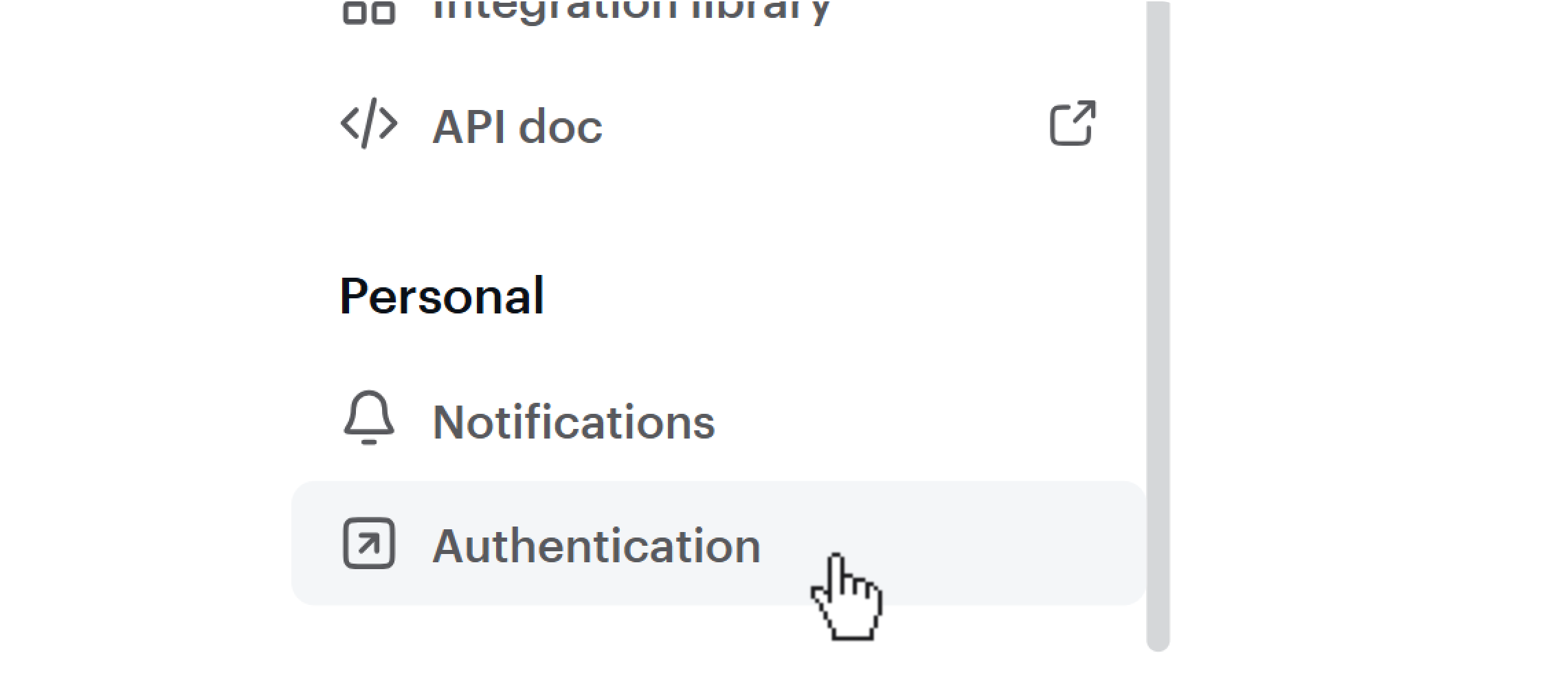
Then scroll down on the left sidebar, and click on “Authentication”
Click the “New key” button

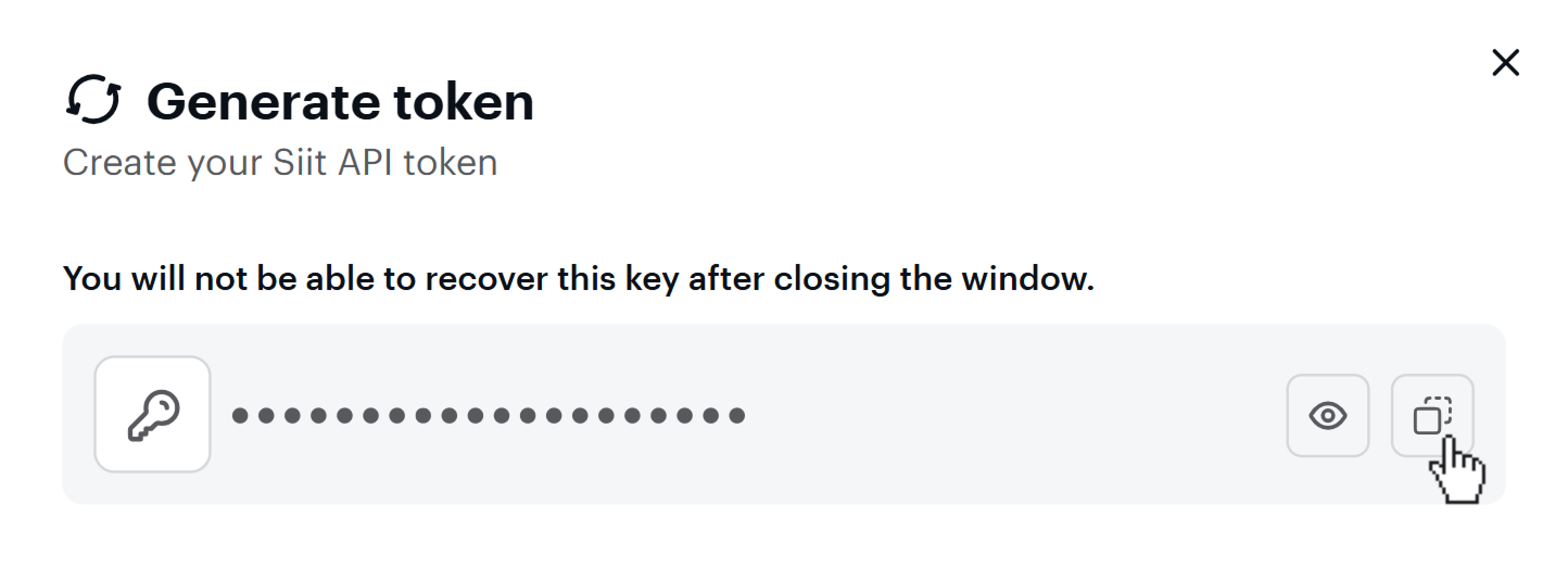
Siit will now generate an API token, click the Copy Symbol (it will only be displayed once)
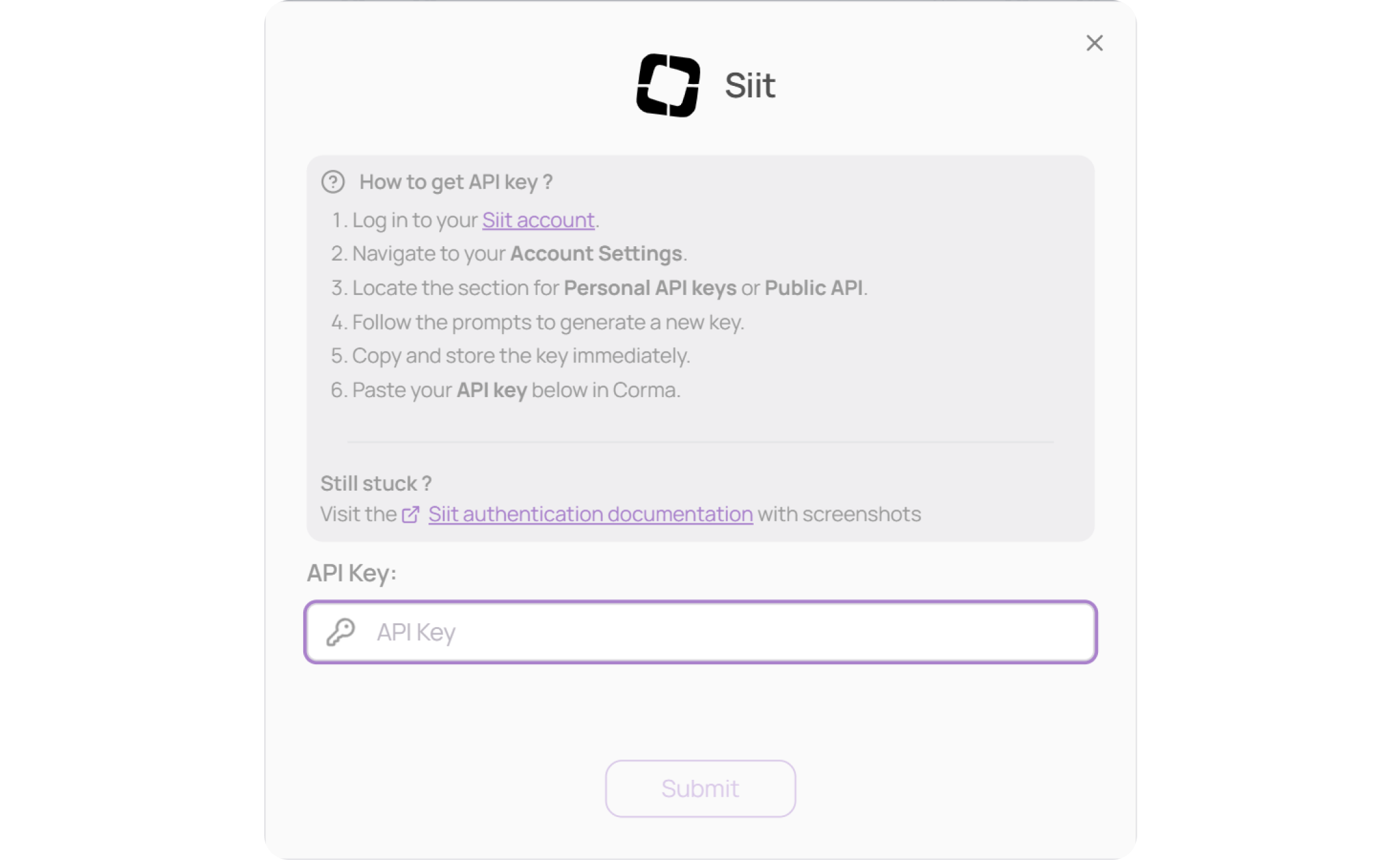
Paste your API key in Corma, then click on “Submit”
You've successfully connected Personio to Corma!
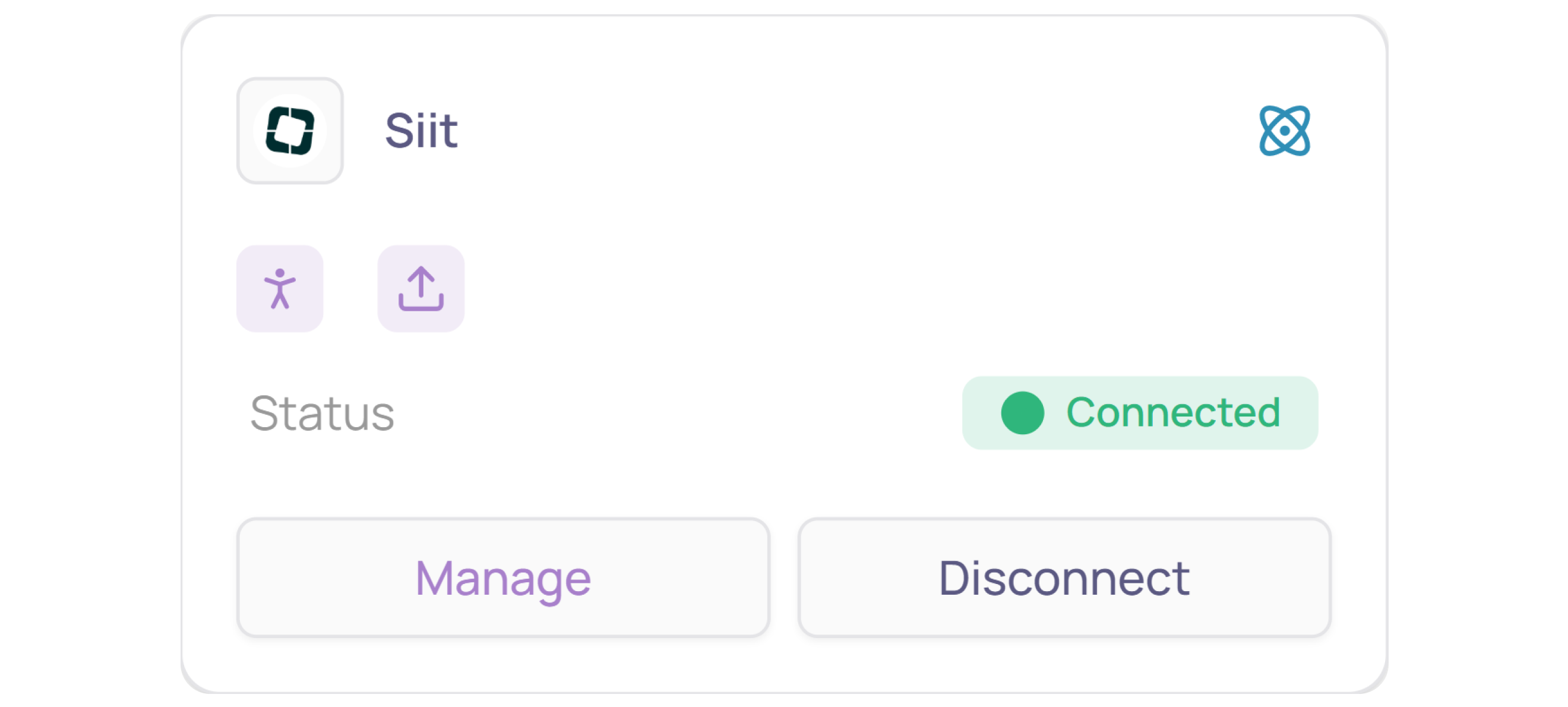
Data should be synchronized within the next 24 hours and will be synched every day to your Corma app.
Was this helpful?