
Brevo
An admin access is required to connect Brevo to Corma
On your Corma app go to the integrations page
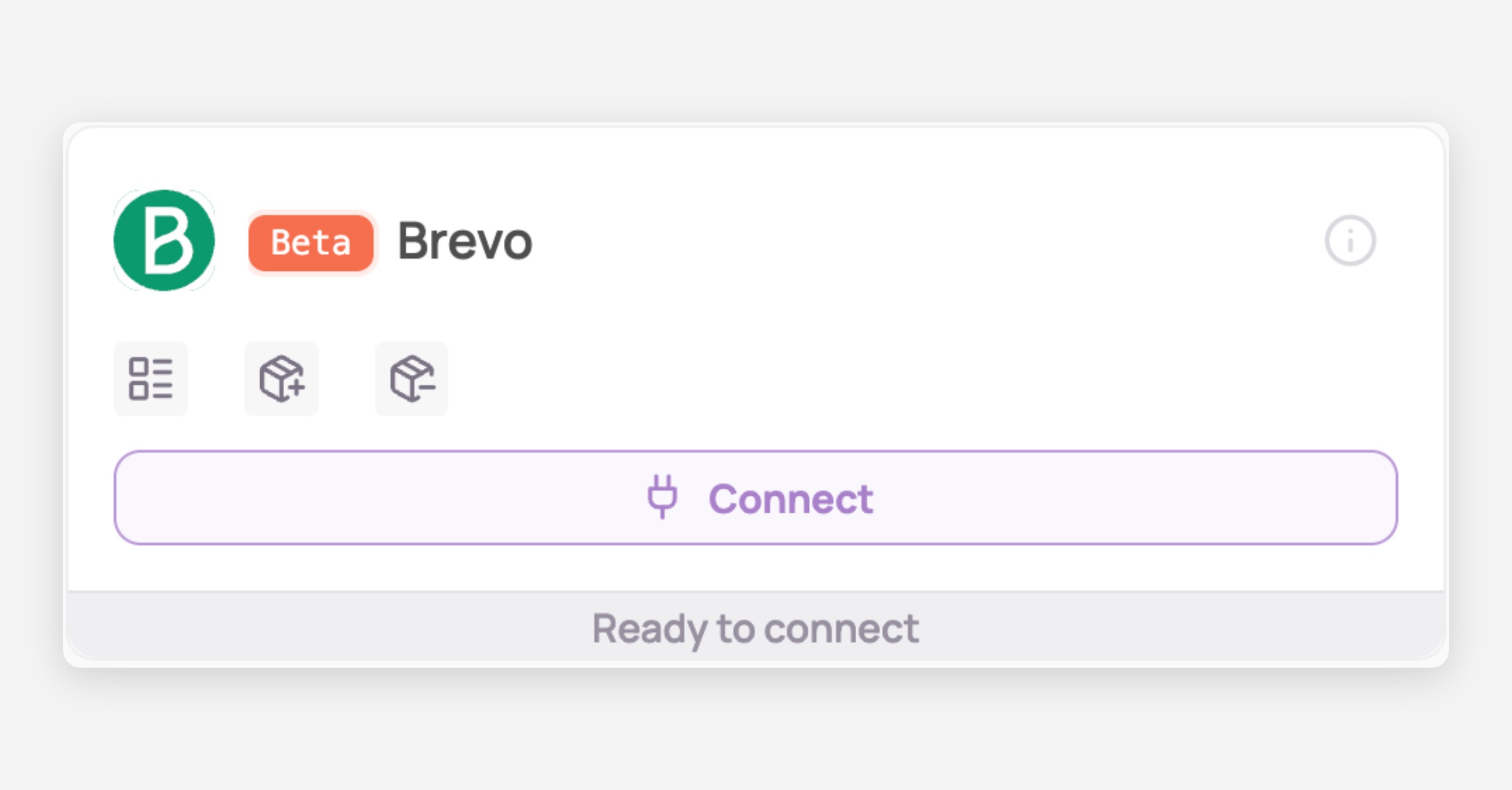
Under "SaaS integrations" click on "Connect" for Brevo
Retrieve your API Key
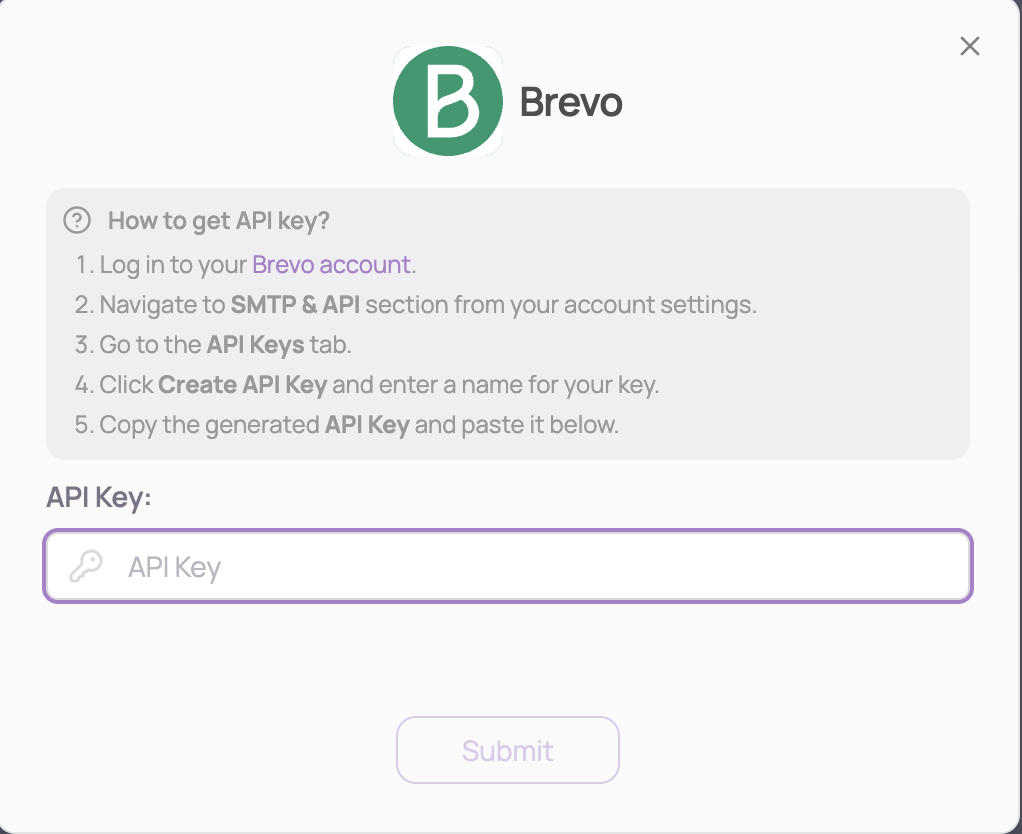
Log in to your Brevo account
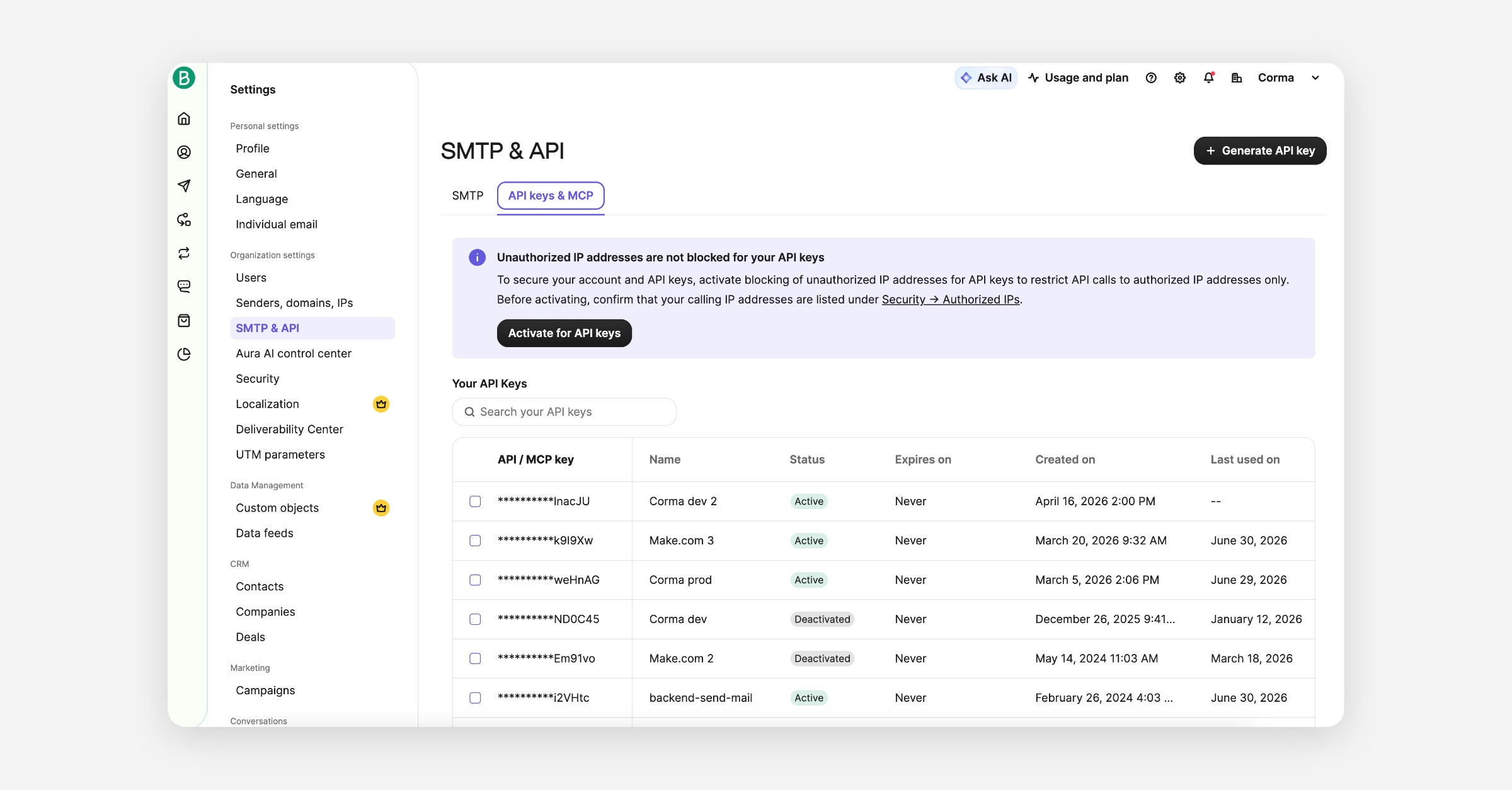
Navigate to SMTP & API section from your account settings
Go to the API Keys tab
Click Create API Key and enter a name for your key
Copy the generated API Key and paste it below
⚠️ Brevo might require you to validate an IP address before connecting Corma te Brevo. If you get an error in the Corma UI, you should receive an email from Brevo explaining what to do to whitelist the IP.
Submit & You've successfully connected Brevo to Corma!
Data should be synchronized within the next 24 hours and will be synchronized daily to your Corma app.
Was this helpful?