
MCP
The Corma API MCP server provides a standardized interface that allows any compatible AI model or agent to access your Corma workspace data — users, licenses, and applications — directly from your AI tools.
Connecting to the MCP requires no credentials.
To get access to your Corma MCP you must submit a request here and we’ll get back to you shortly with your access
Setup exemple:
Claude.ai
Go to Settings → Connectors
Fill in:
Name: Corma API MCP
URL: copy paste the one provided to you
Save — the MCP will be available across all your Claude sessions
Click on “Connect” to authenticate in the Corma MCP
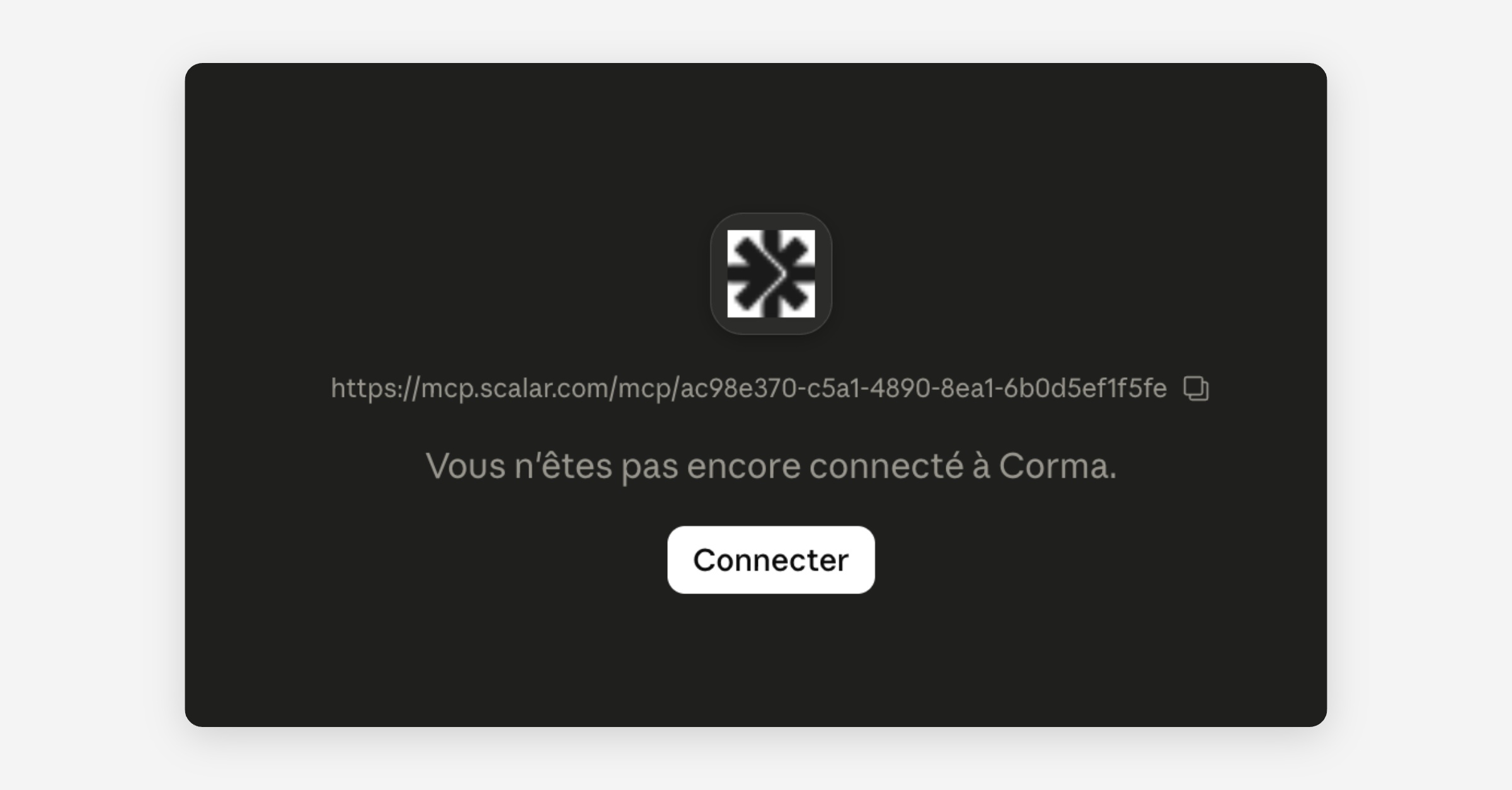
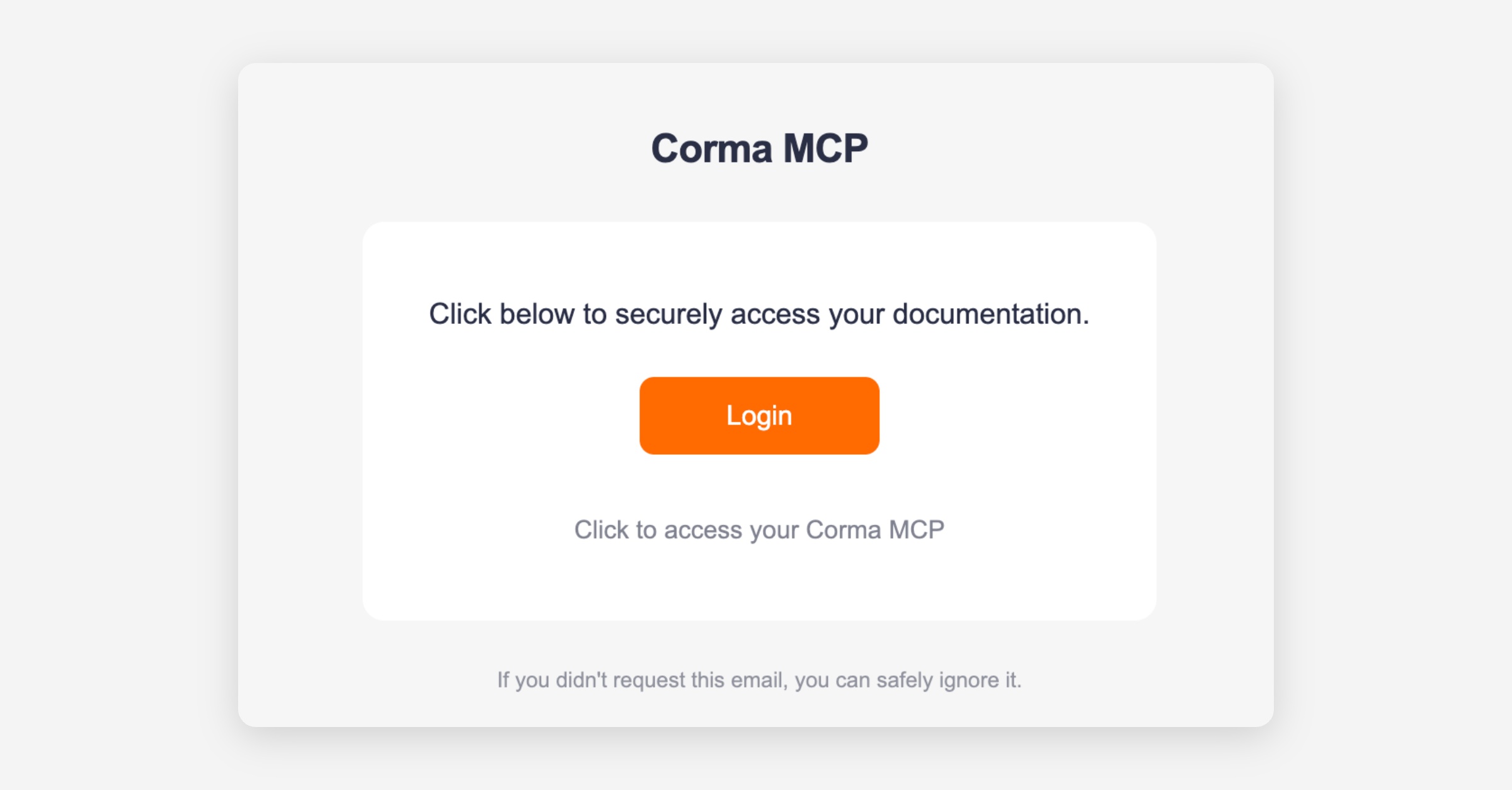
Enter your professional email linked to your Corma account (primary email). You will receive an OTP link from [email protected] (this is normal it is our MCP provider). Follow the link by clicking “connect”
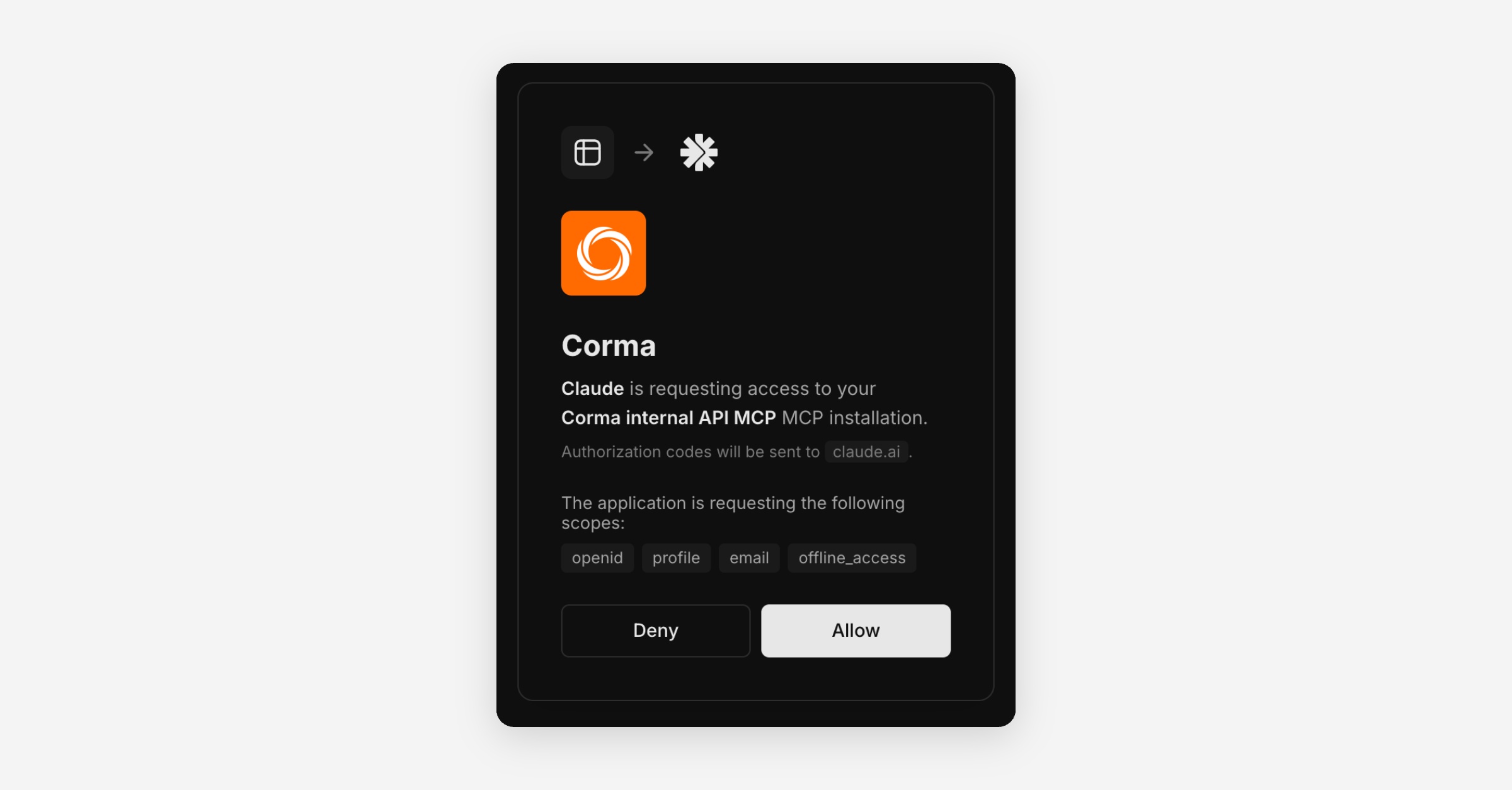
Allow the Corma MCP
You’re all set!
Claude Code
Run this command once to add it globally:
claude mcp add -s global "corma-api-mcp" \ "URL-provided" \ --transport http
Then restart your Claude Code session.
Cursor
Add to your ~/.cursor/mcp.json:
{ "mcpServers": { "corma-api-mcp": { "type": "http", "url": "URL-provided" } } }
VS Code
Add to your settings.json:
{ "mcp.servers": { "corma-api-mcp": { "type": "http", "url": "URL-provided" } } }
Available tools
summarize-openapi-specs — Lists all available Corma API endpoints
search-openapi-operations — Finds relevant operations by natural language query
execute-request — Executes a Corma API call
For more information please refer to our public API documentation available here.
Was this helpful?