
Yousign
An admin access is required to connect Yousign to Corma
On your Corma app go to the Data sources page
https://app.corma.io/integrationsUnder "All Data sources" search for Yousign and click on "Connect"
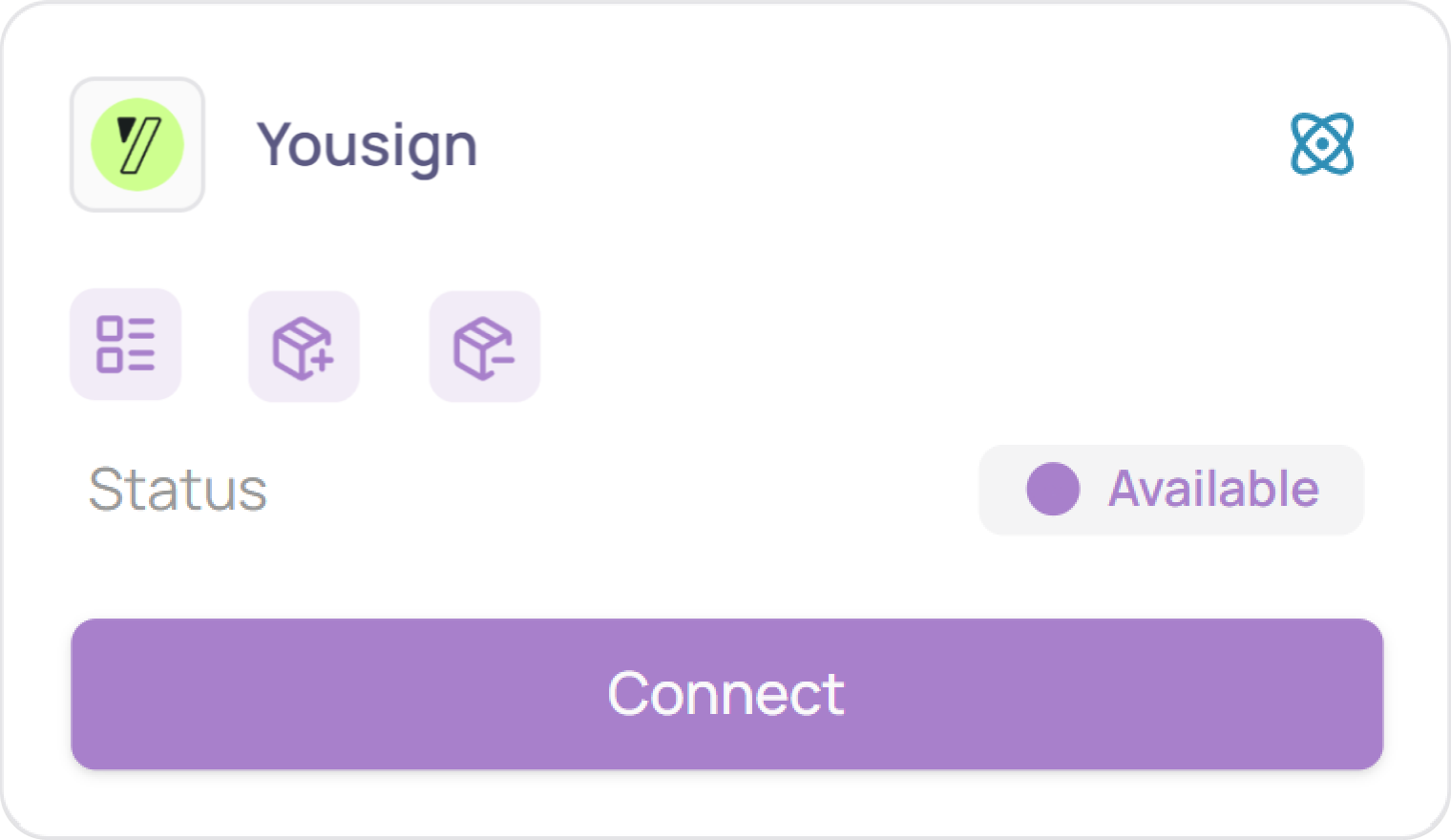
Click on "Connect" again
Retrieve your Yousign API Key
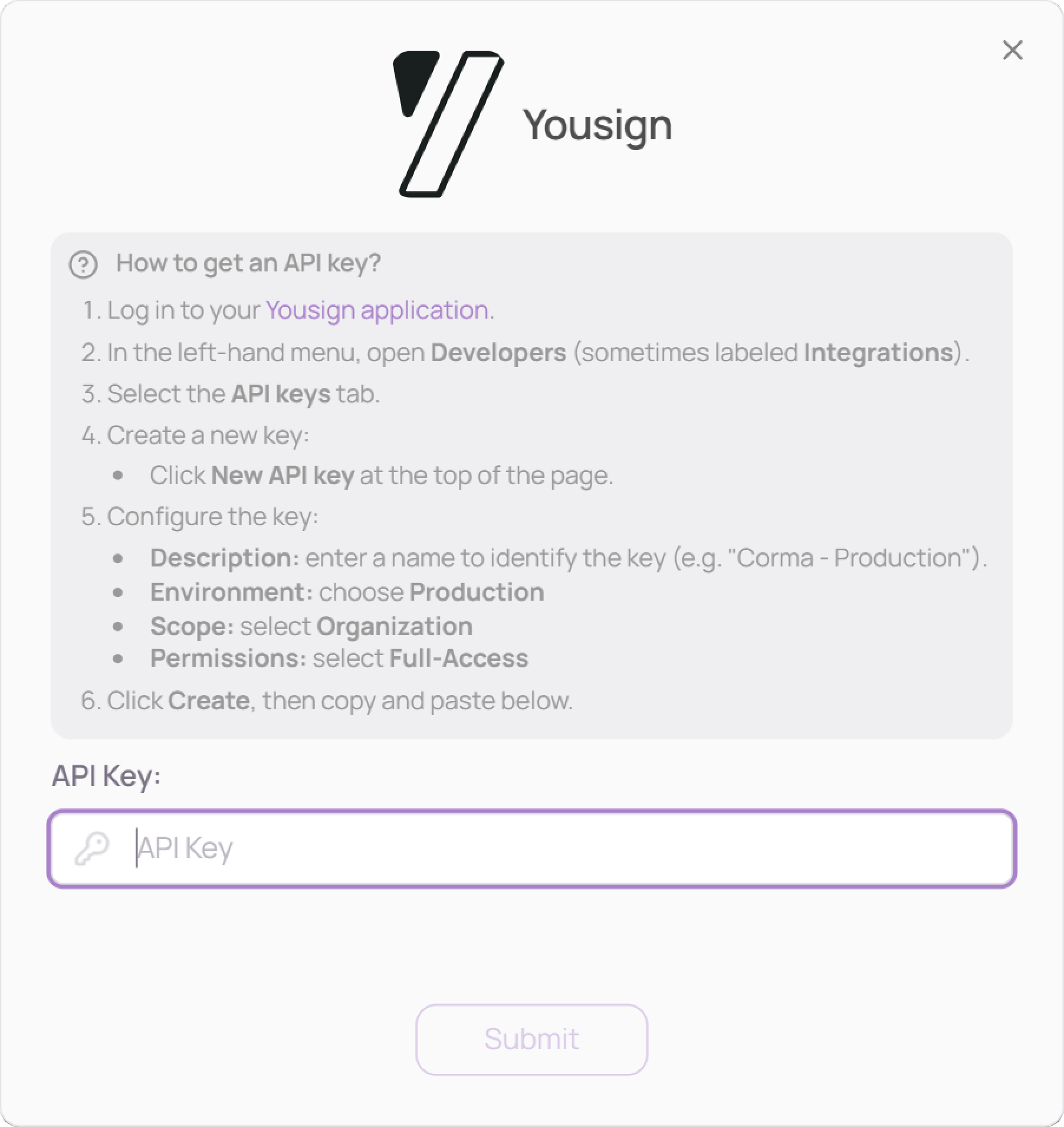
Log in to your Yousign application
In the left-hand menu, open Developers (sometimes labeled Integrations)
Select the API Keys tab
Click New API key at the top of the page
Configure the key:
Description: enter a name to identify the key (e.g. "Corma - Production")
Environment: choose Production
Scope: select Organization
Permissions: select Full Access
Click Create and copy the generated key
Paste your API Key in Corma, then click "Submit"
You've successfully connected Yousign to Corma!
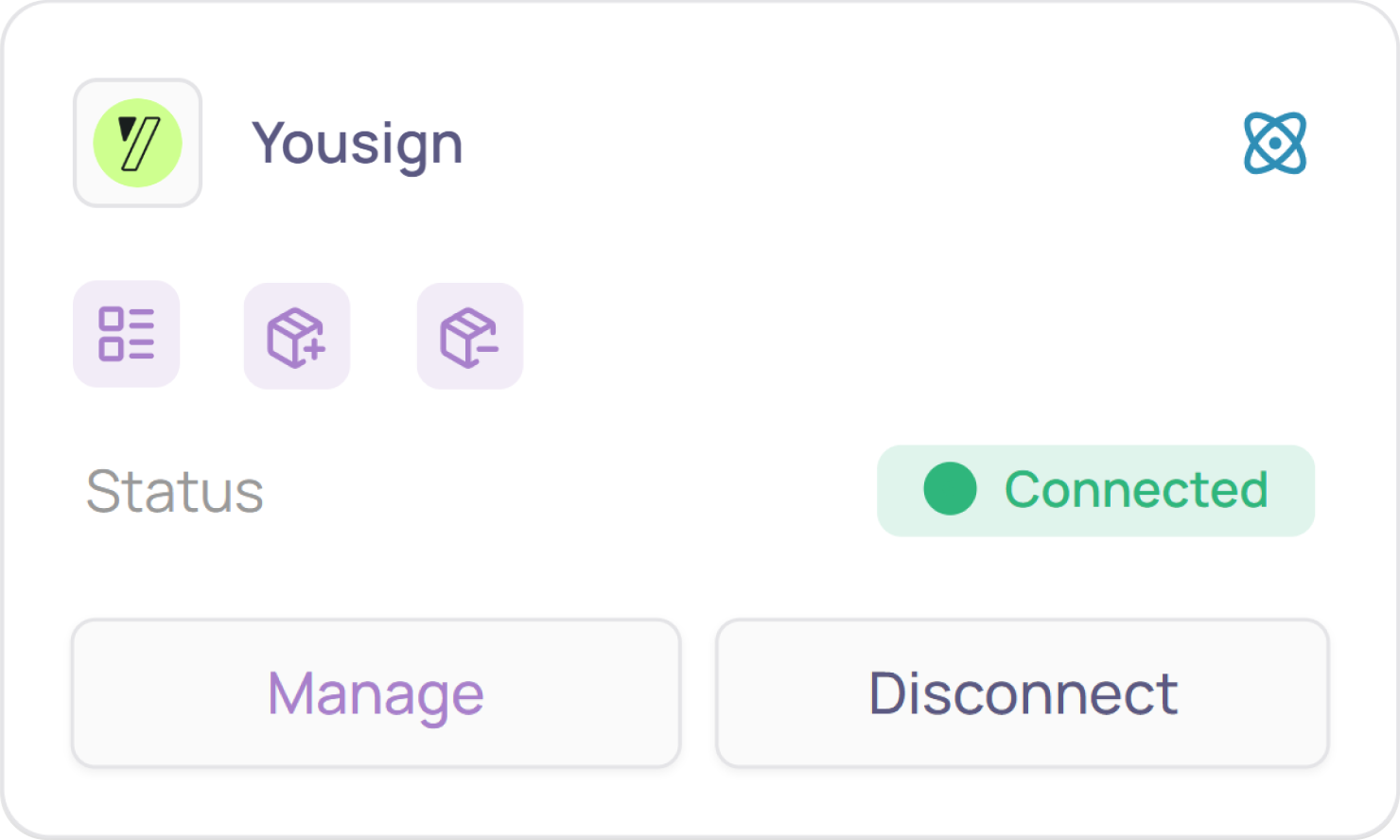
Data should be synchronized within the next 24 hours and will be synced every day to your Corma app.
Was this helpful?