
OneLogin
An admin access is required to connect OneLogin to Corma
On your Corma app go to the Data sources page
Under "All Data sources" search for OneLogin and click on "Connect"
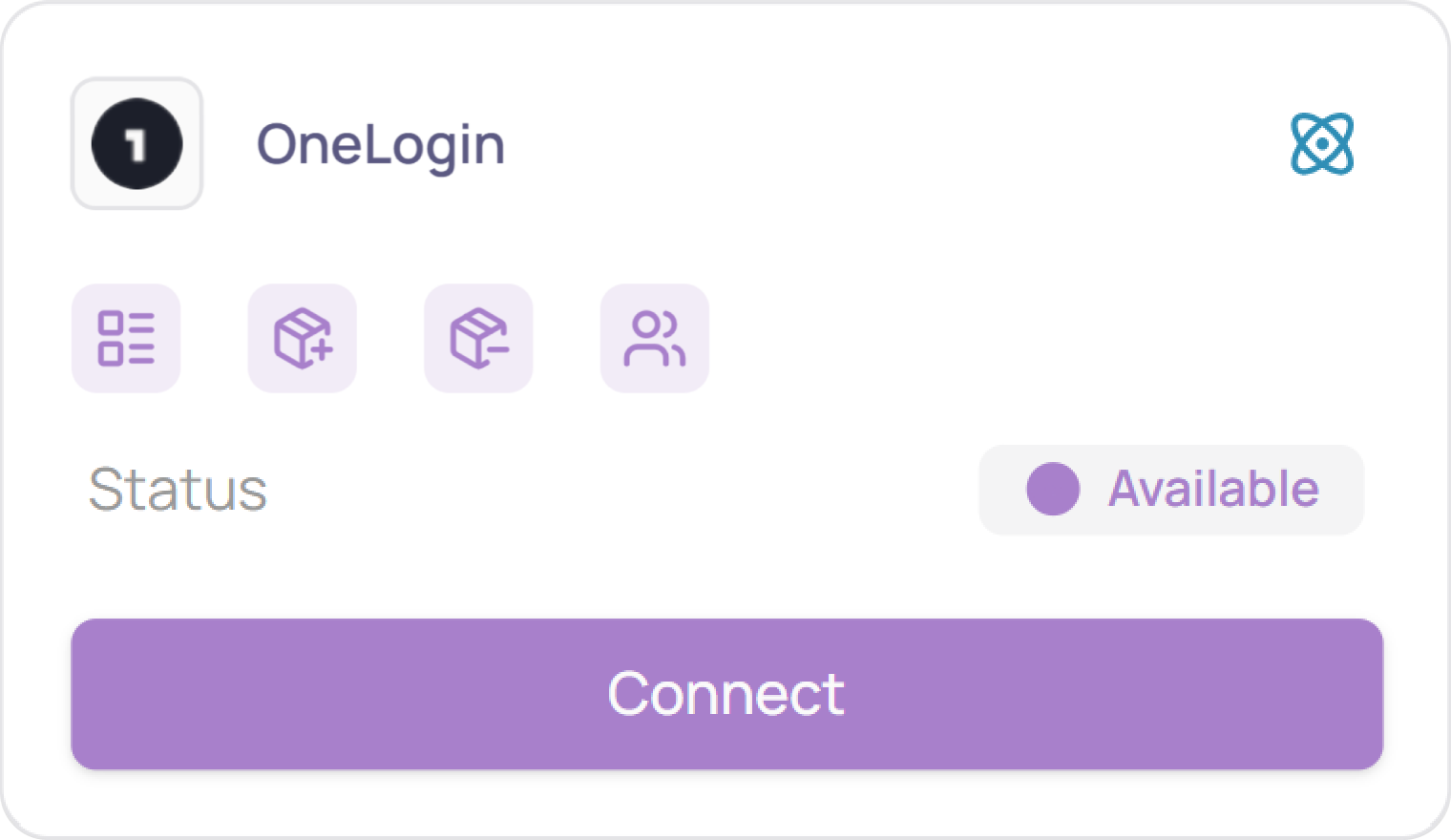
Click on “Connect” again
Retrieve your Client ID and Client secret
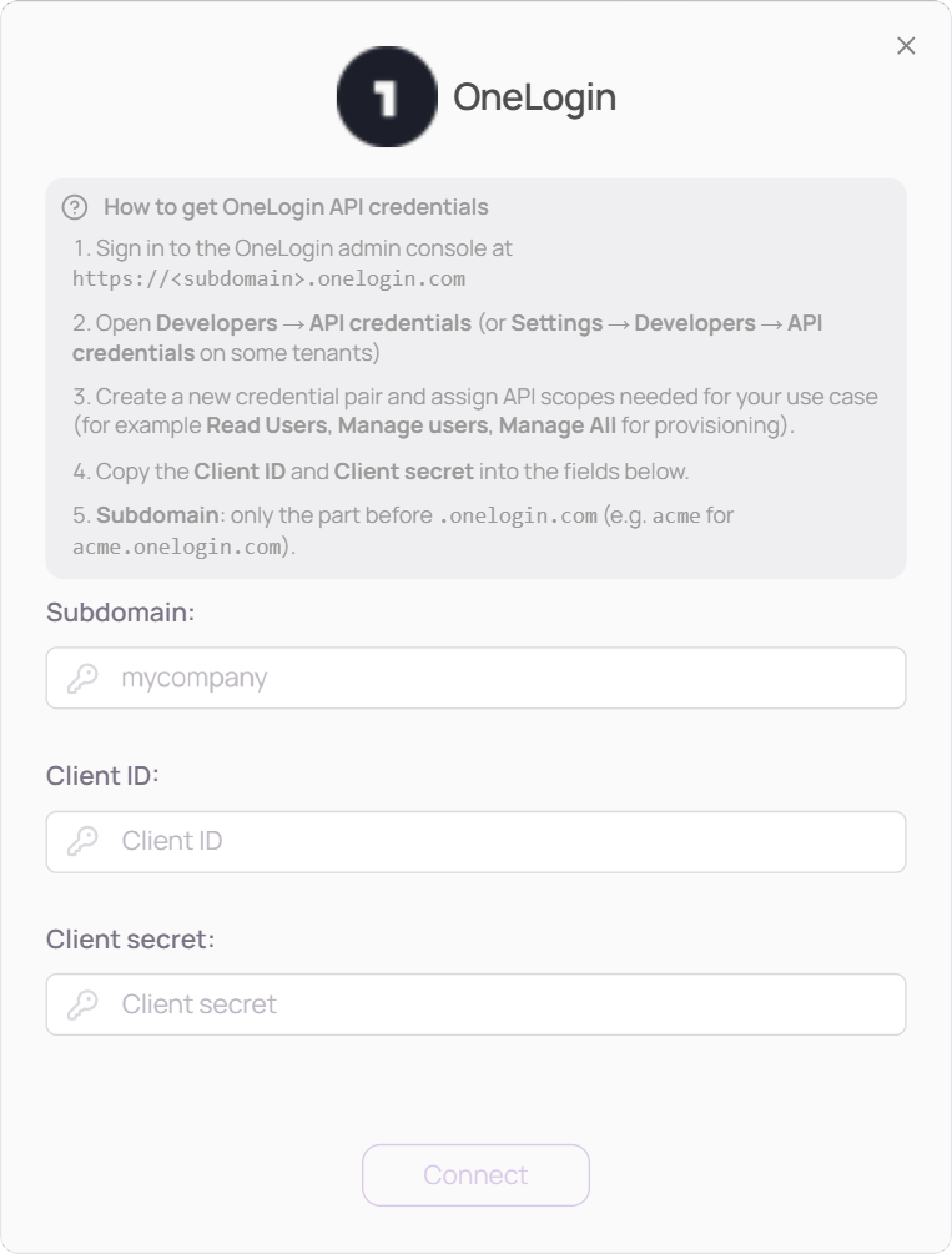
Log in to your OneLogin admin console at https://«subdomain».onelogin.com (complete your subdomain inside the URL) or go to https://app.onelogin.com/login and enter your company name.
Go to Developers and then API credentials (or Settings > Developers > API credentials)
Create a new credential pair and select the scopes you need for the action you want to perform
Copy the Client ID and Client secret into the fields below
The Subdomain is the part that comes right before “.onelogin.com”
Copy-paste your Subdomain, Client ID and Client Secret
You've successfully connected OneLogin to Corma!
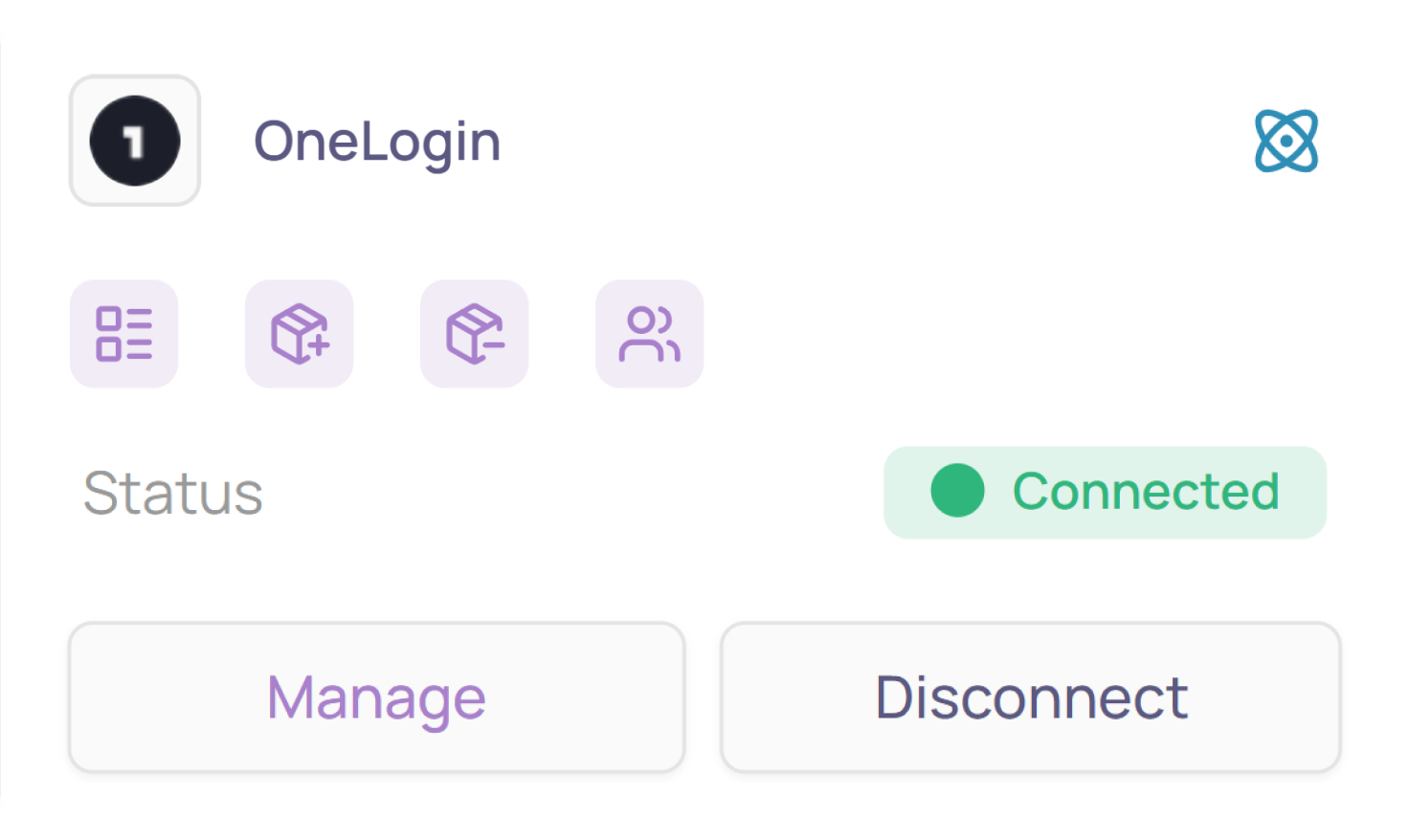
Data should be synchronized within the next 24 hours and will be synched every day to your Corma app.
Was this helpful?