
Docusign
An admin access is required to connect Docusign to Corma
On your Corma app go to the integrations page
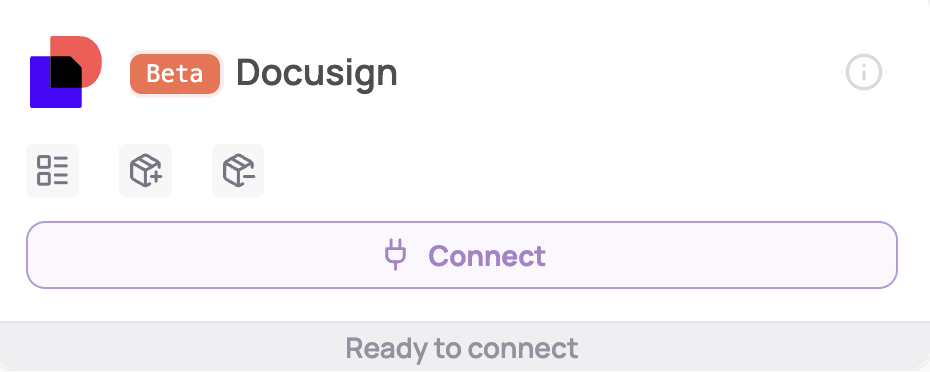
Under "Direct SaaS integrations" click on "Connect" for Docusign
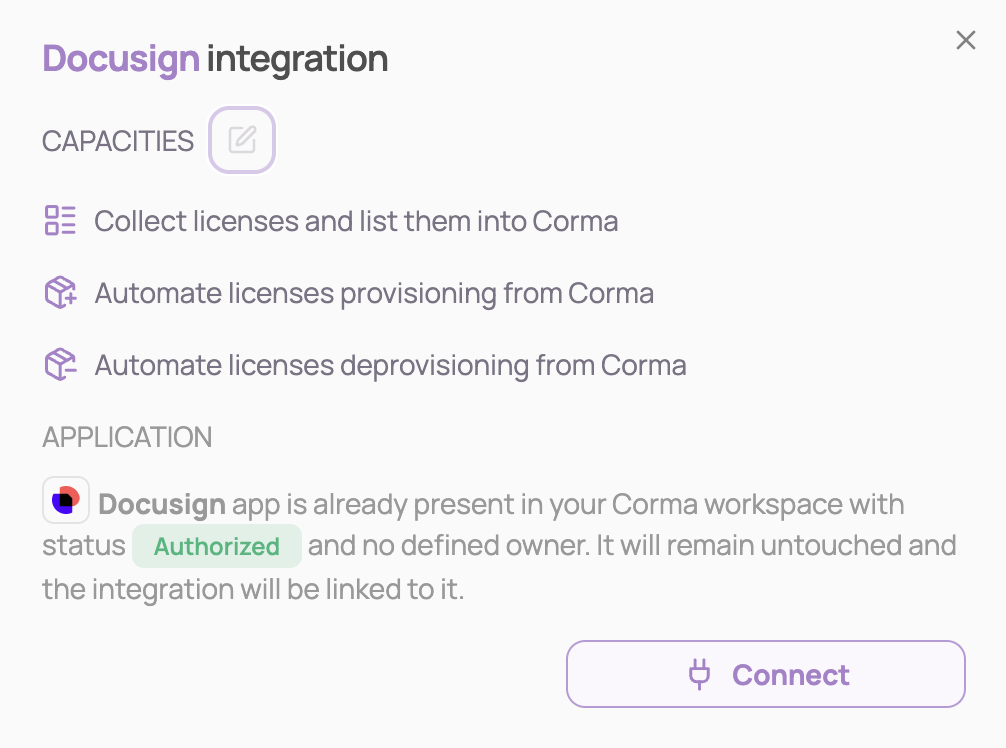
Click on "Connect" again
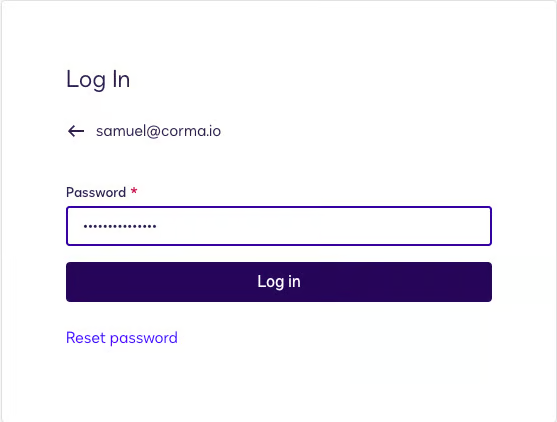
Sign in to Docusign with your account credentials
Approve the permissions Corma is requesting to Docusign
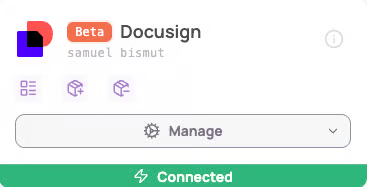
You've successfully connected Docusign to Corma!
Data should be synchronized within the next 24 hours and will be synched every day to your Corma app.
Was this helpful?