
Lastpass
An admin access is required to connect Lastpass to Corma
LastPass connection tutorial
On your Corma app go to the integrations page
Under "Direct SaaS integrations" click on "Connect" for Lastpass
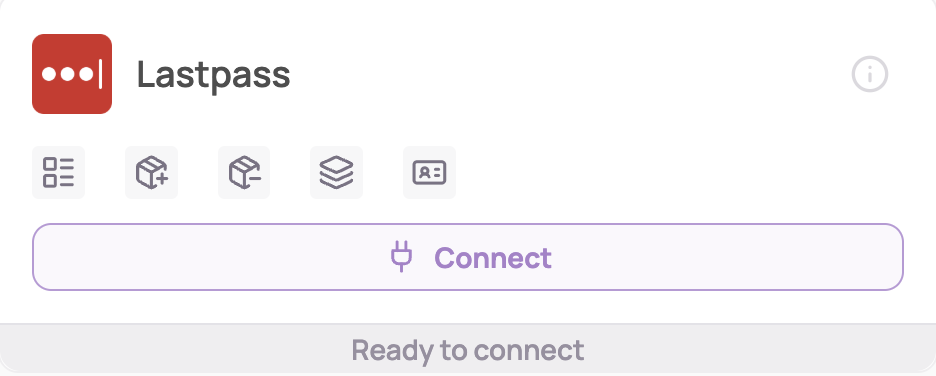
Click on "Connect" Again
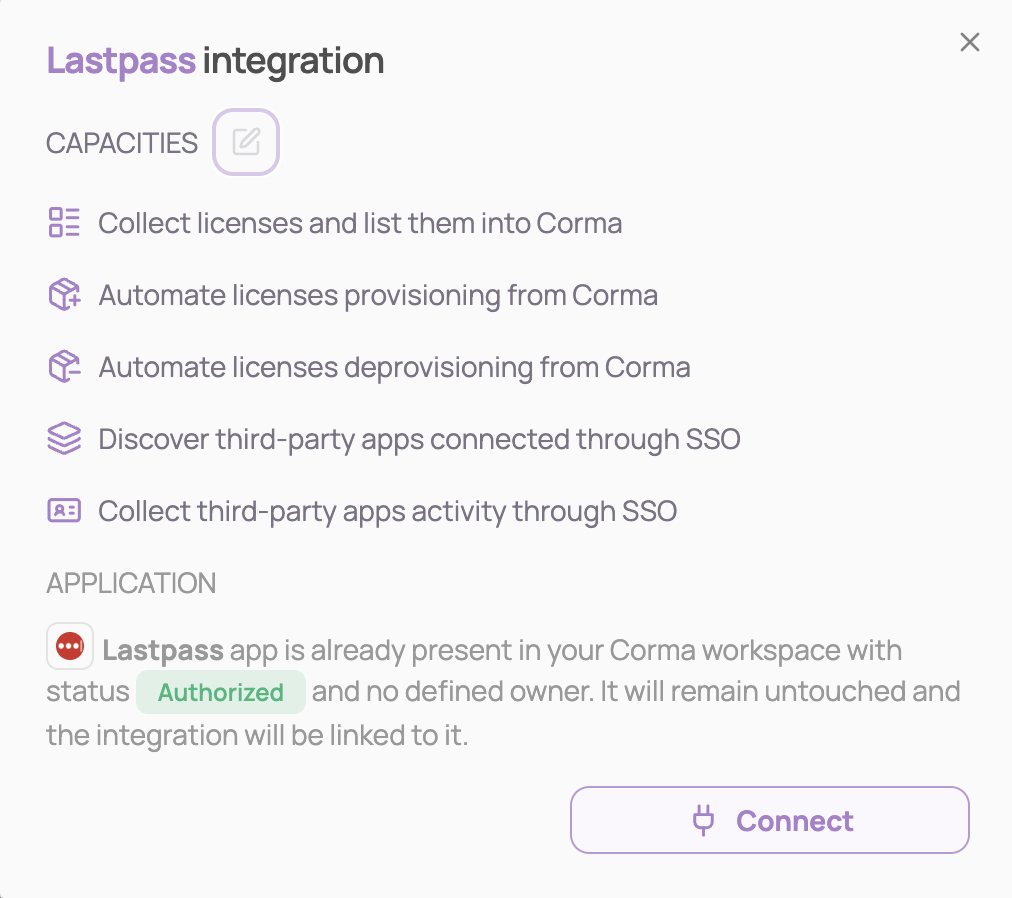
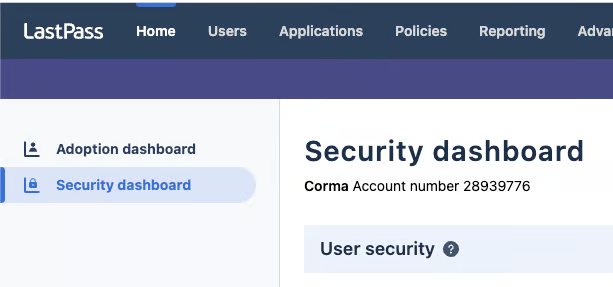
Go to your admin dashboard in LastPass and copy past your account number
Go to "Dashboard" > "Security Dashboard"
Copy and paste your “Account number” below. It should be a number like this one: 28203976
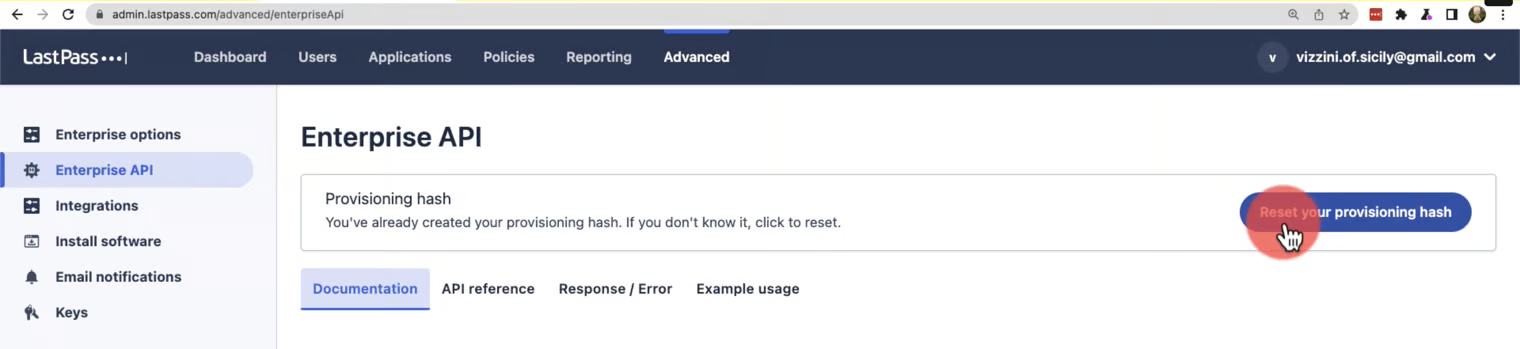
Enter your provisioning hash and click on "Next"
Go to Advanced options > Enterprise API
Click “Create a Provisioning Hash”
Copy and paste the API Key below
You've successfully connected LastPass to Corma!
Data should be synchronized within the next 24 hours and will be synched every day to your Corma app.
Optional. Activate the audit log collection of third party apps and licenses
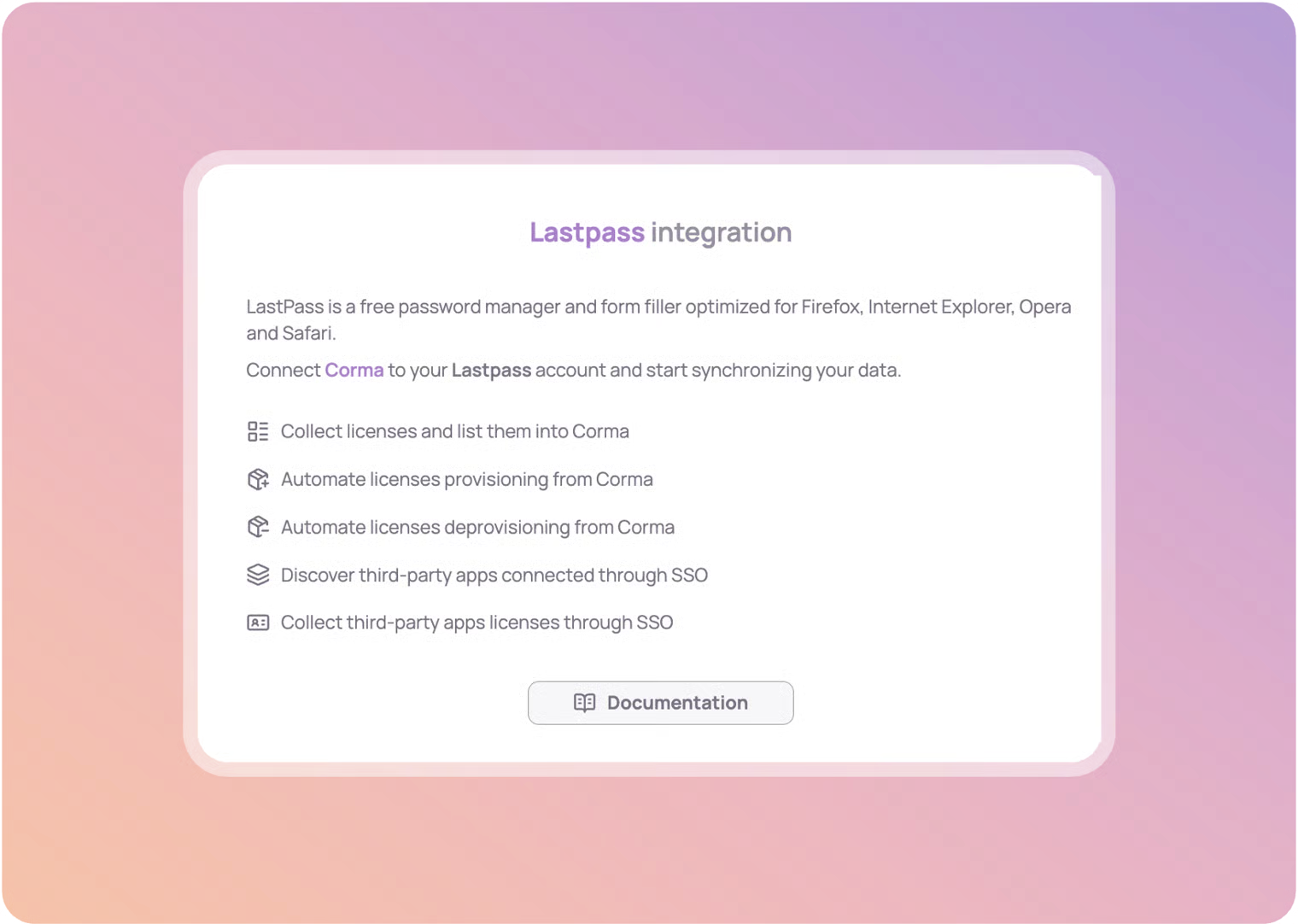
Corma supports LastPass audit log collection, enabling you to seamlessly track third-party app usage and gather license data directly within Corma. This update enhances visibility and simplifies security oversight.
Go to Admin > Policies > General > Policies
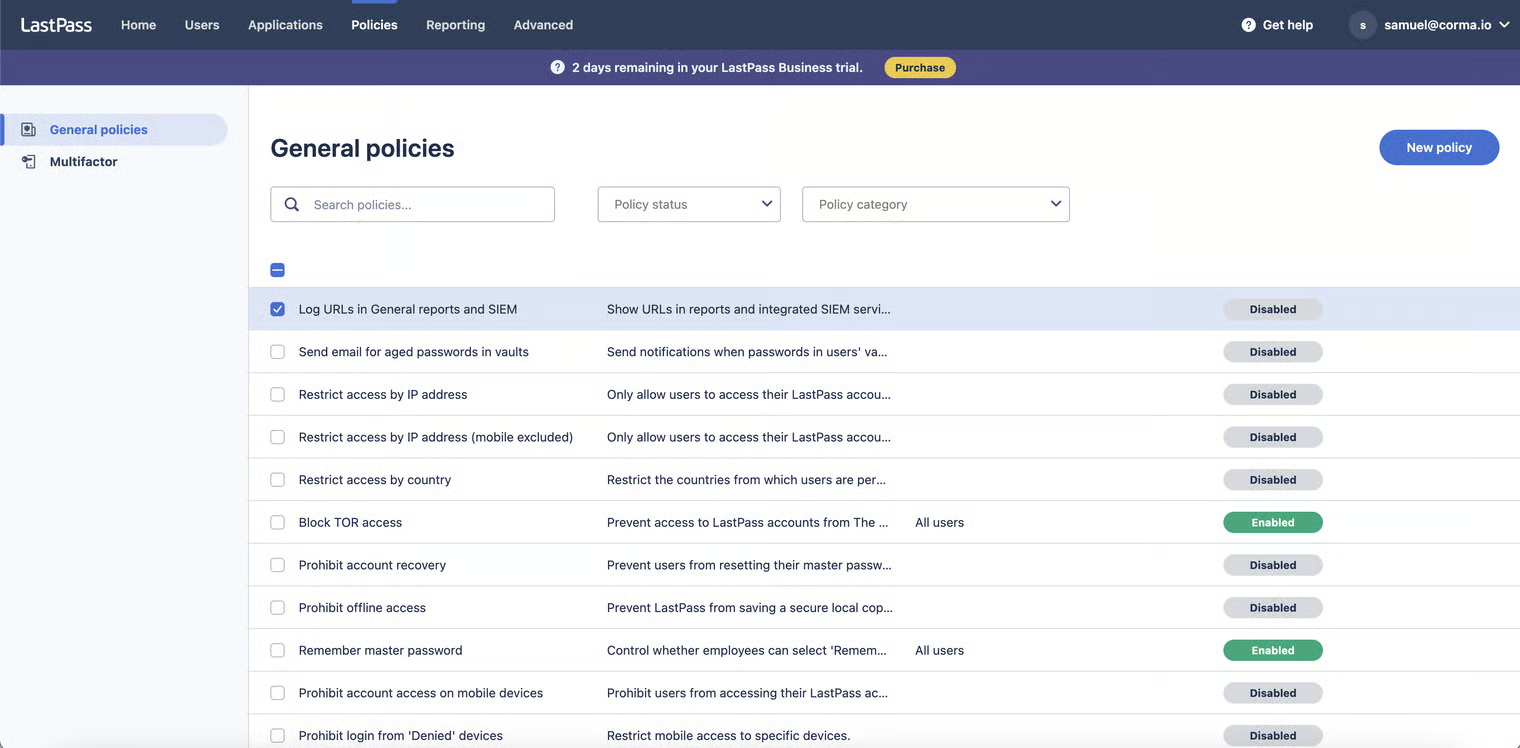
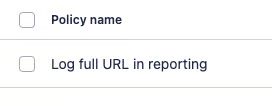
Activate the "Log URLs in General reports and SIEM" and the "Log full URL in reporting" scopes
Was this helpful?