Corma
Corma
Docs
  • Docs
  • Changelog
  • Feature requests
    • General information about integrations
    • Identity Providers
    • Finance and Accounting
    • Human Resources
    • SaaS tools
      • Adobe
      • Aircall
      • Akuiteo
      • Amplitude
      • Asana
      • Atlassian
      • Autodesk BIM 360
      • AWS
      • Bitwarden
      • Brevo
      • Calendly
      • Canva
      • Claude (Anthropic)
      • Clickup
      • Cloudflare
      • Coda
      • Cursor
      • Dashlane
      • Datadog
      • Deskpro
      • Diabolocom
      • Docusign
      • Dropbox
      • Figma
      • Freshservice, Freshdesk, and Freshcaller
      • Front
      • Github
      • Gitlab
      • Gong
      • Hubspot
      • Intercom
      • Jamf
      • Jumpcloud
      • Lastpass
      • Leexi
      • Linear
      • Make
      • Miro
      • Modjo
      • Monday
      • Notion
      • Odoo
      • OneLogin
      • OpenAI
      • Posthog
      • Quable PIM
      • Quable Portal
      • Ringover
      • Salesforce
      • Slack
      • Snowflake
      • Tableau
      • Udemy
      • Yoobic
      • Yousign
      • Zendesk
      • Zoho CRM
      • Zoom
      • 1Password
    • ITSM tools

Cloudflare

An admin access is required to connect Cloudlfare to Corma

  1. On your Corma app go to the integrations page

    https://app.corma.io/integrations

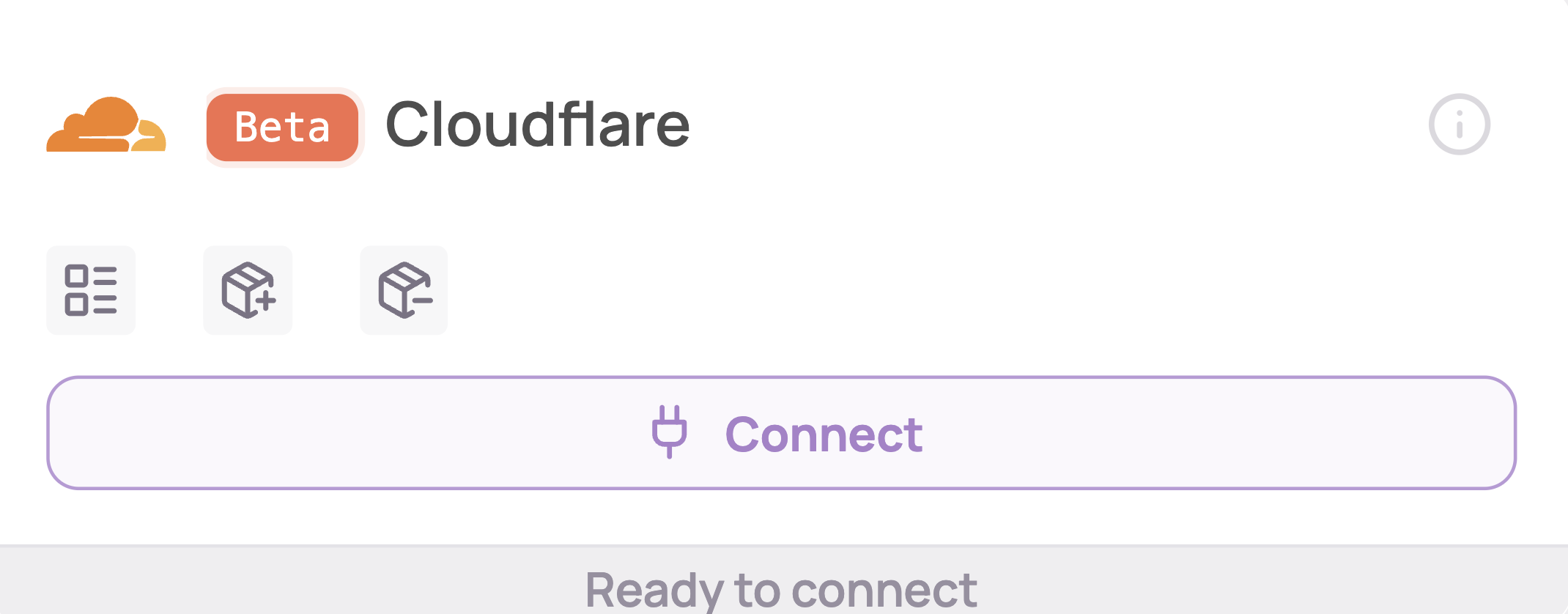
  2. Under "SaaS integrations" click on "Connect" for Cloudflare
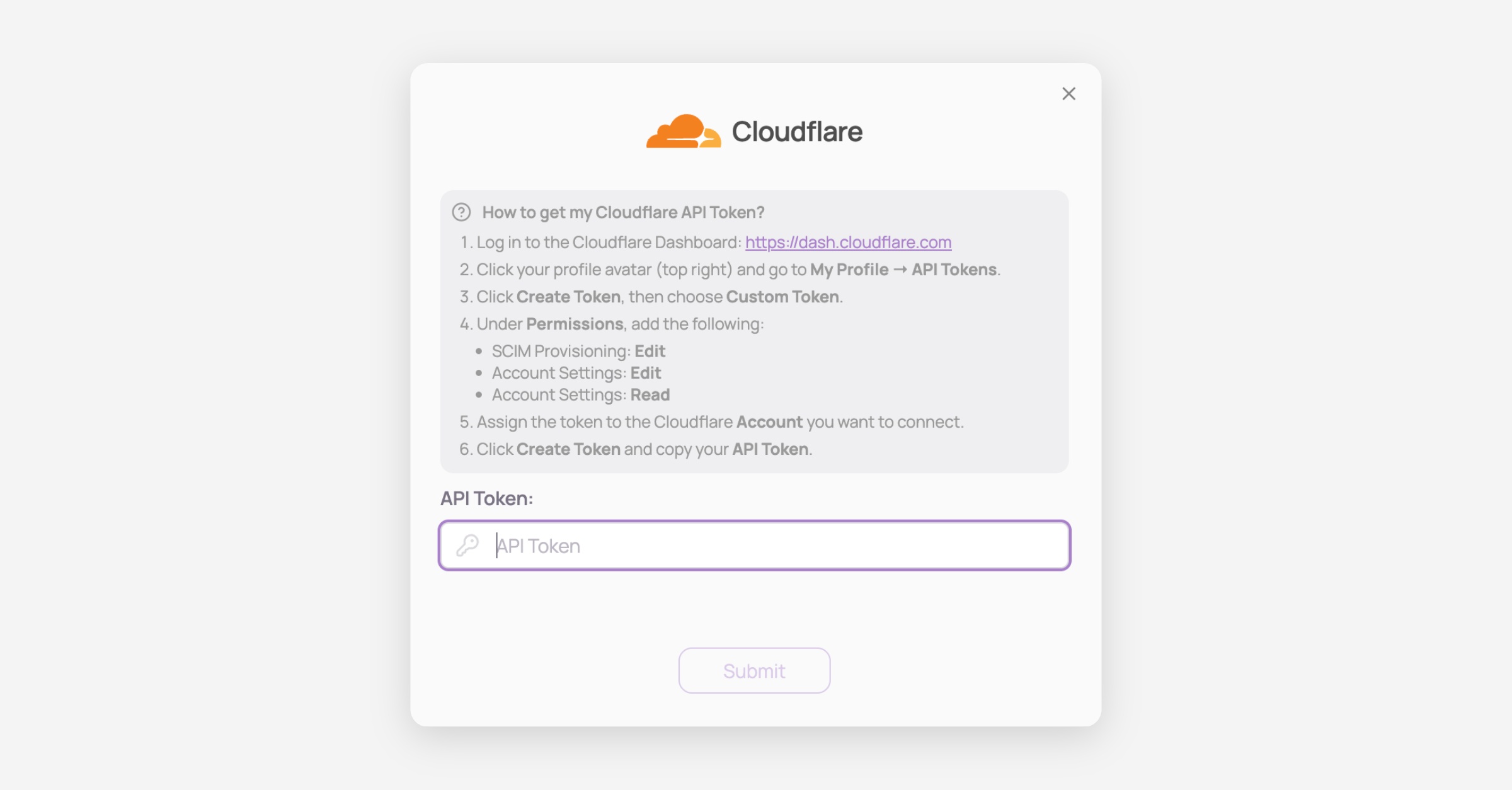
  3. Retrieve your API token

    1. Log in to Cloudflare

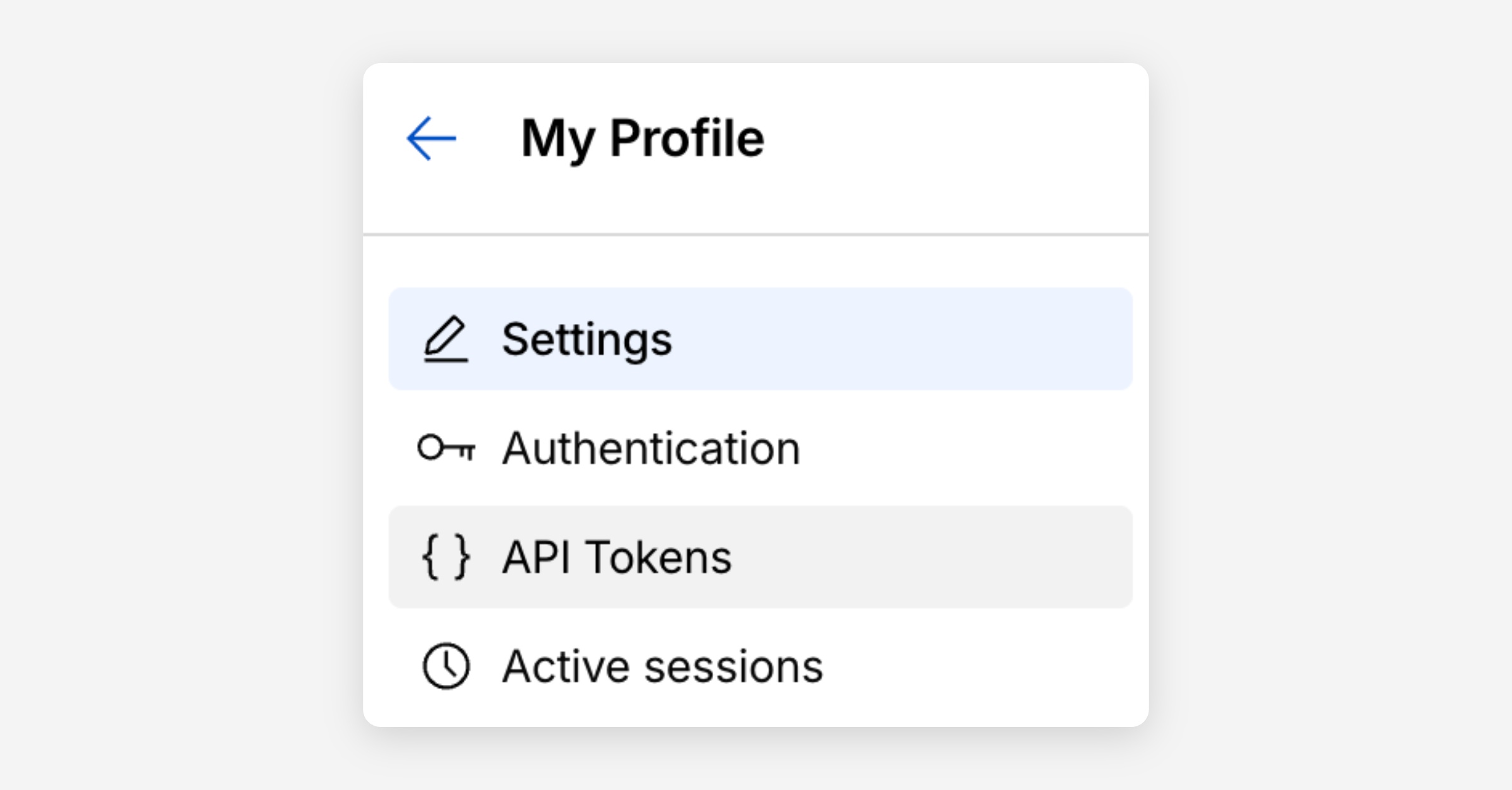
    2. On the top right corner navigate to My Profile > API tokens
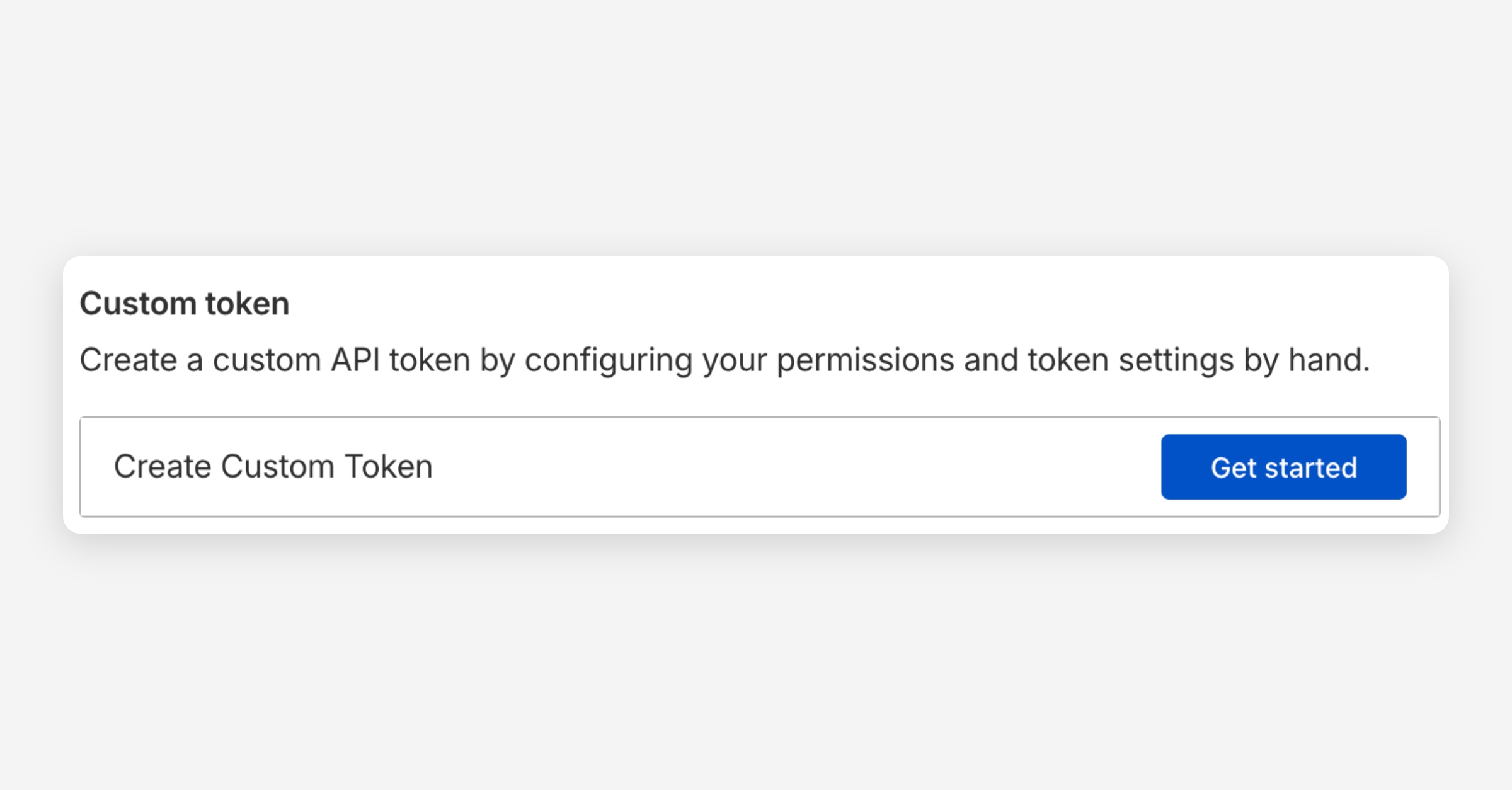
    3. Click Create token then "Create custom token"
    4. Under permissions, add the following:

      SCIM provisioning: Edit

      Account settings: Edit

      Account settings: read

  4. You've successfully connected Cloudflare to Corma!
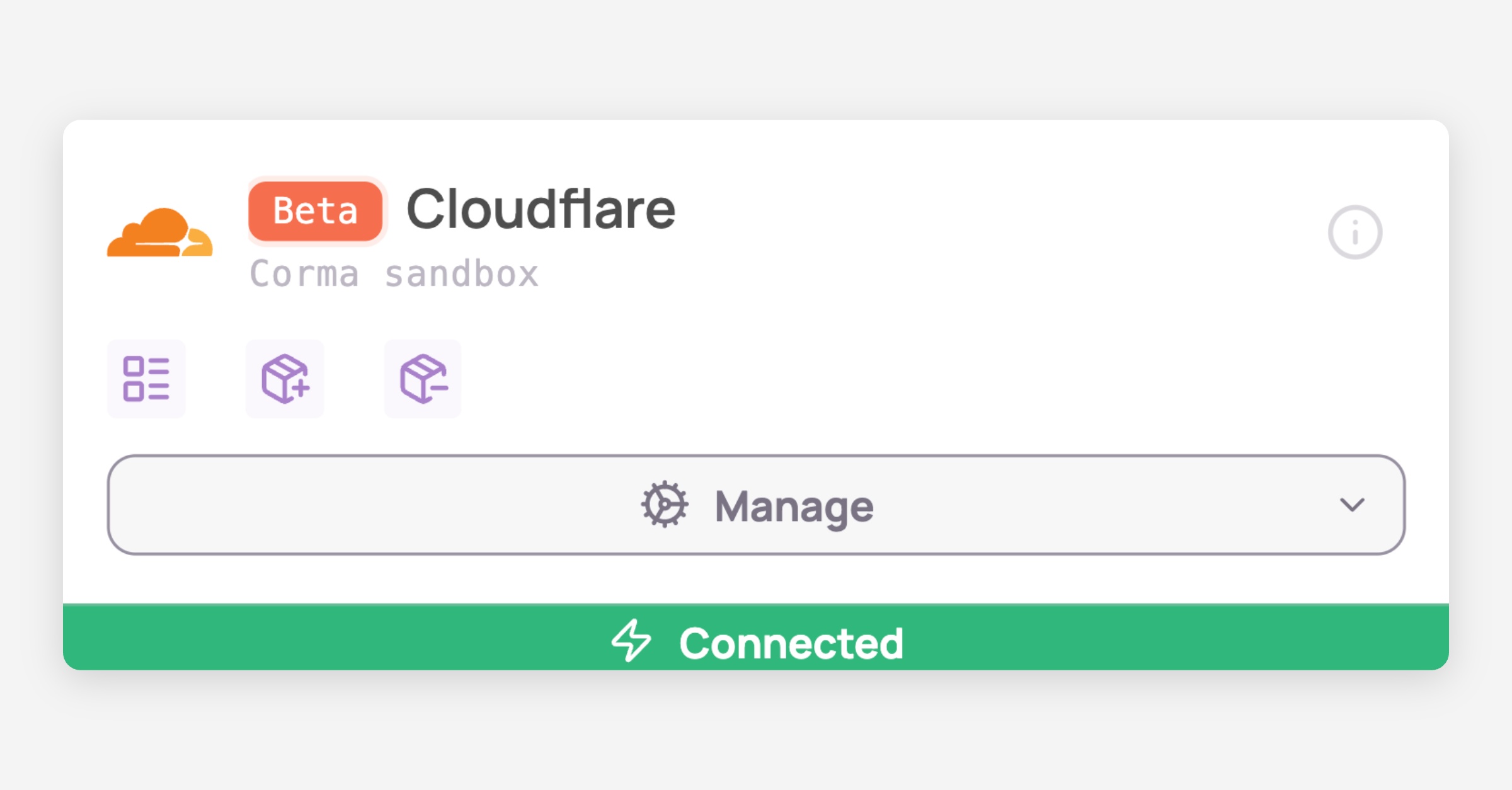
    Data should be synchronized within the next 24 hours and will be synched every day to your Corma app.

Was this helpful?