Corma
Corma
Docs
  • Docs
  • Changelog
  • Feature requests
    • General information about integrations
    • Identity Providers
    • Finance and Accounting
    • Human Resources
    • SaaS tools
      • Adobe
      • Aircall
      • Akuiteo
      • Amplitude
      • Asana
      • Atlassian
      • Autodesk BIM 360
      • AWS
      • Bitwarden
      • Brevo
      • Calendly
      • Canva
      • Claude (Anthropic)
      • Clickup
      • Cloudflare
      • Coda
      • Cursor
      • Dashlane
      • Datadog
      • Deskpro
      • Diabolocom
      • Docusign
      • Dropbox
      • Figma
      • Freshservice, Freshdesk, and Freshcaller
      • Front
      • Github
      • Gitlab
      • Gong
      • Hubspot
      • Intercom
      • Jamf
      • Jumpcloud
      • Lastpass
      • Leexi
      • Linear
      • Make
      • Miro
      • Modjo
      • Monday
      • Notion
      • Odoo
      • OneLogin
      • OpenAI
      • Posthog
      • Quable PIM
      • Quable Portal
      • Ringover
      • Salesforce
      • Slack
      • Snowflake
      • Tableau
      • Udemy
      • Yoobic
      • Yousign
      • Zendesk
      • Zoho CRM
      • Zoom
      • 1Password
    • ITSM tools

Claude (Anthropic)

An admin access is required to connect Claude (Anthropic) to Corma

  1. On your Corma app go to the integrations page

    https://app.corma.io/integrations

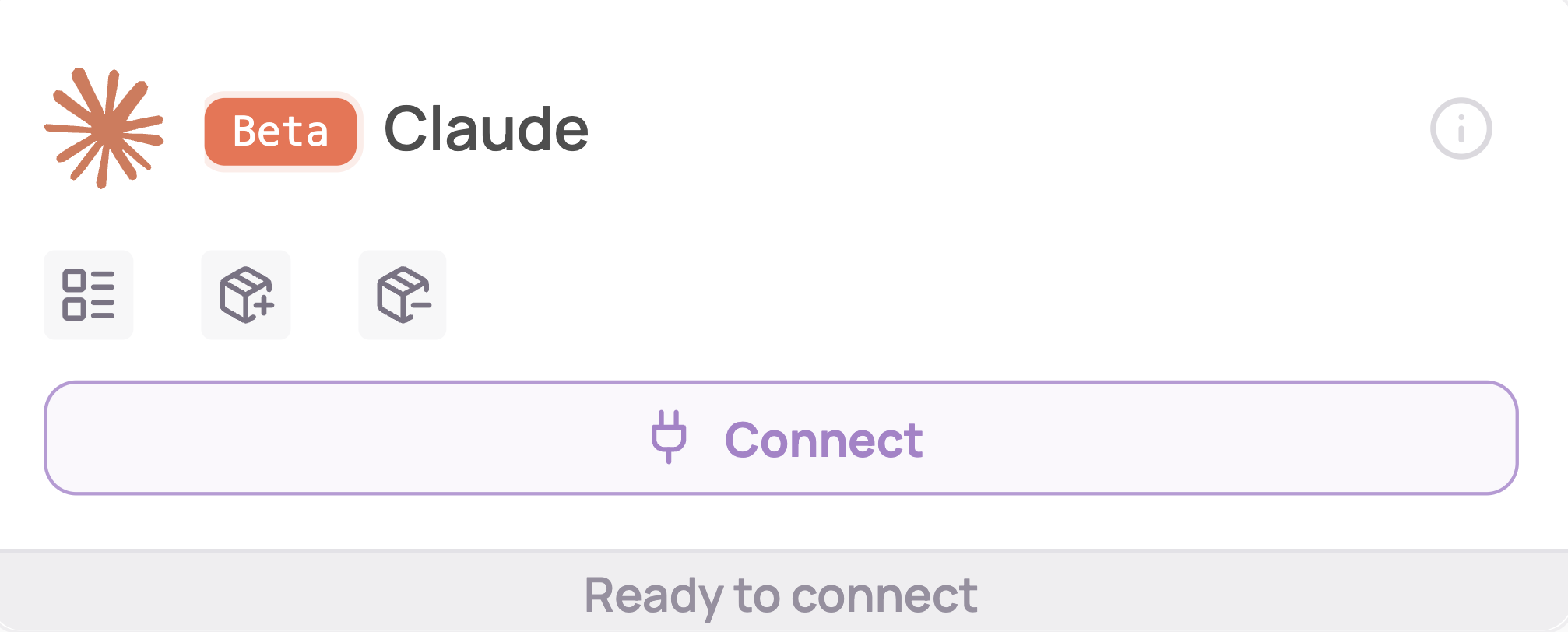
  2. Under "SaaS integrations" click on "Connect" for Claude (Anthropic)
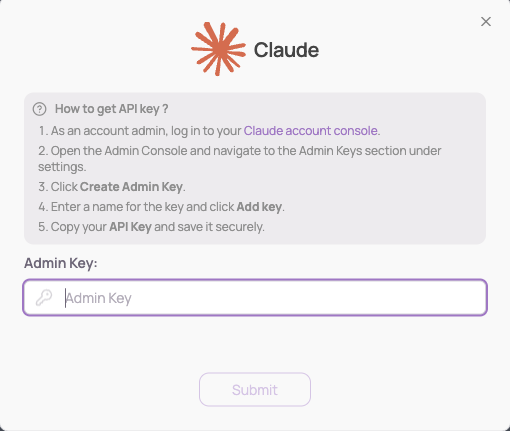
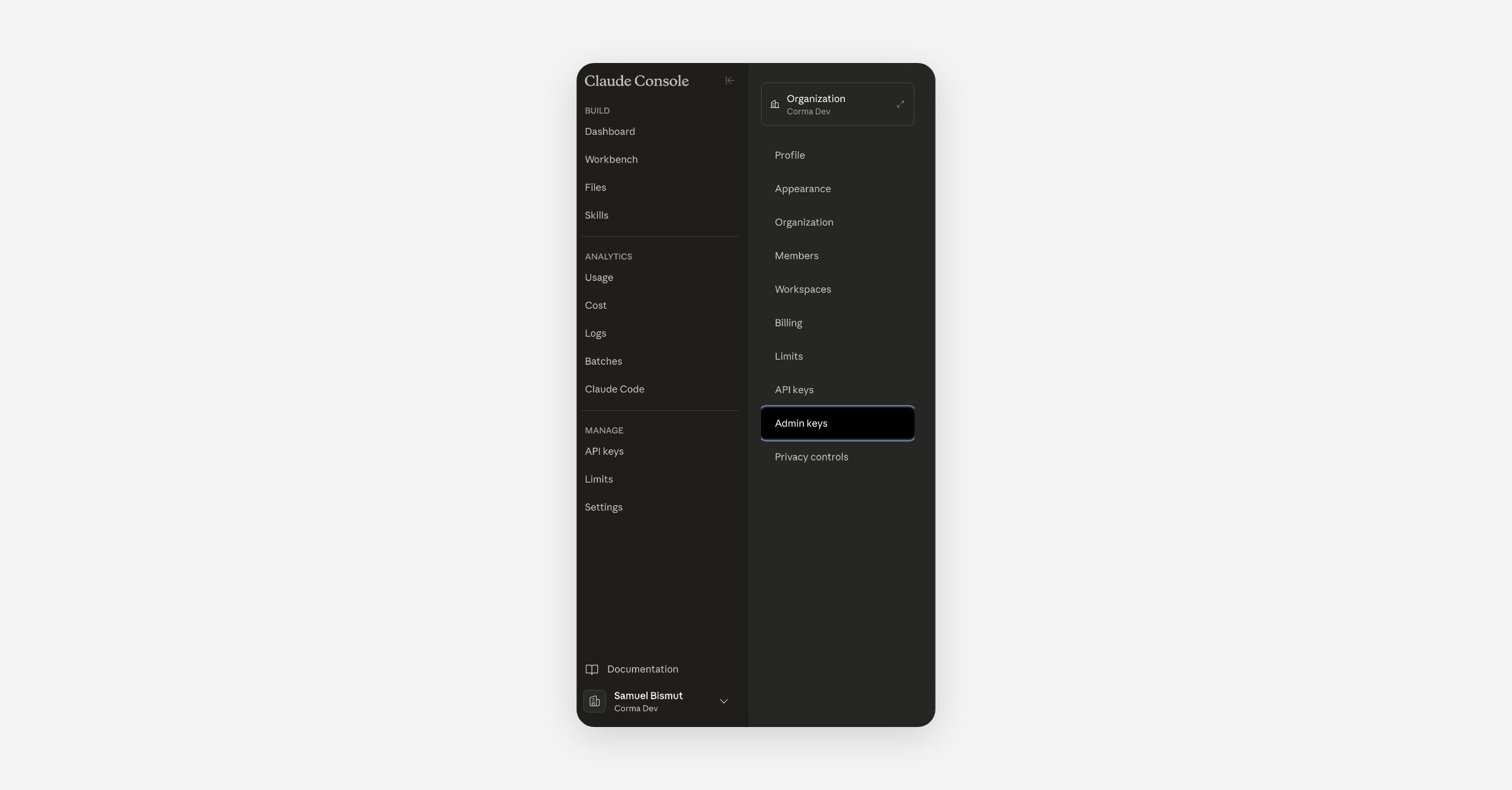
  3. Retrieve your Admin key

    1. Log in to Claude

    2. Navigate to Settings > Admin keys

    3. Create your Admin key

    4. Copy and paste it into Corma

  4. You've successfully connected Claude (Anthropic) to Corma!

    Data should be synchronized within the next 24 hours and will be synched every day to your Corma app.

Was this helpful?