
Adobe
An admin access is required to connect Adobe to Corma
On your Corma app go to the integrations page
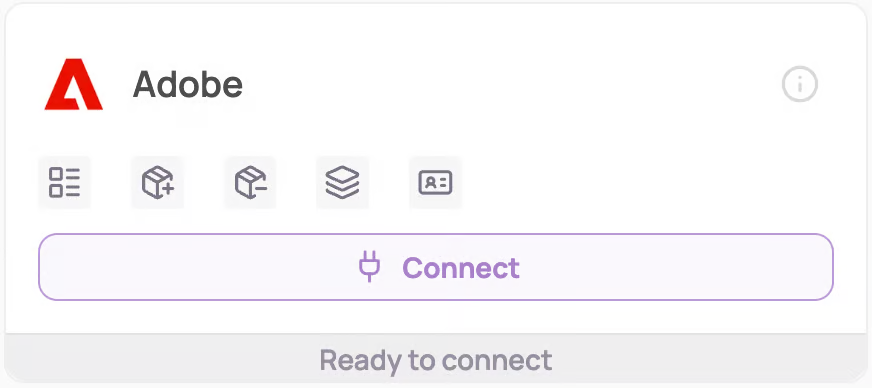
Under "Direct SaaS integrations" click on "Connect" for Adobe
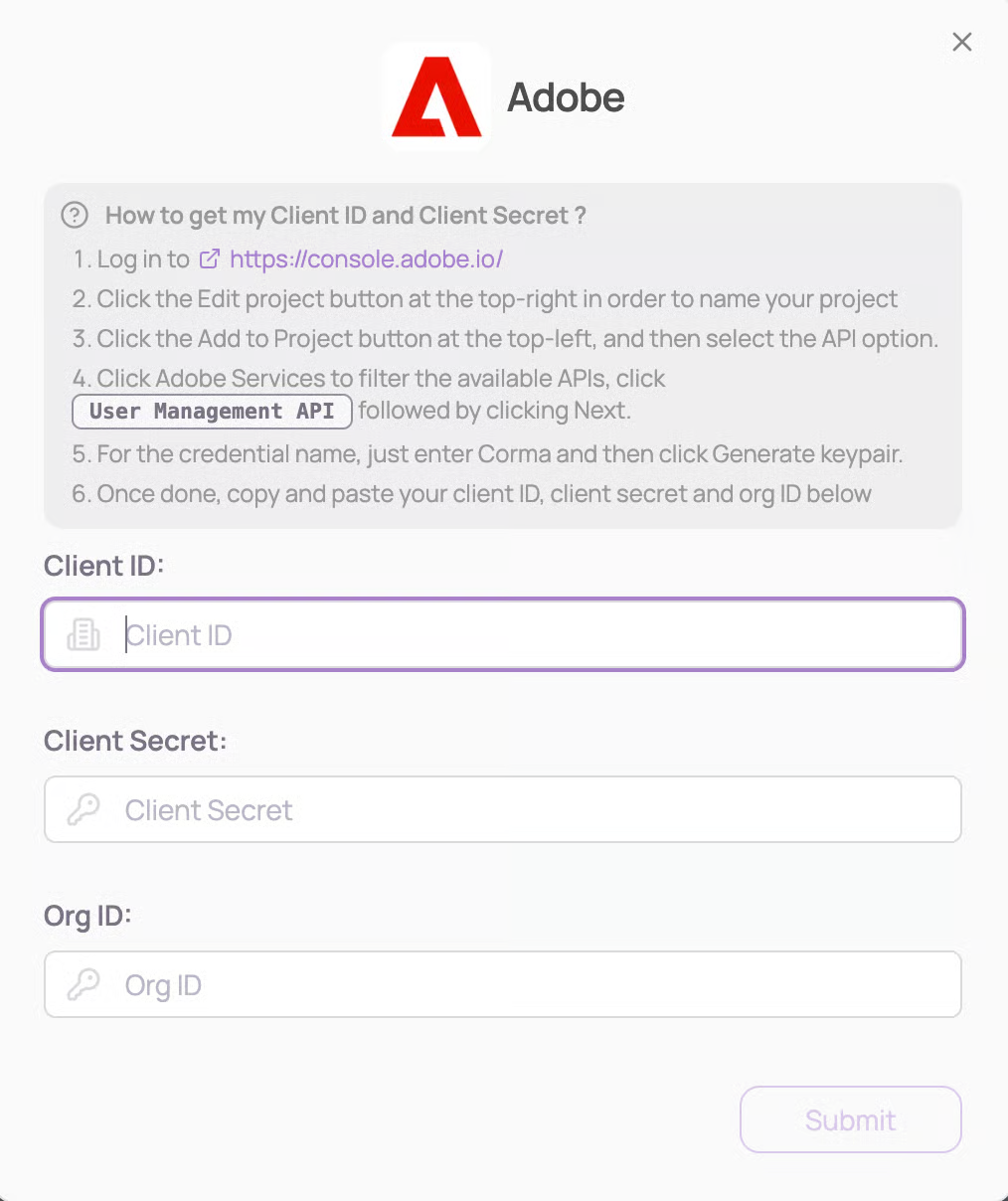
Enter your Client ID, Client Secret, and Org ID and click "Submit"
Follow these instructions to obtain your Client ID and Client Secret:
Log in to https://console.adobe.io/
Click the Edit project button at the top-right in order to name your project
Click the Add to Project button at the top-left, and then select the API option
Click Adobe Services to filter the available APIs, click
User Management APIfollowed by clicking NextFor the credential name, just enter Corma and then click Generate keypair
Once done, copy and paste your client ID, client secret and org ID below
You've successfully connected Adobe to Corma!
Data should be synchronized within the next 24 hours and will be synched every day to your Corma app.
Was this helpful?