
AWS
An admin access is required to connect AWS to Corma
On your Corma app go to the integrations page
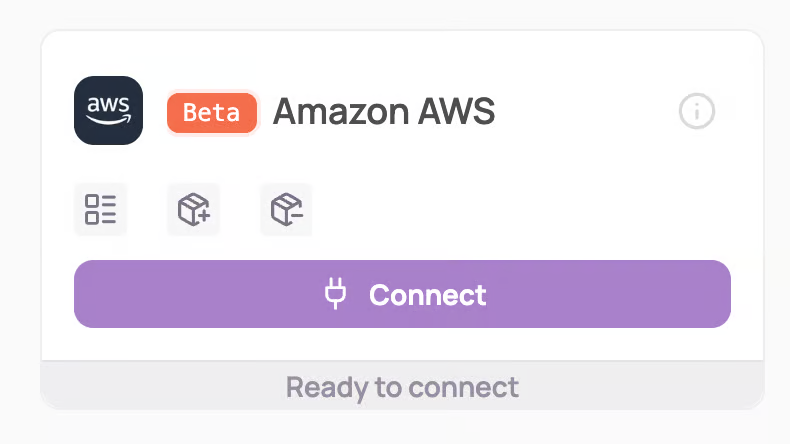
Under "Direct SaaS integrations" click on "Connect" for AWS
Log in to AWS Console
You'll need to login on an account that has access to the IAM section of AWS so probably one with significant admin rights to the platform
Navigate to IAM > Users > "Your user" > Access keys > Generate new access key
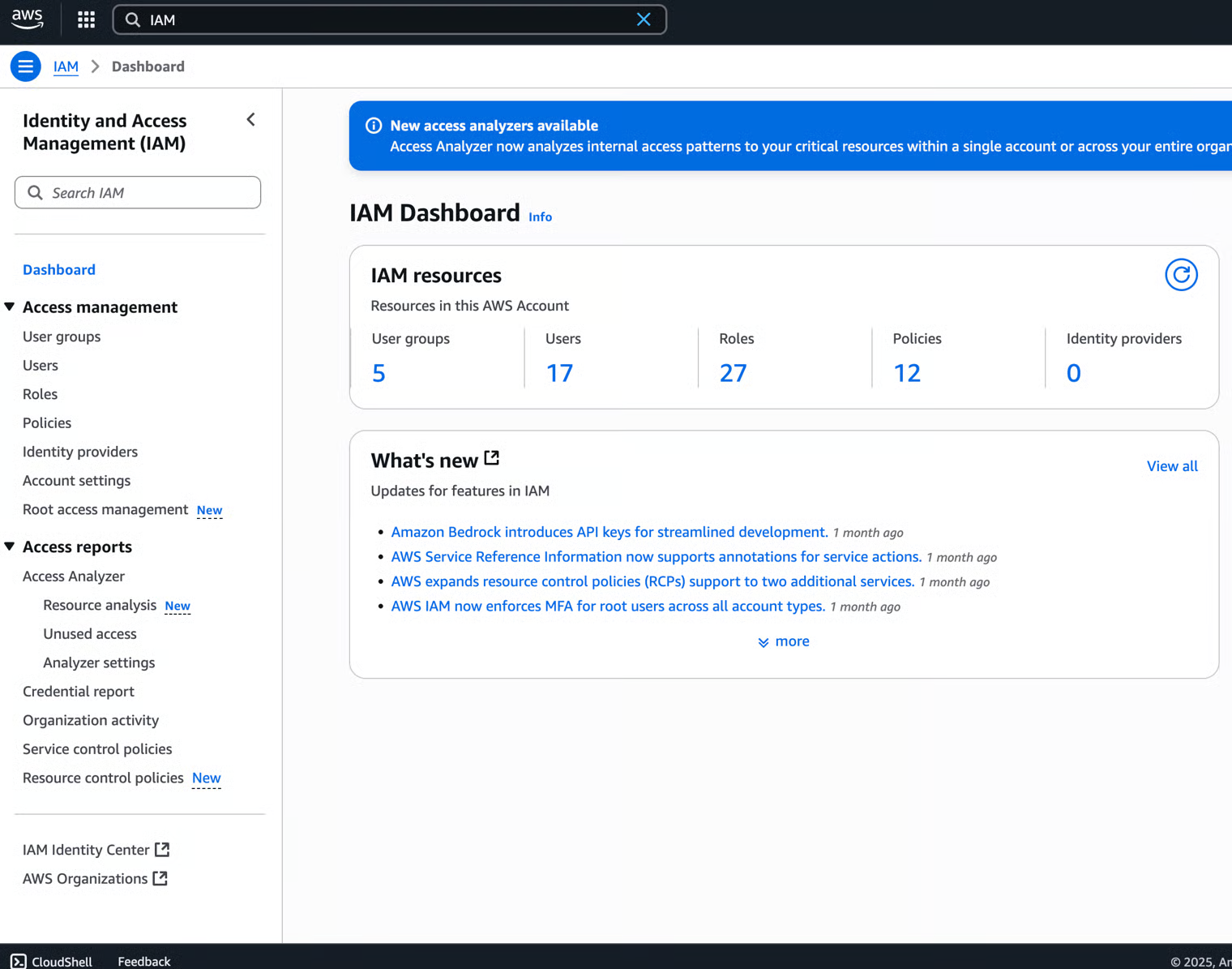
Go to Users > "Your user"
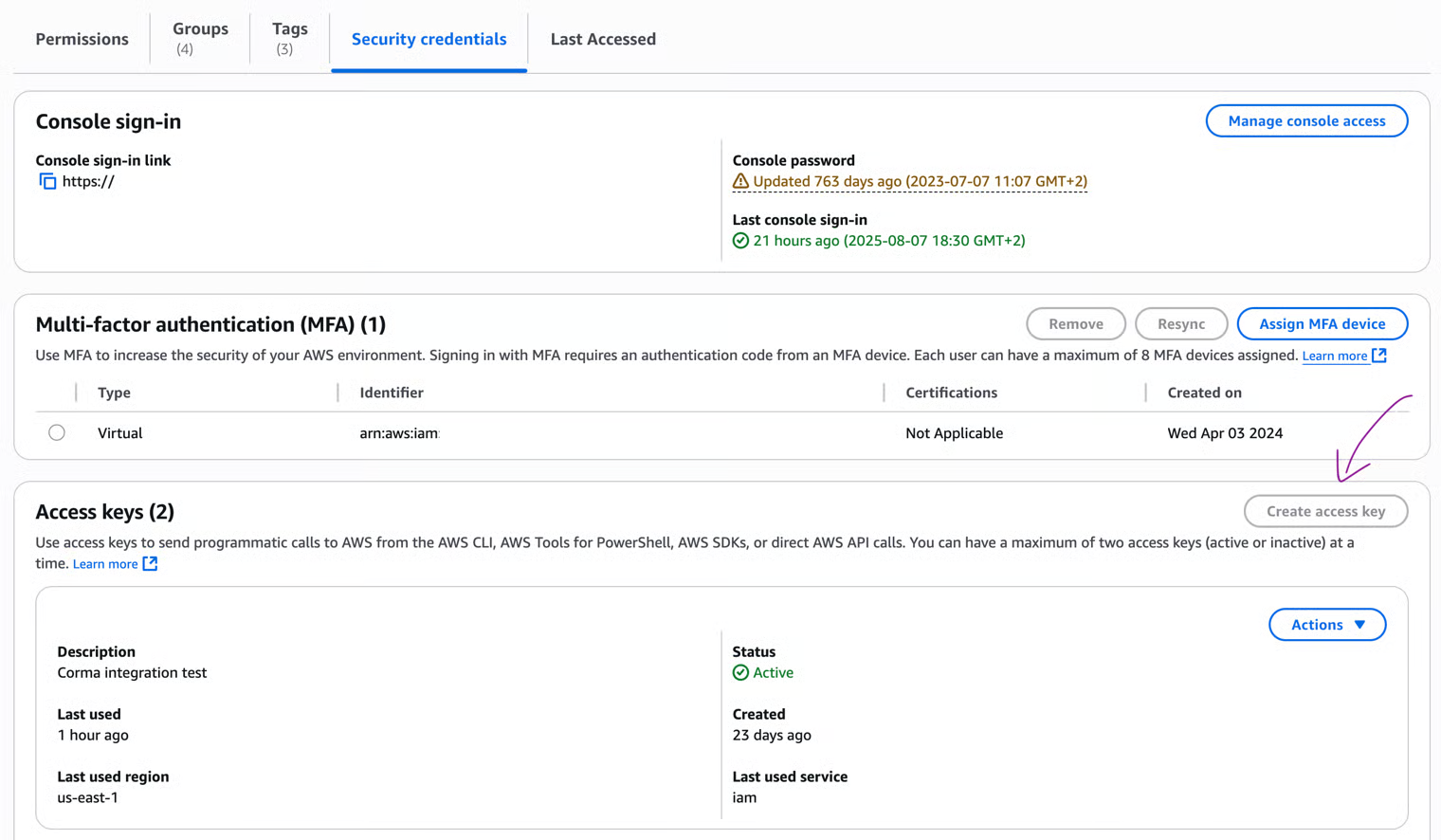
Under "Security credentials" click "Create an access key"
This user needs to have at minimum the READ only permissions to the IAM part of AWS. This can be granted via the following Role :{ "Version": "2012-10-17", "Statement": [ { "Effect": "Allow", "Action": "iam:ListUsers", "Resource": "*" } ] }To grant full READ-WRITE roles for Corma to automate (de)provisioning, use the following permissions:
{
  "Version": "2012-10-17",
  "Statement": [
    {
      "Effect": "Allow",
      "Action": [
        "iam:ListUsers",
        "iam:CreateUser",
        "iam:DeleteUser",
        "iam:AddUserToGroup",
        "iam:RemoveUserFromGroup",
        "iam:ListGroups",
        "iam:ListGroupsForUser",
        "iam:GetUser",
        "iam:GetGroup"
      ],
      "Resource": "*"
    }
  ]
}
Copy paste the access key information in Corma
Copy the AccessKey ID and the Secret Access Key, as well as the region identifier you created those credentials in (e.g: "eu-west-1", "us-east-3", etc...)
The region is available in the top right, but you can also insert your company name in there
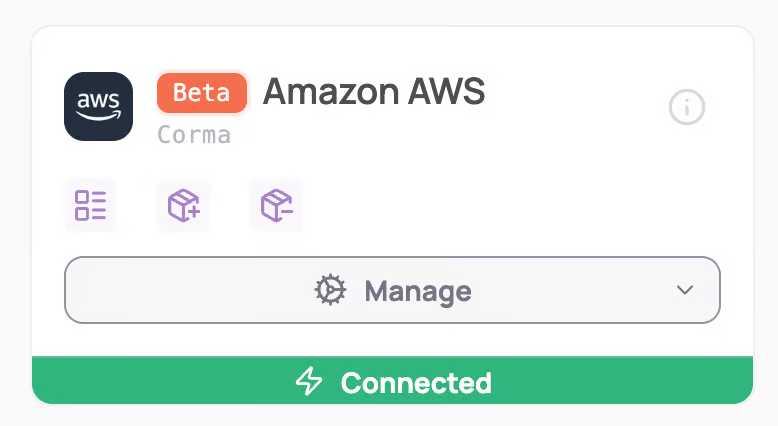
You've successfully connected AWS to Corma!
Was this helpful?