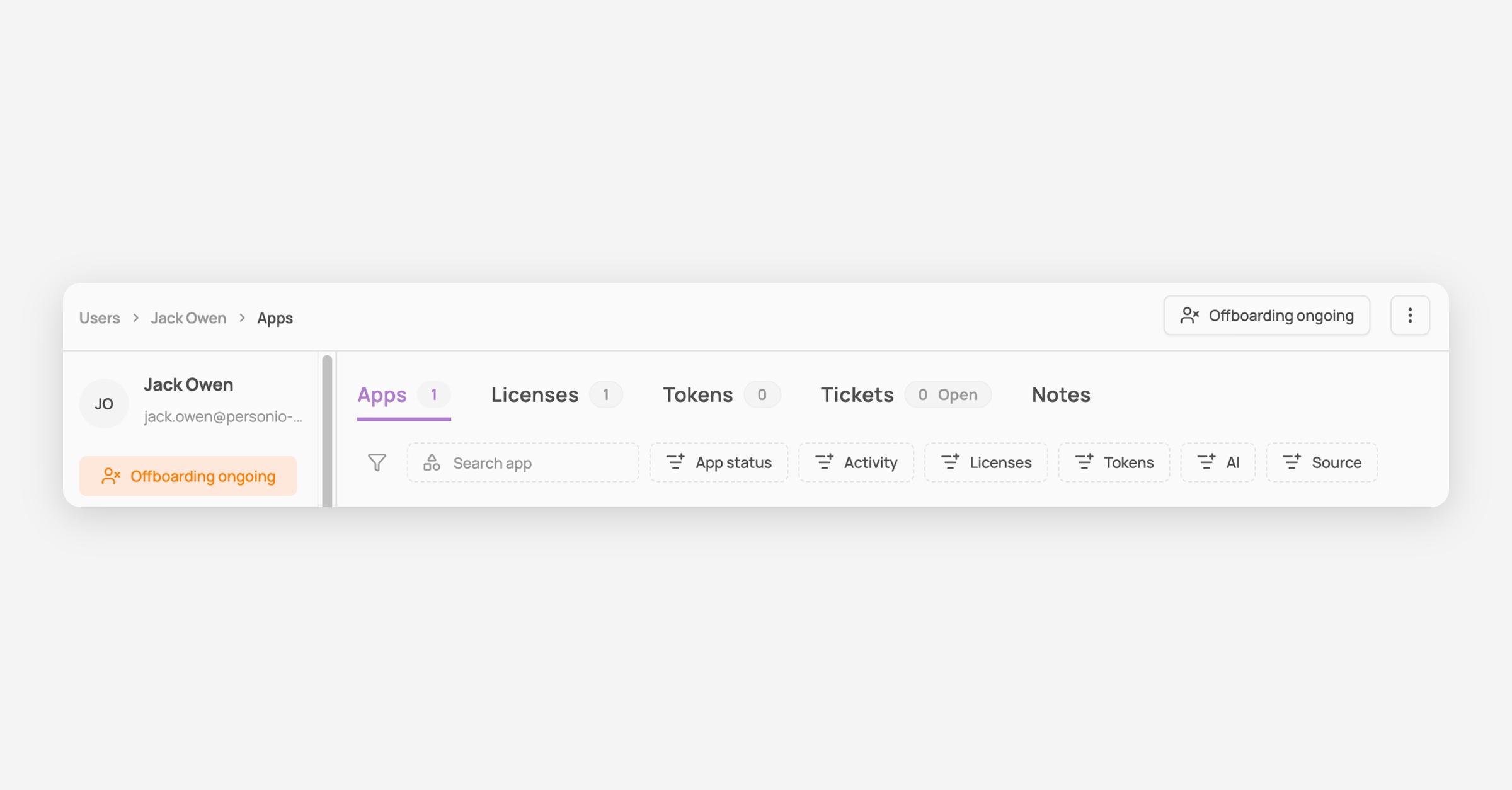
ℹ️ Once an onboarding or an offboarding has been launched you can track the progress of the remaining tasks from the users page, the specific user's page & the provisioning page
From the Provisioning module
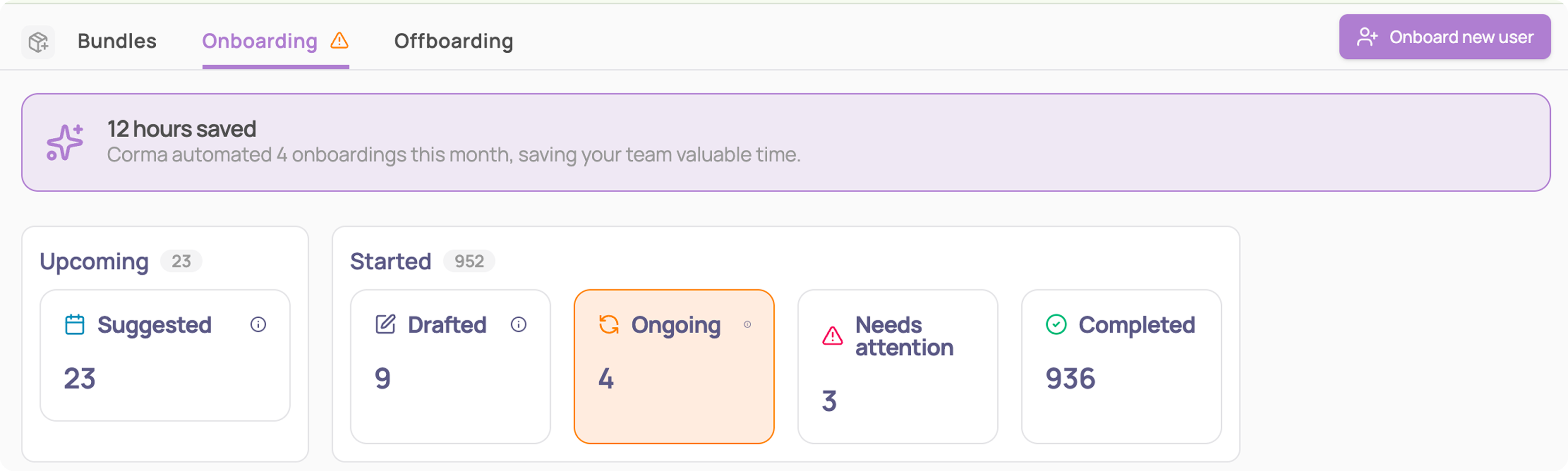
Navigate to the On or Offboarding page
Filter to "Ongoing"
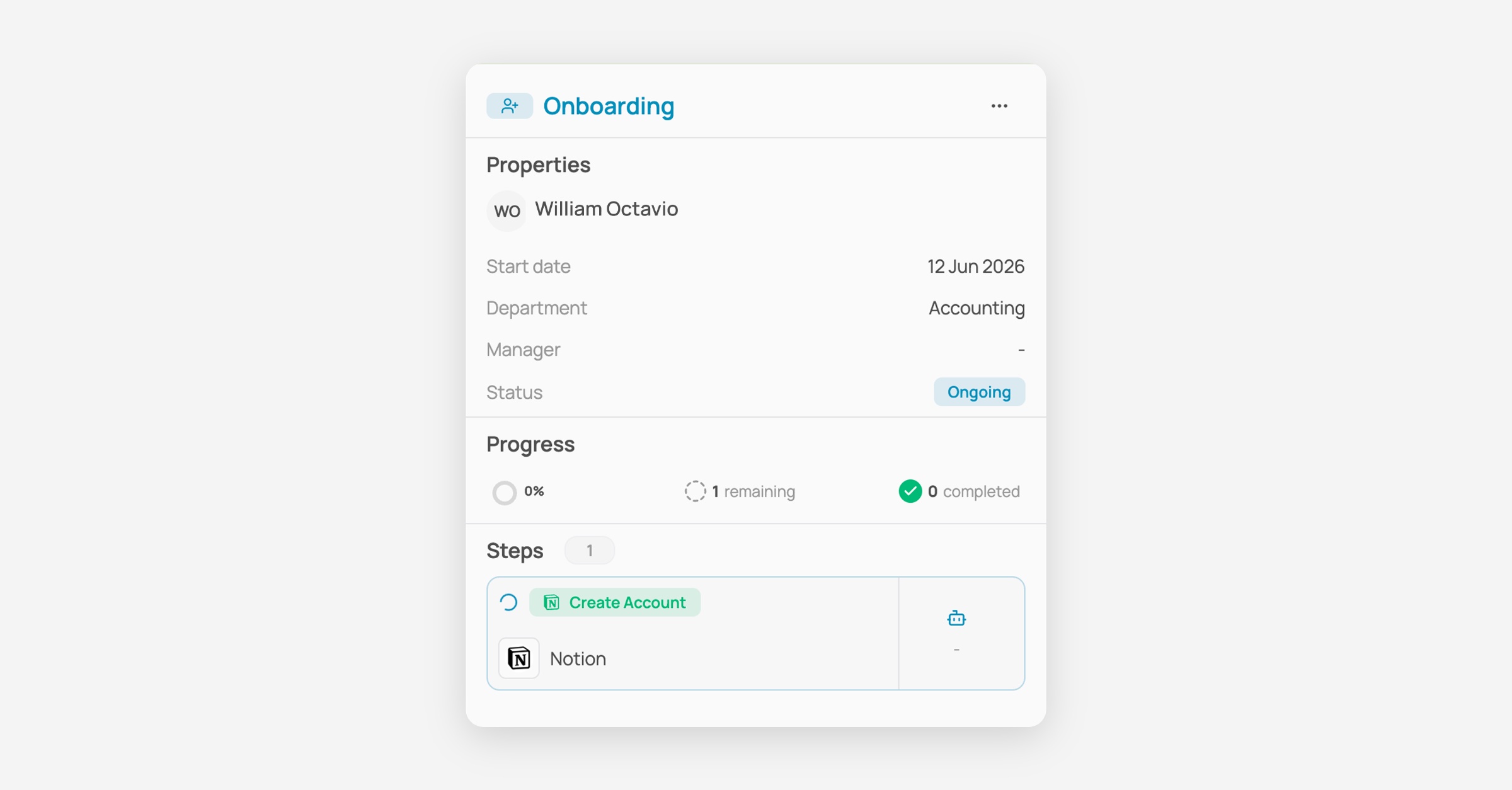
Click on the user you’d like to track. A drawer will appear displaying the progress and remaining tasks.
From the Users page
The "context" column allows you to see if the user has an ongoing on or offboarding

From the specific user page
The context appears in the left info drawer and on the top right "Offboarding ongoing" button
Clicking on any of those items will open the provisioning drawer displaying the progress and remaining tasks
Click on the requests tab to check all the requests that have been completed, declined or are still in progress for that user.