

Bundles are customizable collections of applications and users that help automate and streamline the provisioning process. An example can be the app bundle for the Sales team composed of Salesforce, Aircall and Leapsome.
Set up an app bundle
Navigate to Provisioning, then click "Bundles."
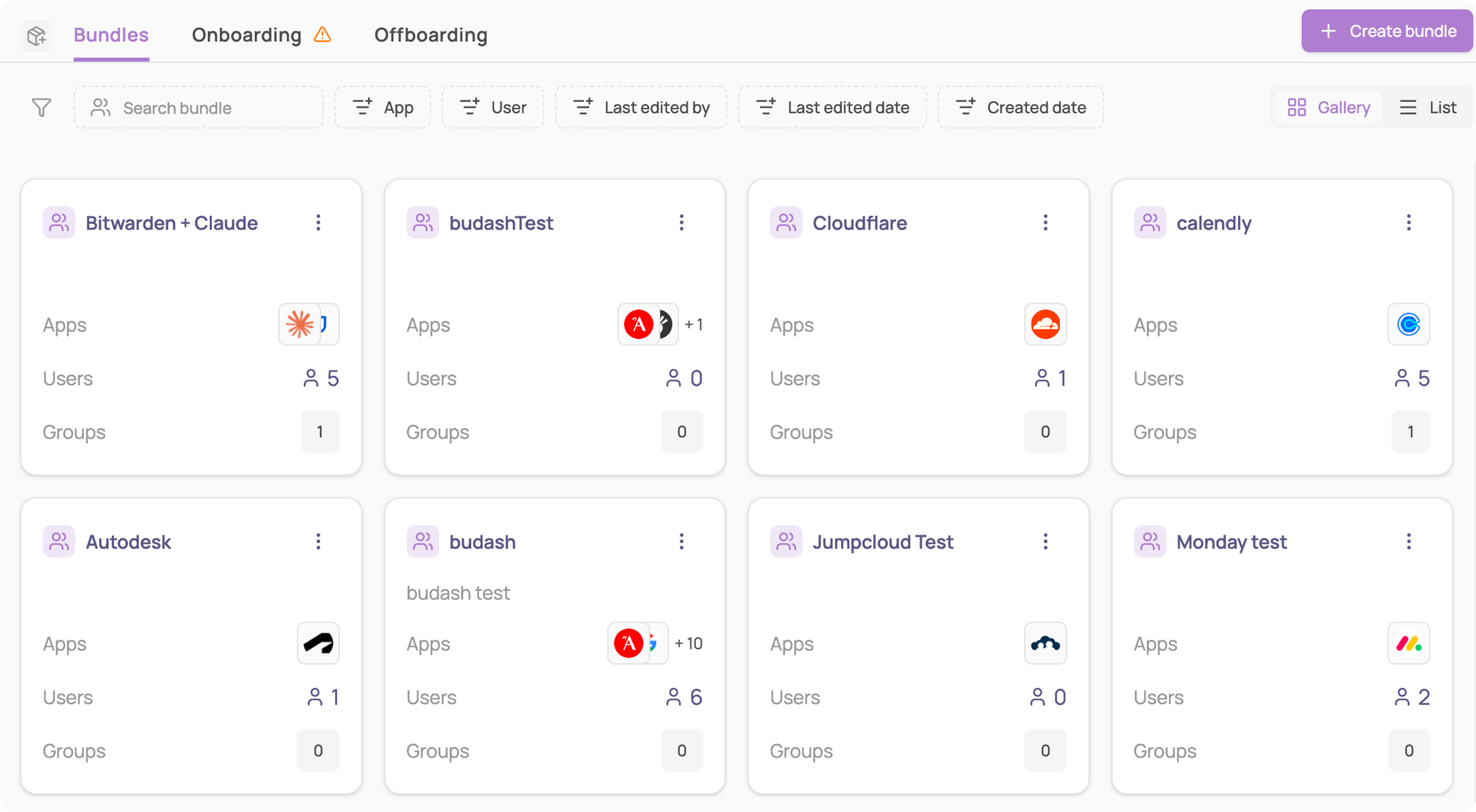
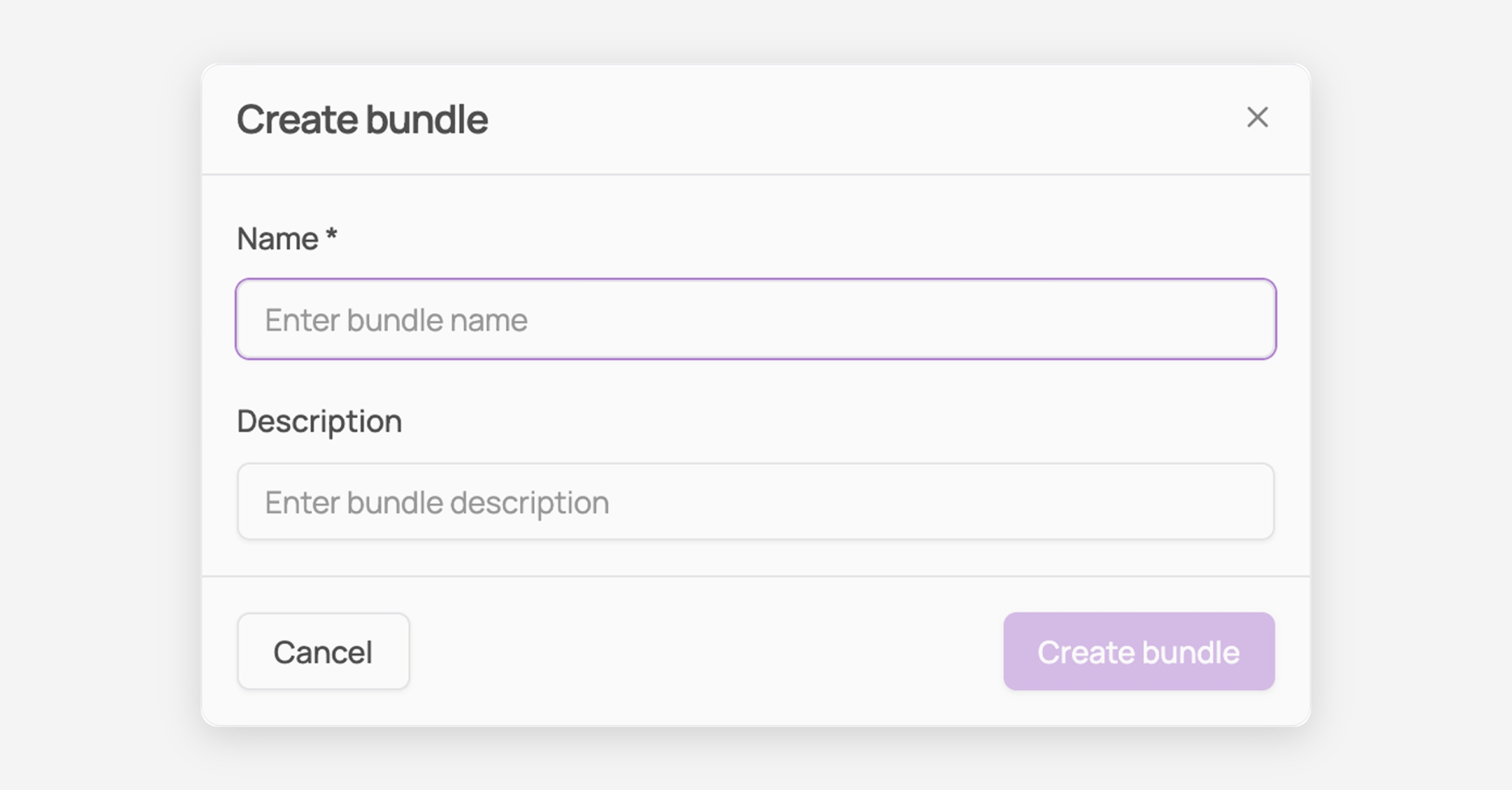
Click "+ Create bundle", give it a name, and click "Create bundle".
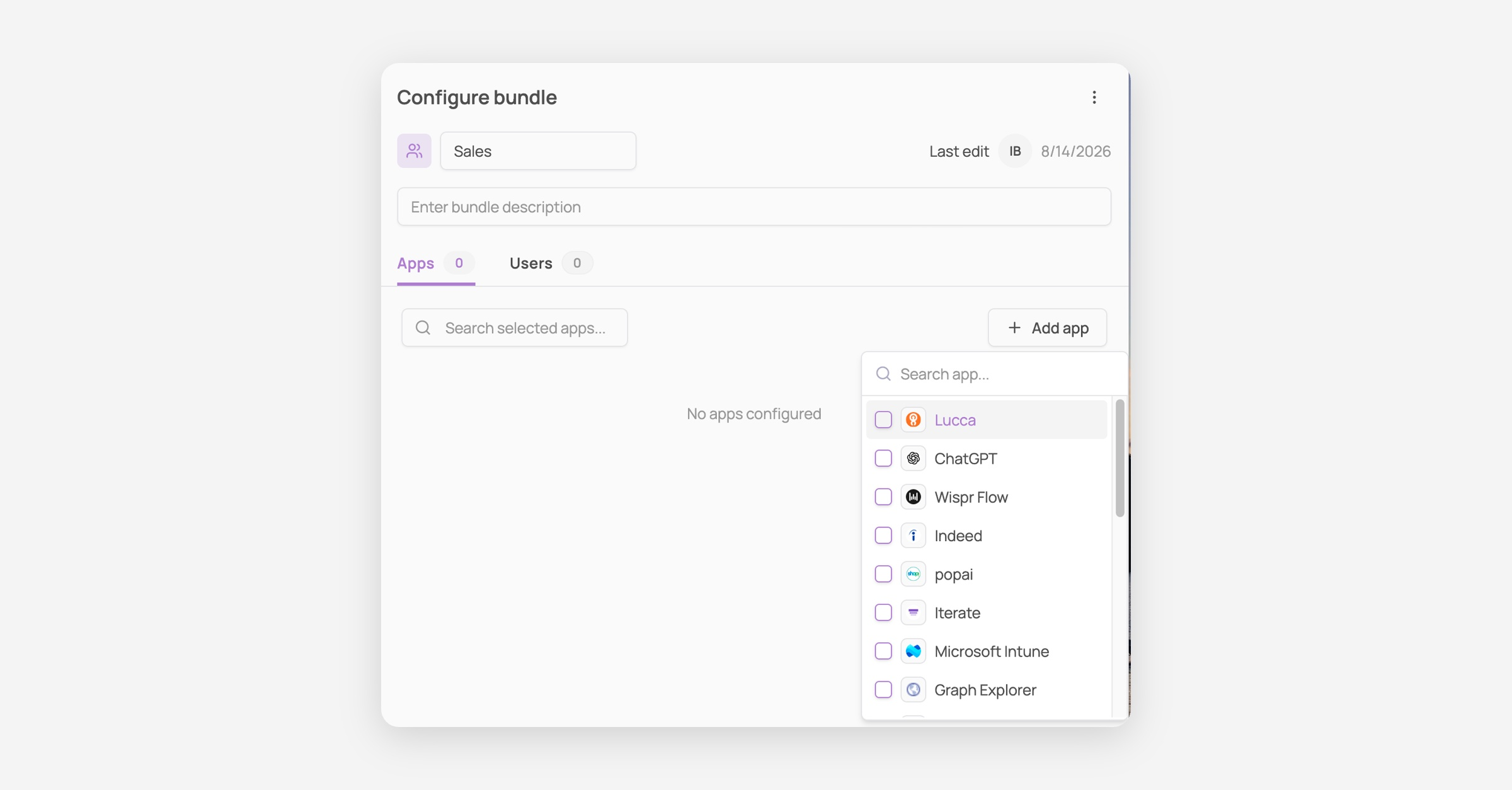
Add apps. Click "Add app", select one or more apps, then for each app added, choose its provisioning method so Corma knows how to grant access when a user is added to this bundle.
Add users, two ways:
Manually: click "Add user" and select individuals directly.
Automatically: under "User groups automation," select one or more User Groups to sync from, membership updates automatically as that group changes.
Your bundle is saved automatically as you configure it. During onboarding, users added to a bundle get provisioned on every app in it, with no need to manually assign each one.