
How to configure automatic provisioning and deprovisioning for an app
Define what happens automatically on this app when access is granted (provisioning) and when it's revoked (deprovisioning), for instance, right after an access request is approved, or when a license is revoked or an access review remediation runs.
Access the App Settings for any specific application by clicking the dedicated "Settings" button on the app's page.

Provisioning
Define the actions that run automatically whenever access to the app is granted.
Click on the "Provisioning" tab.
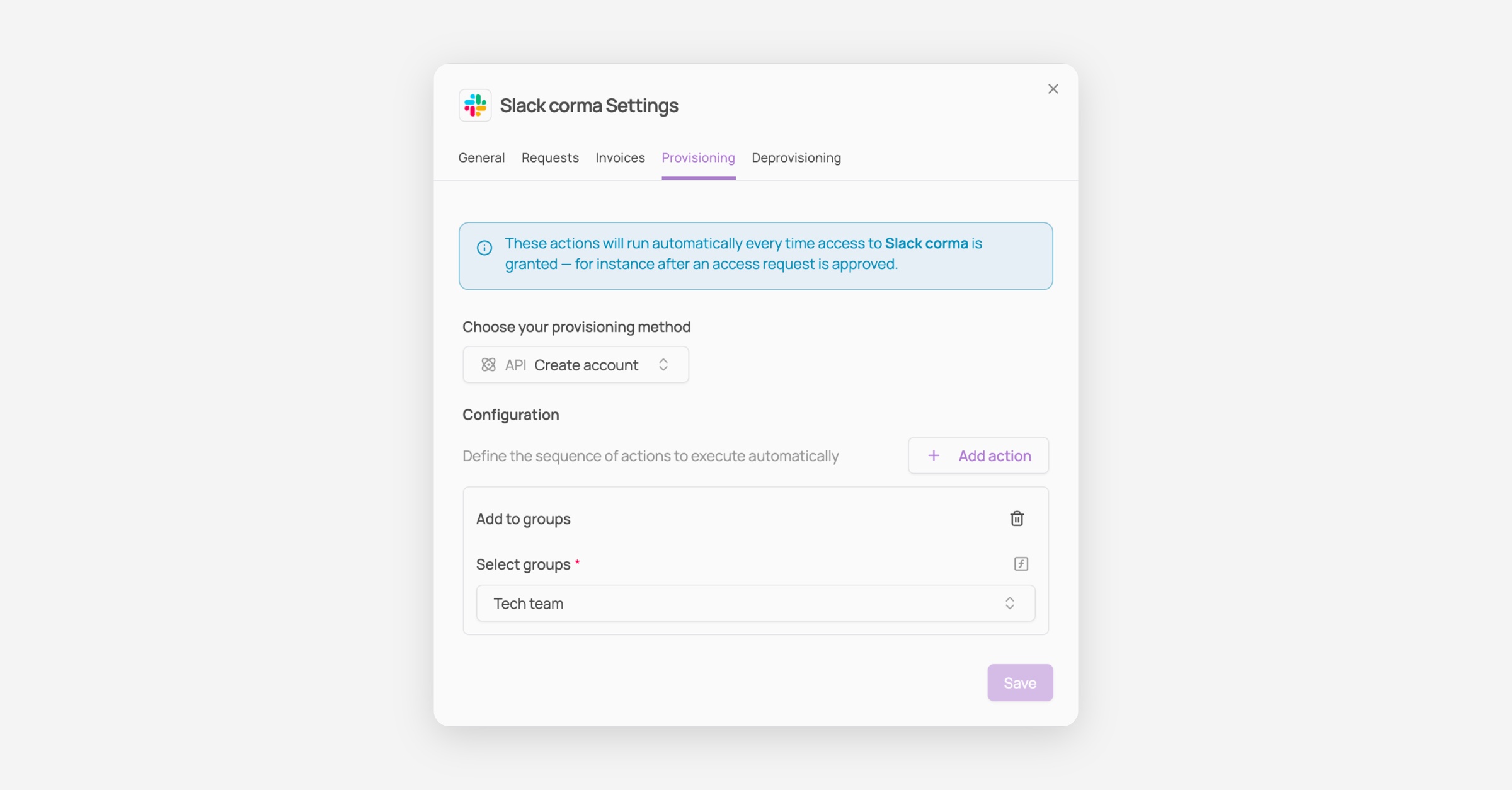
Choose your provisioning method from the dropdown (e.g. "Create account" via API, if the app's integration supports it).
Click "+ Add action" to define additional actions that run right after the provisioning method, such as adding the user to specific groups.
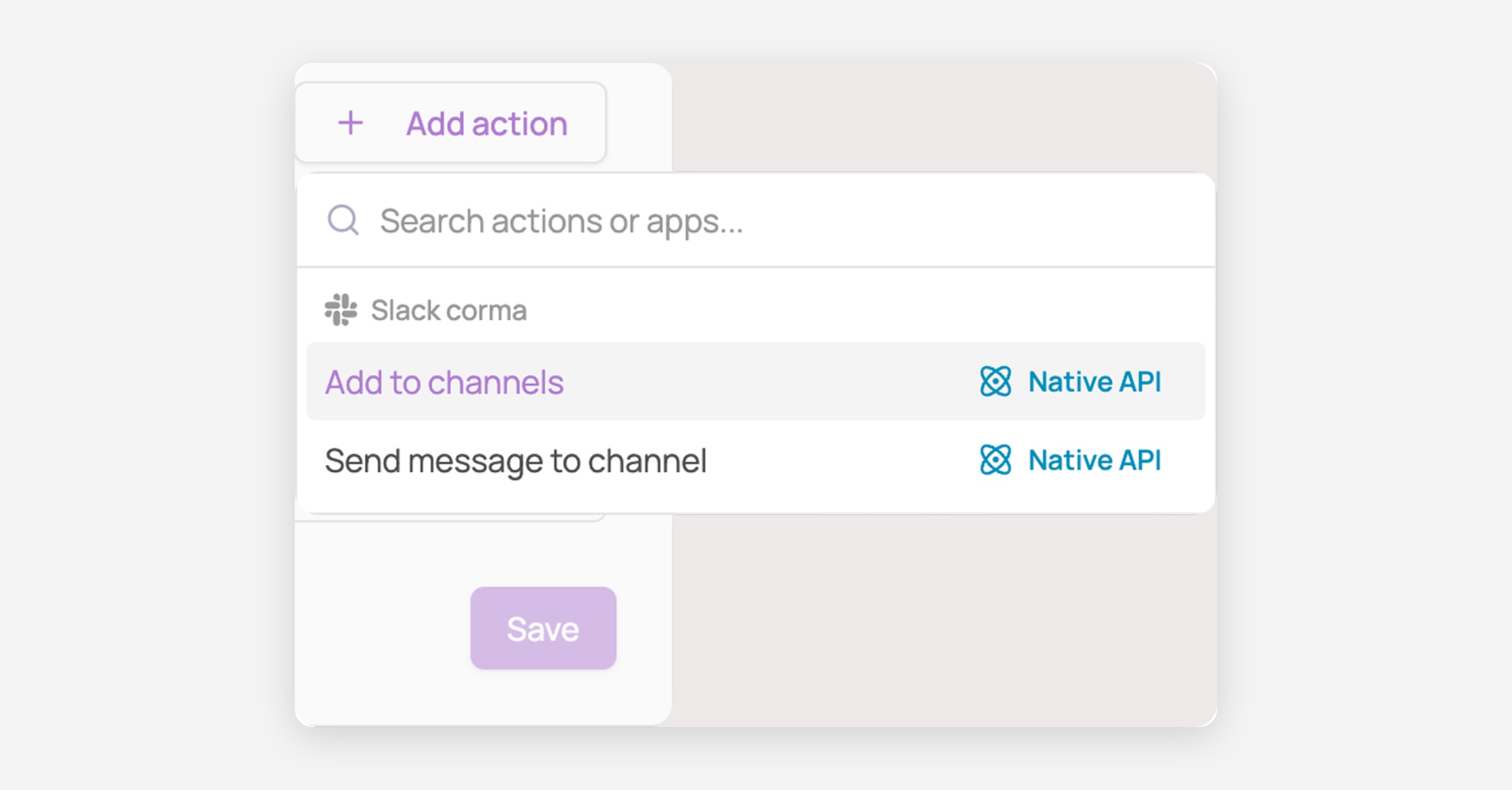
Available actions depend on the app. For Slack, "Add to channels" and "Send message to channel" are available in addition to adding to groups.
Configure each added action's fields (e.g. selecting which groups to add the user to).
Save your changes!
Deprovisioning
Define the action that runs automatically whenever access to the app is revoked, for instance when a license is revoked or during an access review remediation.
Click on the "Deprovisioning" tab.
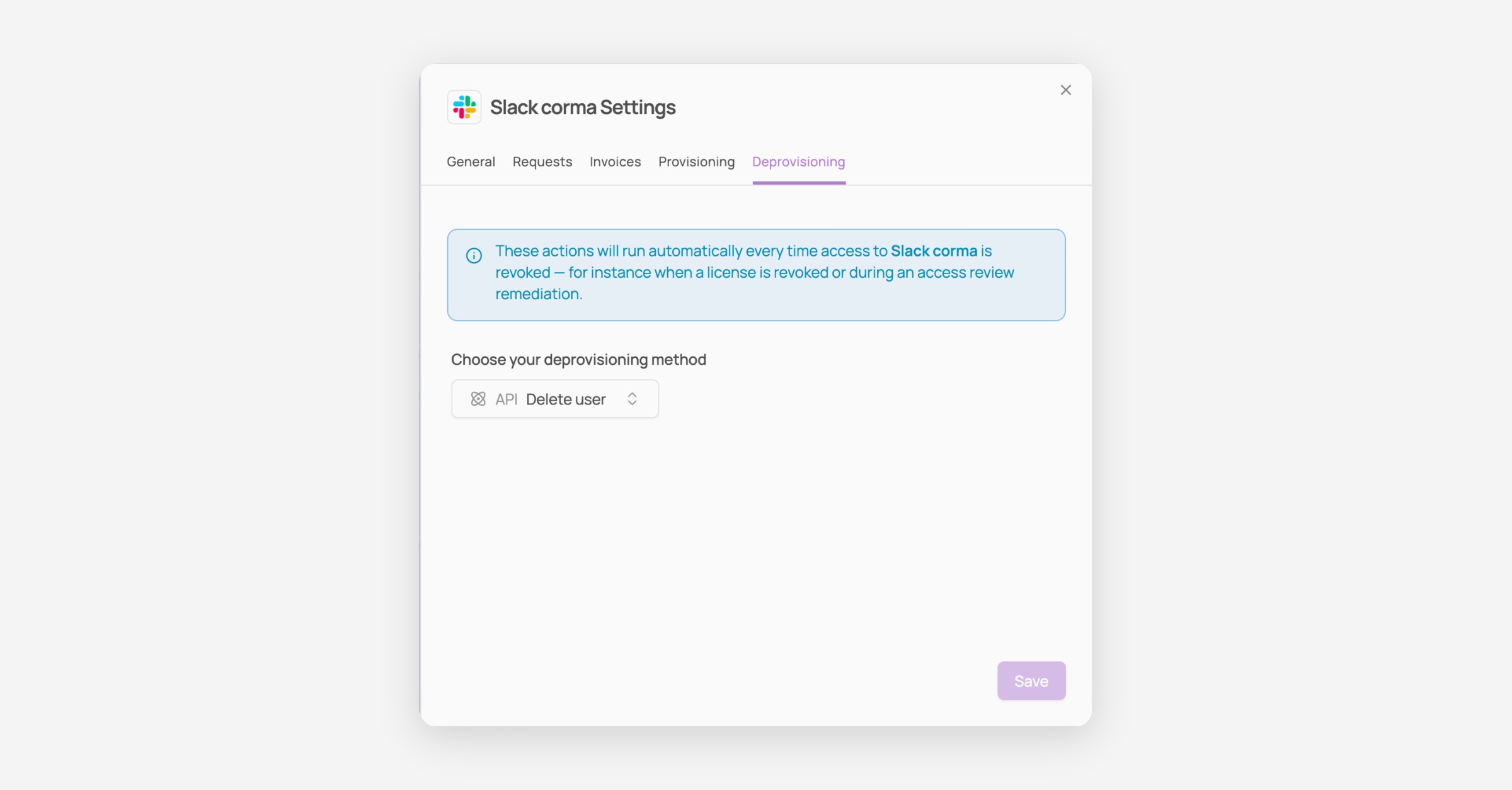
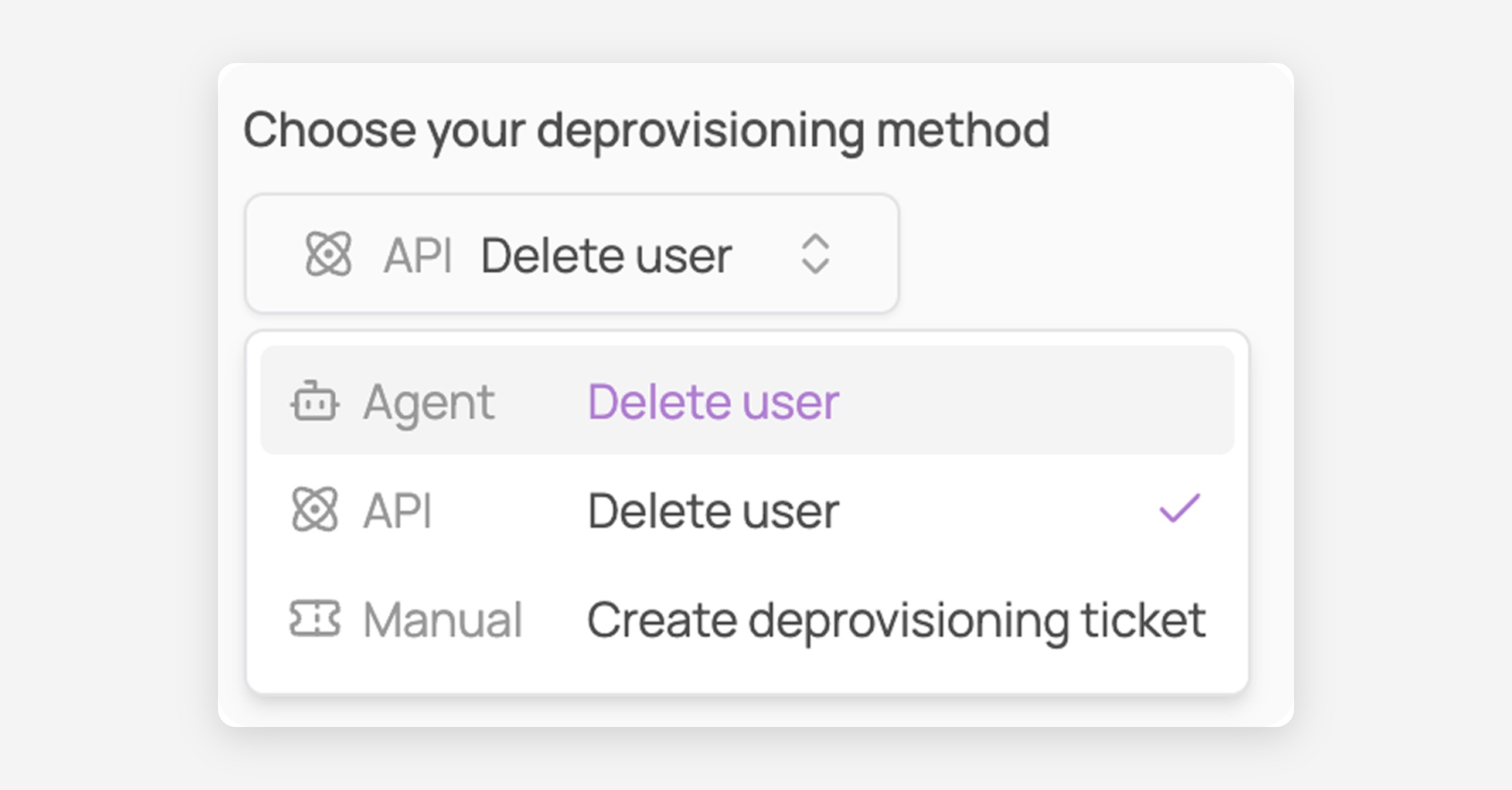
Choose your deprovisioning method from the dropdown (e.g. "Delete user" via API, if the app's integration supports it).
Save your changes!