

Navigate to the Users module
Select the user the user you want to update
Click on their Type badge
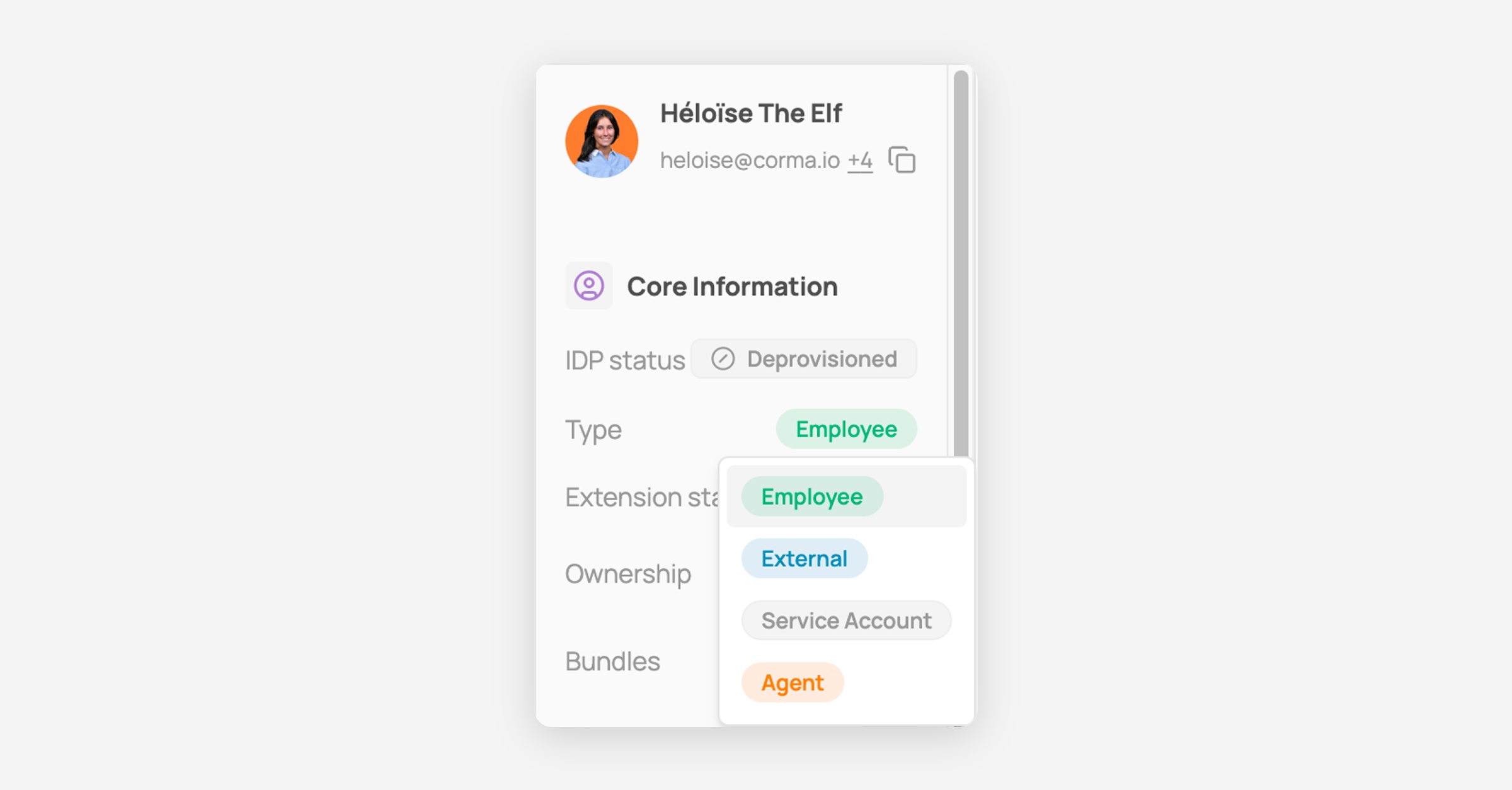
Select the correct type from the dropdown: Employee, External, Service Account, or Agent.
Use Service Account for non-interactive accounts (shared mailboxes, API accounts, etc.), and Agent for AI or automated agents acting on a user's behalf.
To view only one type at a time, use the Identity type filter above the table and select the type(s) you want to see.
