How to request access to an app in your workplace
Note: by default you submit an access request for yourself. Whether you can request access for someone else depends on your workspace’s on-behalf policy, which an admin sets in the Access requests settings. The person pickers in the Employee Portal and in Slack follow that policy.
Via your Corma platform
From your Employee mode navigate to Managed apps

Click on any app to request access
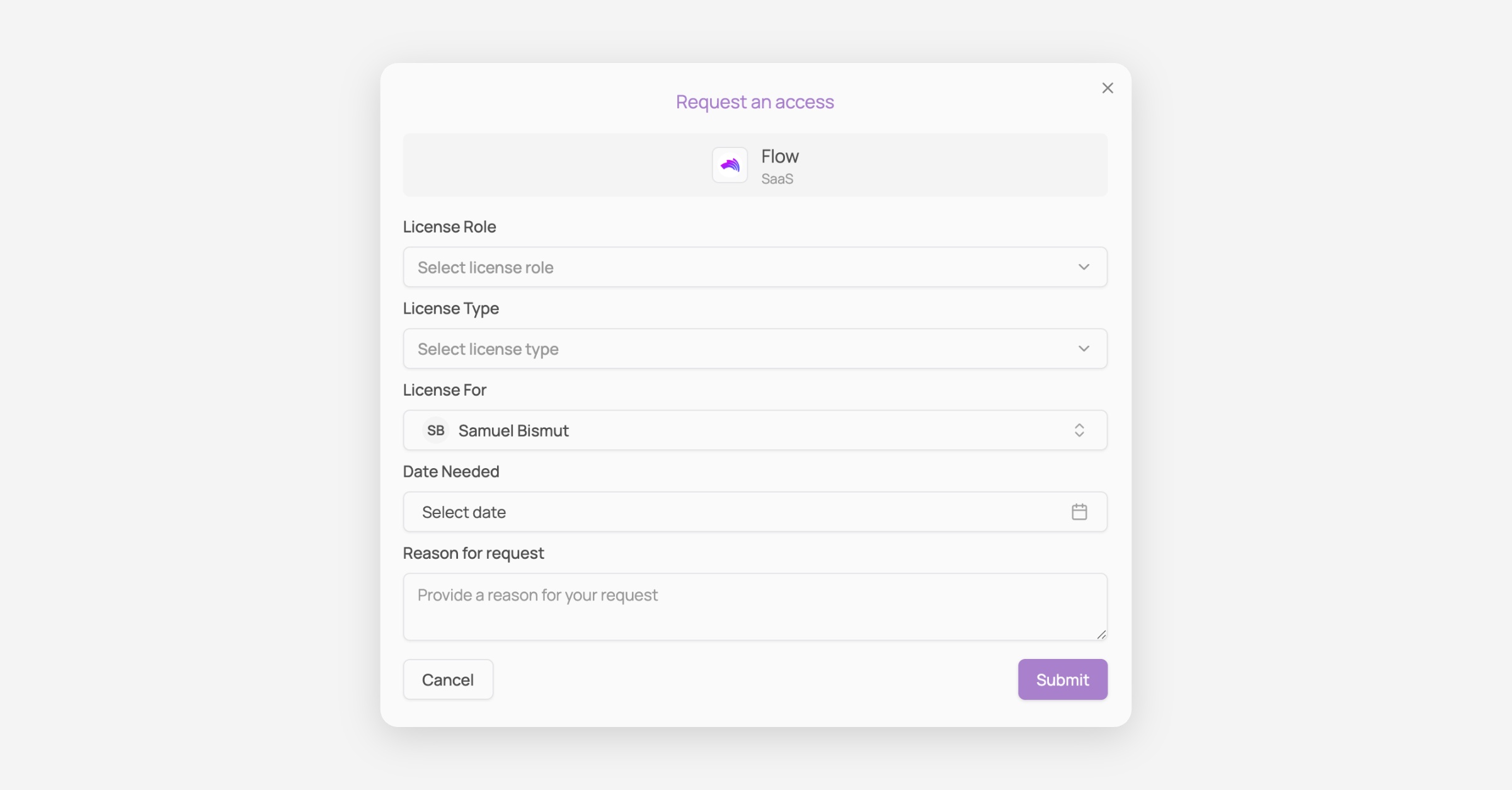
Fill in the form and Submit your request
Via Slack
Make sur that Slack has been connected as a notification channel. See Enable Slack notifications on Corma
From any channel in Slack, type "/" then Click on /request-access-corma
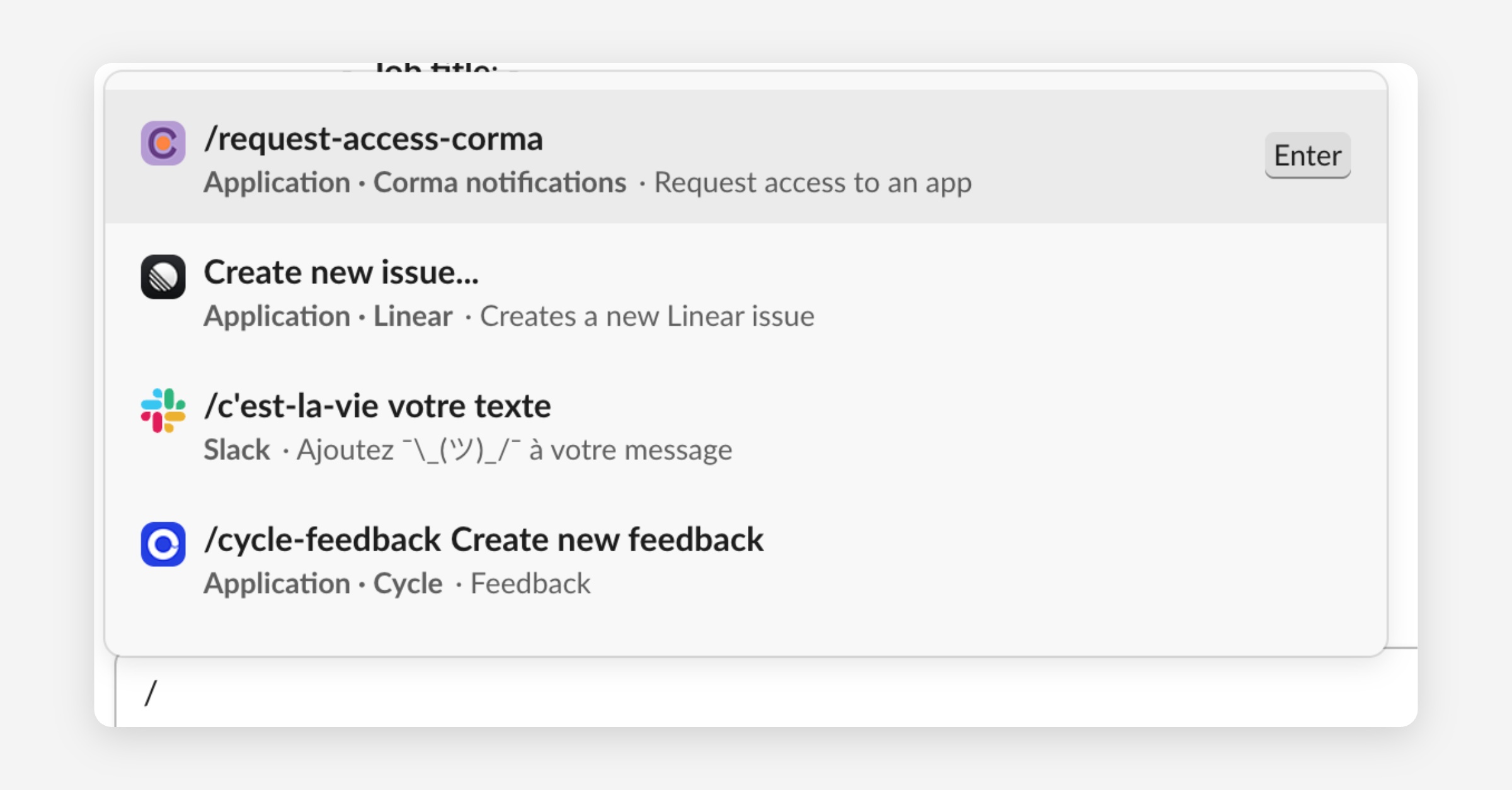
Press enter and fill the Access request form
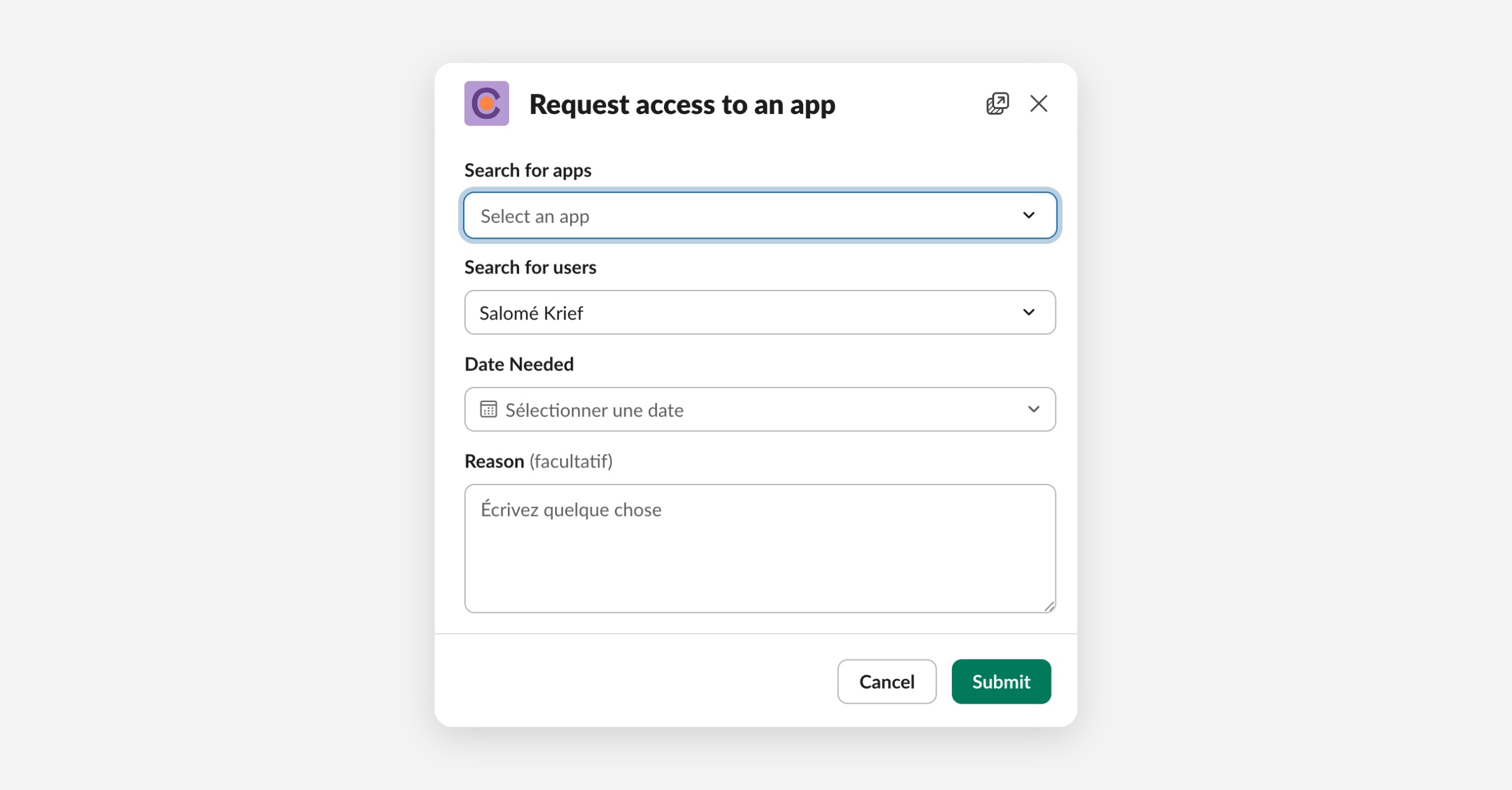
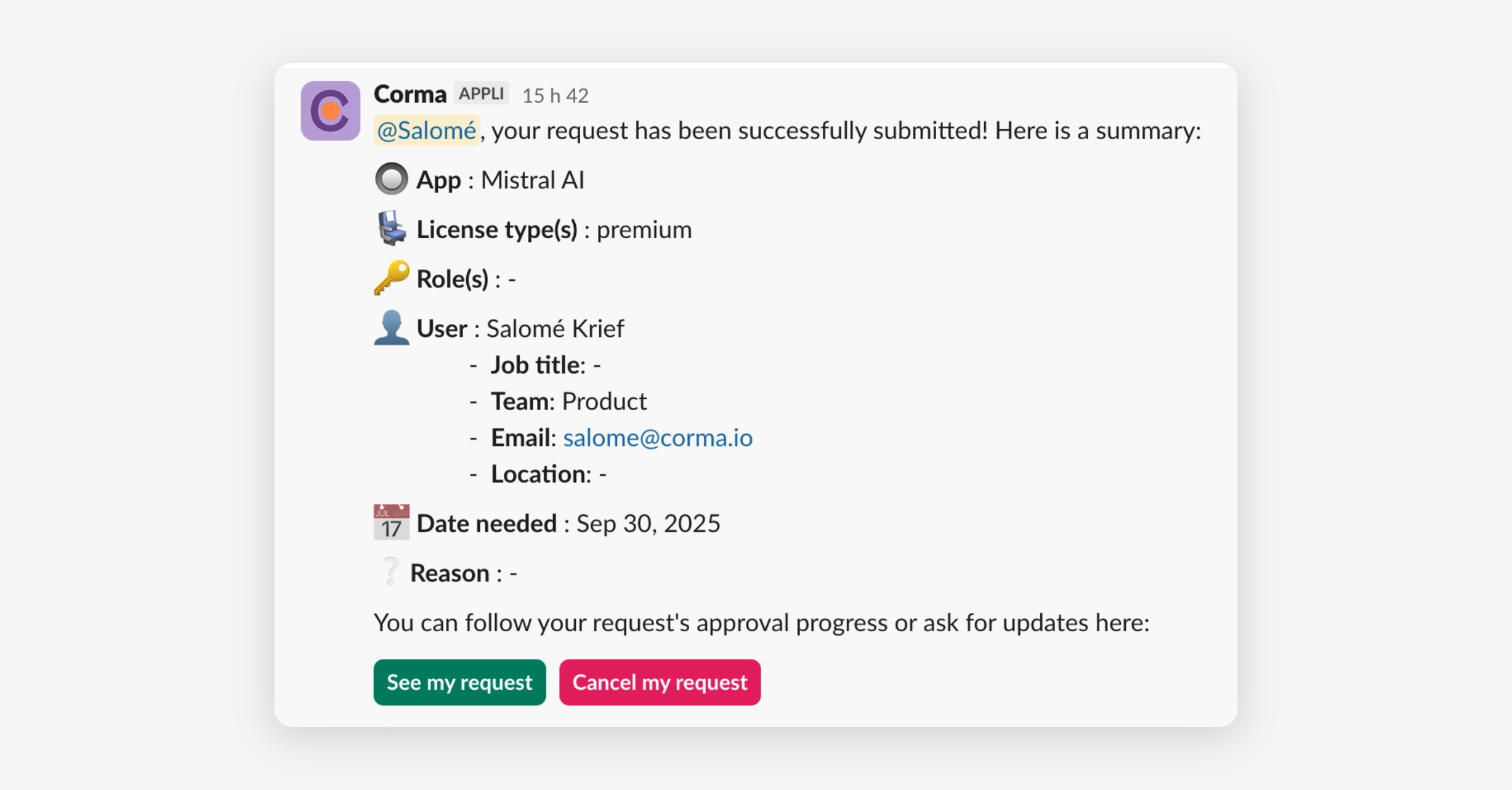
Submit your request and check its status with the automatic message sent by Corma