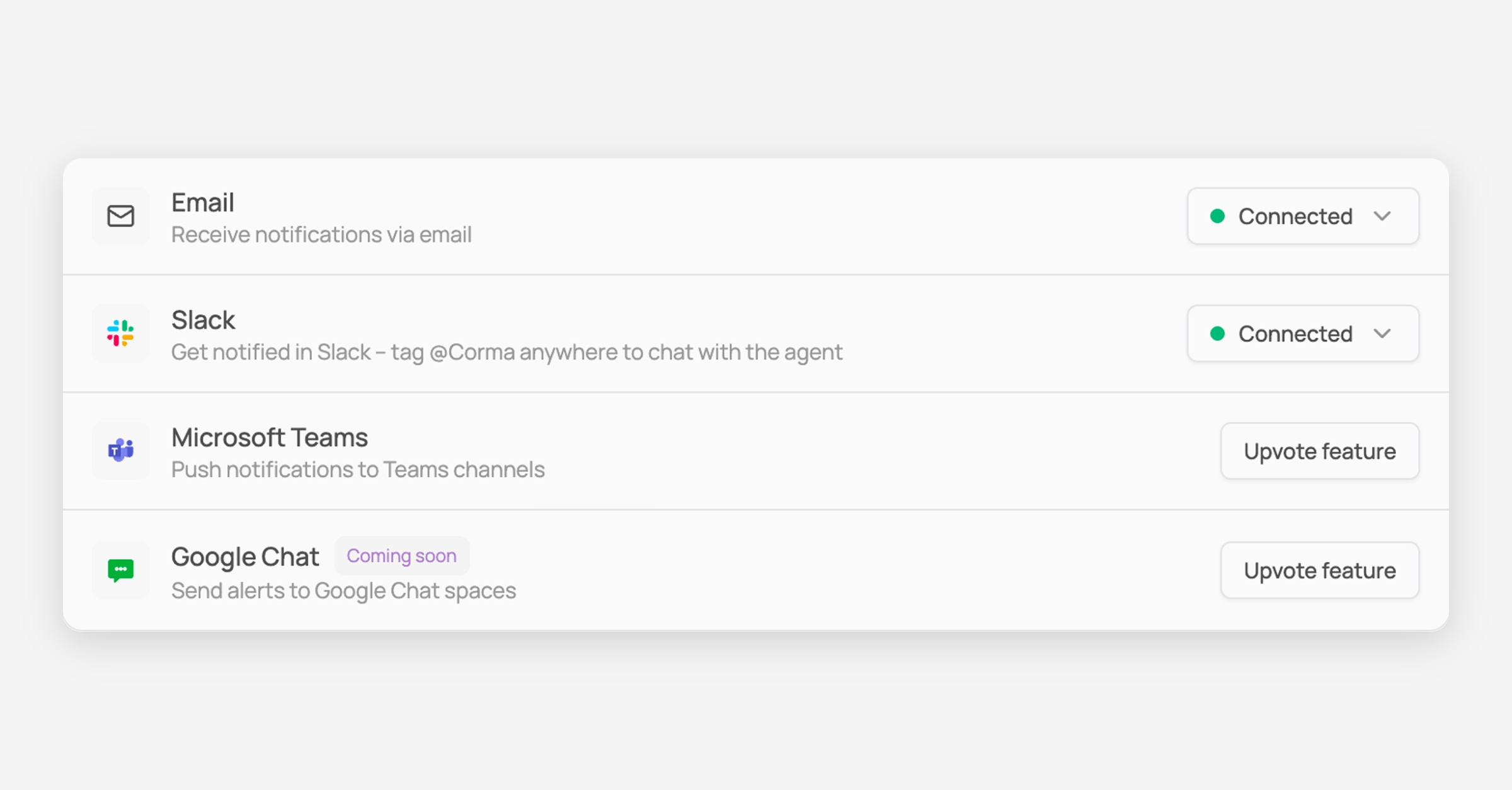
Enable Slack notifications on Corma

Connecting Slack lets you receive Corma notifications directly in a Slack channel of your choice — you can also tag @Corma anywhere in Slack to chat with the agent.
Steps
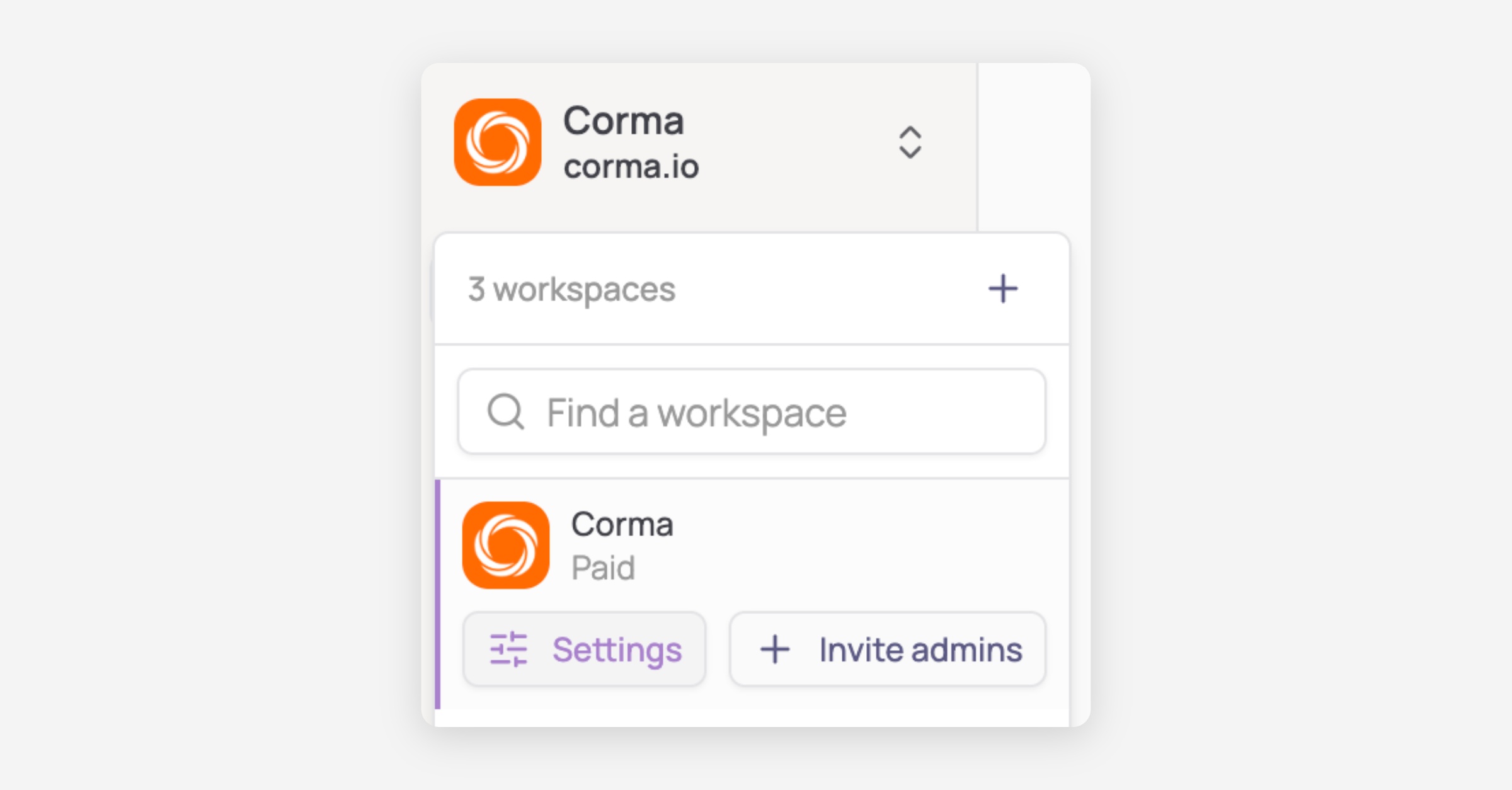
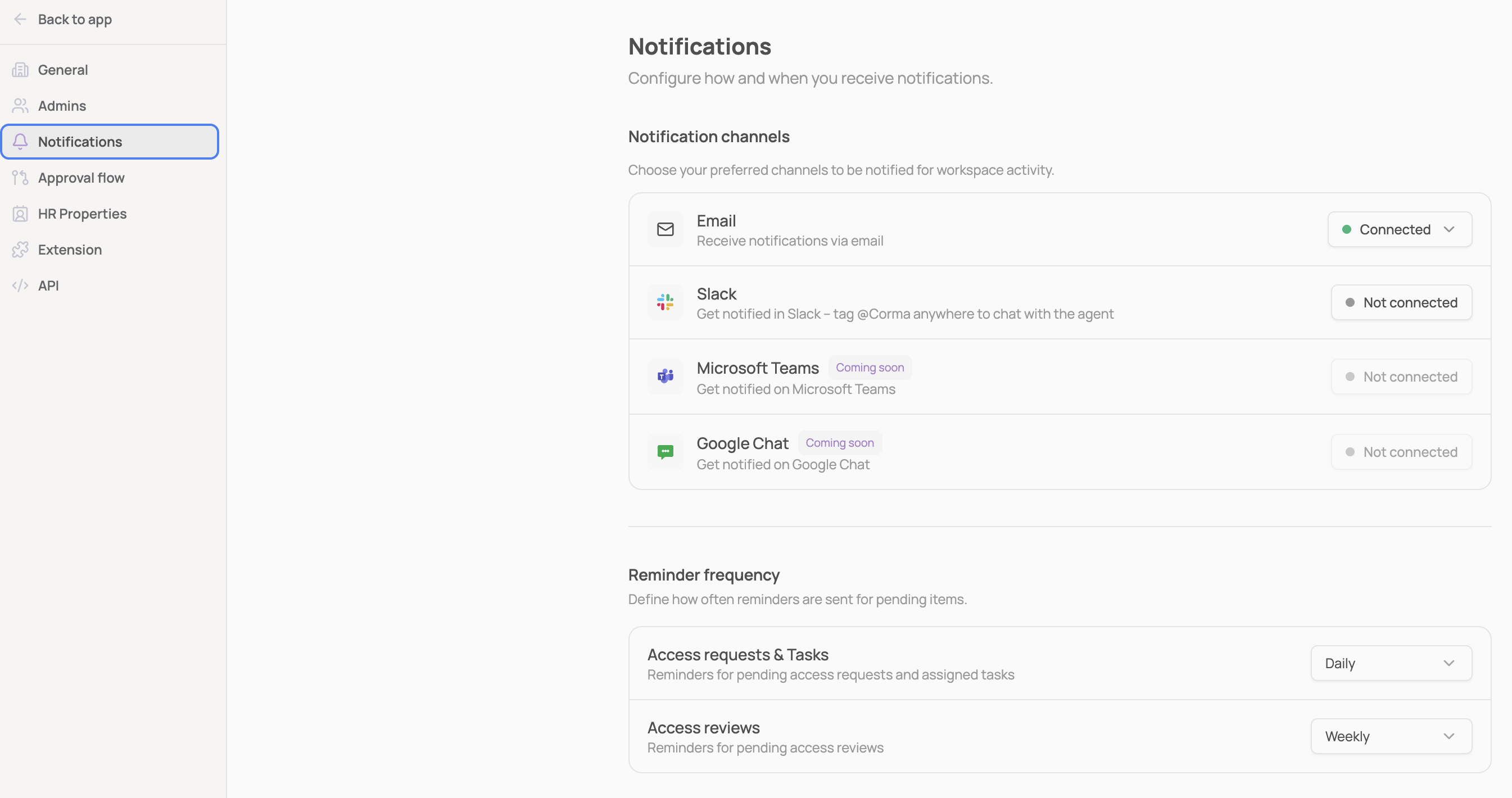
In Corma, go to Settings → Notifications.
Next to Slack, click “Connect”.
You'll be redirected to Slack to authorize the "Corma notifications" app. Select the correct Workspace, and choose the channel where you want Corma to post notifications.
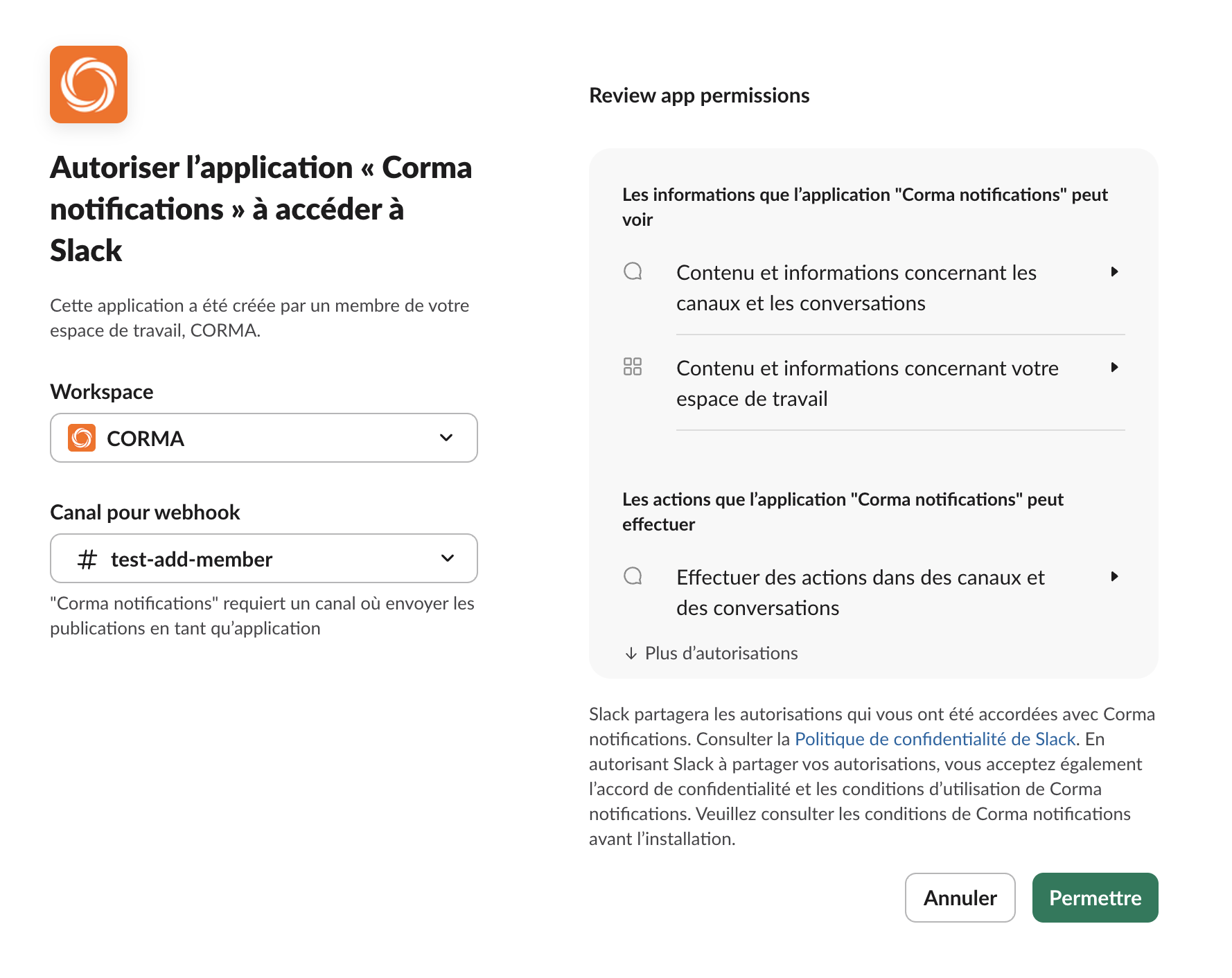
Click Allow.
You're all set! Slack now shows as Connected, and notifications will be posted to the channel you selected.