
Corma
Corma
  • Docs
  • Changelog
  • Feature requests
    • Employee guides
      • How to request a new app
      • How to request access to an app
      • How to revoke access to an app
    • Applications
    • Users
    • Licenses
    • Provisioning
    • Security
    • Requests
    • Tasks
    • Contracts & Savings
    • Access reviews
    • Workflow Builder
Docs / Guides and How to's / Employee guides

How to request a new app

Note: You can request a new app only if it doesn't already exist in your workspace. If the app already exists in your company, go to My apps and submit a request

  1. From your Employee mode navigate to your Company app store

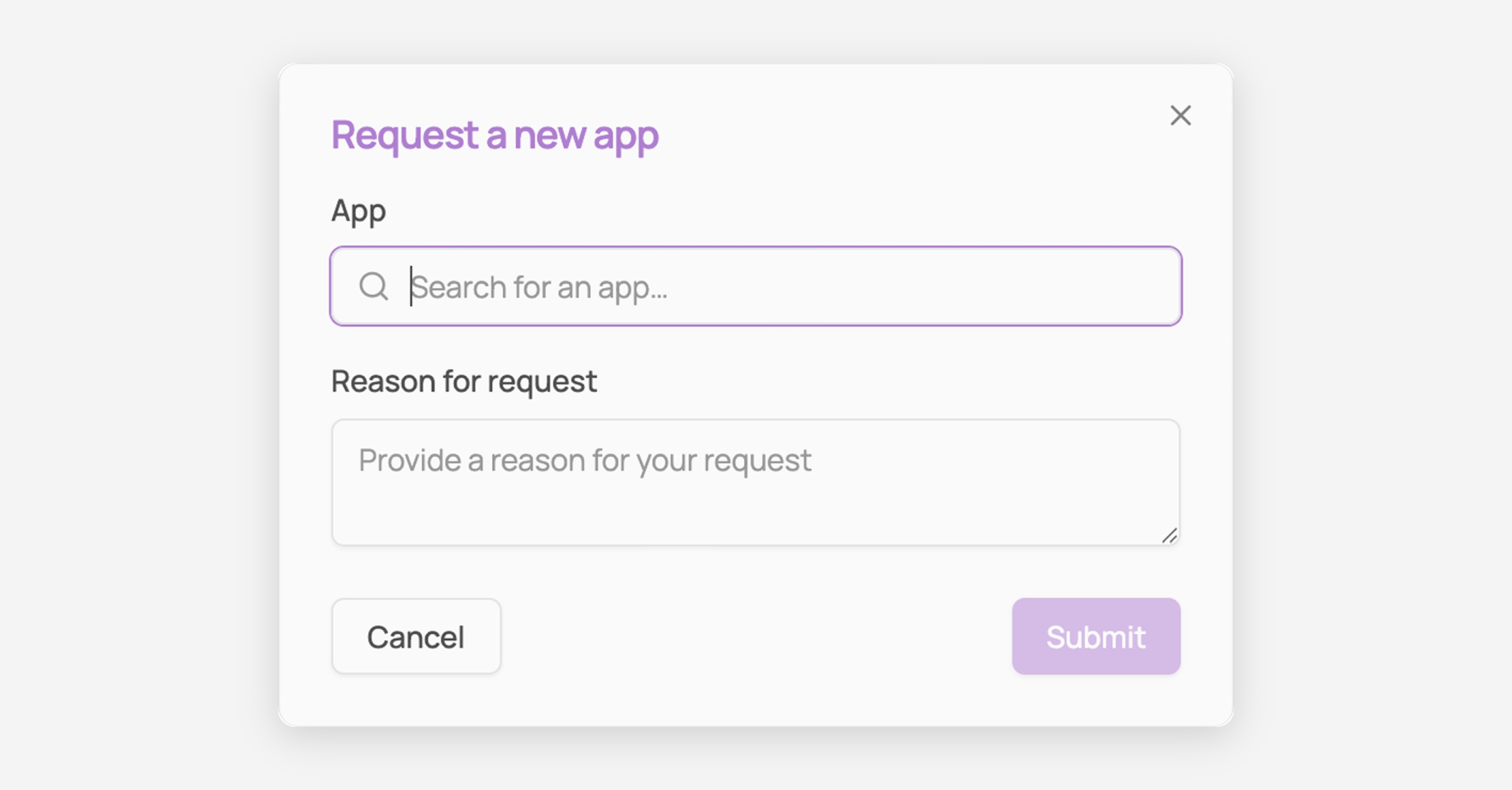
  2. Click on Request new app

  3. Fill in details

    The relevant admin will be notified

    You can track your request in Requests > My requests tab
Was this helpful?