
How to define app, access, and contract owners
Corma splits application ownership into three distinct roles, each responsible for different notifications and tasks. Assigning them correctly ensures the right person is notified when action is needed.
Overview
Role | Responsibility |
|---|---|
App owner | General owner of the application. Notified if the access owner is unavailable for tasks, contract renewals, security updates, or warnings for this application. |
Access owner | In charge of managing accesses to this application. Notified of manual tasks regarding access to it. |
Contract owner | Manages the contractual information of this application. Notified of contract renewals or approaching notice dates. |
Access owner is the primary contact for manual provisioning/deprovisioning tasks; App owner steps in as the fallback if the access owner is unavailable.
Setting an owner
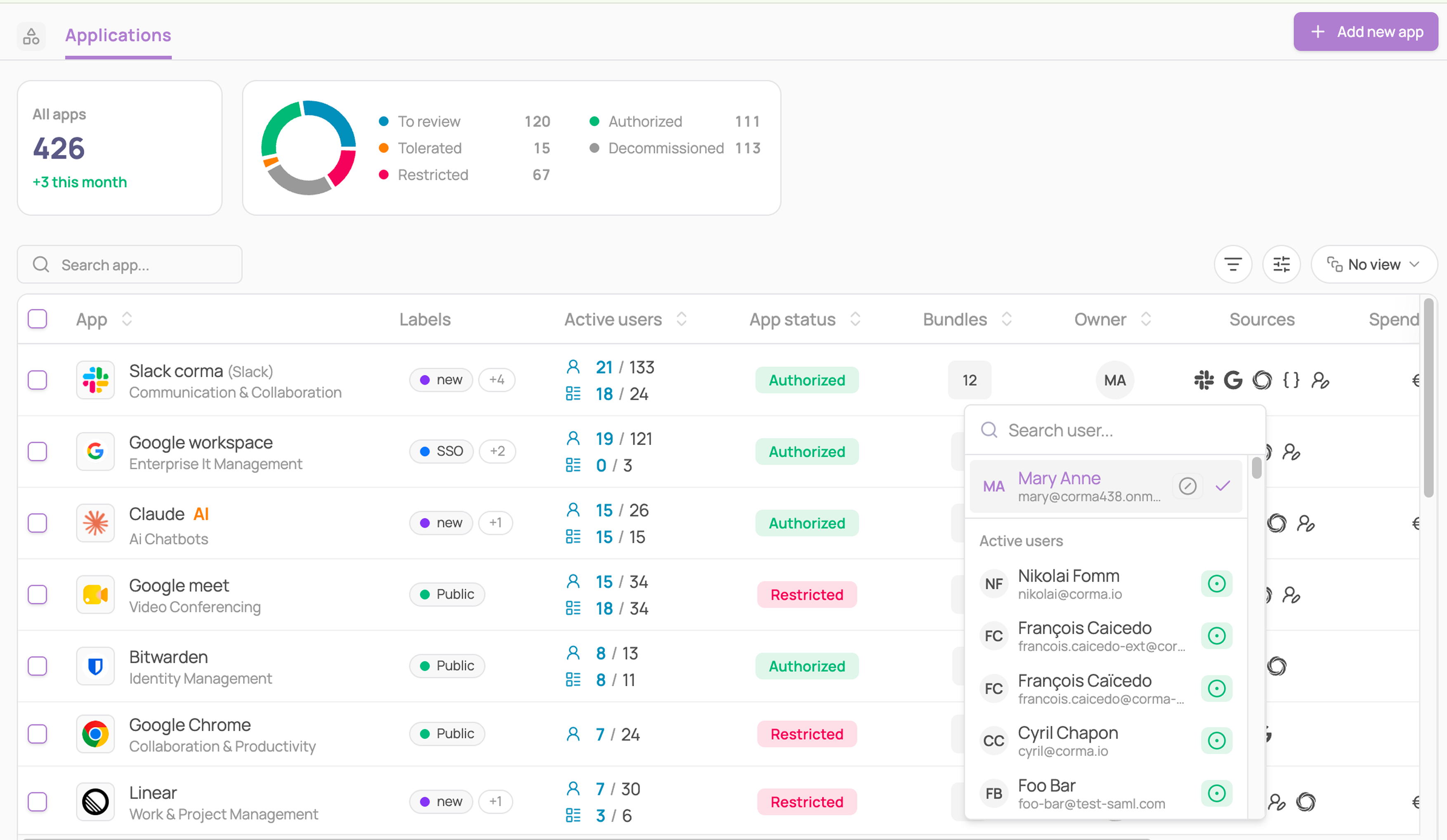
From the Applications table
Go to the Applications module
Click the Owner cell for the app you want to update
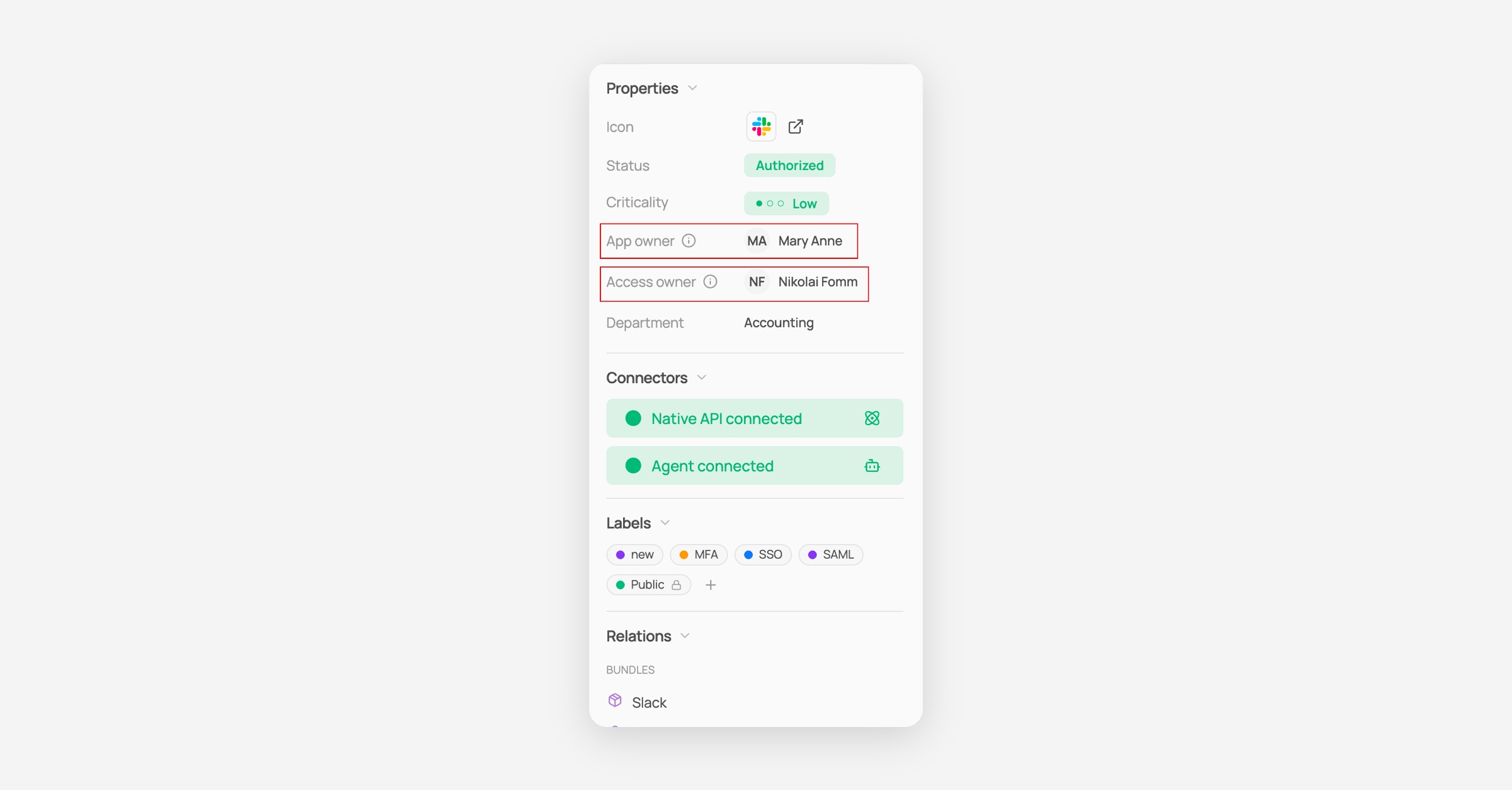
From a specific app's page: App owner and Access owner
Click into a specific app
In the right sidebar, under Properties, find the App owner or Access owner field
Click the owner's avatar
From a specific app's page: Contract owner
Click into a specific app
Open the Contract tab
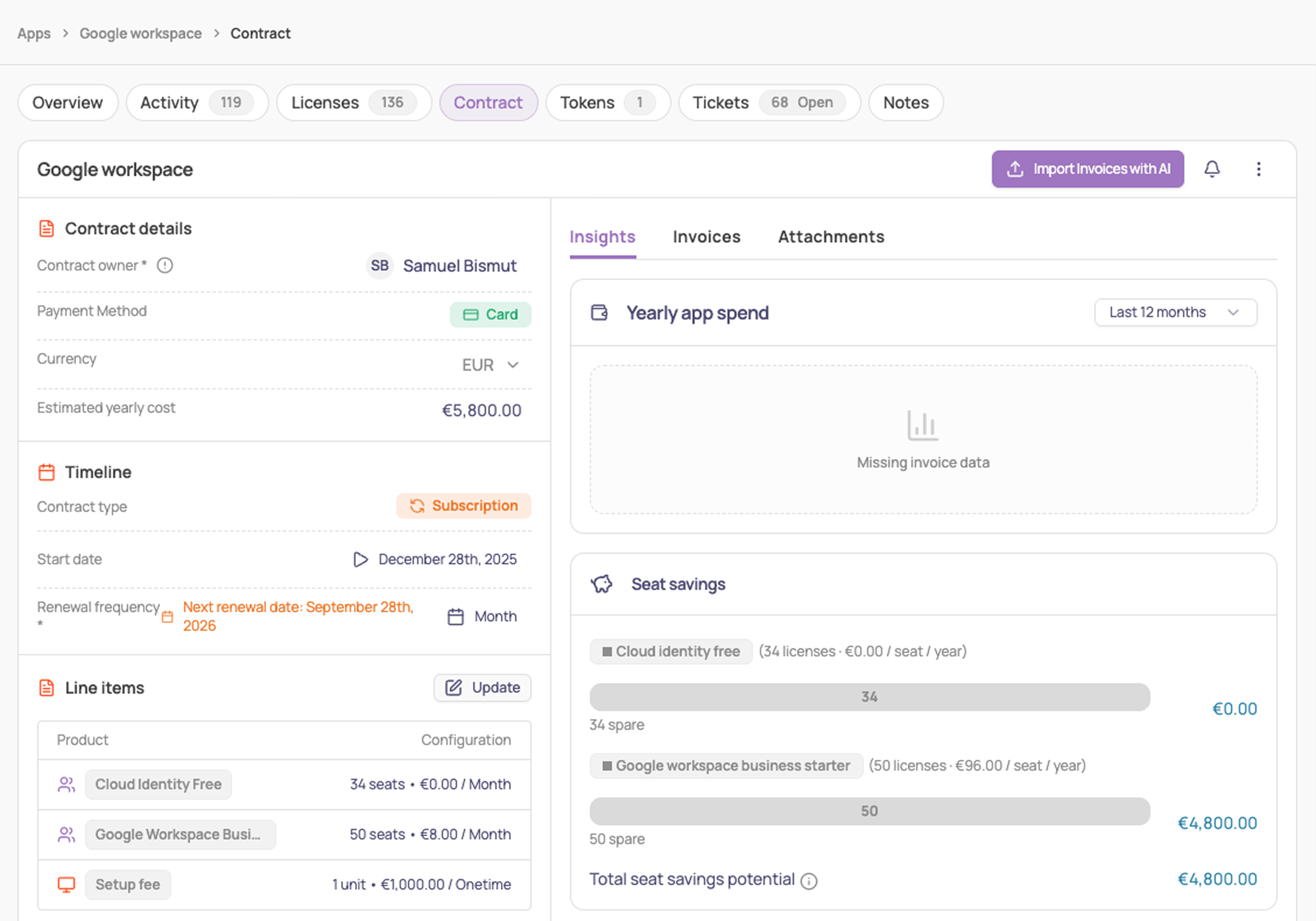
Under Contract details, click the Contract owner field
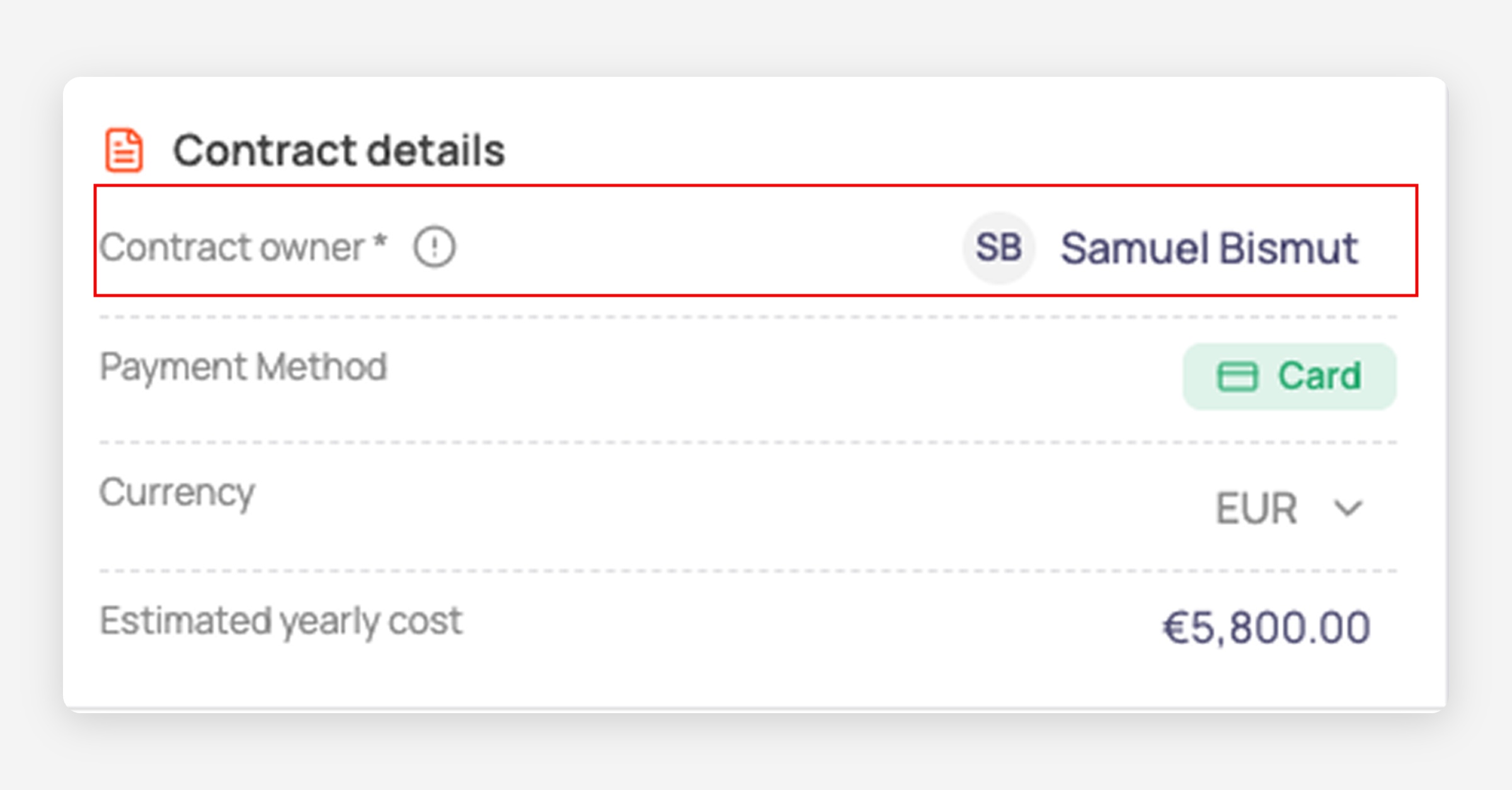
If no contract owner is set yet, the field shows Select a user.
Either way, a searchable picker opens showing active users, with the current owner checked.
Select a new user to reassign that role, or close the picker to leave it unchanged.