
Corma
Corma
  • Docs
  • Changelog
  • Feature requests
    • Employee guides
    • Applications
      • How to add an application to your Corma workspace
      • How to define app owners
      • How to define an inactive threshold
      • How to define license types and set defaults
      • How to define license roles and set defaults
      • How to set custom app visibility
      • How to define excluded suppliers
    • Users
    • Licenses
    • Provisioning
    • Security
    • Requests
    • Tasks
    • Contracts & Savings
    • Access reviews
    • Workflow Builder
Docs / Guides and How to's / Applications

How to define an inactive threshold

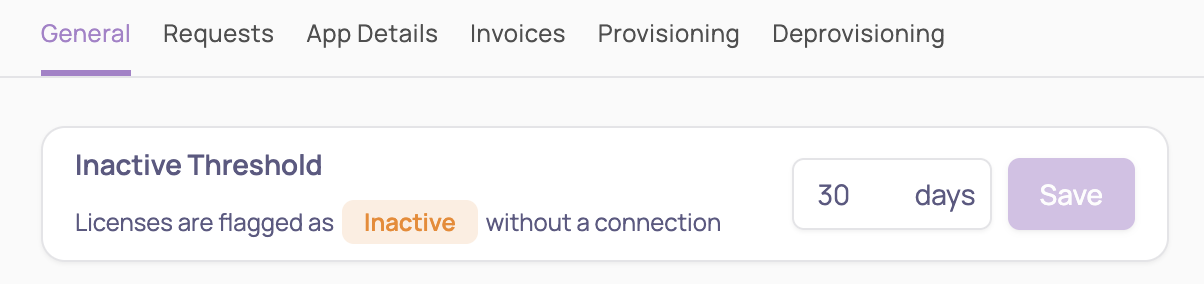
An inactive threshold is the number of days after which a license is automatically flagged as inactive if no connection is detected. This helps identify underutilized licenses and optimize costs.

  1. Navigate to the Applications module

  2. From the main app table click on a specific app

  3. Click on Settings (top right corner)

  4. From the "General" tab set your desired inactive threshold
Was this helpful?