Create a review
Navigate to the Reviews module

Click on "Create new review"

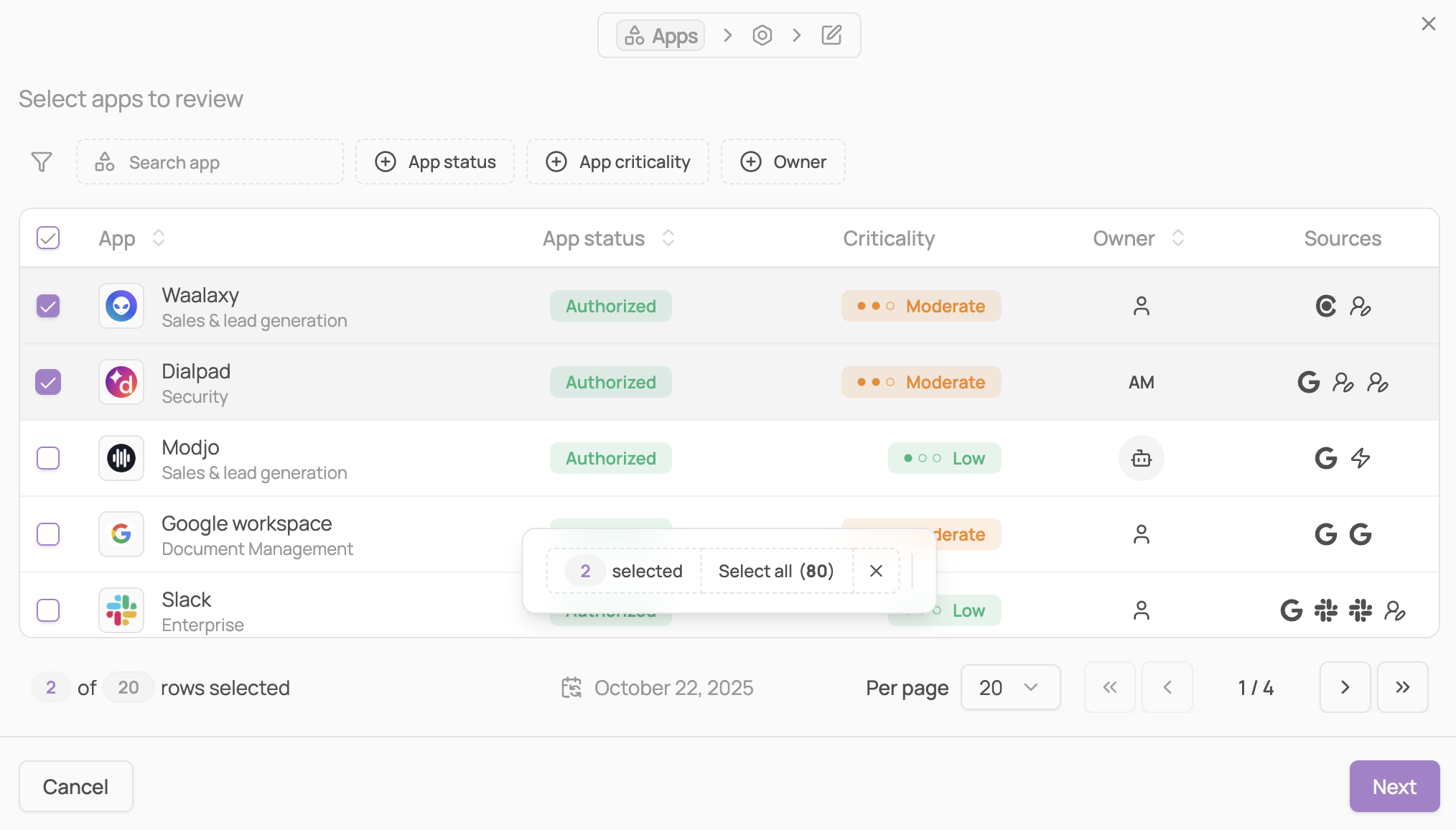
Select the scope of the review by selecting apps
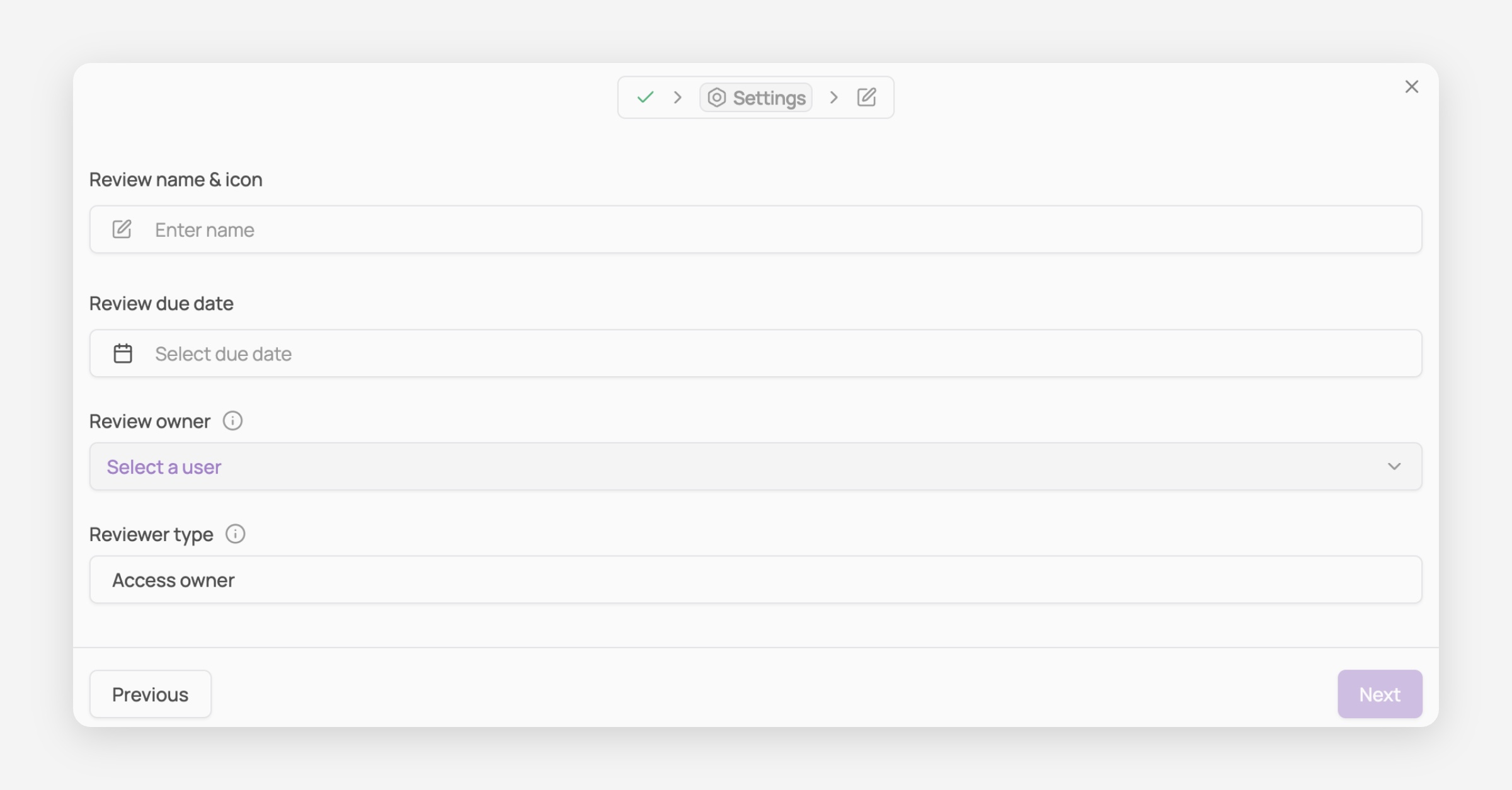
Configure review settings
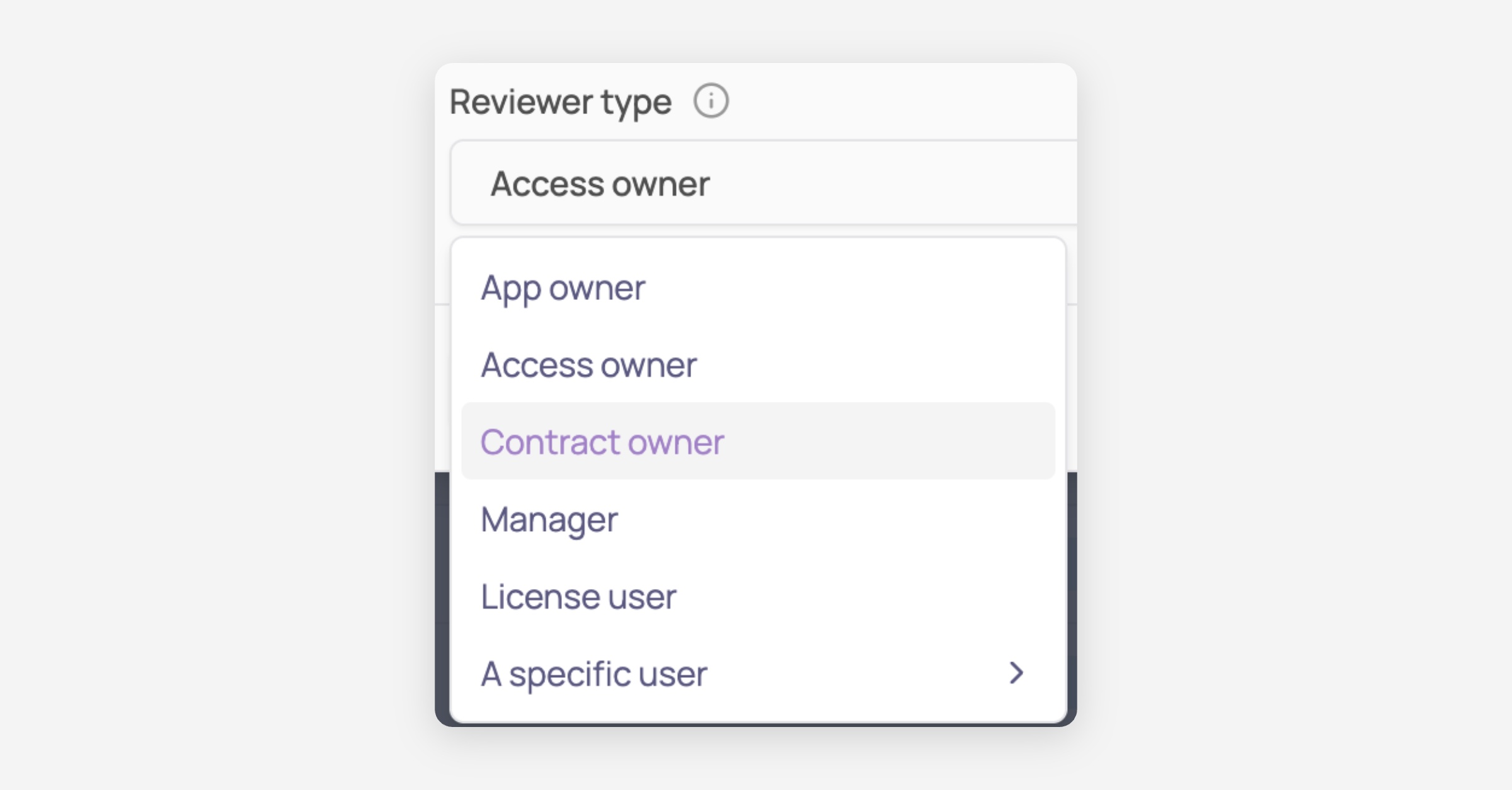
Note: if a specific user is selected as a reviewer type at this stage, you can define this user during the next step
Validate your review
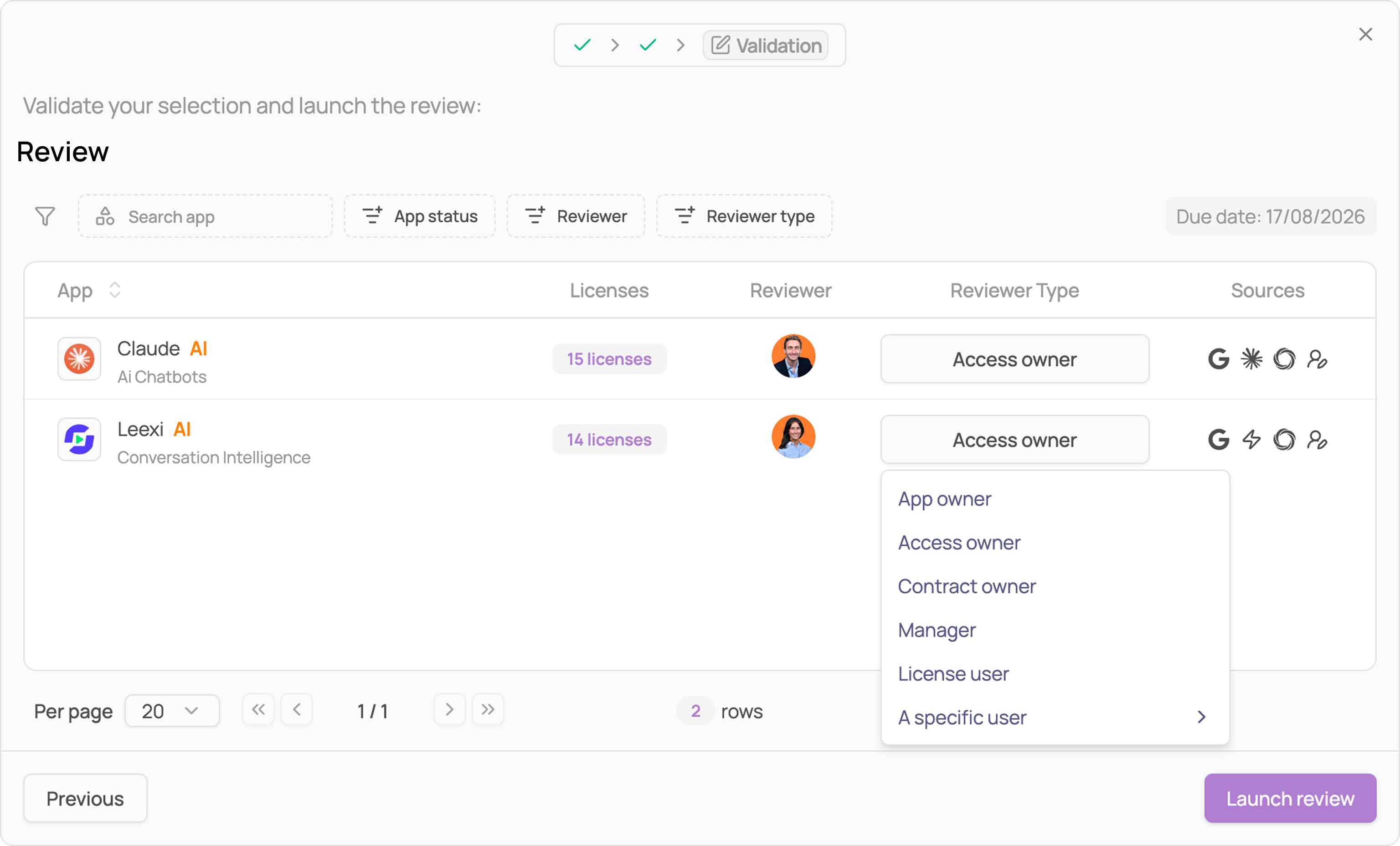
Note: In this step you can choose to edit the reviewer type (optional)
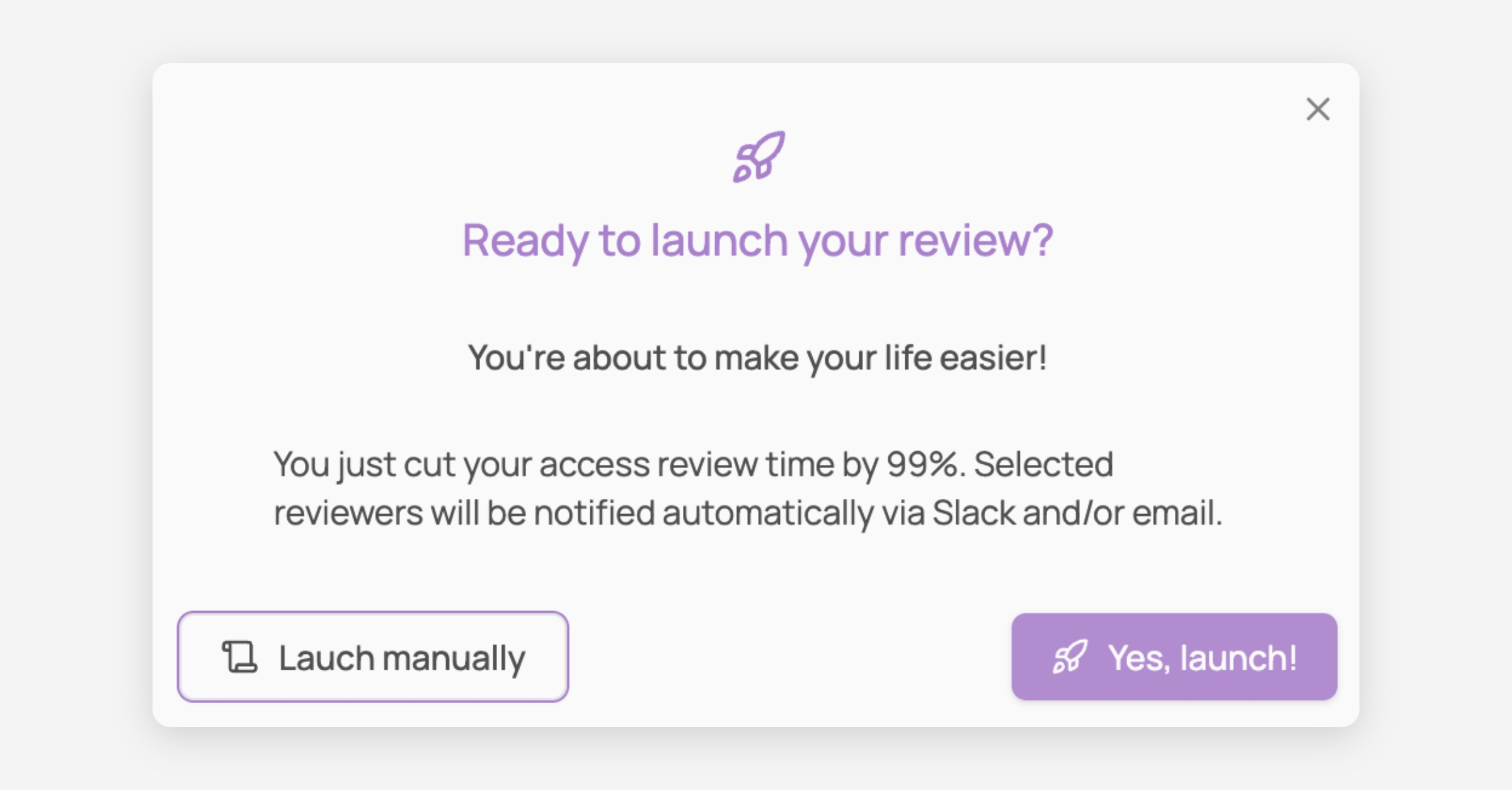
Launch your first review !
Note: clicking on "Launch manually" will create a draft review