
How to set recurring reviews
Setup recurring reviews for your quarterly or yearly audits for instance
Note: To setup a recurring access review, this will use features from the workflow builder.
Go to the Workflow page
Click on Create a new workflow
Select Scheduled as a trigger and click “Create”
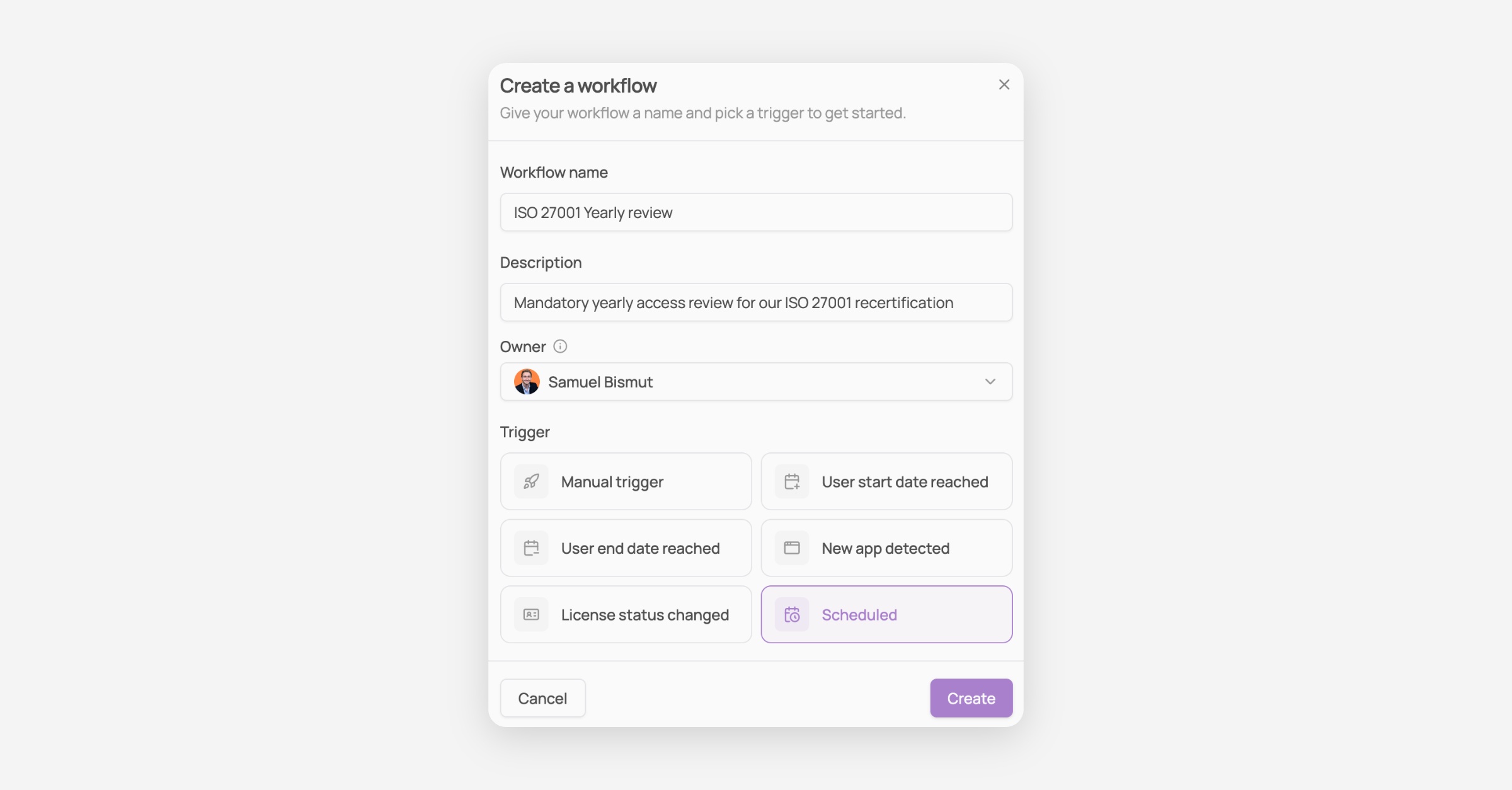
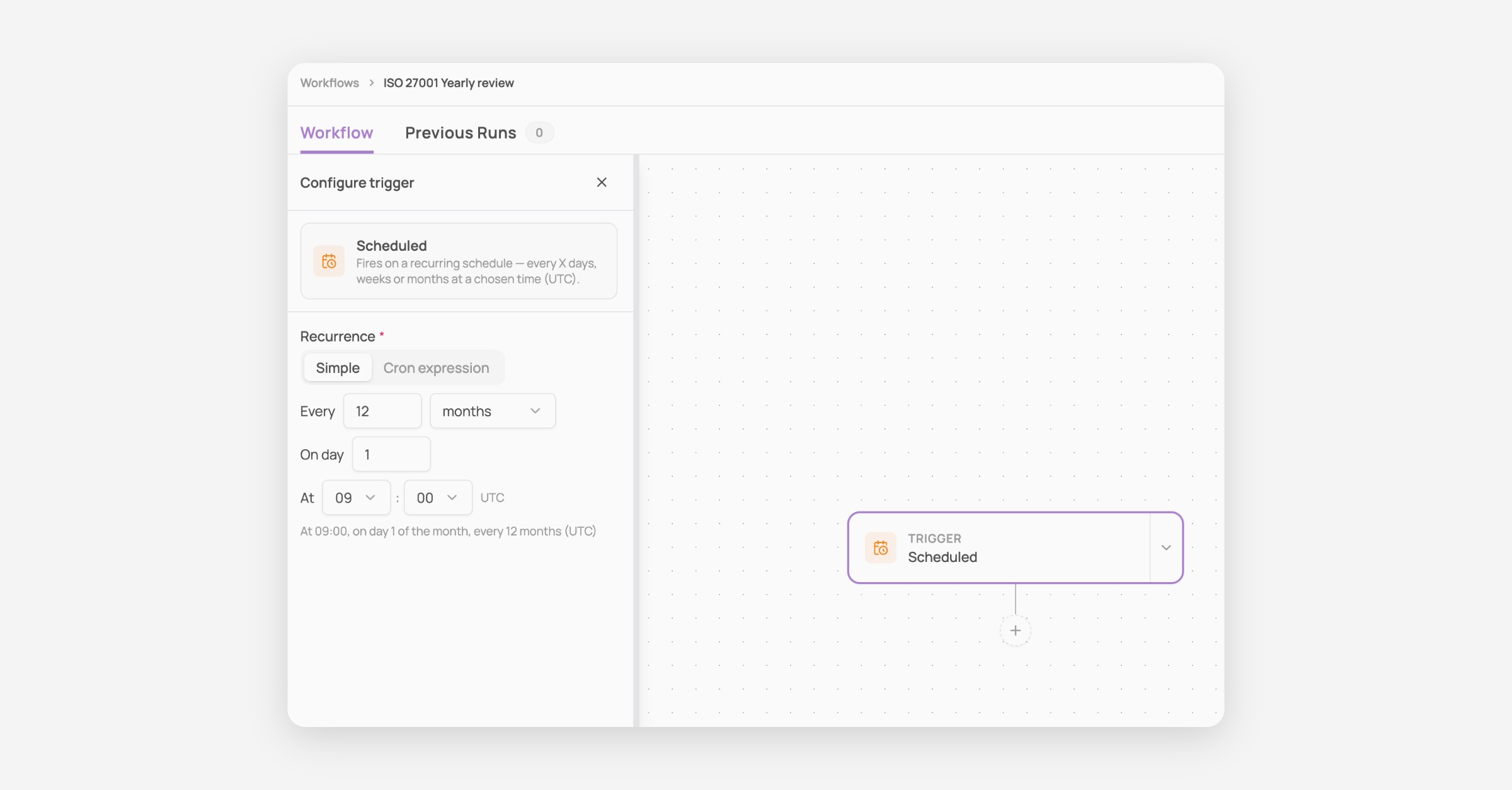
Configure your Scheduled trigger to the frequency of your preference. Here I set it up to run once every year at the start of the month, since I am writing this on the 13th of August 2026, next time will be August 1st 2027.
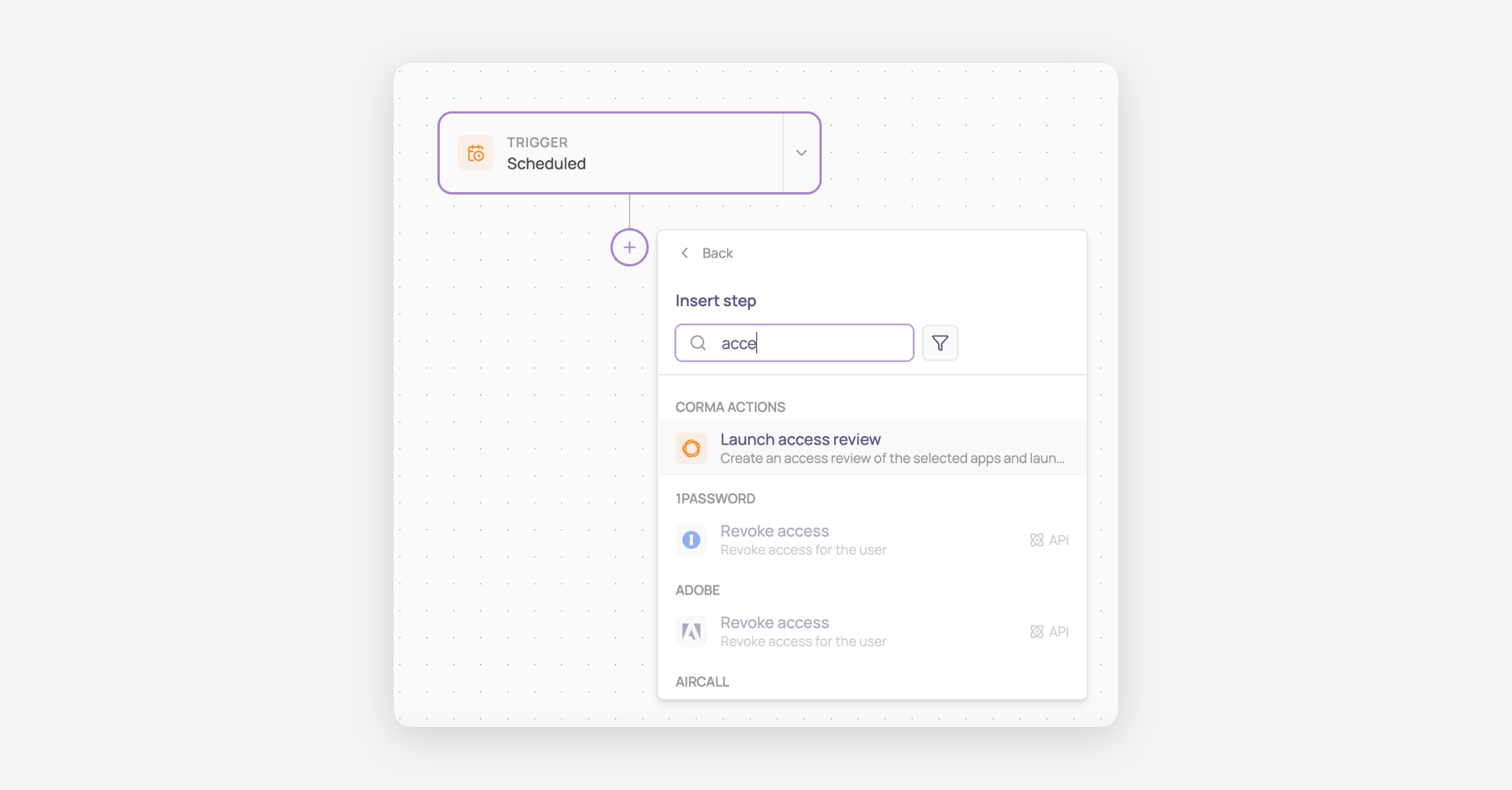
Click on the + button below your trigger, select “add a step” and search and select “launch an access review”
Configure the scope of your access review, i.e. what should be targeted by this access review, along with all the other details of that access review.
In my case here I’ve configured it on all my core authorized apps with a deadline set 30 days after review and a custom name to represent when that review has been triggered.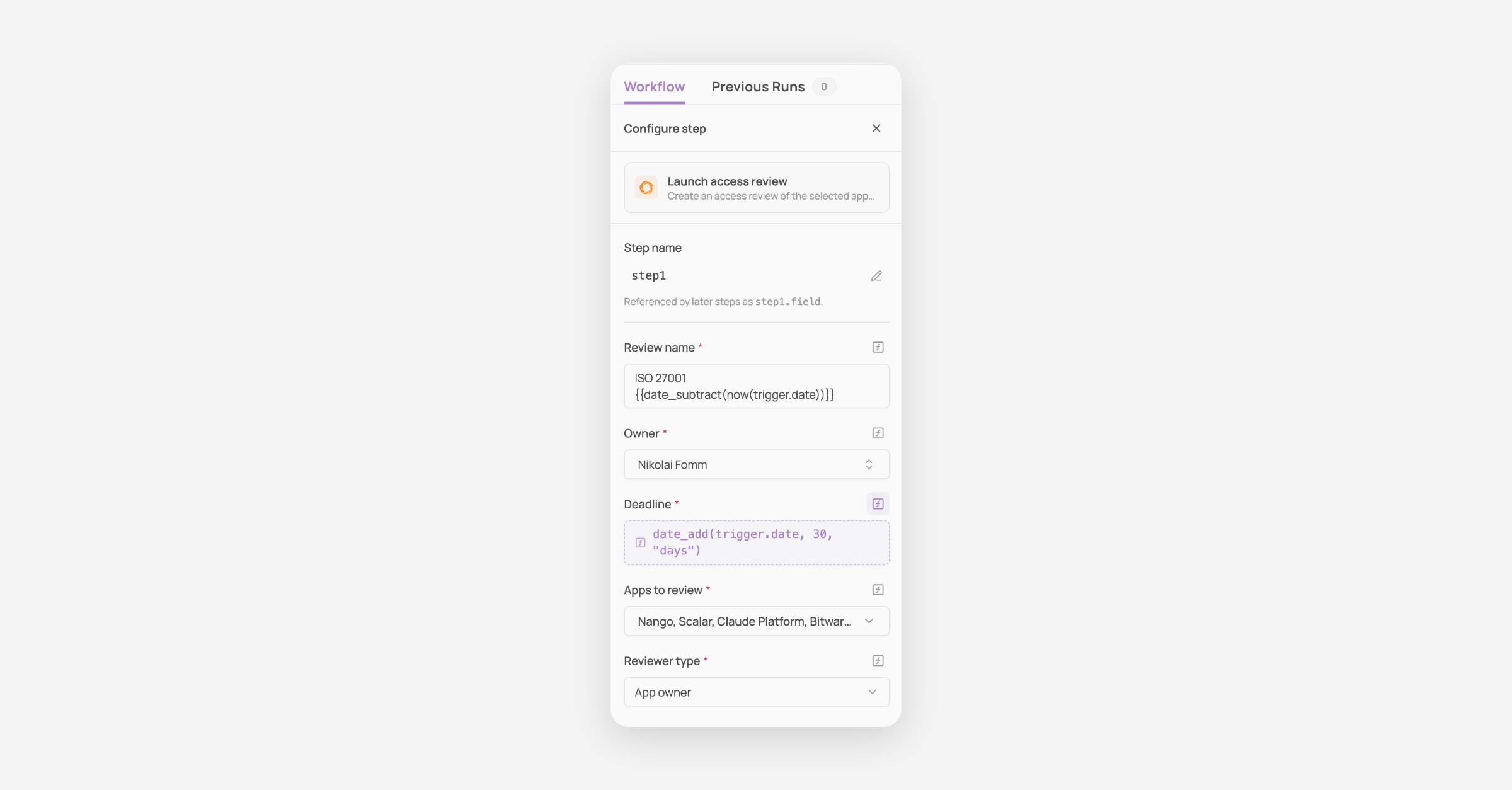
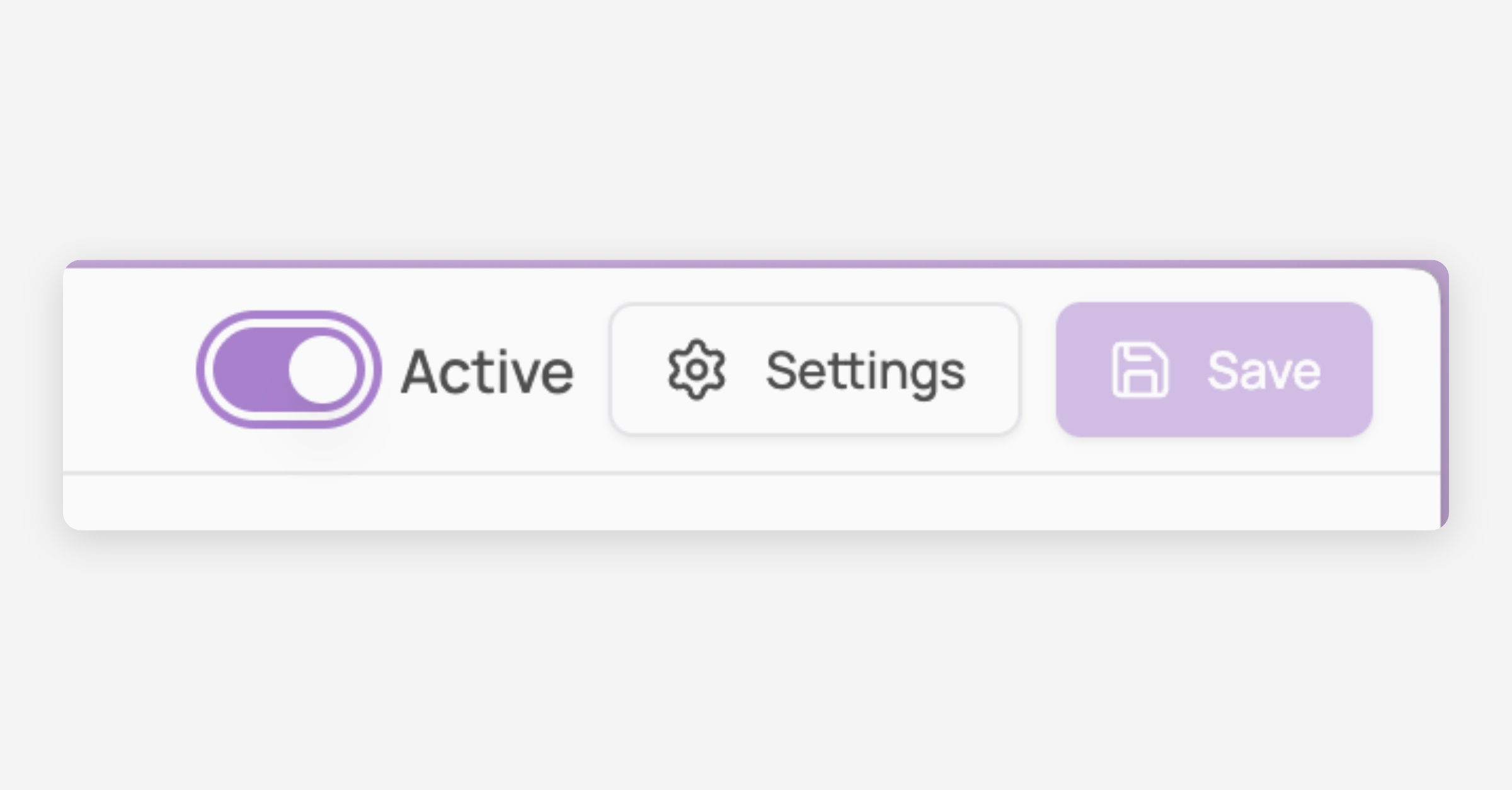
Save and activate your workflow (top right) and you’re done!
Other information
As of today the scoping cannot target dynamically apps based on their status or number of licenses but this is a feature that we are looking to add in the product. Don’t hesitate to reach out if you are interested in it.
For now, reviews target applications: you cannot scope an access review to review the accesses of a specific set of users in your company, nor can you scope a review to review group membership for instance instead of a list of licenses. Those are also improvements that are planned to be made to the access review system.