
How to set approval flows for access requests
What is an approval flow?
At Corma, approval flows let you define who approves user access requests, and in what order, for each app. You can configure multi-step approval flows tailored to your internal ownership structure, bringing clarity, control, and accountability to every access request. A default flow can also be defined for consistency across apps.
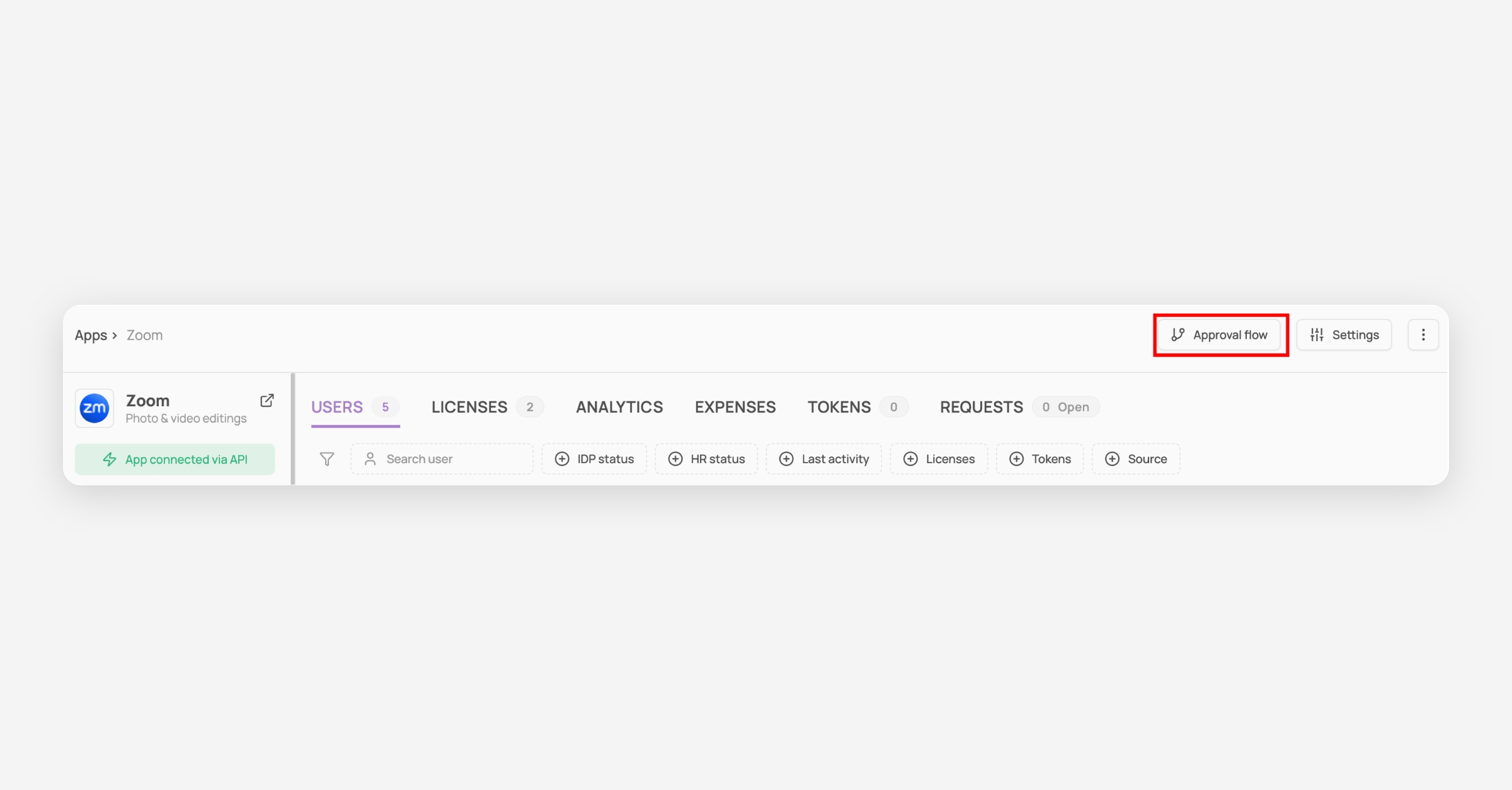
Navigate to the Applications module

Click on a specific app
Click on "Approval flow"
Set up the approval flow
Option 1: Set up a custom approval flow (specific app level)
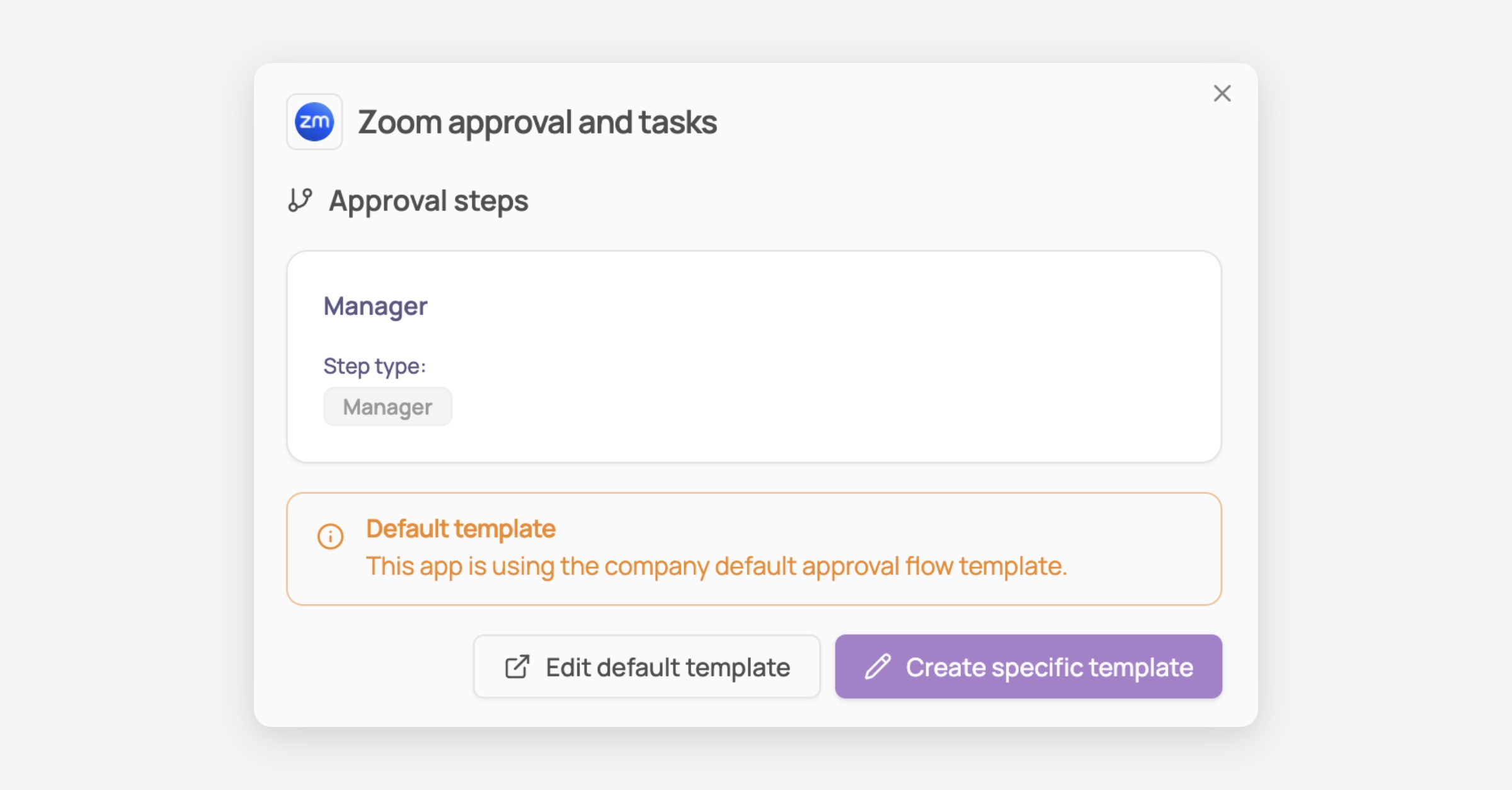
Click on "Create specific template"
Create your first approval step
With Corma you are able to:
Edit the title of the step
Select who needs to approve this step, from A specific user, Manager, App owner, or Contract owner
Choose which license type this step applies to (for example, if Premium is selected, this step only applies if the requested access is for a Premium license)
Select the Role this step applies to (e.g. Standard, admin)
Add additional steps (optional)
Depending on the criticality of the app, you can add more steps to the approval flow
Option 2: Use the default approval flow (all apps)
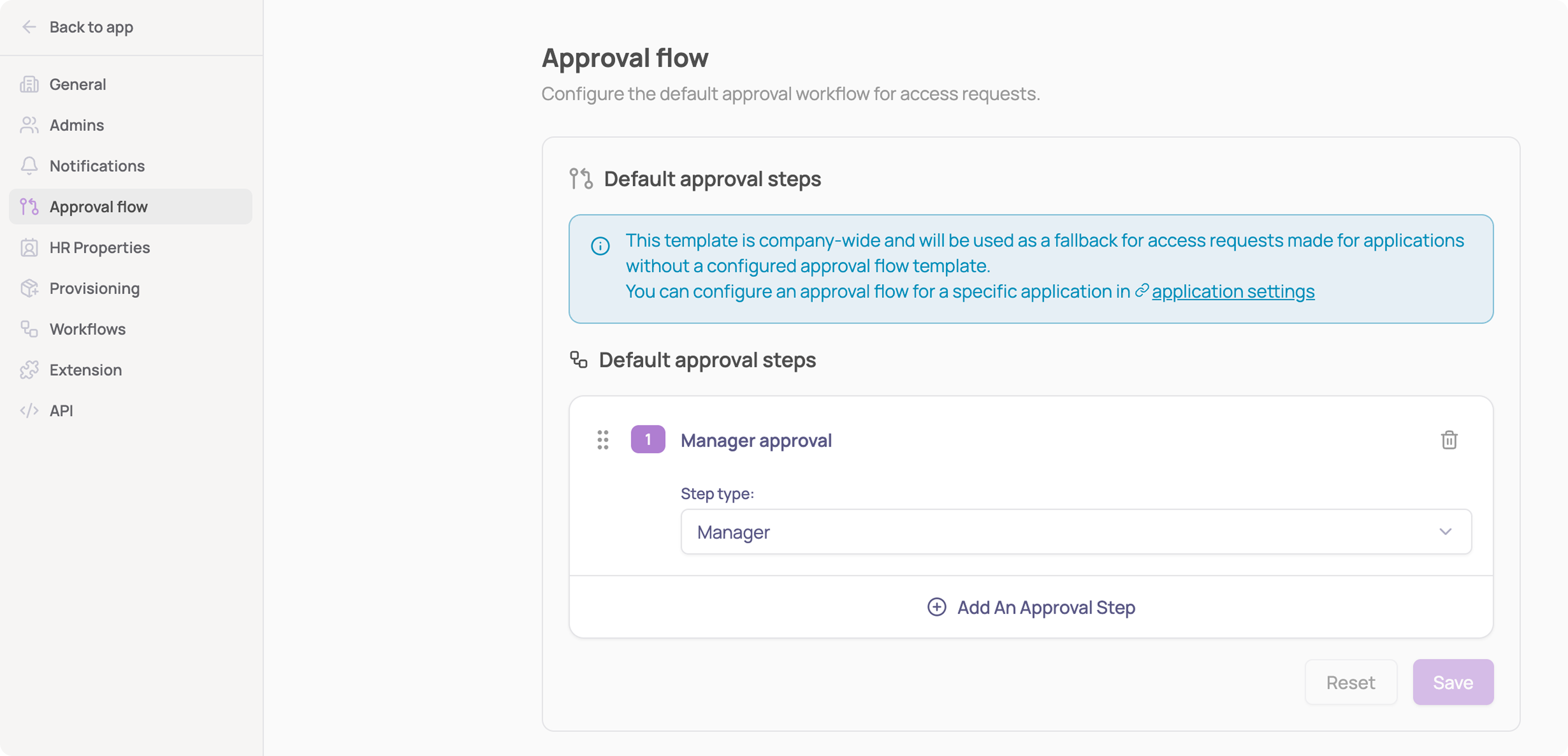
From the screenshot above, click on "Edit default template," or navigate directly to Settings → Approval flow
Edit the default approval steps, following the same pattern as a custom flow (step title, approver, license type, role)
Looking for the Access management owner setting instead? That's a separate fallback contact for when an app has no owner, you'll find it under Settings → General.