You can delete contracts:
From the contracts table: as an individual action or in bulk to delete all selected contracts at once
From the contract drawer
From the Contracts table
Navigate to the Contracts module

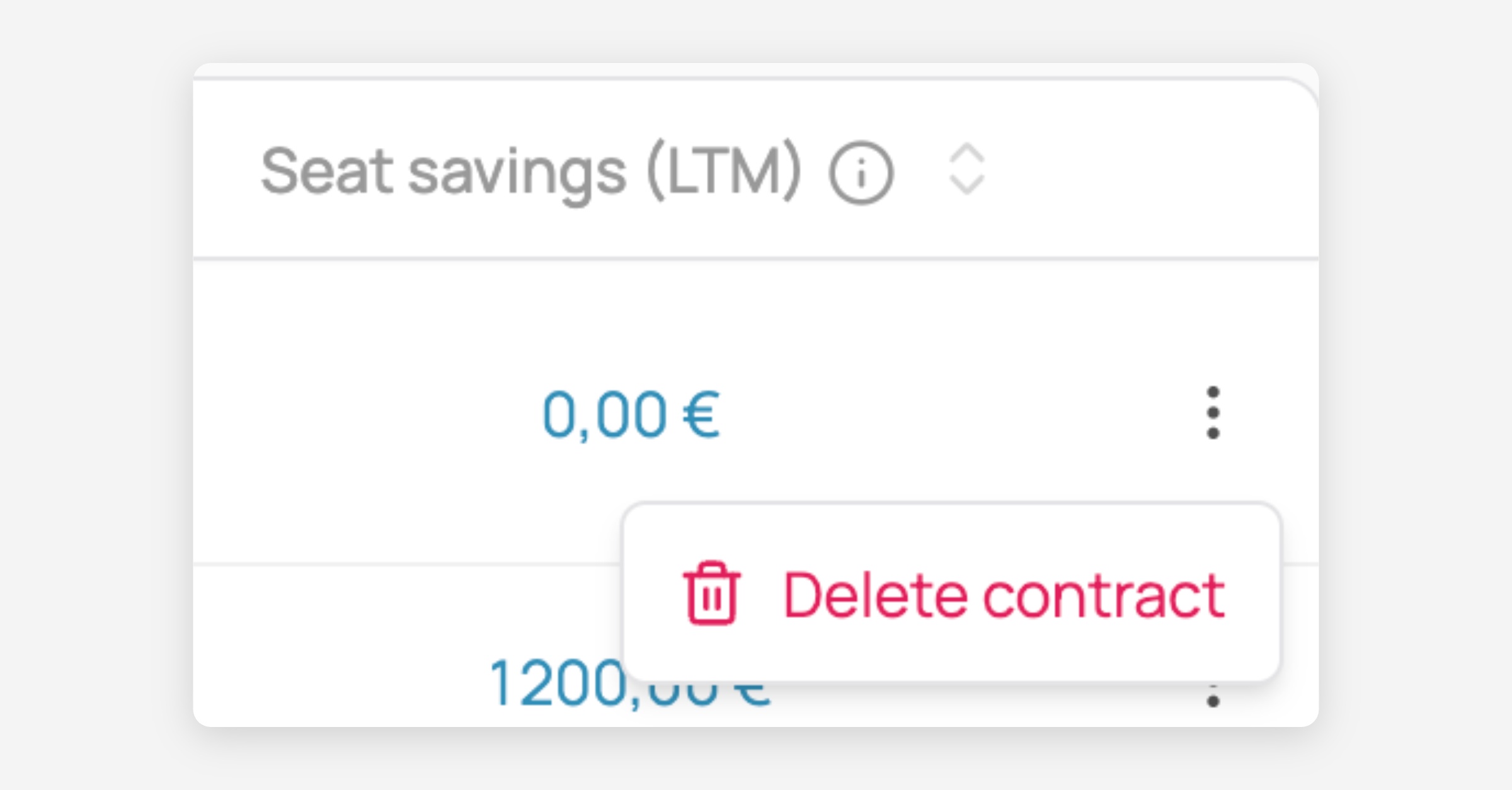
Delete an individual contract: In the right side column click on the 3 dots then click on "Delete contract"
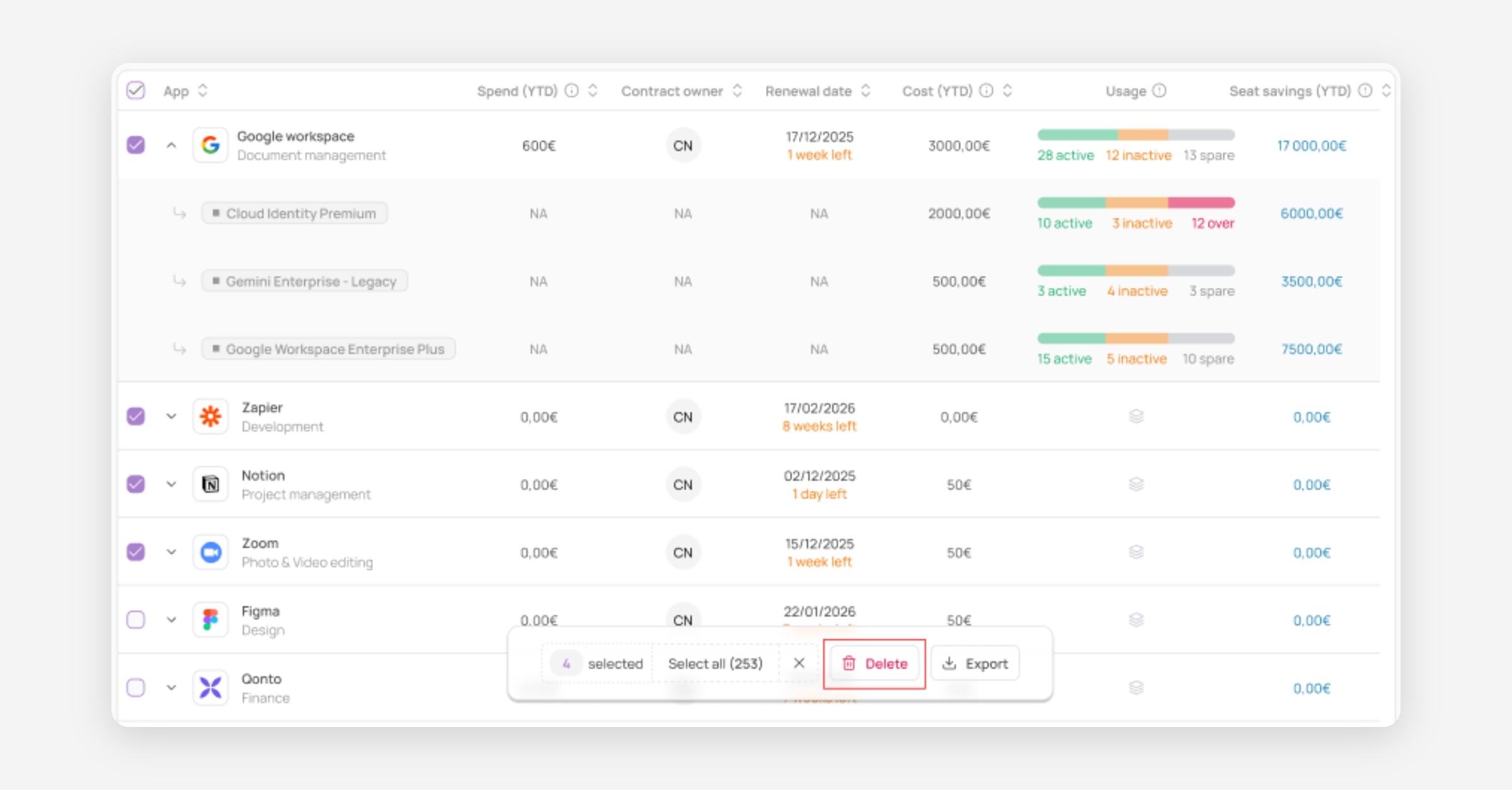
Bulk delete: You can also delete multiple contracts at once by selecting them using checkboxes then clicking on "Delete"
From the Contracts drawer
In the contract module, click anywhere in the line of the desired contract to open the contract drawer
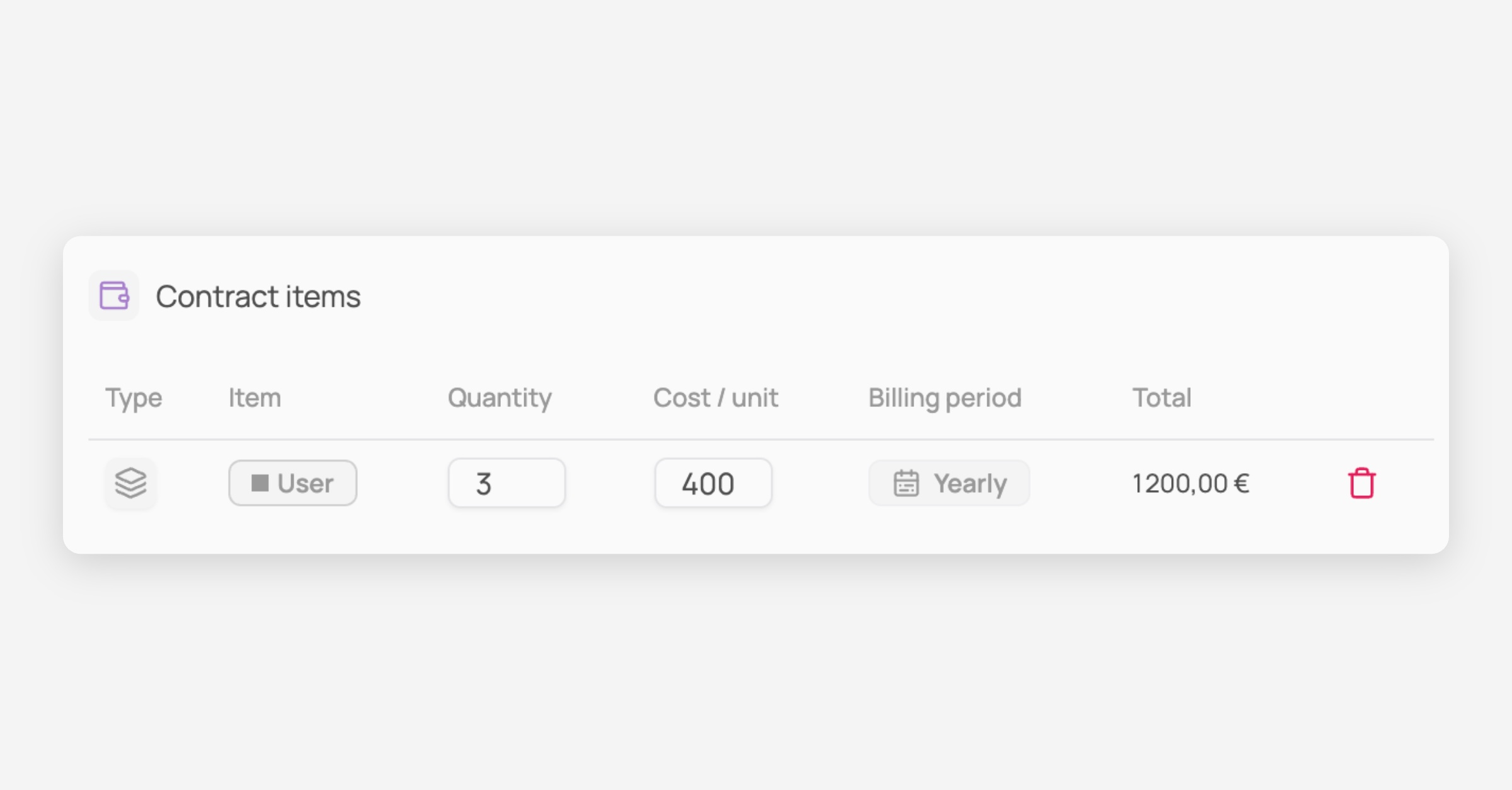
In the "Contract items" section click on the trash icon