
How to request access to an app
Note: Corma enables the submission of access requests on behalf of teammates, removing friction from common IT workflows.
Via your Corma platform
From your Employee mode navigate to My apps

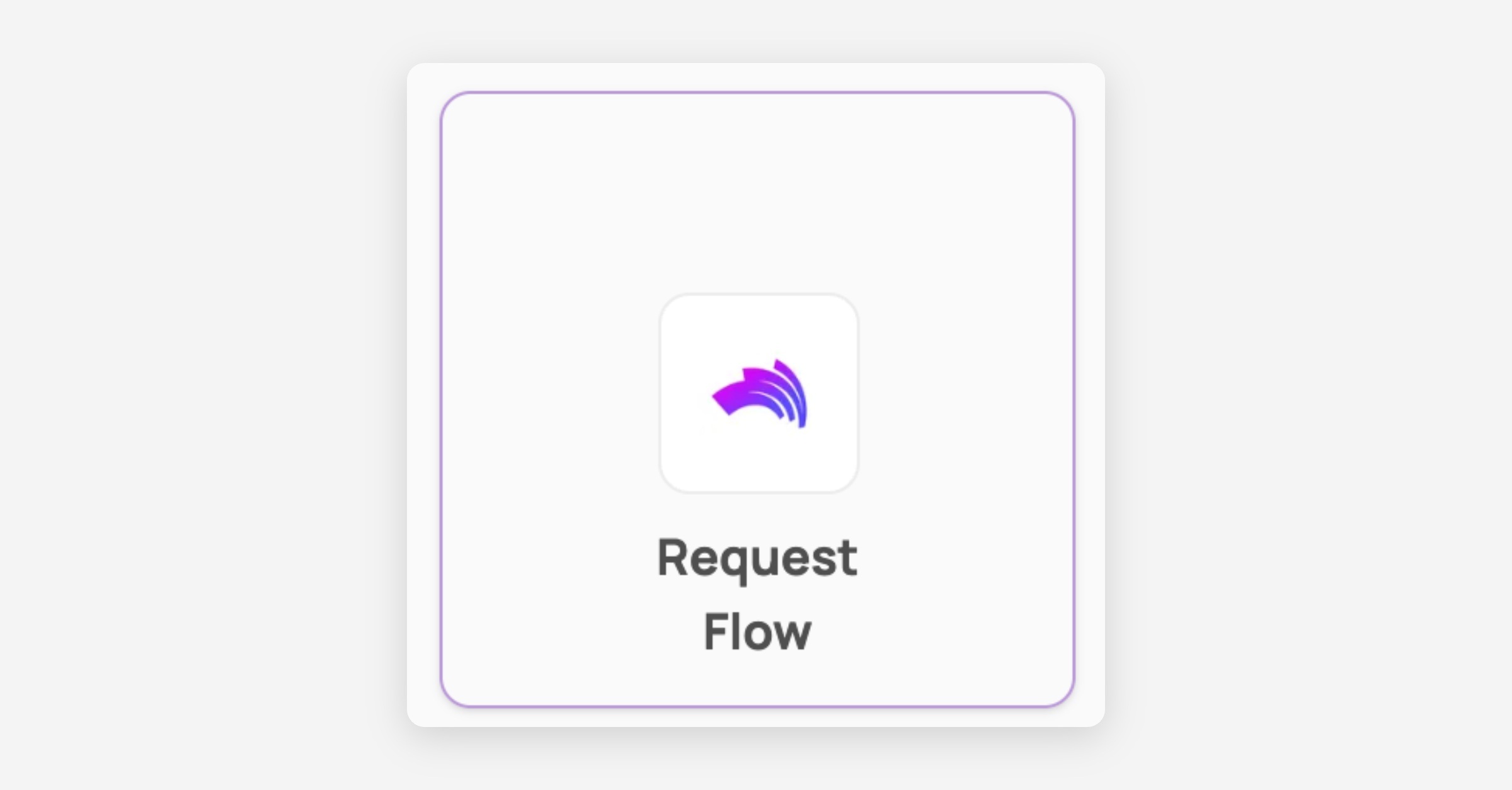
Click on any app to request access
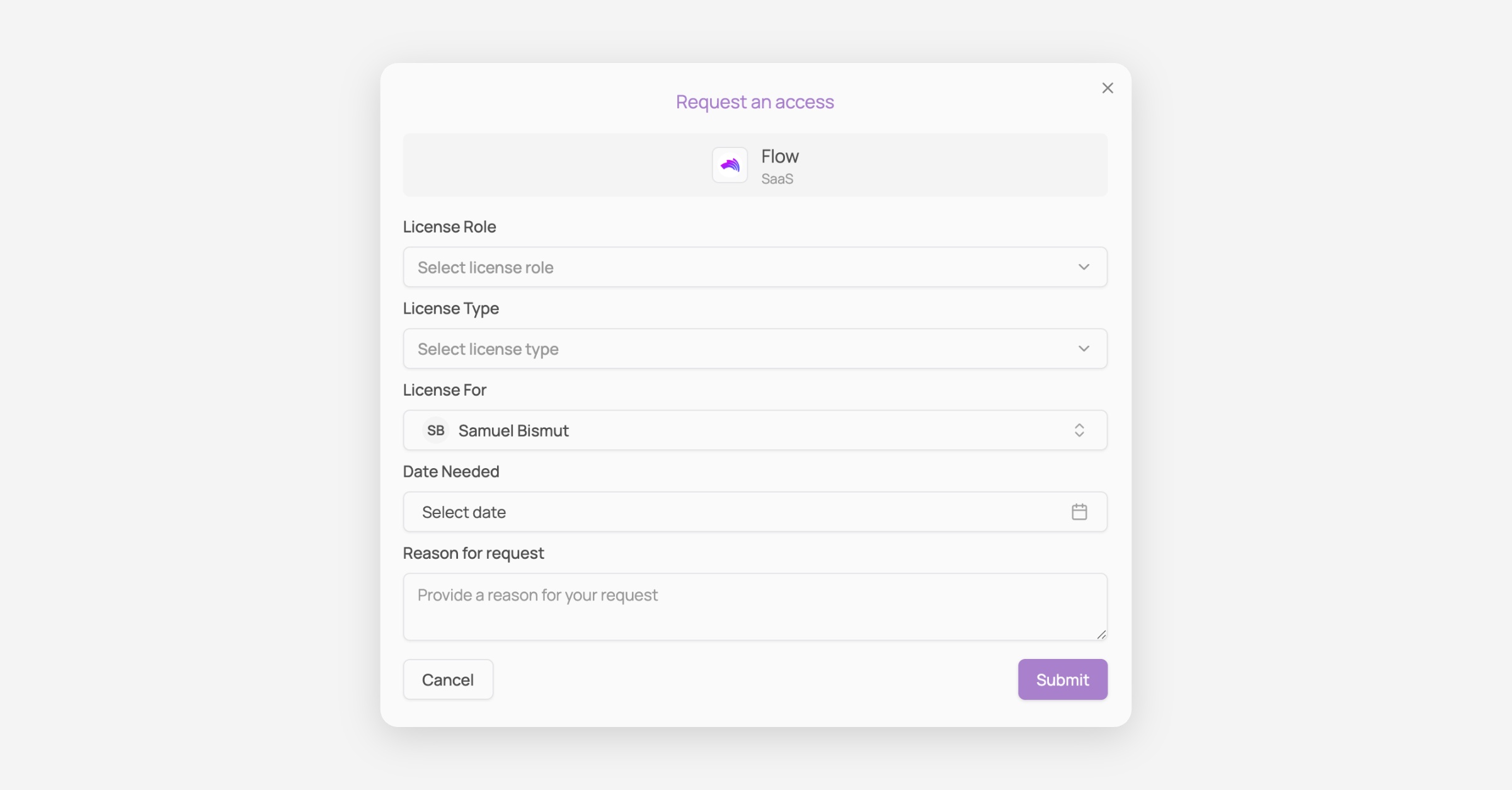
Fill in the form and Submit your request
Via Slack
In your Slack workspace navigate to Apps > Corma

Type "/" then Click on /request-access-corma
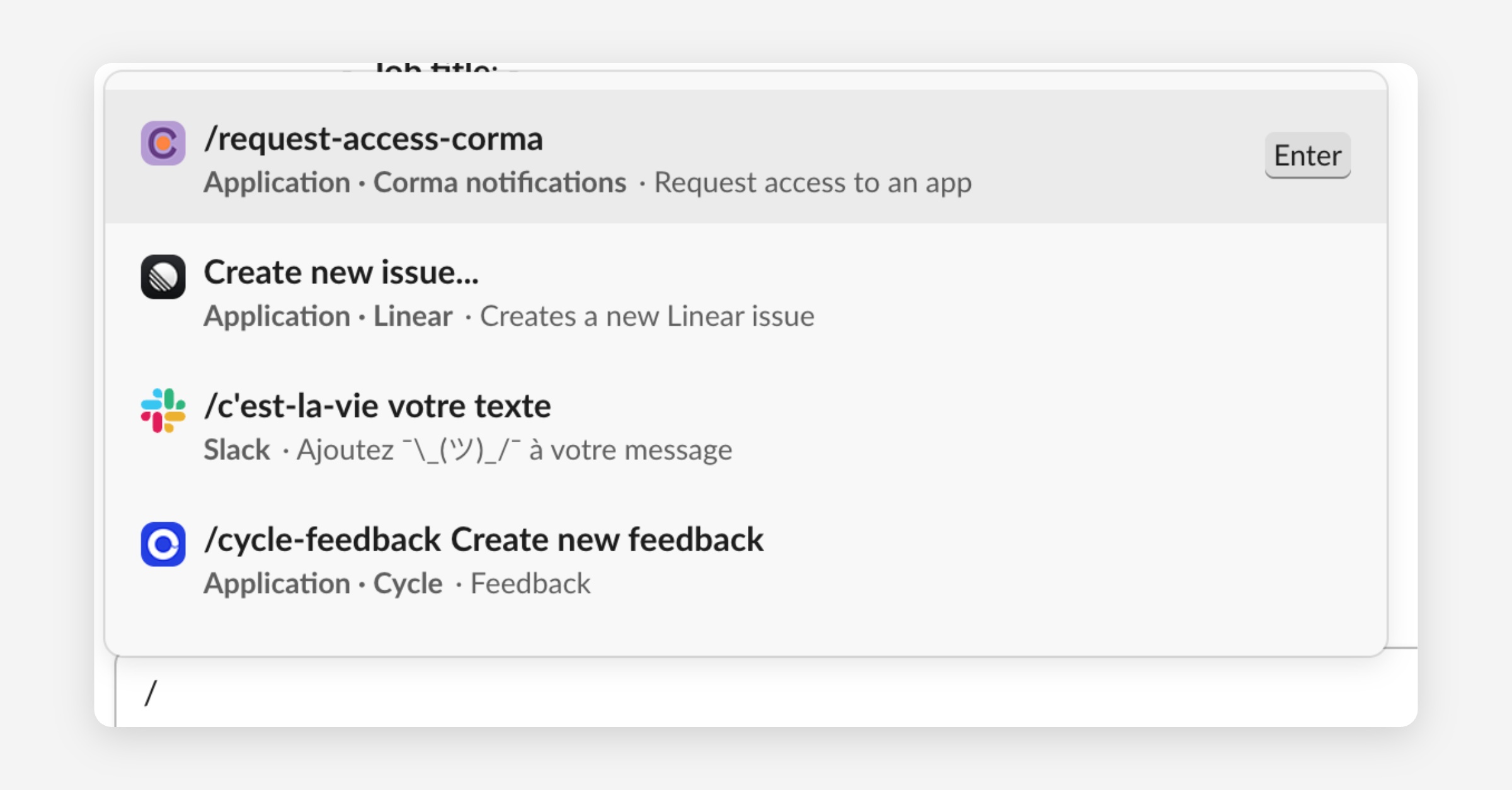
Press enter and fill the Access request form
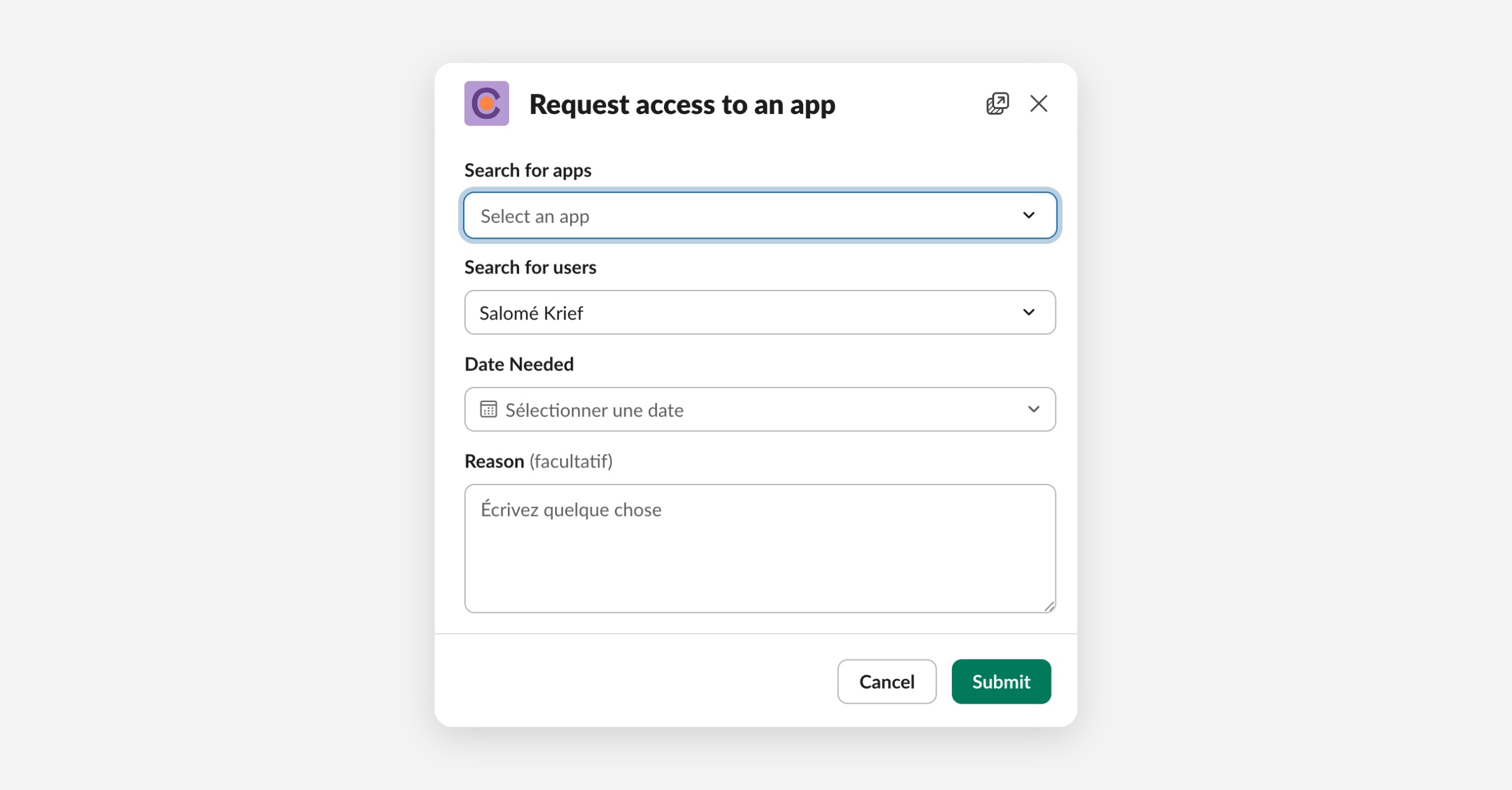
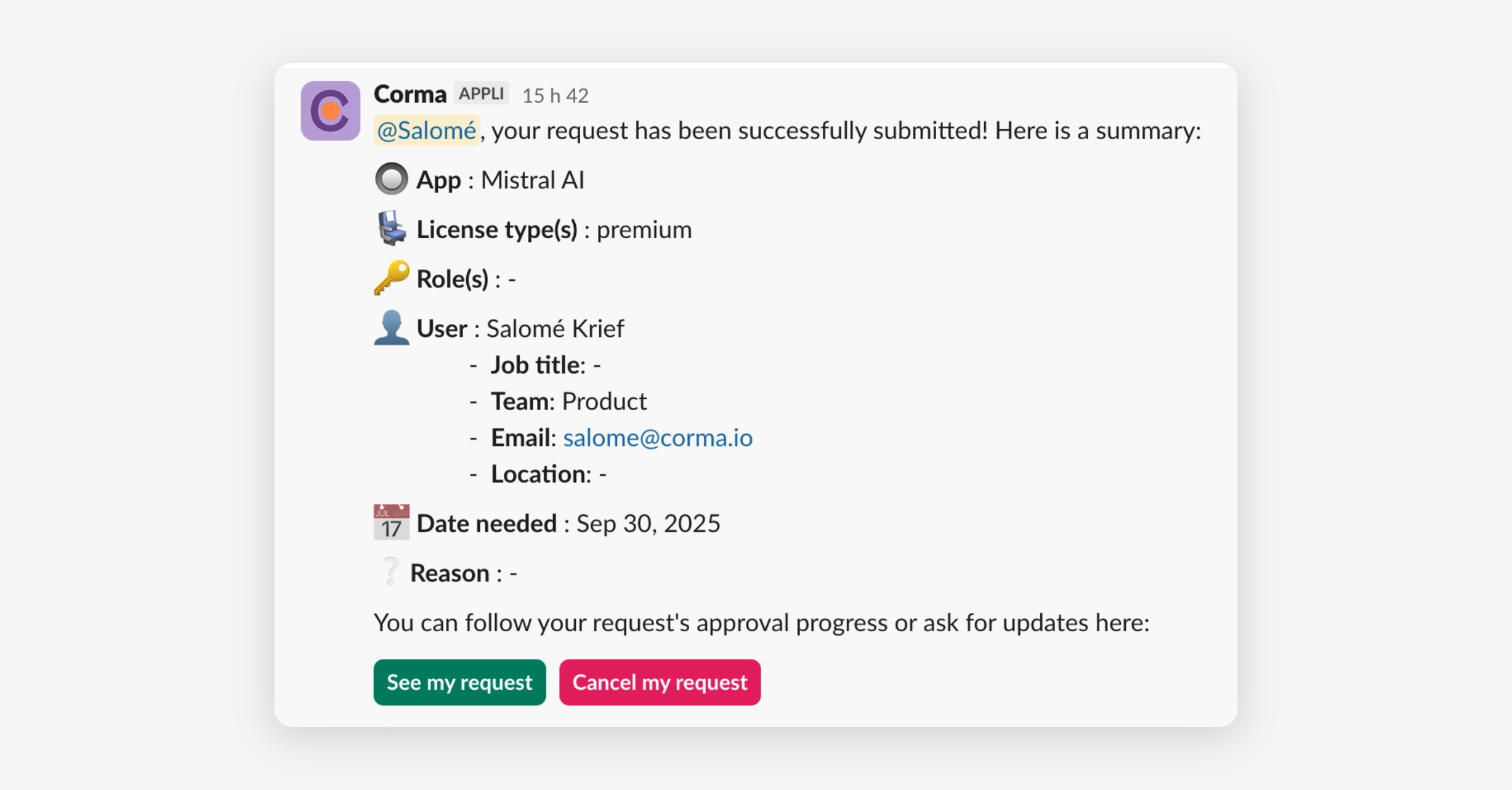
Submit your request and check its status with the automatic message sent by Corma
Was this helpful?