
Yooz
An admin access is required to connect Yooz to Corma
On your Corma app go to the integrations page
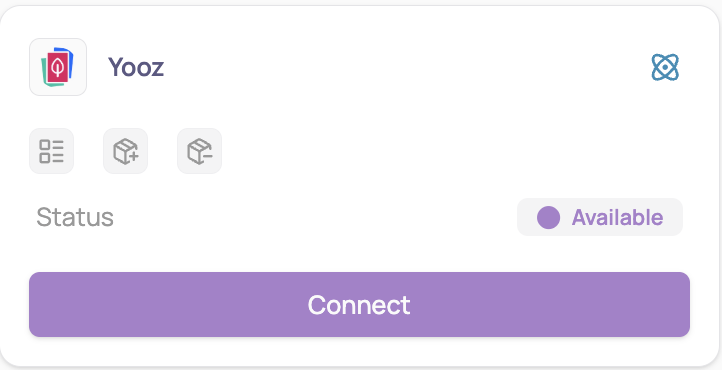
Under "Finance and accounting" search for Yooz and click on "Connect"
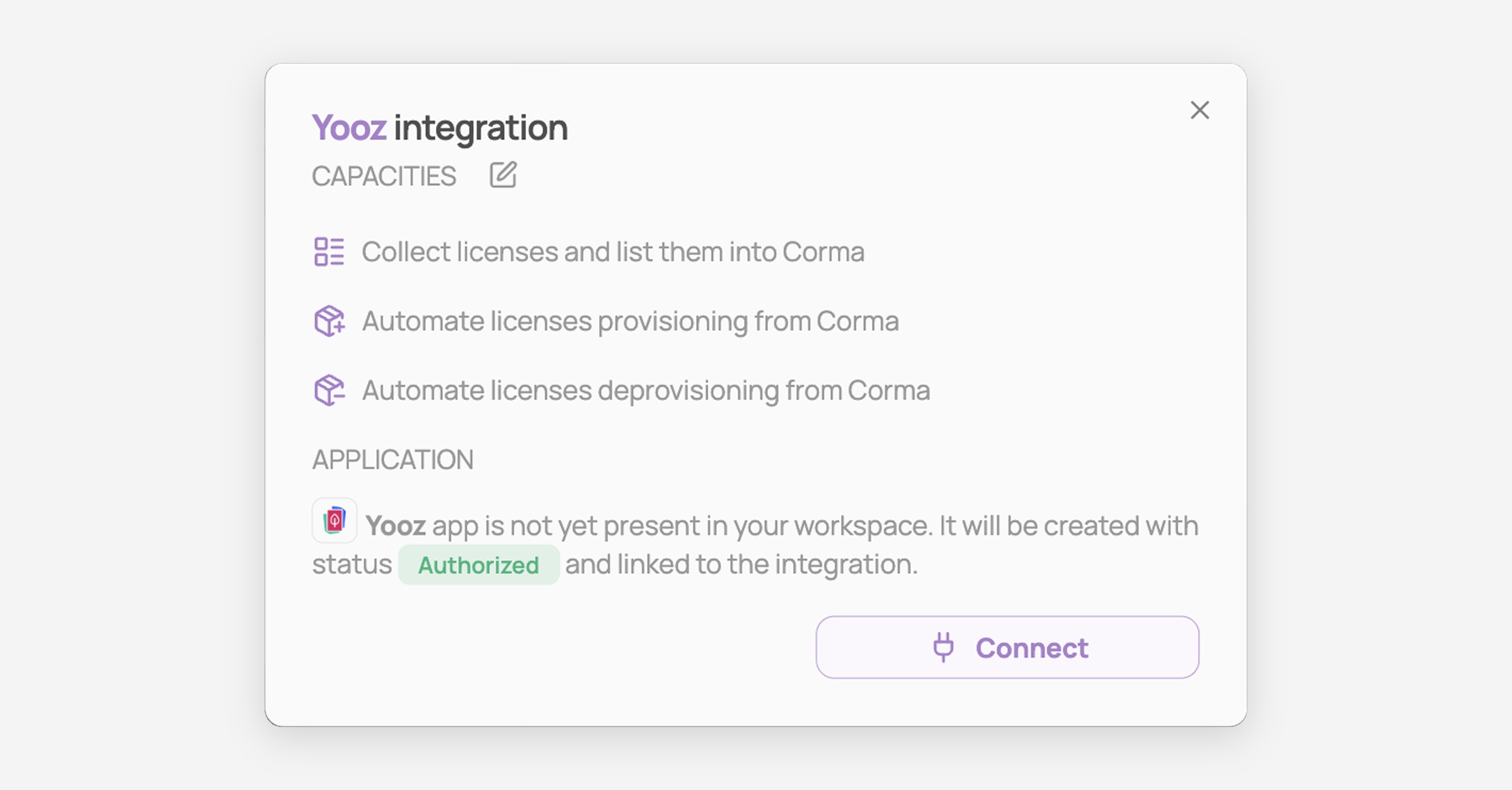
Click on "Connect" again
Retrieve your credentials in Yooz
Log in to your Yooz environment as an administrator
Go to Settings → Interoperability → Public API
Click Generate tokens for API connection to obtain your client ID, client secret and refresh token
On the same settings page, open the public API documentation link. Your application ID is the
applicationIdvalue inside that documentation URL
Fill in the five fields in Corma, then click "Submit"
Environment URL: the main URL of your Yooz environment only, with no path after it — for example
https://eu1.getyooz.comorhttps://preproduction1v2.getyooz.comApplication ID: the
applicationIdfound in your Yooz public API documentation URLClient ID, Client secret and Refresh token: the three values generated in Settings → Interoperability → Public API
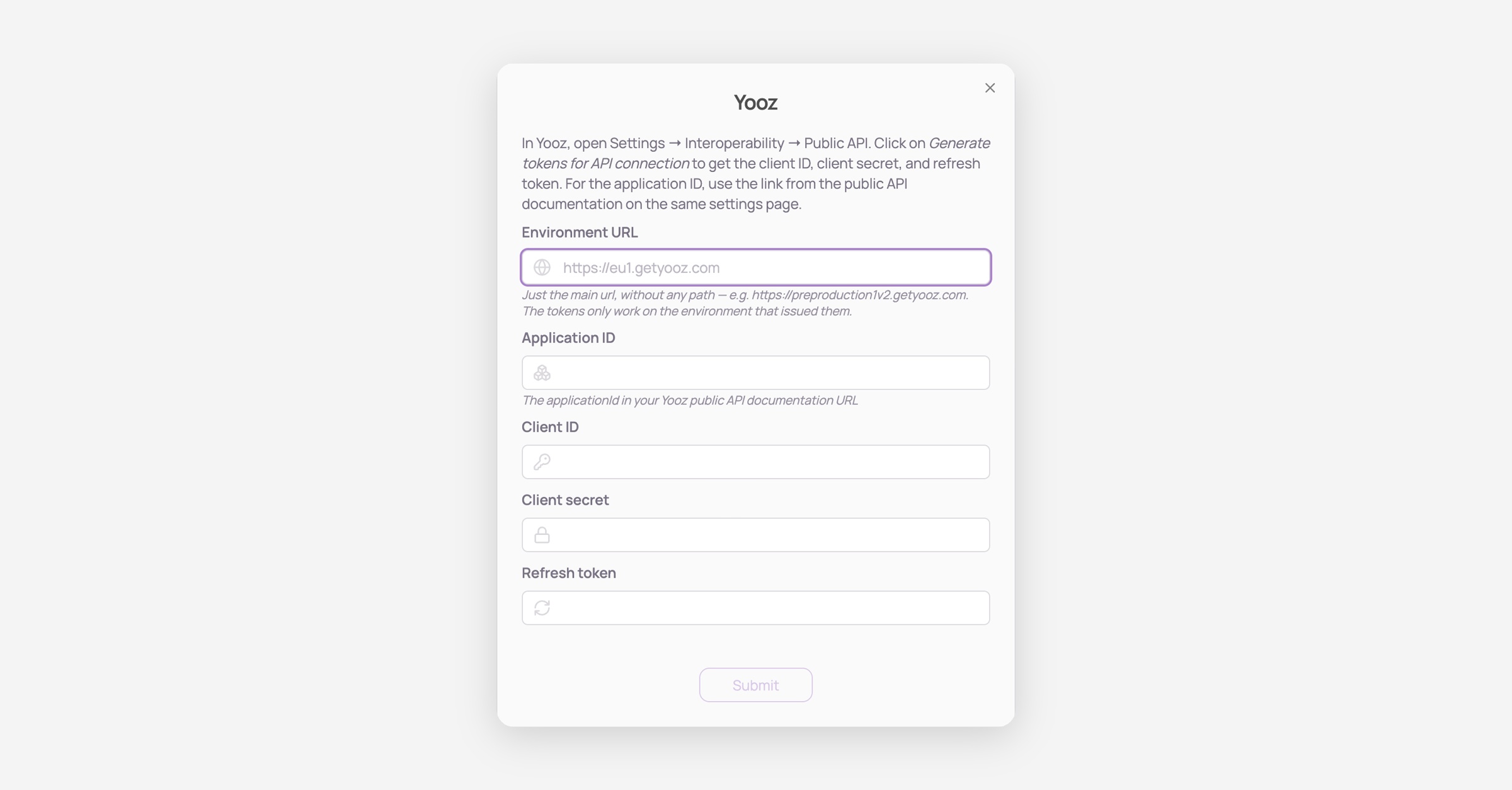
Tokens only work on the environment that issued them. If you generated your tokens on your production environment, the Environment URL must be that same production URL — mixing a preproduction URL with production tokens will make the connection fail.
You've successfully connected Yooz to Corma!
Data should be synchronized within the next 24 hours and will be synched every day to your Corma app.
Was this helpful?