
Tomorro
Summary
An admin access is required to connect Tomorro to Corma
On your Corma app go to the integrations page
Under "Finance and Accounting" search for Tomorro and click on "Connect"
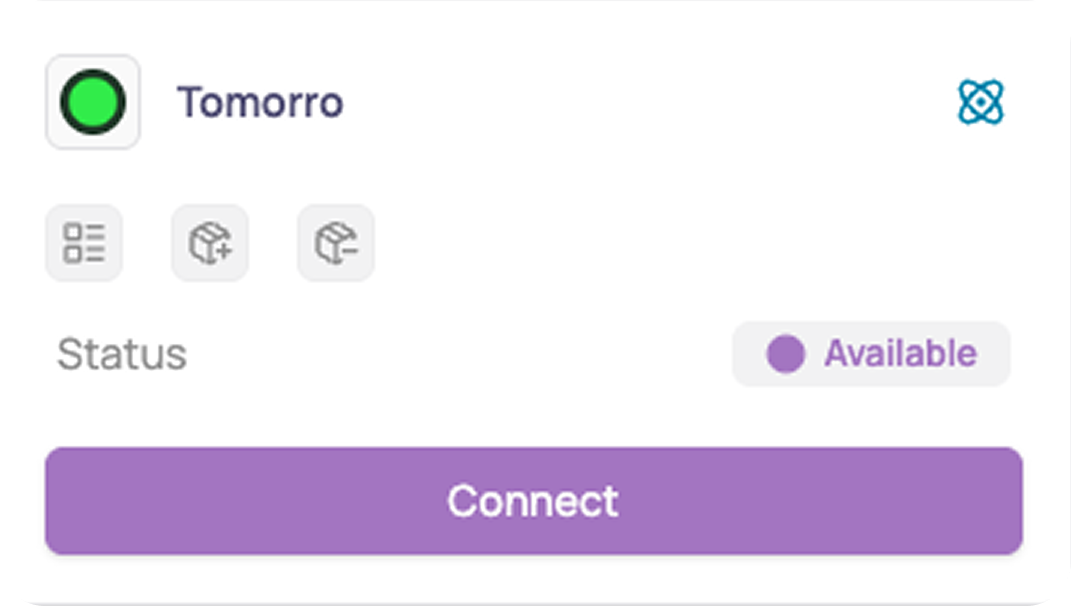
Click on "Connect" again
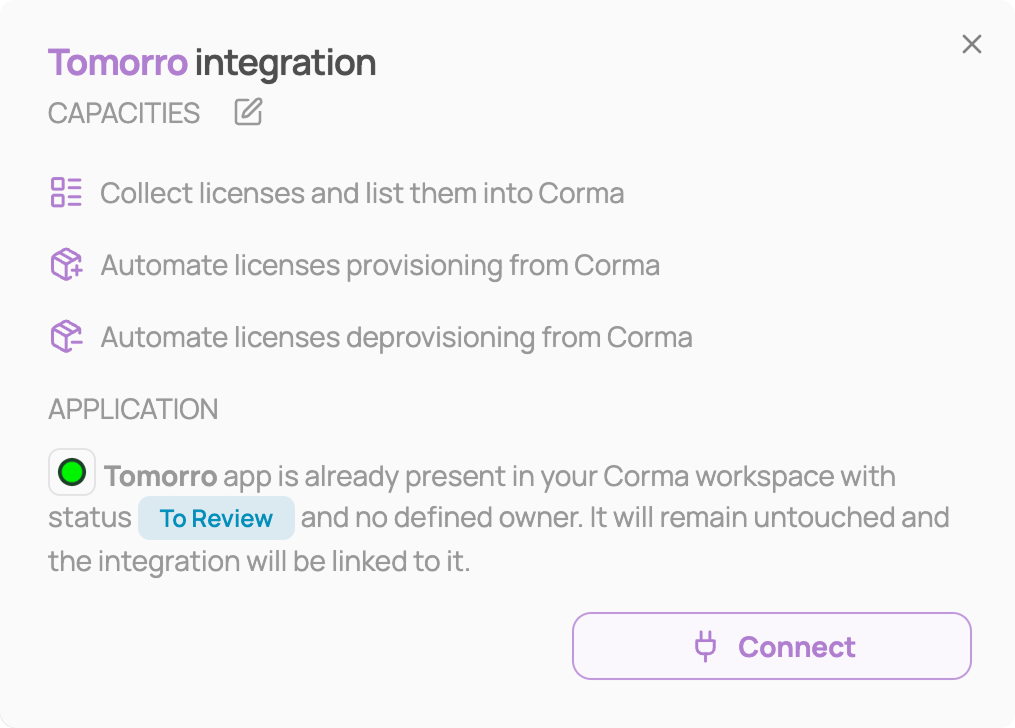
Generate your API key in Tomorro
Log in to your Tomorro account
Open Settings → Integrations
Generate an API key from the API key integration page
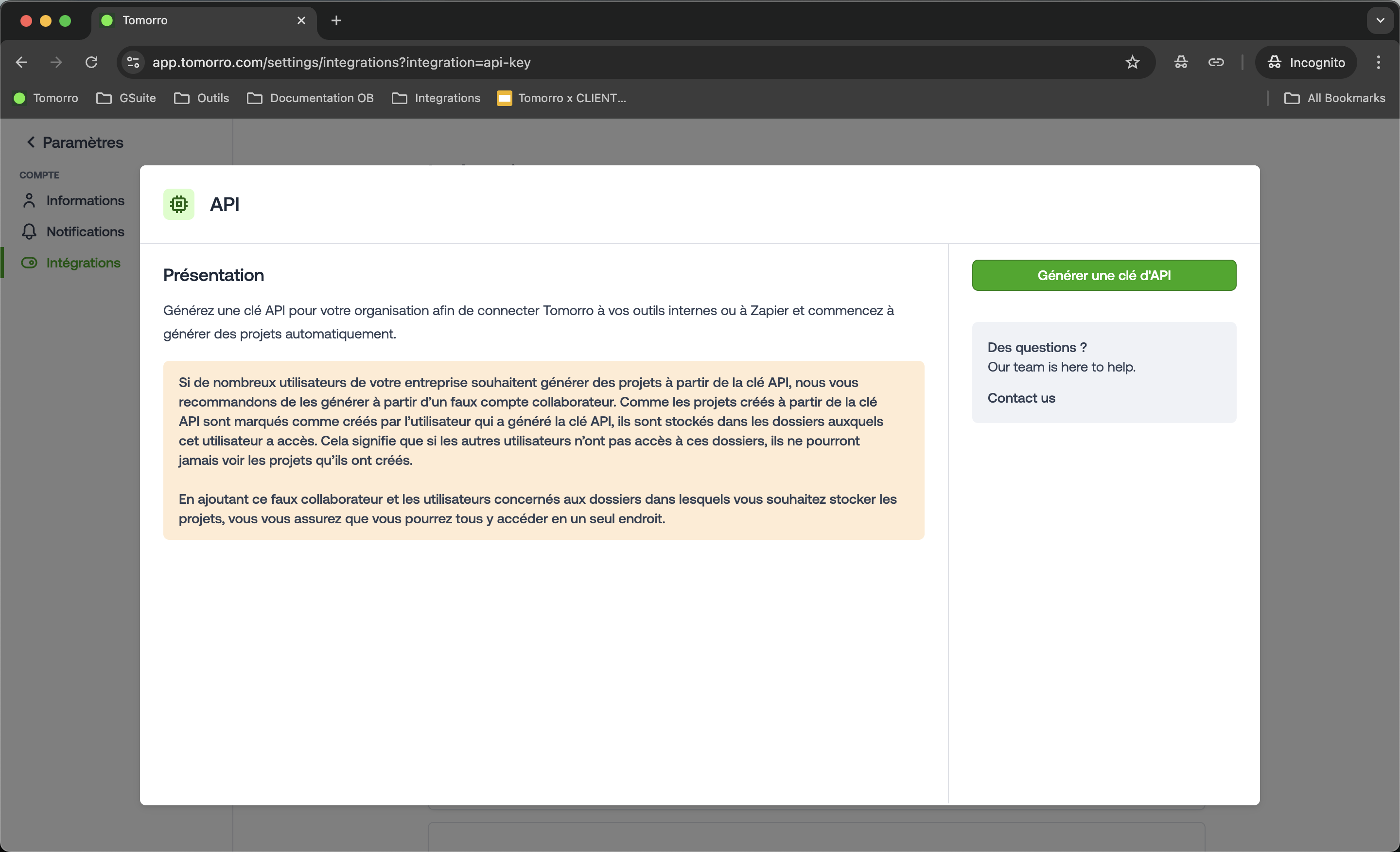
Copy your API key. Store it securely, as it may only be shown once.
Paste your API key in Corma, then click "Connect"
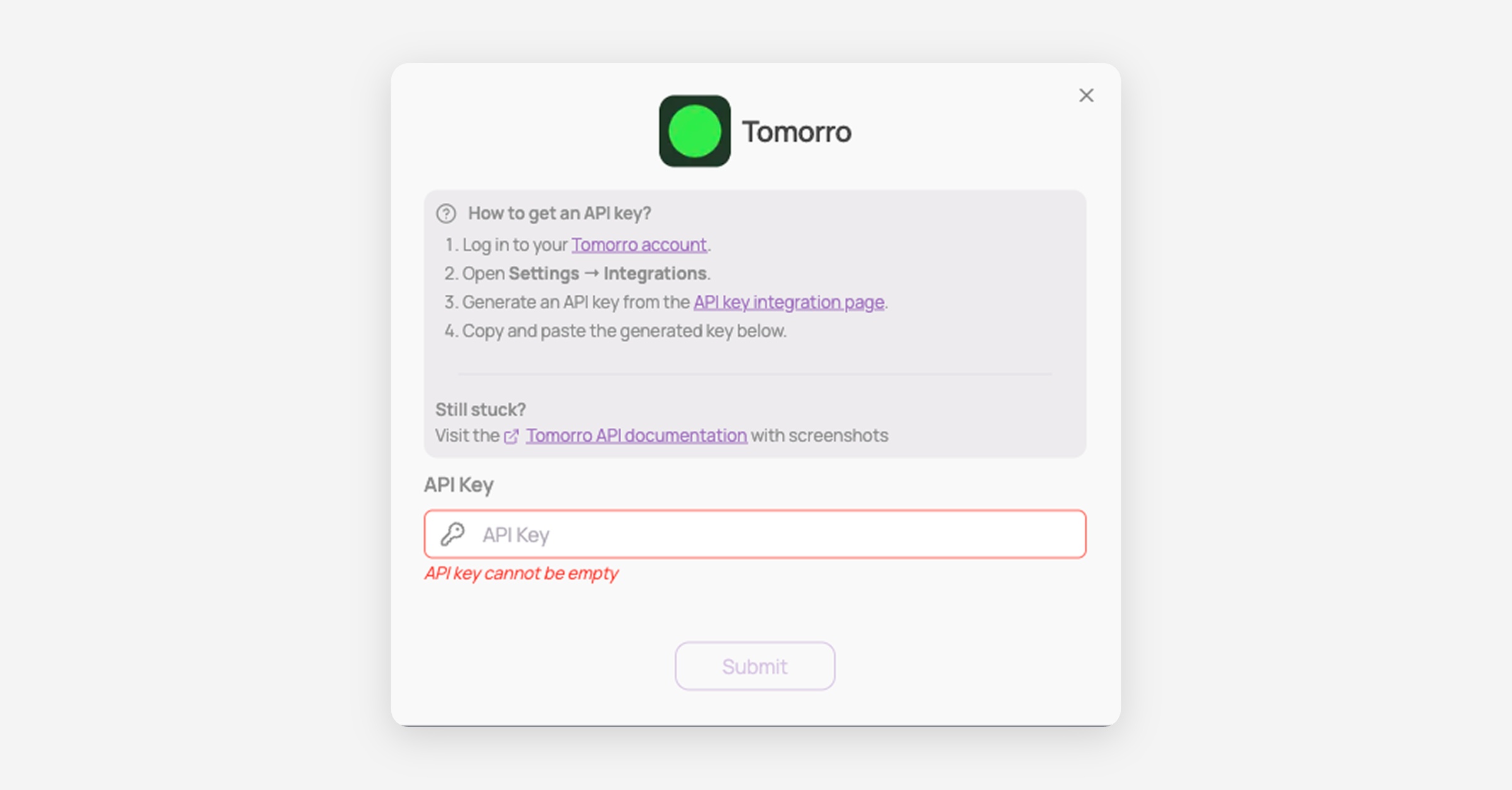
You've successfully connected Tomorro to Corma!
Data should be synchronized within the next 24 hours and will be synced every day to your Corma app.
Was this helpful?