
Candis

An admin access is required to connect Candis to Corma
On your Corma app go to the integrations page
Under "Finance integrations" click on "Connect" for Candis
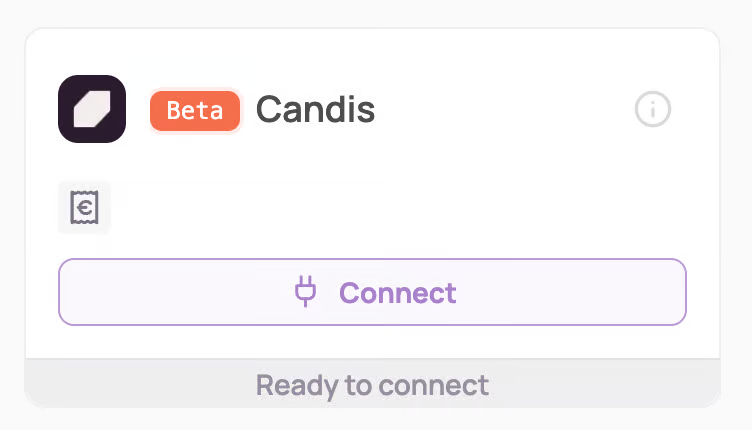
Connect to your Candis account
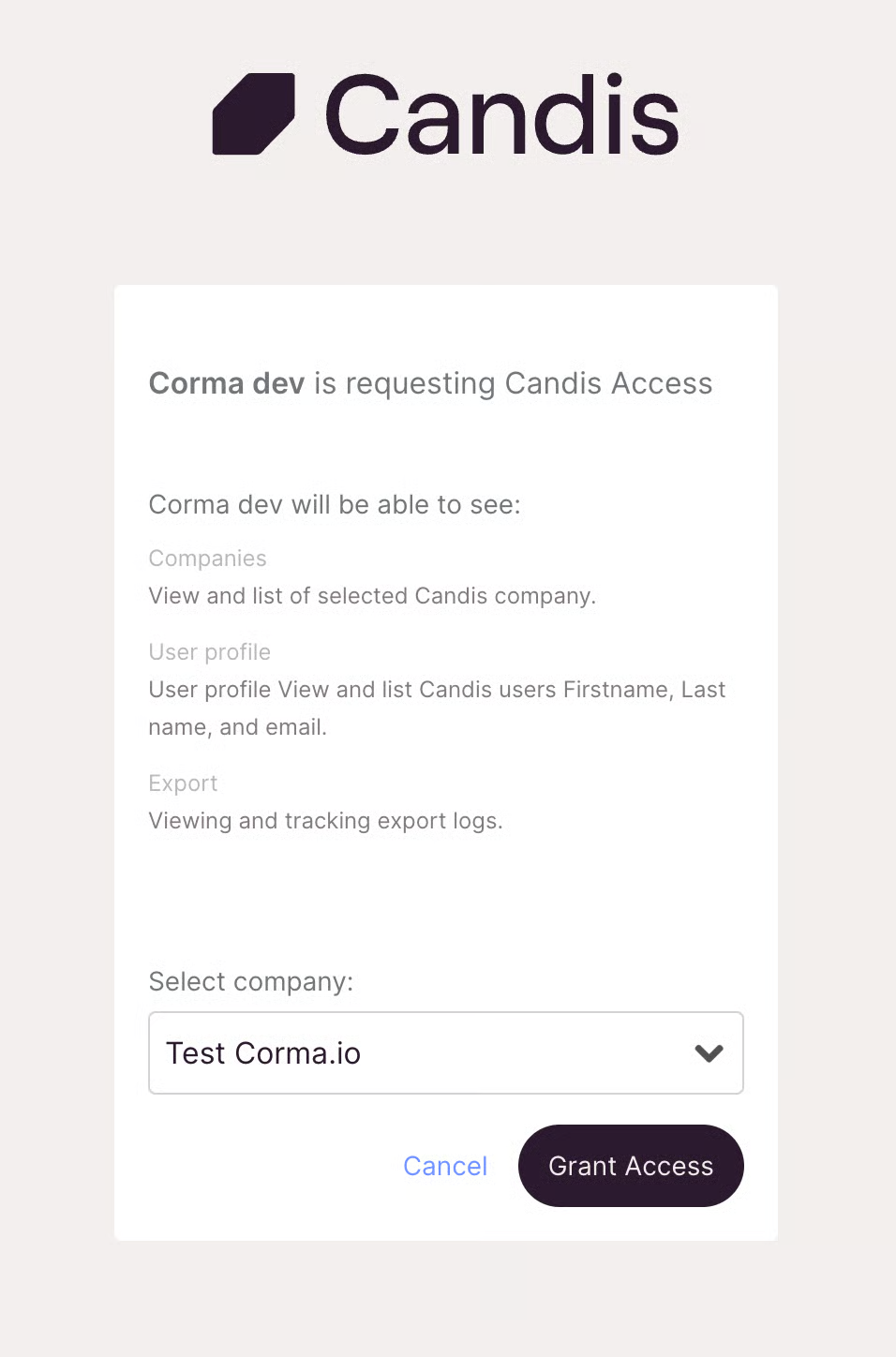
Select the account you want to connect to Corma
Data outside of the selected account will not be collected by our integration
Corma only collects Supplier invoices data from Candis from this endpoint : https://developer.candis.io/reference/get-invoice-data
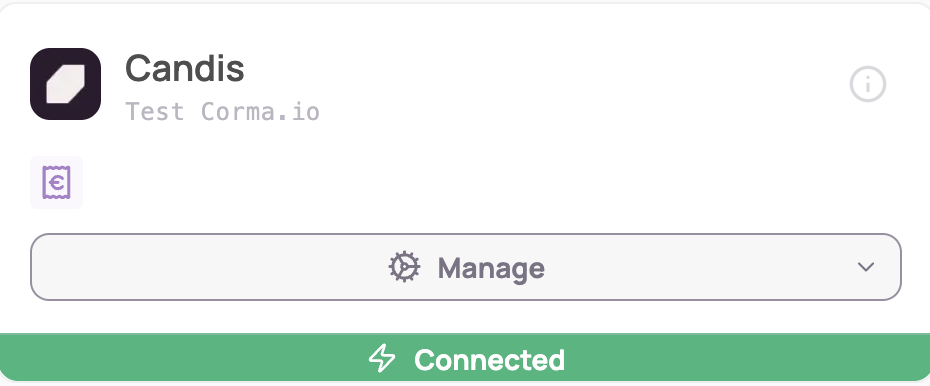
You've successfully connected Candis to Corma!
Corma will now import your last year historical data from Candis and all new expenses made.
Corma only has access to your spend data via the supplier invoices listed in Candis, nothing more.
Was this helpful?