
Agicap

An admin access is required to connect Agicap to Corma
Before getting started
Make sure with your Account Manager that the relevant option is activated in Agicap on your entity: Pre-Accounting with the export option "External accounting sofwares"After that, you need your accountant to prepare the journal entries and click on "export my accounting software" so that the data is available from the API database
On your Corma app go to the integrations page
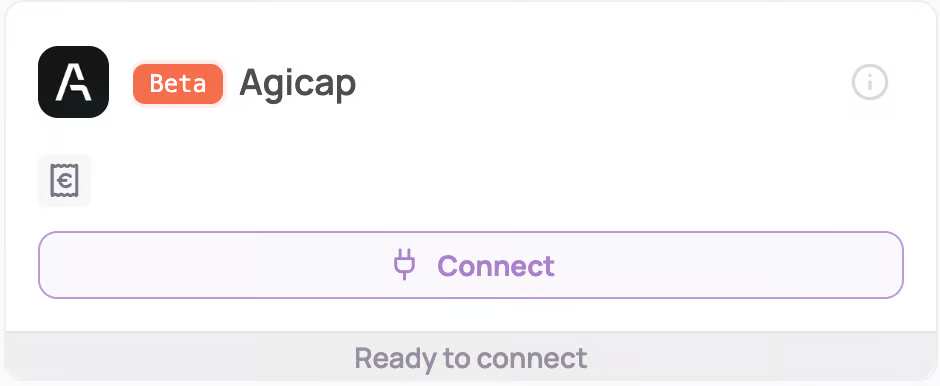
Under "Finance integrations" click on "Connect" for Agicap
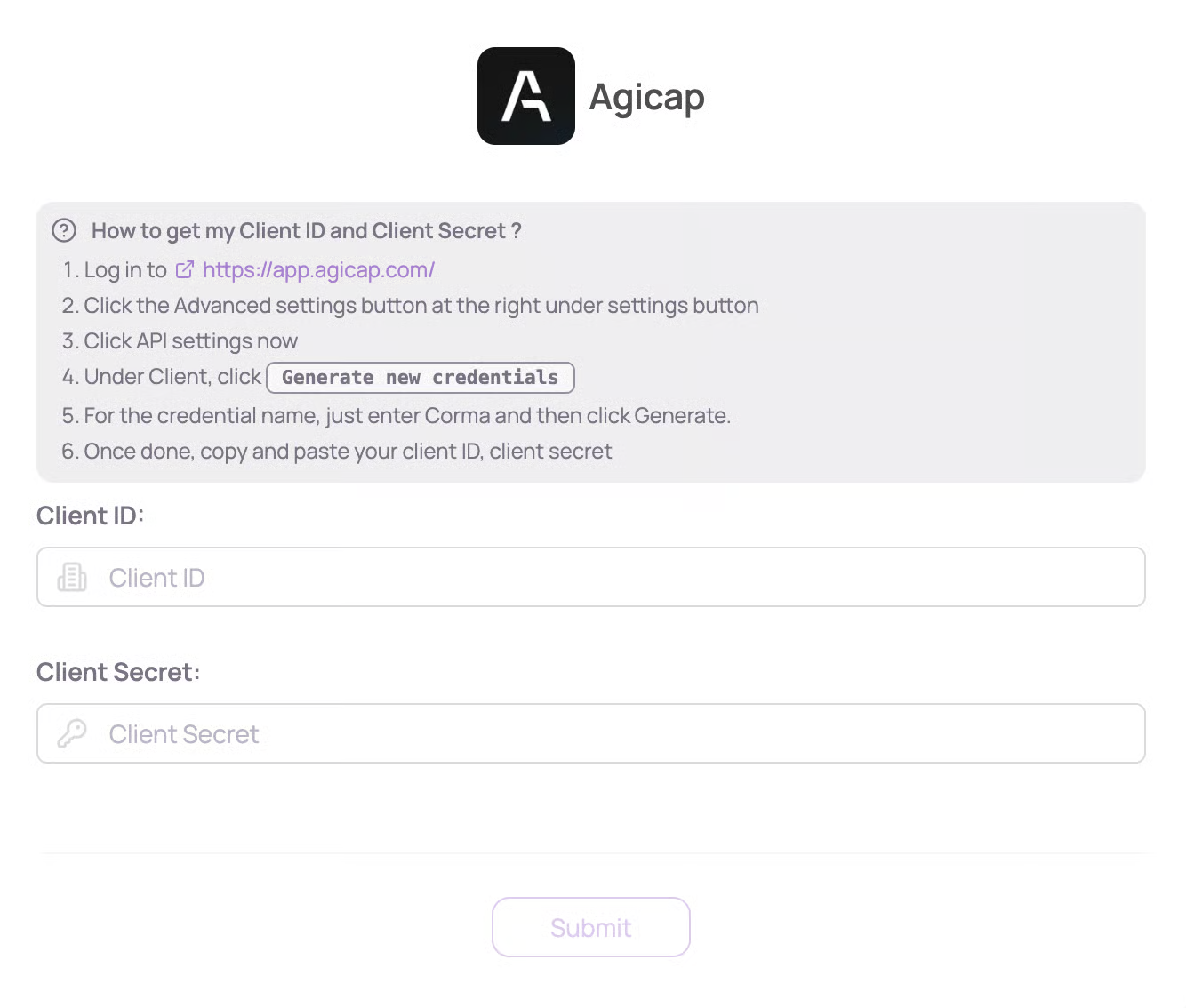
Submit your Client ID and Client Secret
Here is a step by step guide to obtain this data:
Log in to https://app.agicap.com/
Click the Advanced settings button at the right under settings button
Click API settings now
Under Client, click 'Generate new credentials'
For the credential name, just enter Corma and then click Generate.
Once done, copy and paste your client ID, client secret
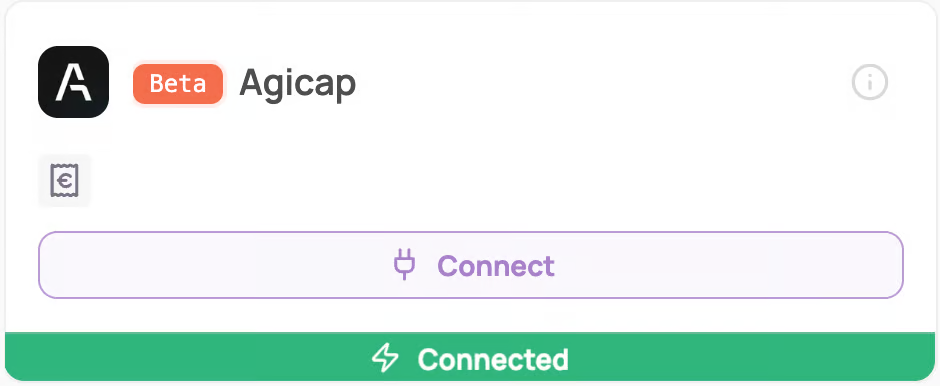
You've successfully connected Agicap to Corma!
Corma will now import your last month historical data from Agicap and all new expenses made.
Corma only has access to your spend data and list of users with an Agicap access, nothing more.
Was this helpful?