
Lucca
An admin access is required to connect Lucca to Corma
On your Corma app go to the integrations page
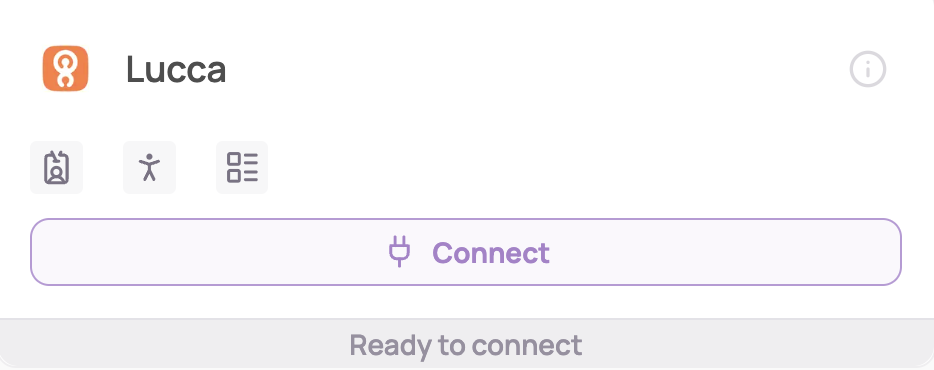
Under "Direct SaaS integrations" click on "Connect" for Lucca
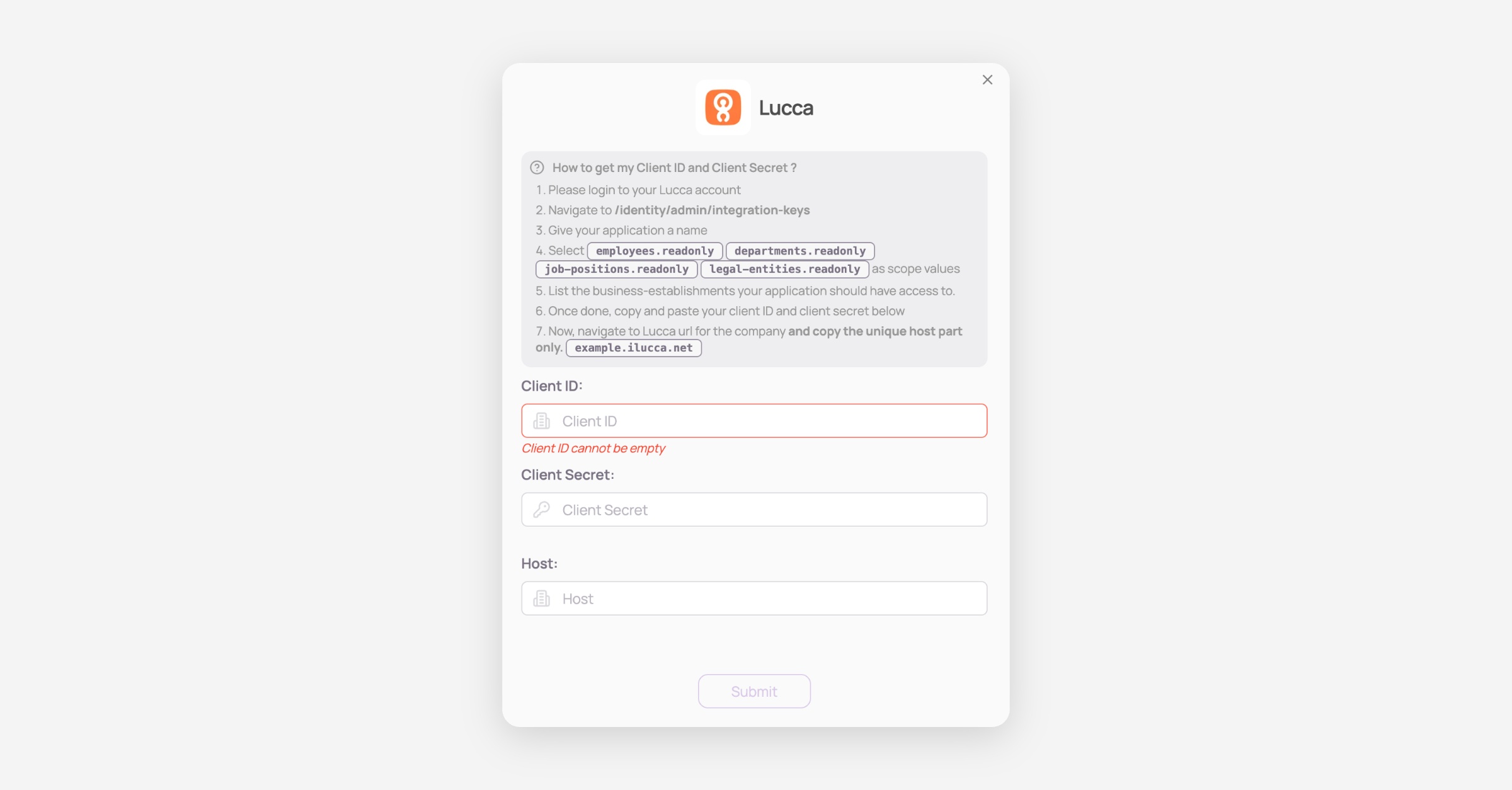
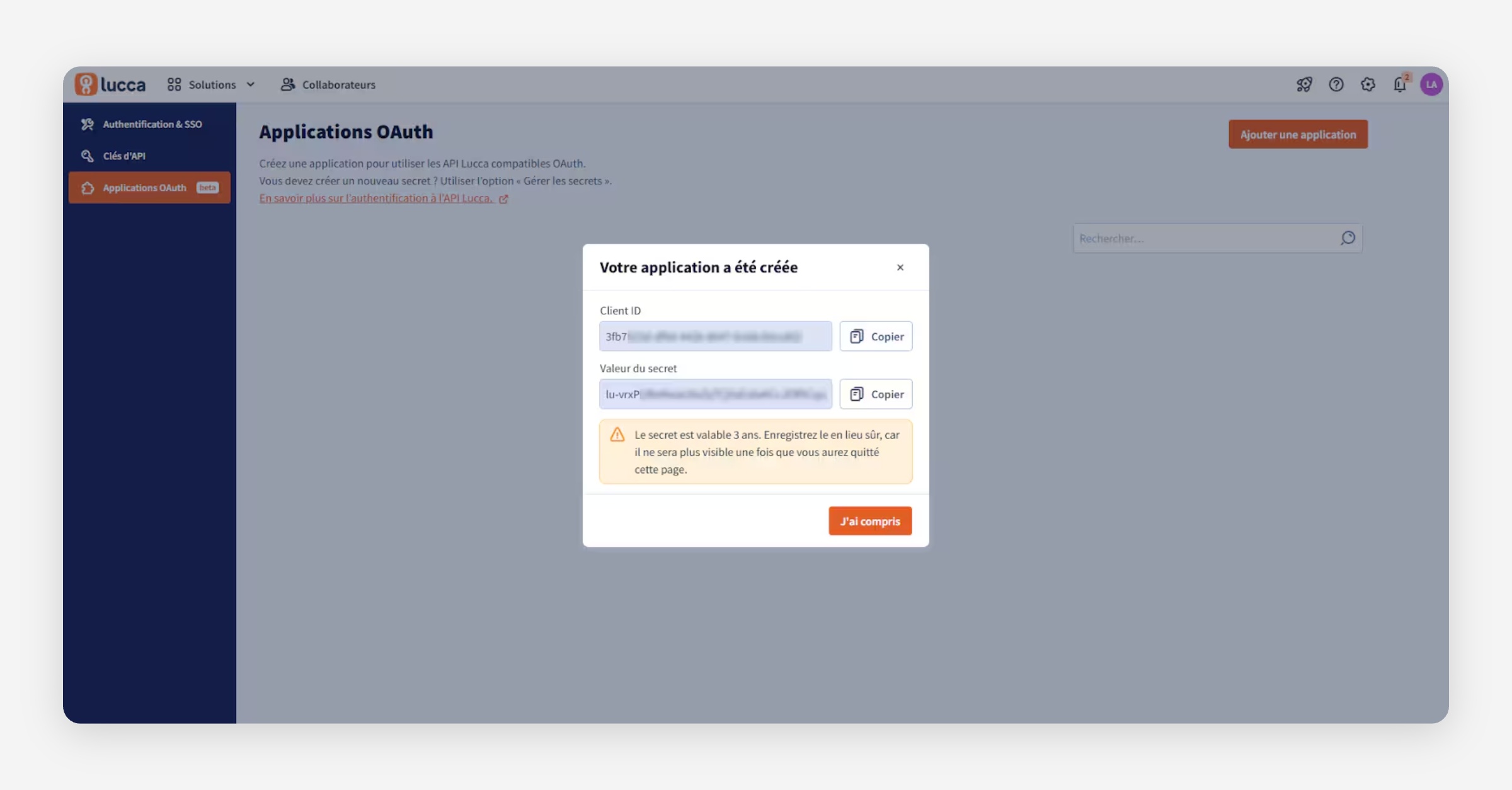
Retrieve your Client ID, Client Secret and Host
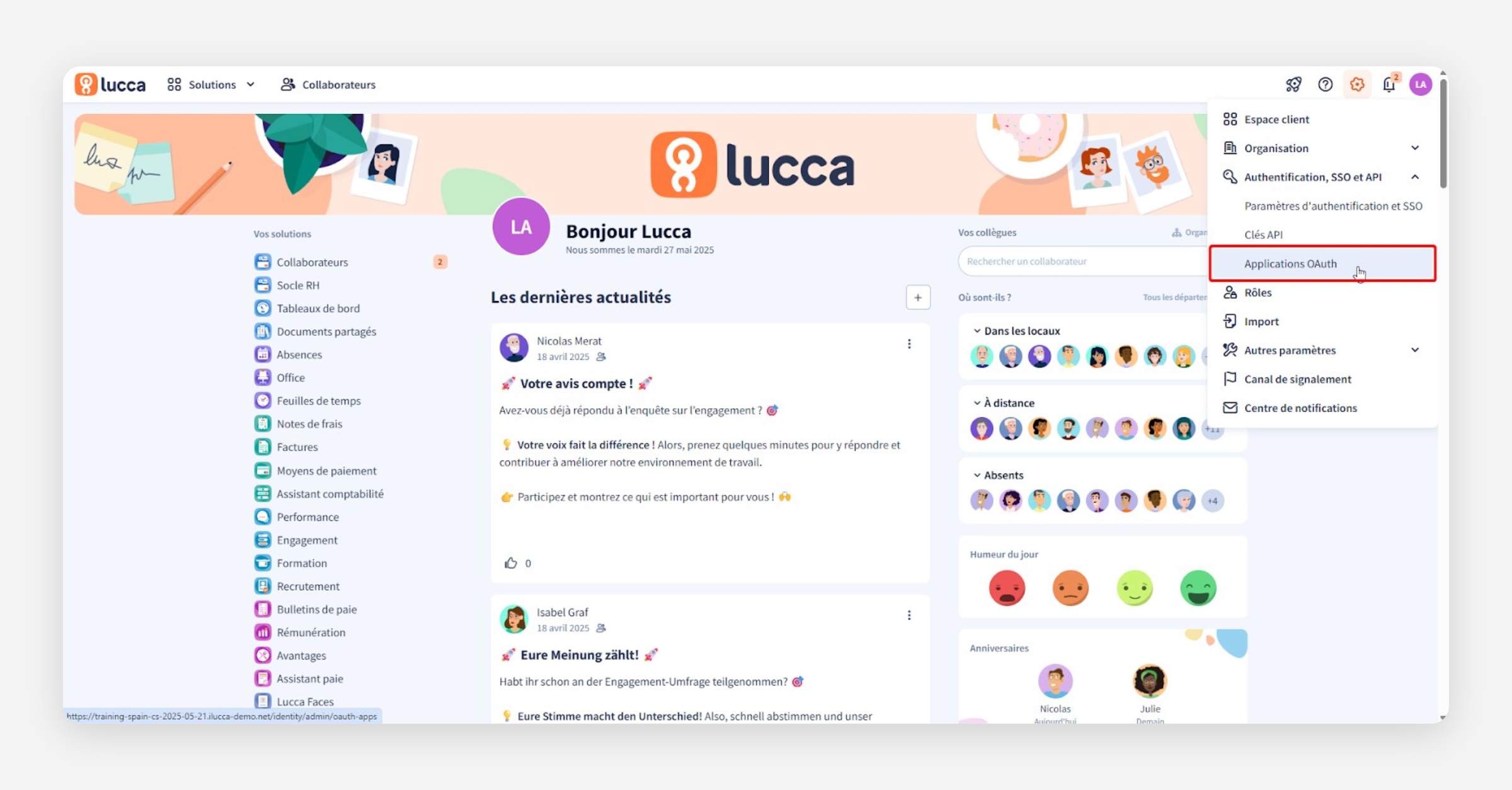
Click on the cogwheel icon in the top right corner, then go to Administration > Application Oauth
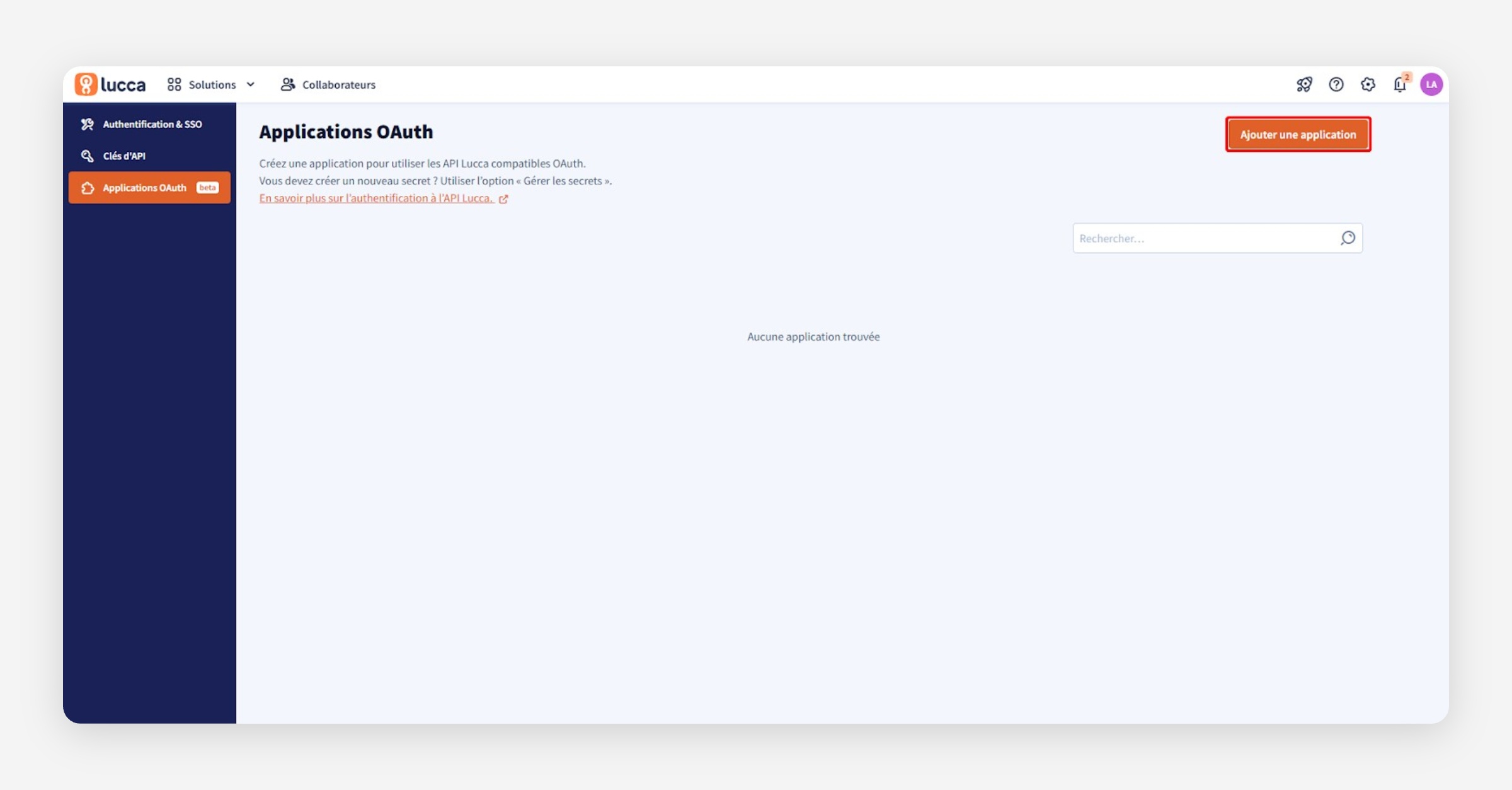
Click on Add an application to create the OAuth application.
Step 1 : Enter Your email address as Technical contact information
Step 2 : Enter the following information
Name = Corma
Third party editor (“éditeur tiers”)
Editor’s name = Corma
Step 3 : Add these scopes :
employees.readonly / departments.readonly / job-positions.readonly / legal-entities.readonly / employments.readonlyCopy paste the values of client ID and Secret in Corma. For the “host” use the domain you use to connect to Lucca. e.g. corma.ilucca.net (do NOT put the https://)
You've successfully connected Lucca to Corma!
Data should be synchronized within the next 24 hours and will be synched every day to your Corma app.
Was this helpful?