
Corma
Corma
Docs
  • Docs
  • Changelog
  • Feature requests

Deel

How to connect the Deel integration to Corma

An admin access is required to connect Deel to Corma

  1. On your Corma app go to the integrations page

    https://app.corma.io/integrations

  2. Under "Human Resources" click on "Connect" for Deel
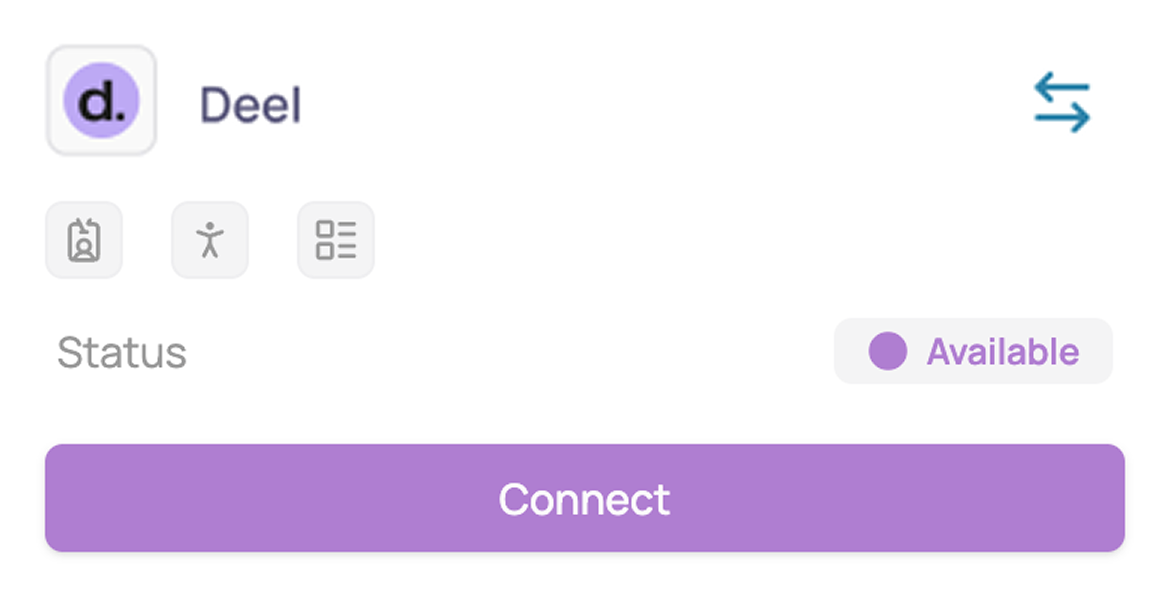
  3. Connect your Deel account via OAuth

  4. You've successfully connected Deel to Corma!
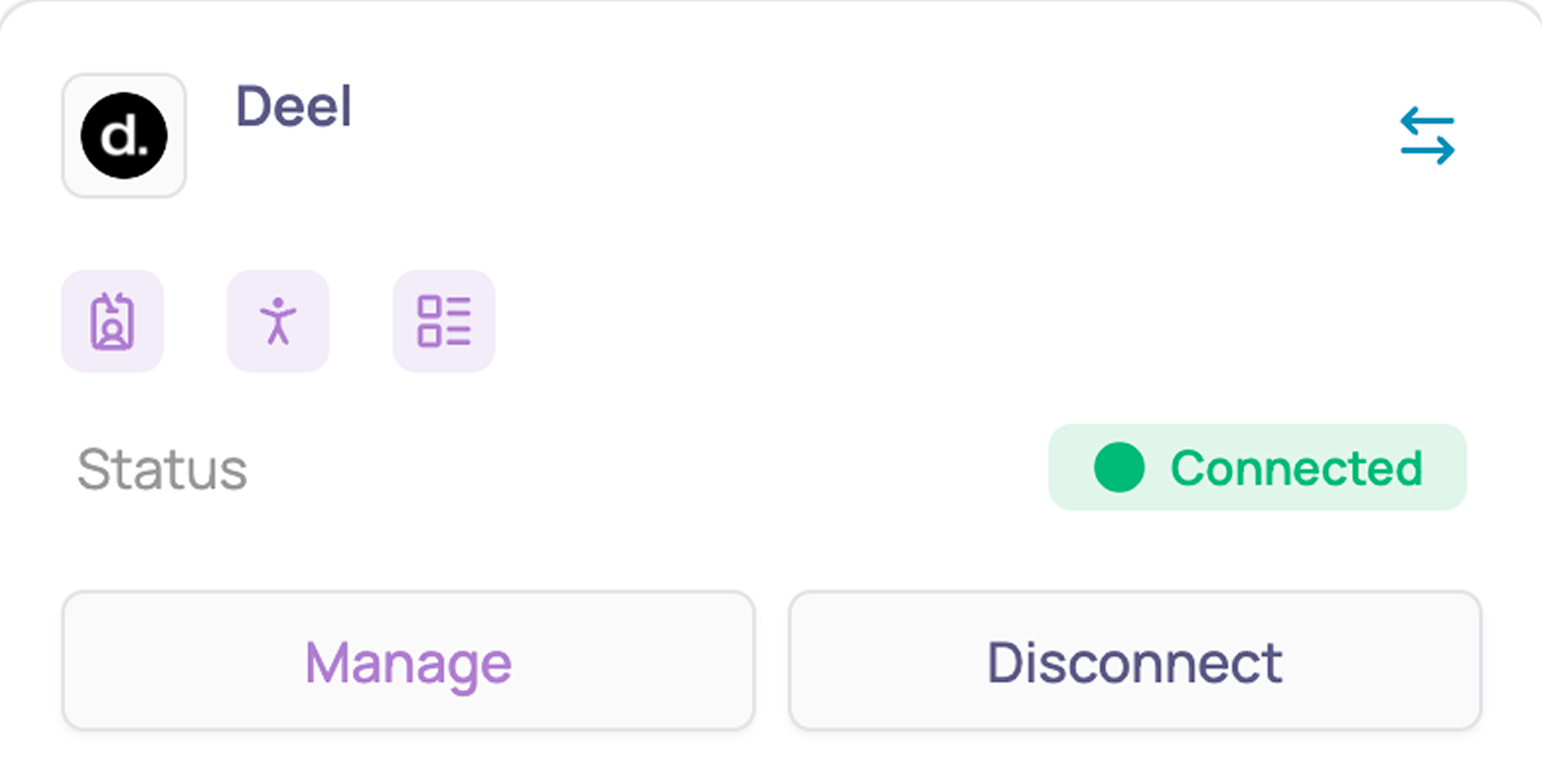
    Corma will now import your users, their identity, and HR data (department, job title, country, start and end dates) from Deel.

    Corma only has access to the data needed for identity and license management, nothing more.


Was this helpful?
    • General information about integrations
    • Identity Providers
    • Finance and Accounting
    • Human Resources
      • Factorial
      • Eurécia
      • Personio
      • Lucca
      • Deel
      • Hibob
      • Rippling
      • Workday
      • BambooHR
      • Payfit
      • Deel
      • Kelio
    • SaaS tools
    • ITSM tools