
Hibob
An admin access is required to connect Hibob to Corma
On your Corma app go to the integrations page
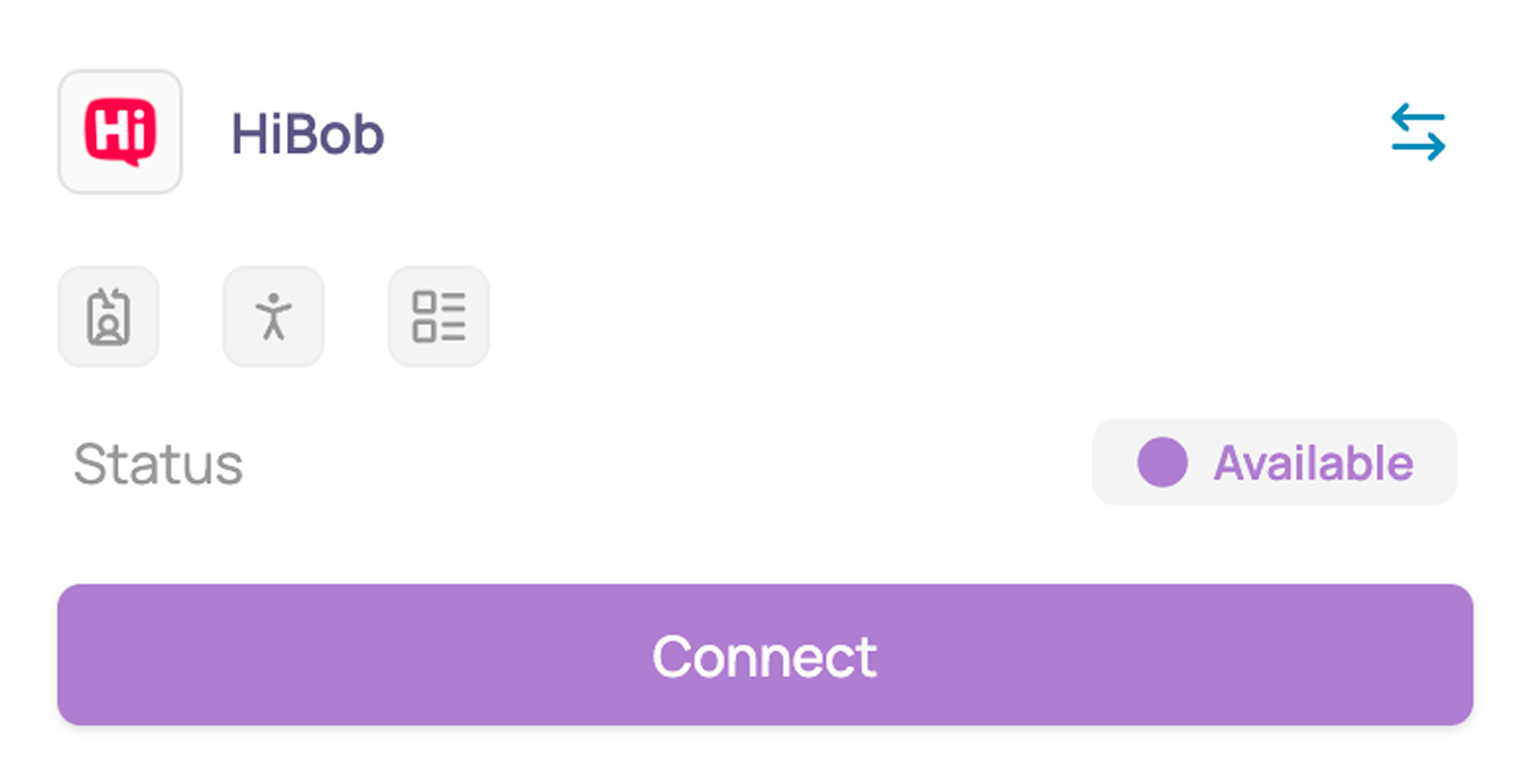
Under "Human Resources" search for Hibob and click on "Connect"
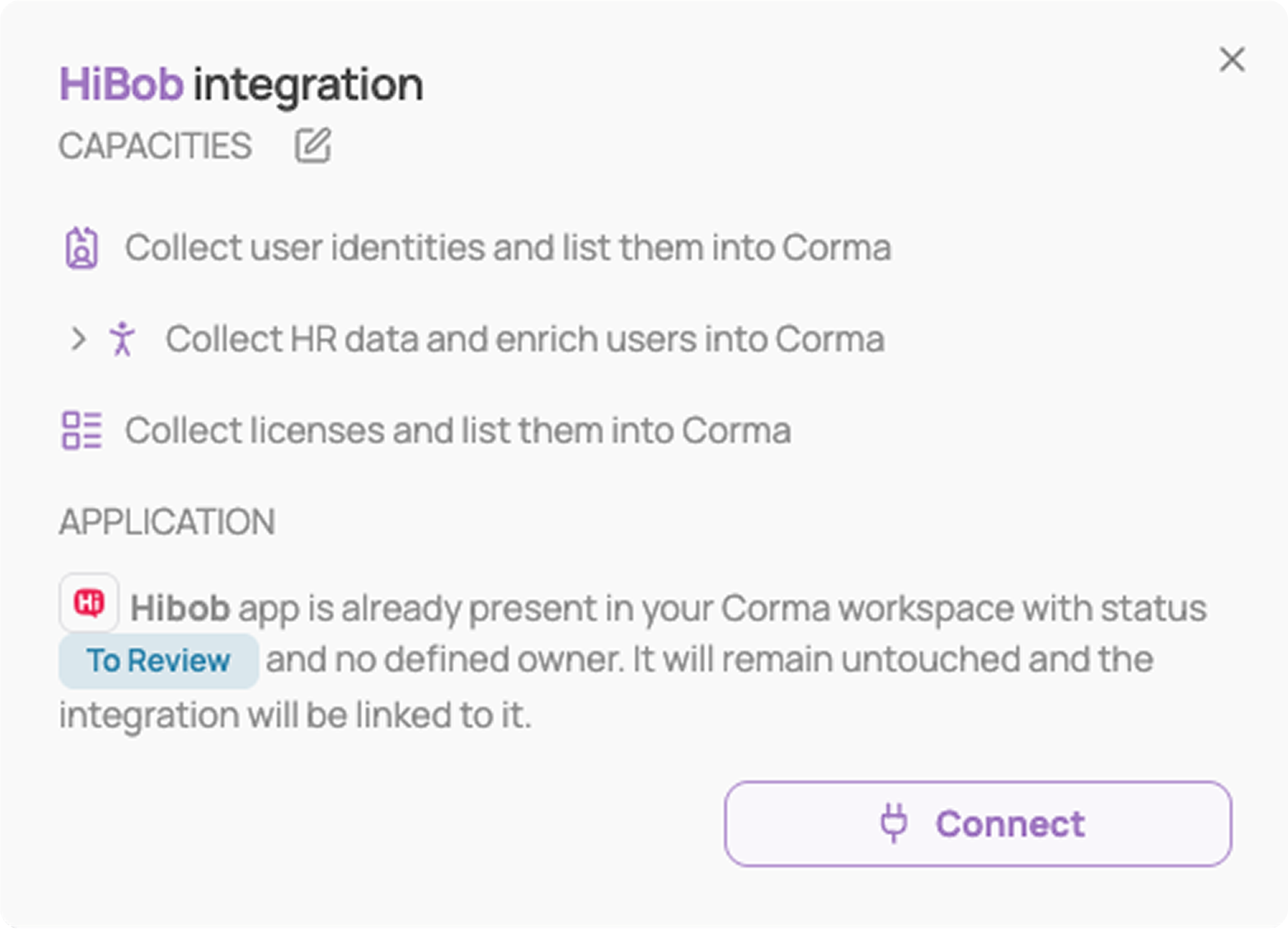
Review the capacities, then click "Connect" again
Create your Hibob service user credentials
Log in to your Hibob workspace as an admin
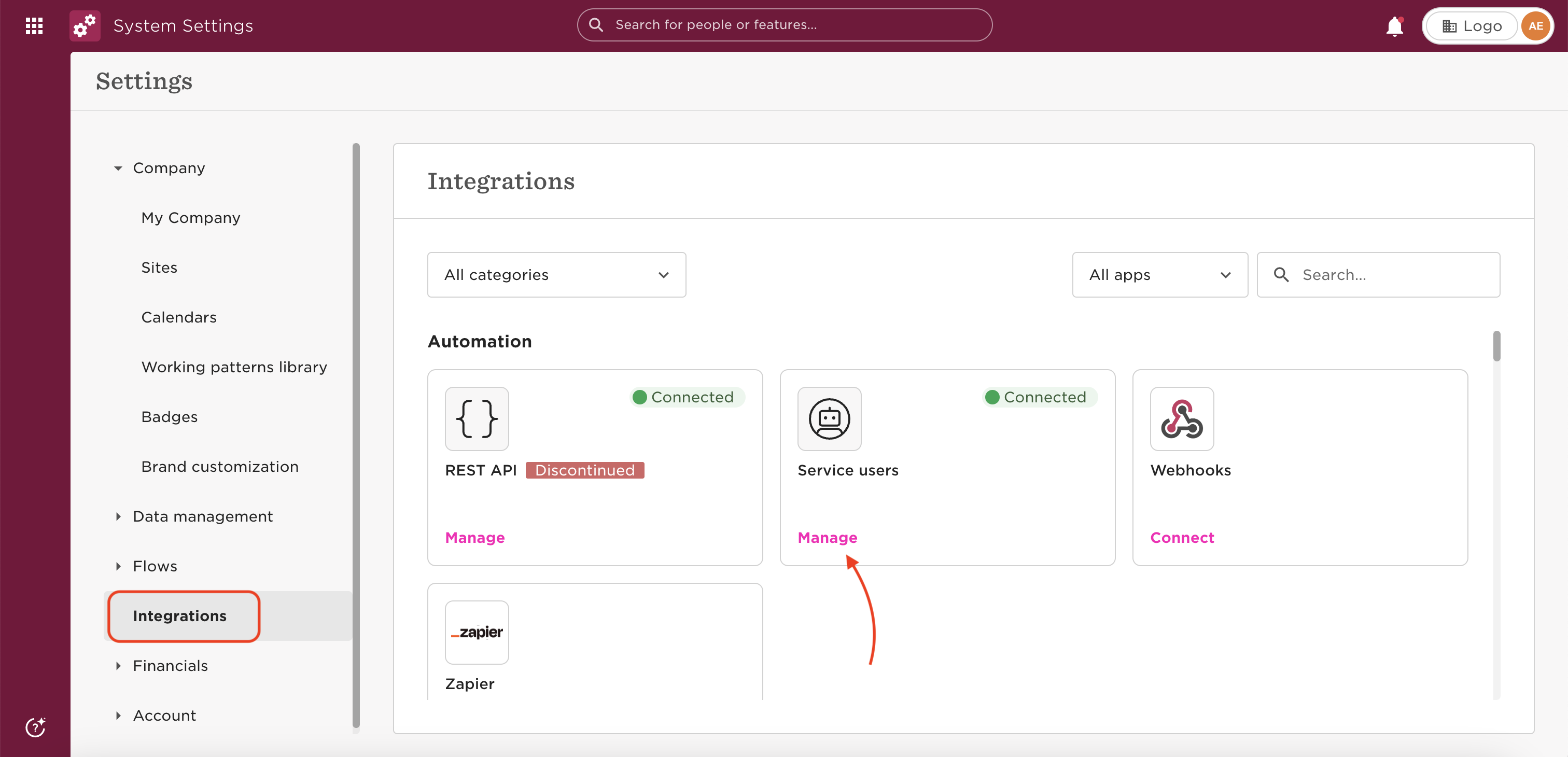
Go to Settings → Integrations → Automation, click "Manage" on Service Users
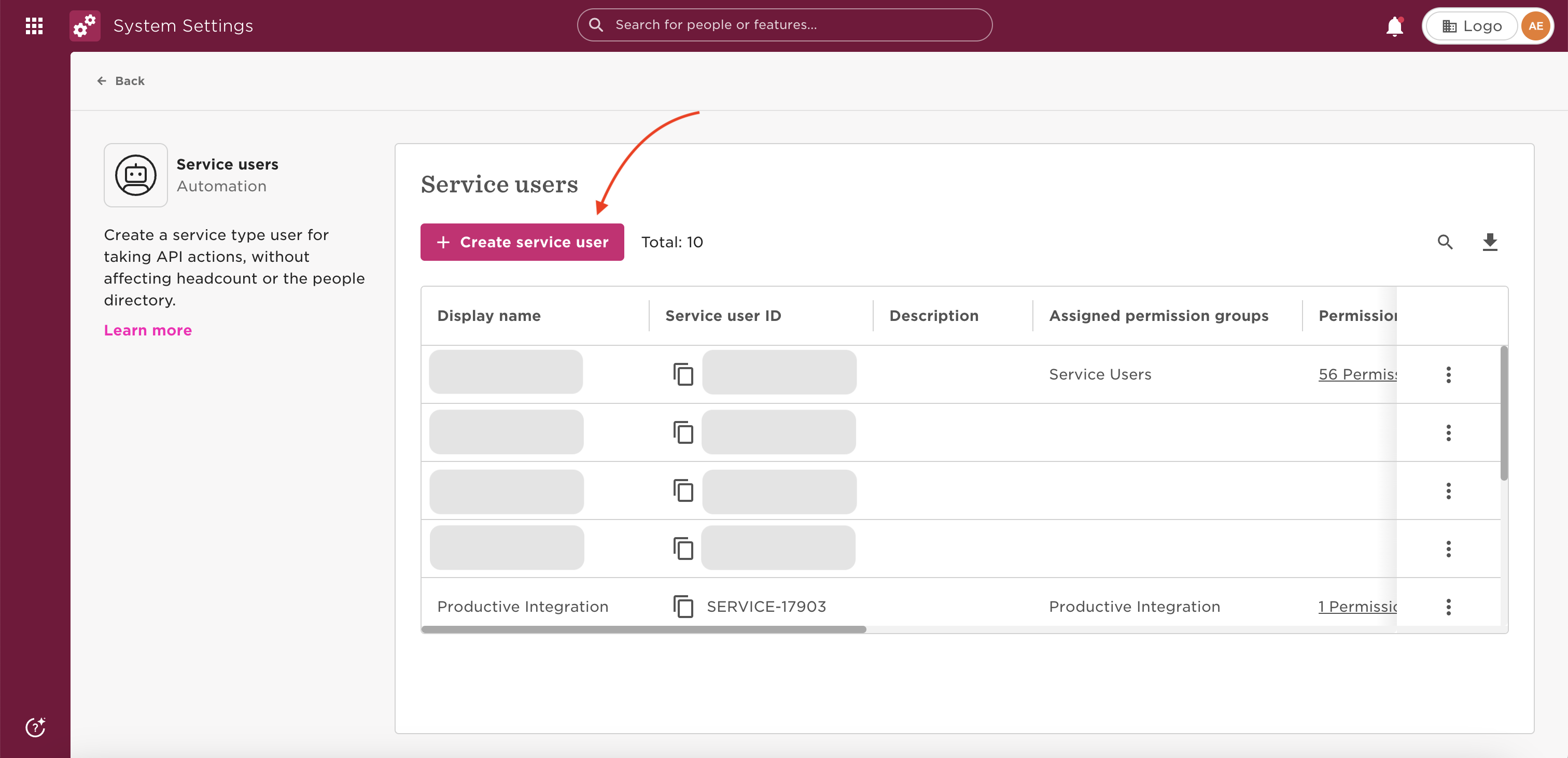
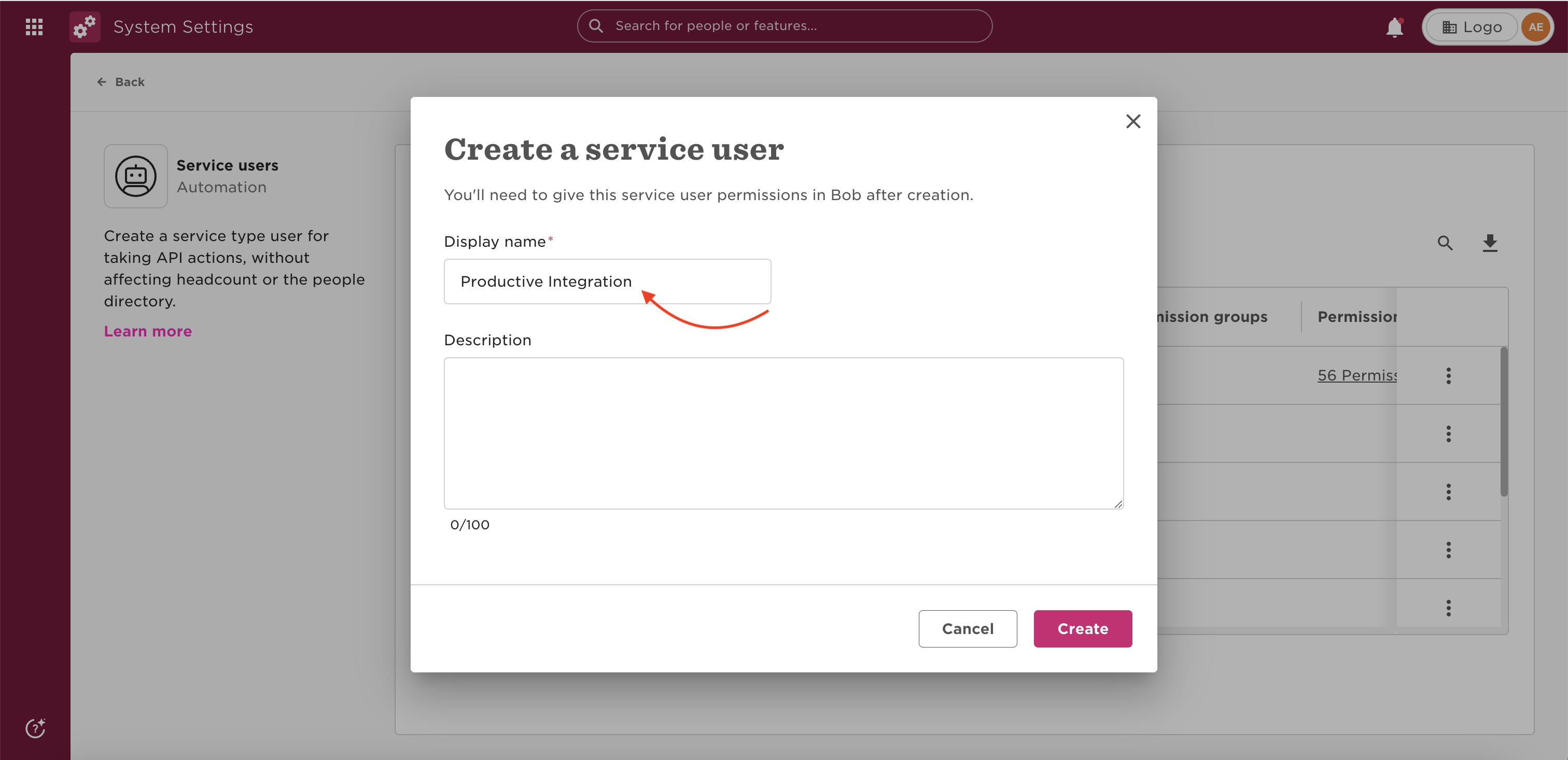
Go on "+Create service user"
Assign a name to the Service User, and click Create
Copy your Hibob ID and Hibob Token. Store them securely, as the token may only be shown once.
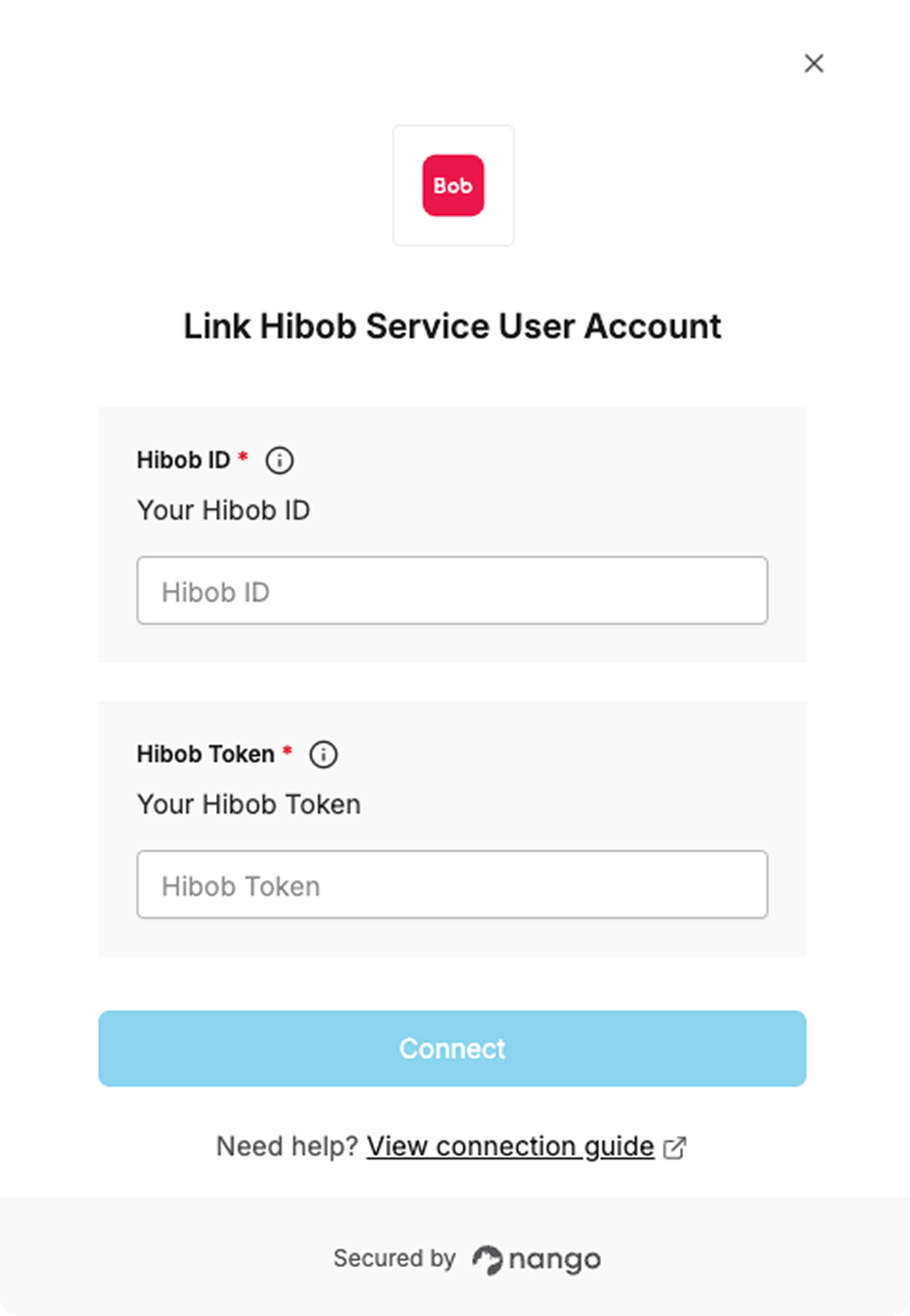
Paste your Hibob ID and Token in Corma, then click "Connect"
You've successfully connected Hibob to Corma!
Corma will now import your users' identity, HR data (department, job title, country, start and end dates), and license information from Hibob.
Was this helpful?