
Kelio
Summary
An admin access is required to connect Kelio to Corma
On your Corma app go to the integrations page
Under "Human Resources" search for Kelio and click on "Connect"
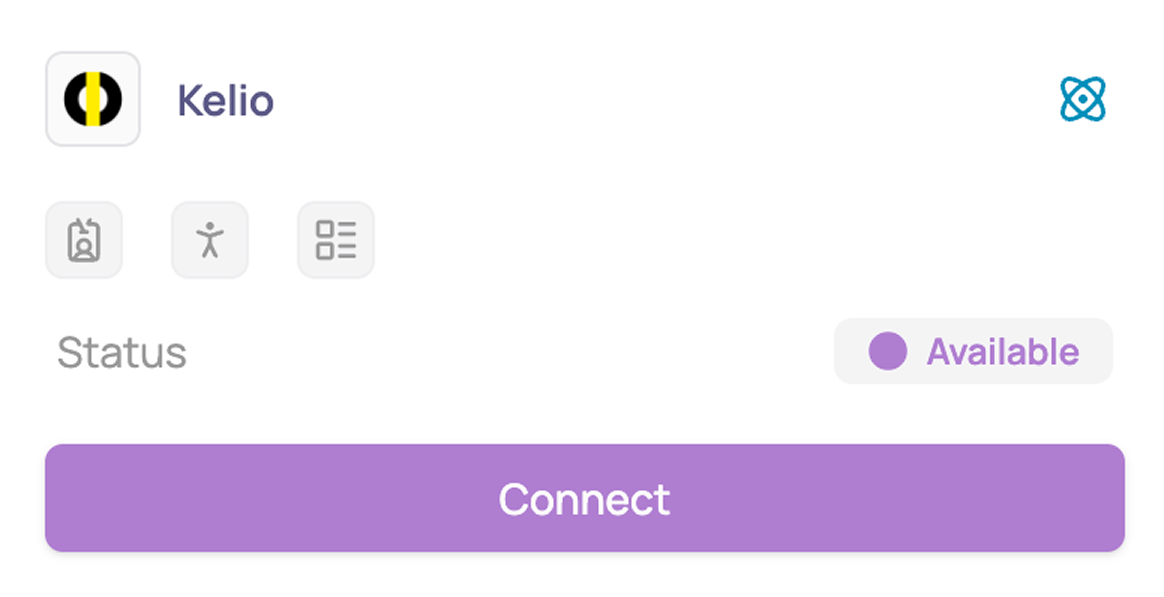
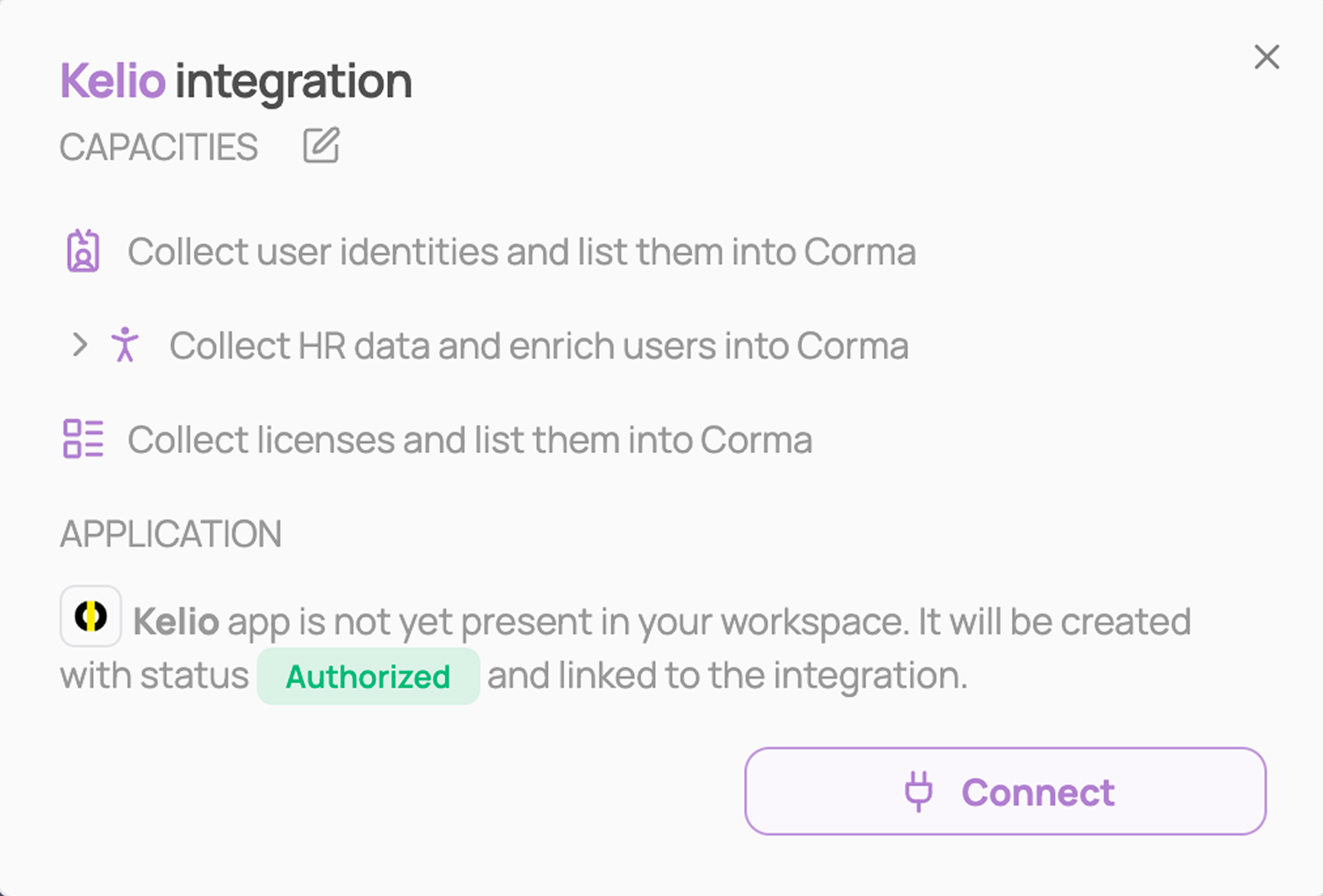
Review the capacities, then click "Connect" again
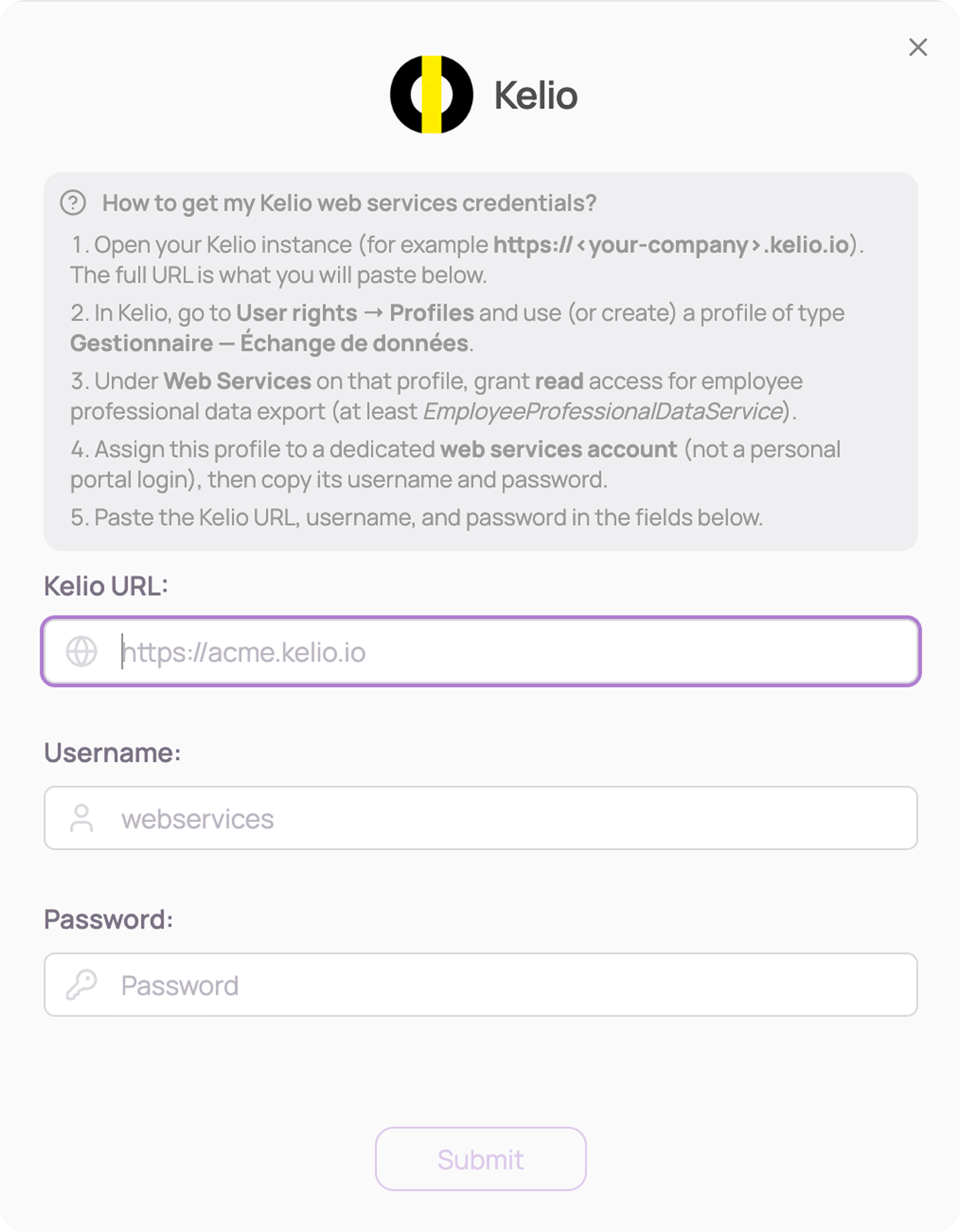
Get your Kelio web services credentials
Open your Kelio instance (for example
https://<your-company>.kelio.io). The full URL is what you'll paste into Corma.In Kelio, go to User rights → Profiles and use (or create) a profile of type Gestionnaire — Échange de données.
Under Web Services on that profile, grant read access for employee professional data export (at least
EmployeeProfessionalDataService).Assign this profile to a dedicated web services account (not a personal portal login), then copy its username and password.
Paste the Kelio URL, username, and password in Corma, then click "Submit"
You've successfully connected Kelio to Corma!
Corma will now import your users' identity, HR data (manager, department, job title, country, start and end dates), and license information from Kelio.
Was this helpful?