
Google workspace
An admin access is required to connect Google to Corma
On your Corma app go to the integrations page
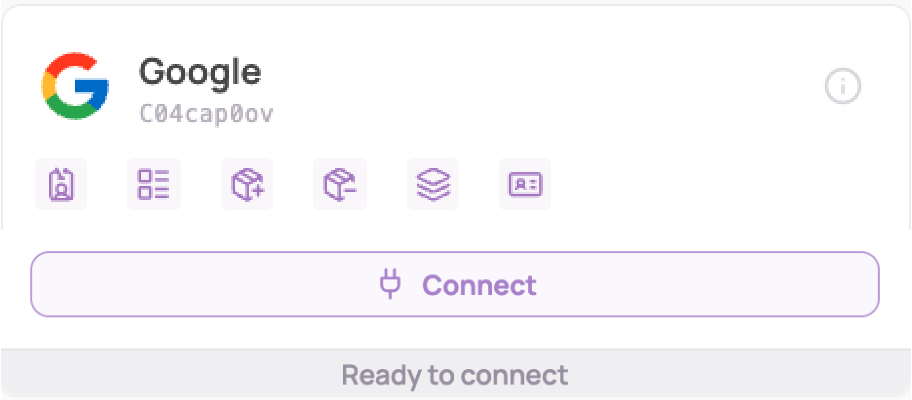
Under "Identity providers" click on "Connect" for Google Workspace (you need to be a Google workspace admin)
Make sure your browser session is correctly logged in and authenticated with the same Google account that you will use to grant Corma access to your workspace.
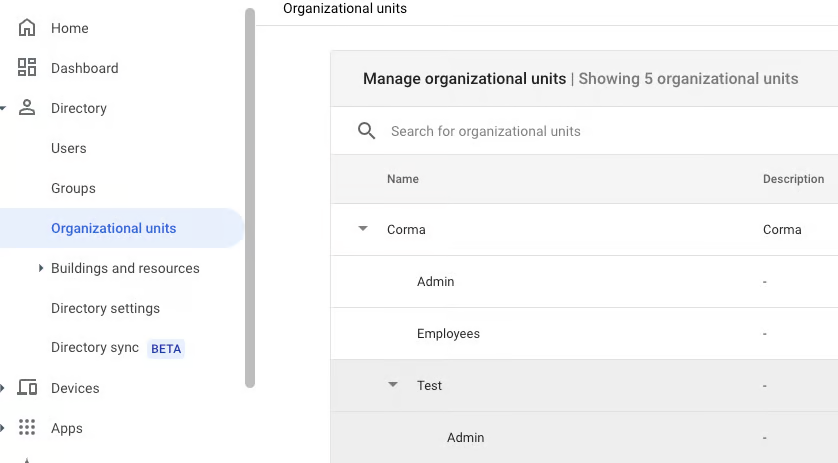
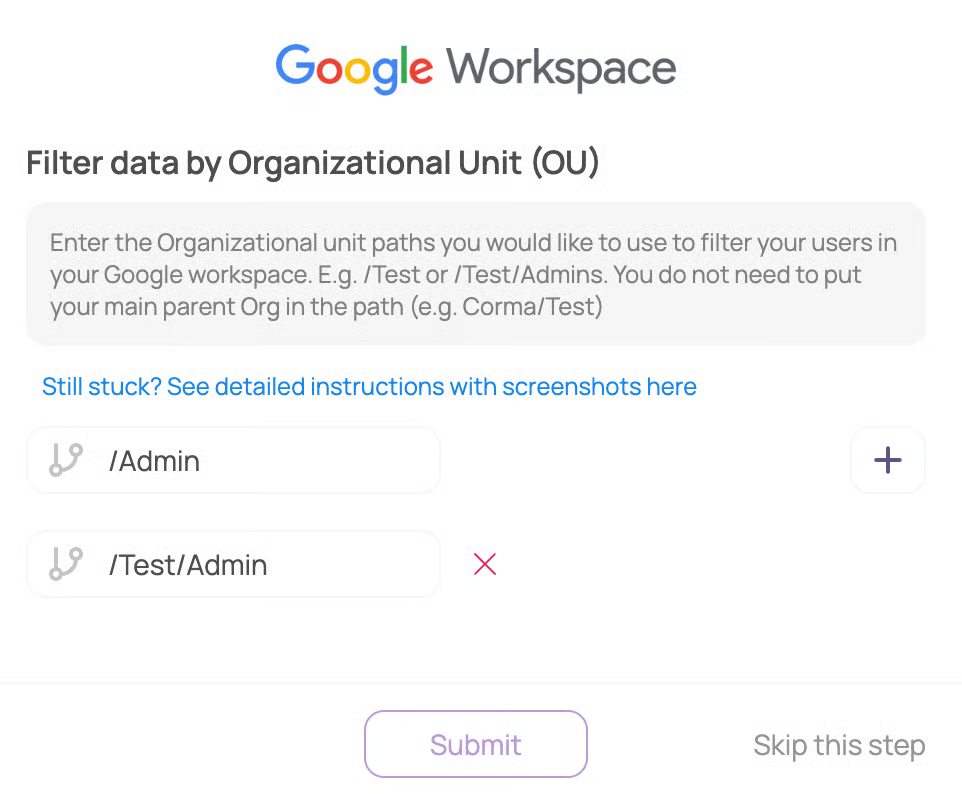
[Optional] Filter data by Organizational Unit (OU)
Enter the Organizational unit paths you would like to use to filter your users in your Google workspace (e.g. /Admin or /Test/Admin).
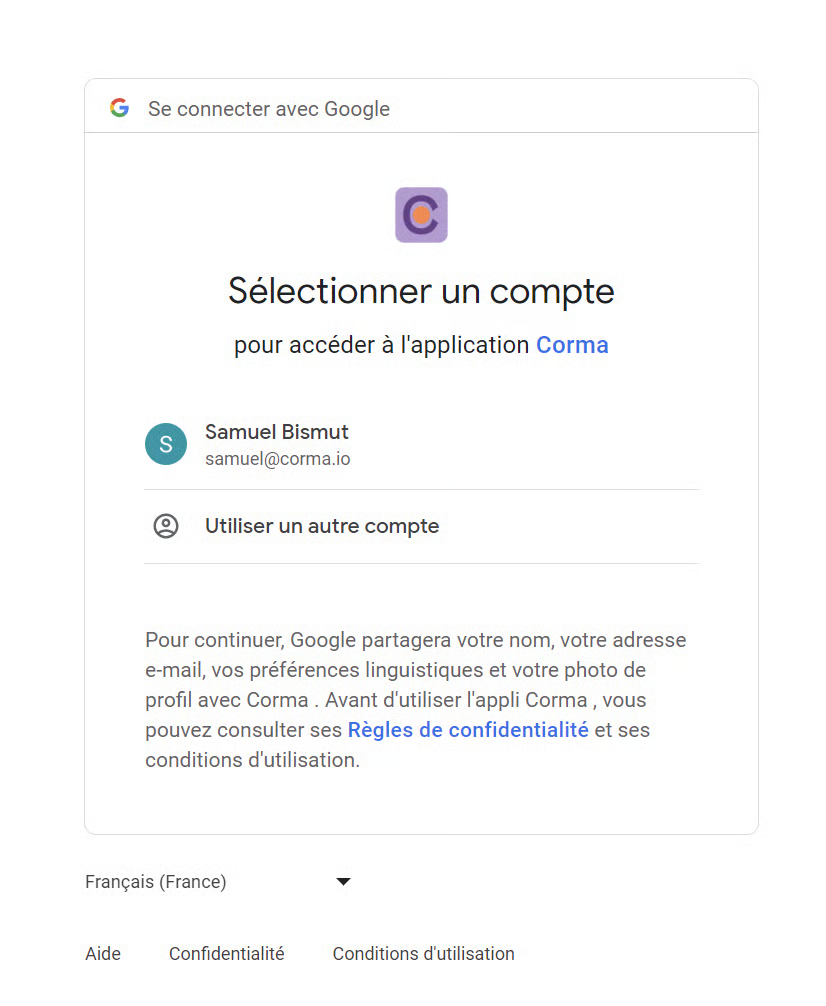
Select your professional Google account (⚠️ this account must have admin access to Google Workspace)
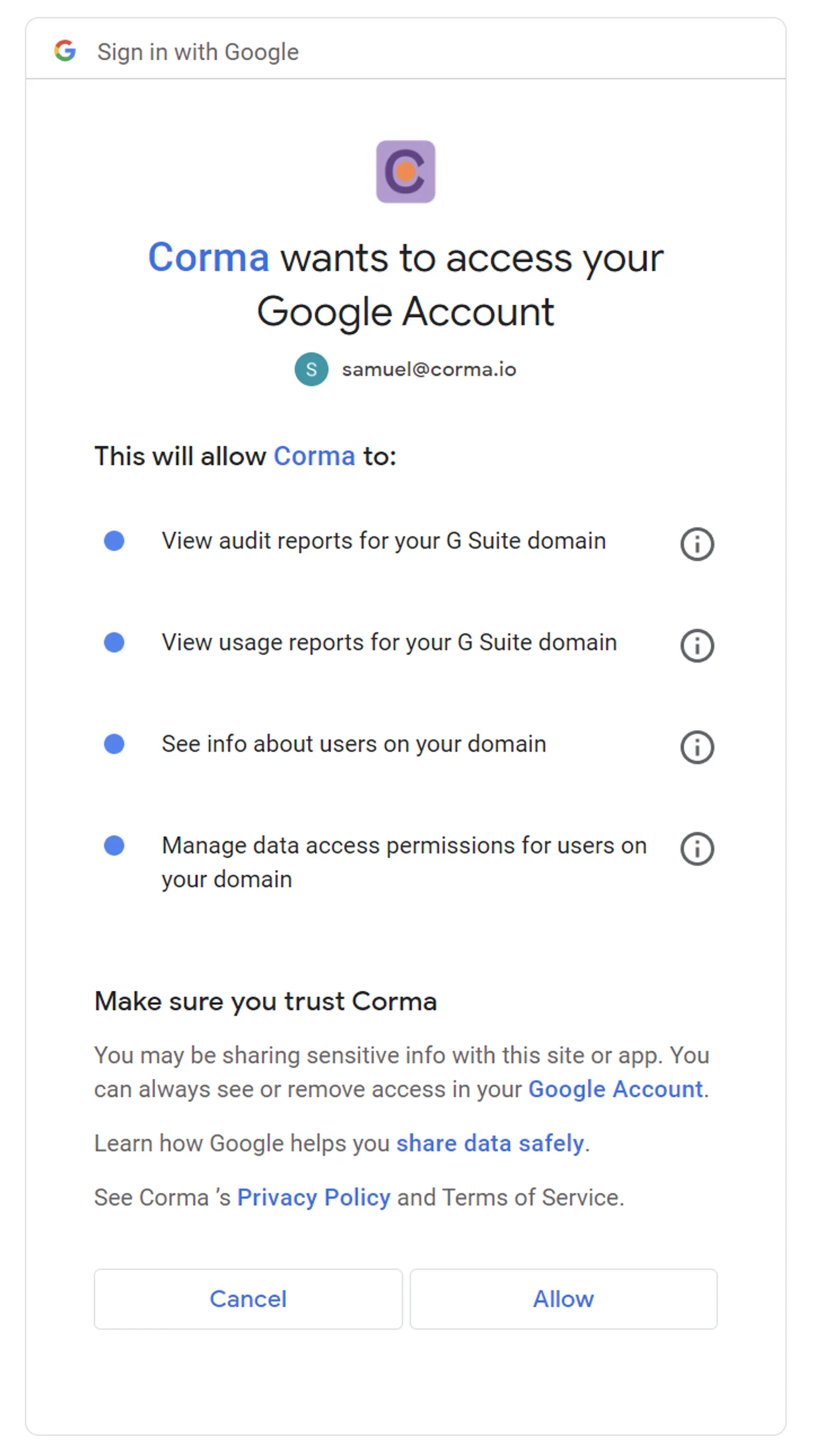
Authorize Corma to access the different scopes
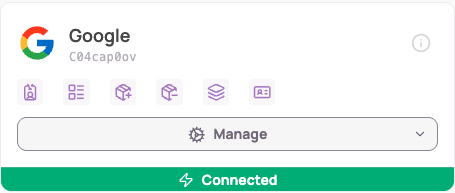
Refresh the page if button still shows "connect"
You’re all set !
Additional relevant information regarding the Microsoft connector
You have the possibility to filter on Google Organizational Units the users that will be imported into Corma. When connecting Google or by going to Connectors > Google > Settings, you can edit at any time the Organizational unit filtering your are applying
Was this helpful?