
Docs / Use cases
Offboard a user
ℹ️ Offboarding a user allows you to automatically remove accesses and requests for that user on the managed apps they had access to. This will save you significant number of hours at every Offboarding!
From the Offboarding page
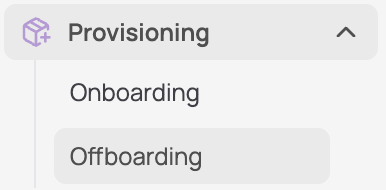
Go to the Provisioning page (side bar)
Click on "Suggested" and select the user to be Offboarded
Here you can select a user to offboard who has been detected via your HR tool integration
Define your offboarding flow for each offboarded app
Automated deprovisioning: the license will be automatically deprovisionned
Manual deprovisionning: by default, an access removal ticket will be created
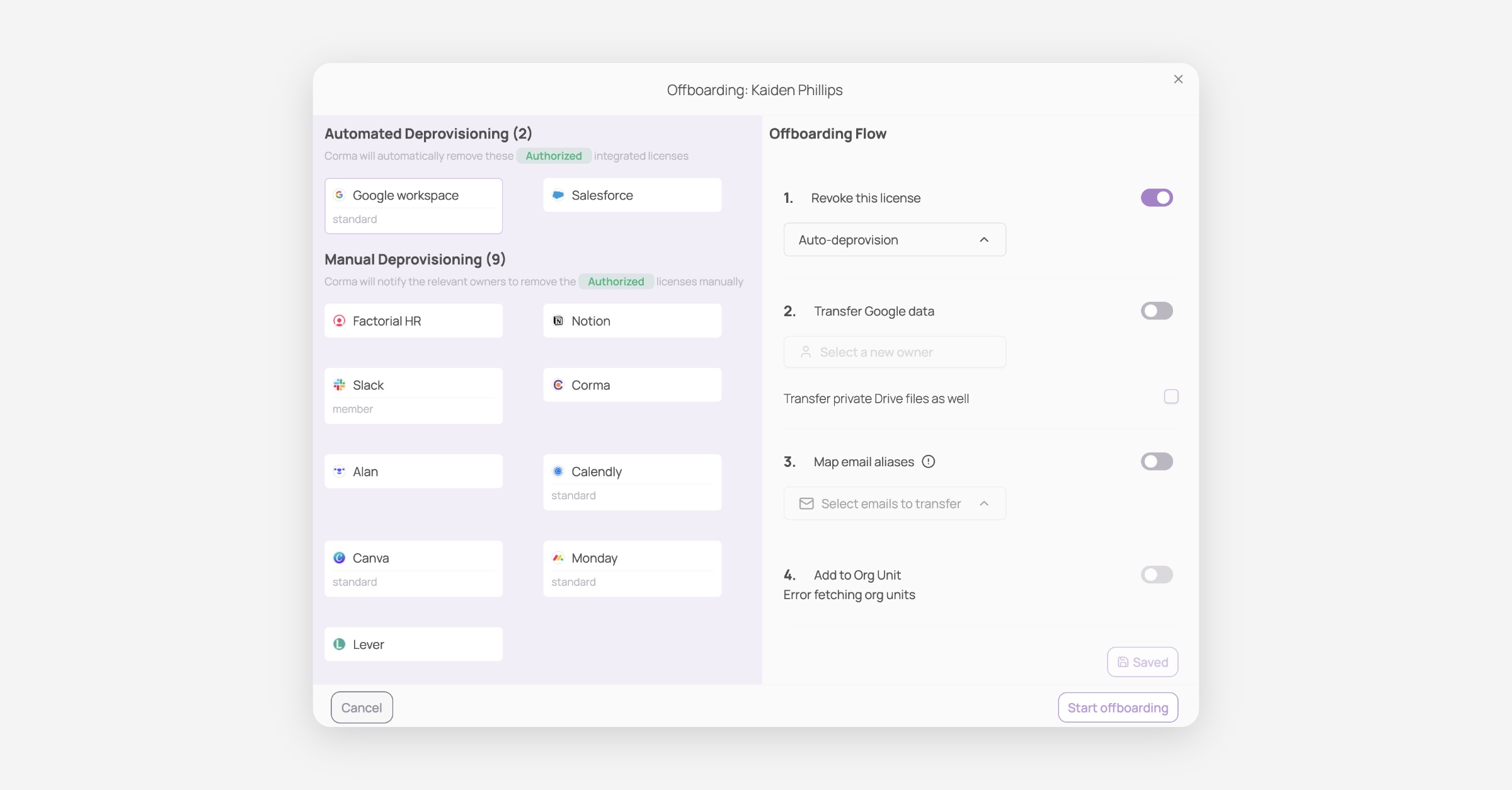
Launch the Offboarding
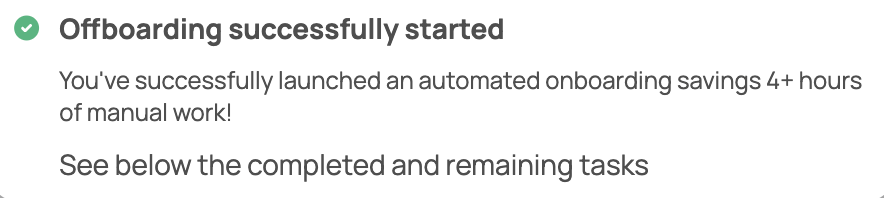
Click on "Start Offboarding" to get it launched and save a lot of valuable time !
From a specific user page
From the

Was this helpful?