
Docs / Use cases
Define license roles and set defaults
Define the available roles associated with each license (e.g., Admin, User, Viewer) and configure default roles for streamlined onboarding.
Access the App Settings for any specific application by clicking the dedicated “Settings” button on the app’s page.

From the "general" tab view this app's license roles
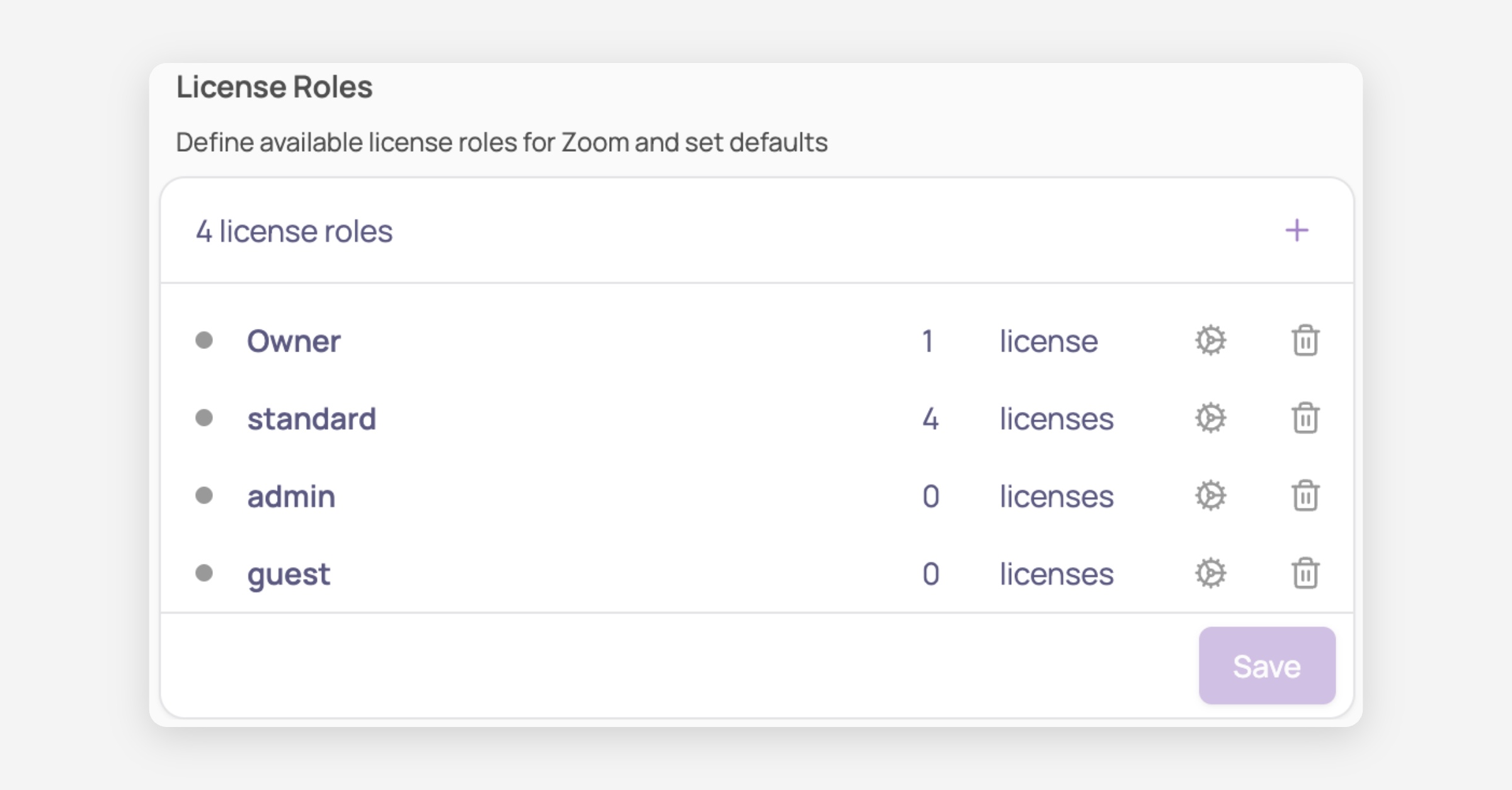
Click on "+" to add a new license type
Click on the settings icon to set as default license type for newly created licenses. Existing licenses will not be affected
Save your changes !
Was this helpful?