
Integration capacities
Integration capacities
Not every connector can do everything Corma offers. Each connector lists its operations in two groups: reads, the data Corma pulls in from the app (like users or licenses), and writes, the changes Corma can make in the app (like creating an account or revoking access). What's available depends on that app's API and the permissions you've granted it. Below: what reads and writes exist, how to check which ones a connector has, and how to turn a single one on or off.
ℹ️ Reads and writes replace what Corma used to call "capacities". The operations are the same; only the name and the way you manage them have changed.
Key integration capacities
User & access management
Capacity | Description |
|---|---|
Provision | Create user accounts from Corma |
Deprovision | Delete user accounts from Corma |
Add/remove to org units | Add or remove users from organizational units from Corma |
Add/remove to groups | Add or remove users to/from specific groups from Corma |
List Permissions / Roles | Collect user permissions and roles and list them into Corma |
Sync and revoke Tokens | Synchronize and revoke access/OAuth tokens from Corma |
Send temp email | Send temporary emails to users from Corma when provisioning their access |
Transfer data | Transfer data from one user or project to another at offboarding |
License & usage tracking
Capacity | Description |
|---|---|
Get Users | Collect users with access to the app and list them into Corma |
Get last activity | Retrieve user last activity and sync it into Corma |
List license types | Collect license types and list them into Corma |
Get Sub-products | List all sub-products and their users of the parent app (e.g. connecting Atlassian also retrieves Jira, Confluence, Trello, and Bitbucket users) |
Third-party apps and users | Collect third-party app licenses through SSO |
Finance & offboarding
Capacity | Description |
|---|---|
Get Expenses | Collect invoices and sync expenses data |
Get HR info | Collect HR data and enrich users into Corma |
Transfer data | Transfer data from one user or project to another at offboarding |
How to view an integration's capacities
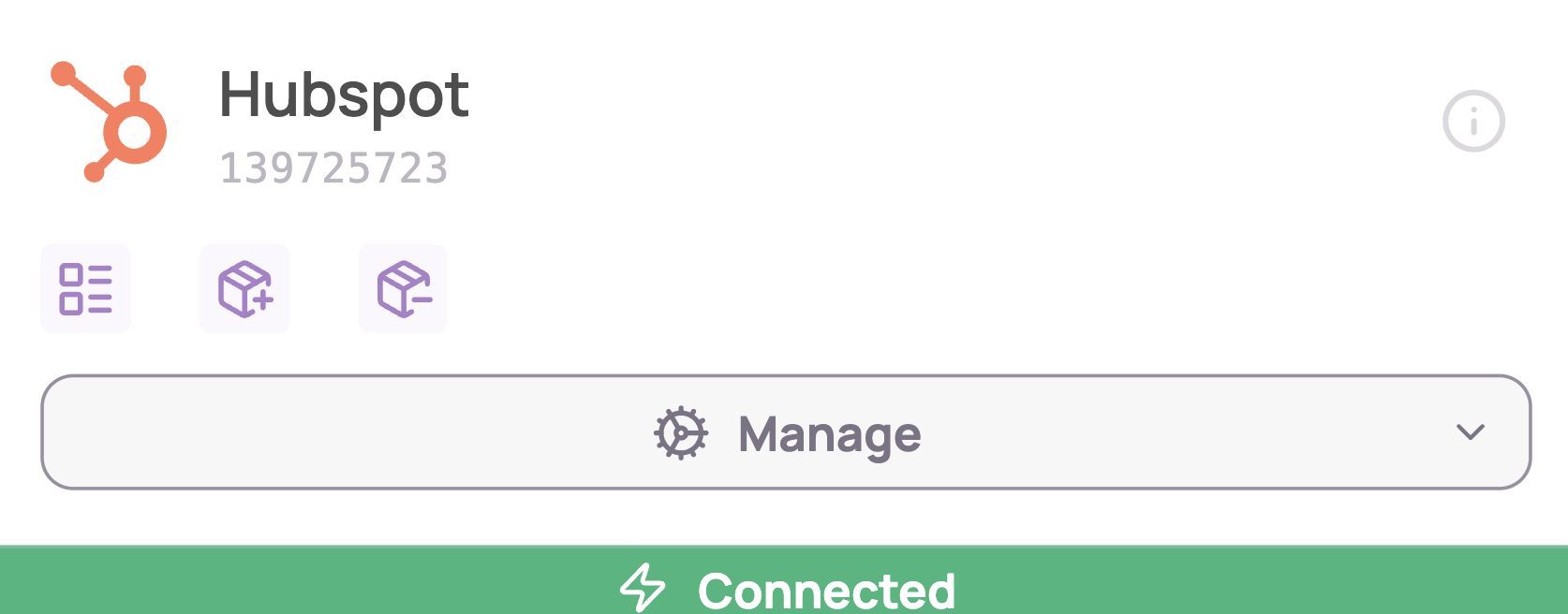
Method 1 — from the integration card
The icons on the integration card represent its enabled capacities.
Method 2 — from the info dot
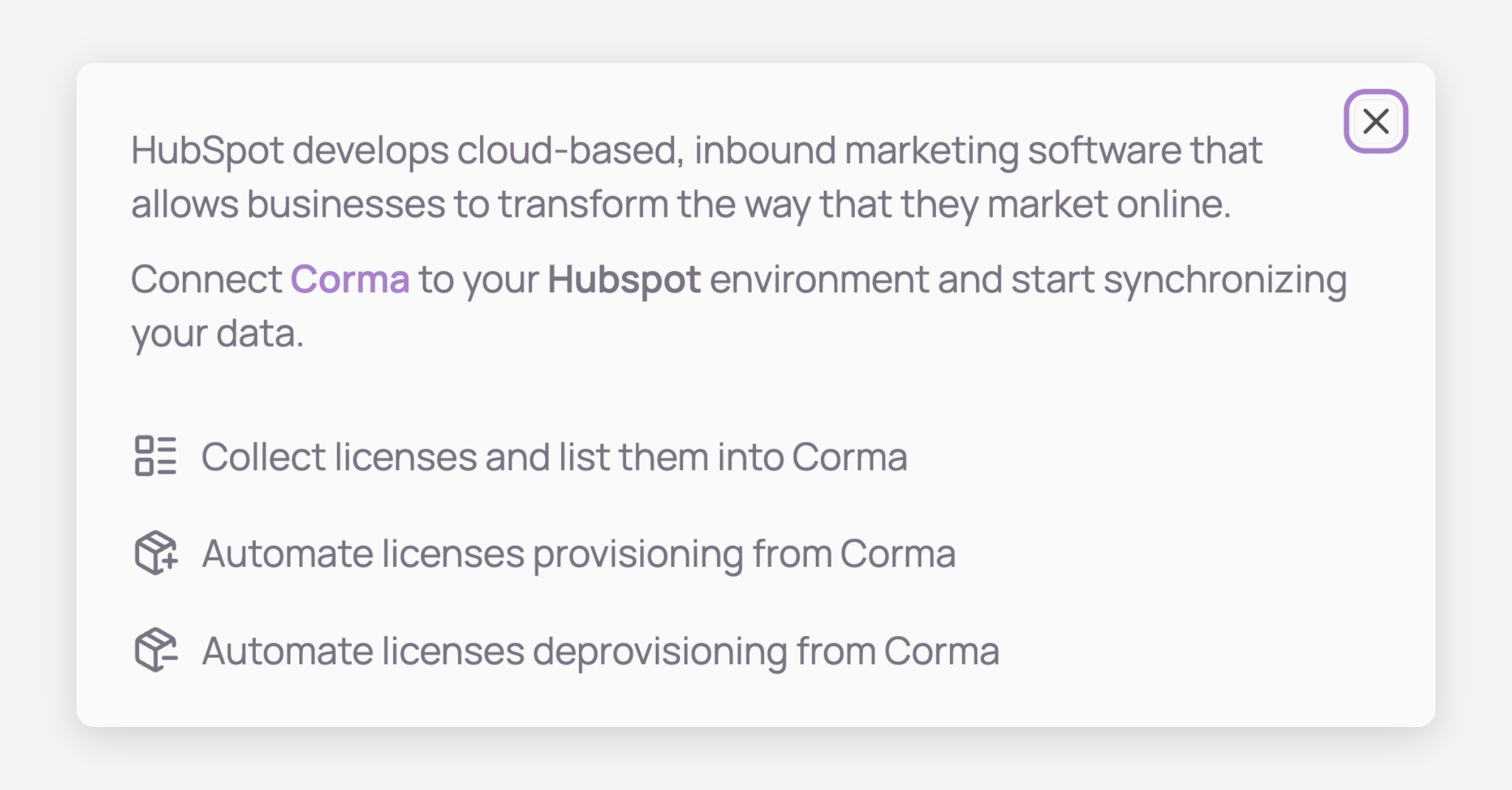
On the integration card, click the info dot.
A popup displays the detailed list of all enabled capacities for that integration.
How to enable or disable a capacity
Prerequisites: the integration must be connected to Corma, and you need admin privileges.
Navigate to the integrations module in Corma.
Locate the integration card you're interested in.
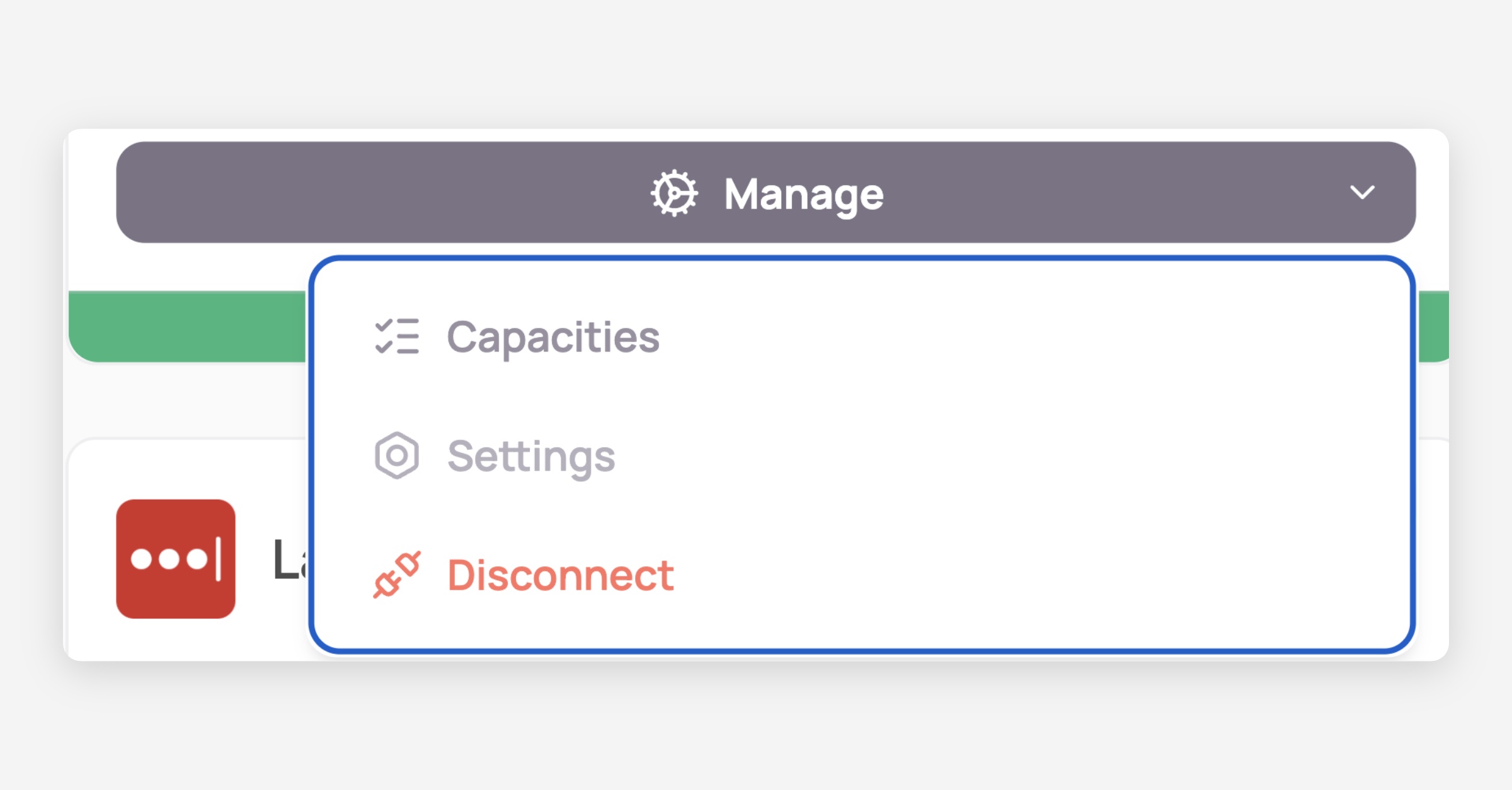
Click Manage, then select Capacities.
Toggle the switches to enable or disable each capacity.
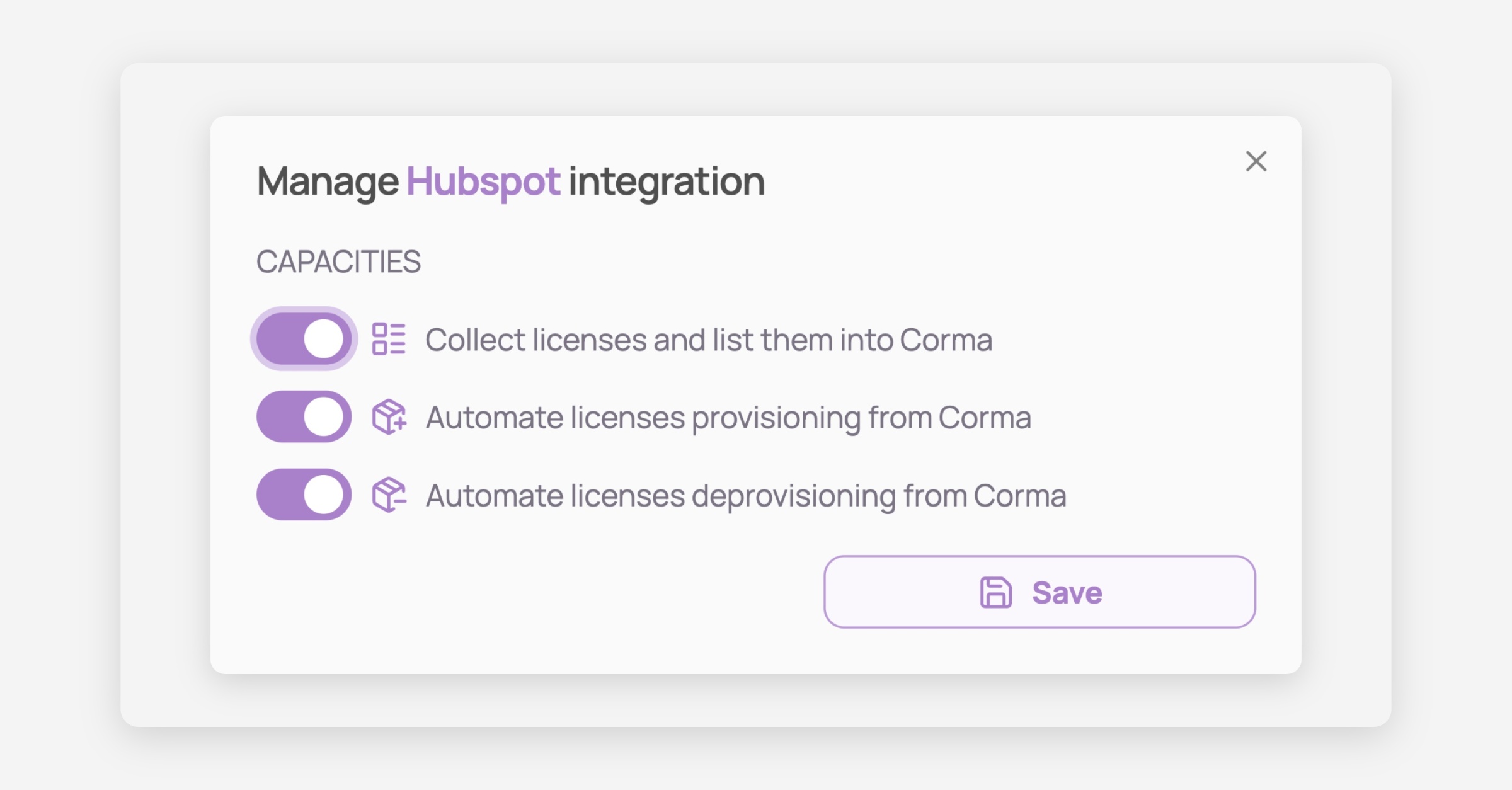
Save your changes!
Tip: Not sure which capacities an integration supports before connecting it? Check its page in the Integrations catalog — supported capacities are listed there too.
Was this helpful?