
Corma changelog
Connector pages, sign-in from your identity provider, and CSV invoice import
Every connector now has its own page
Click any connector on the Connectors page to open a page that holds everything about it, with its sync history alongside.
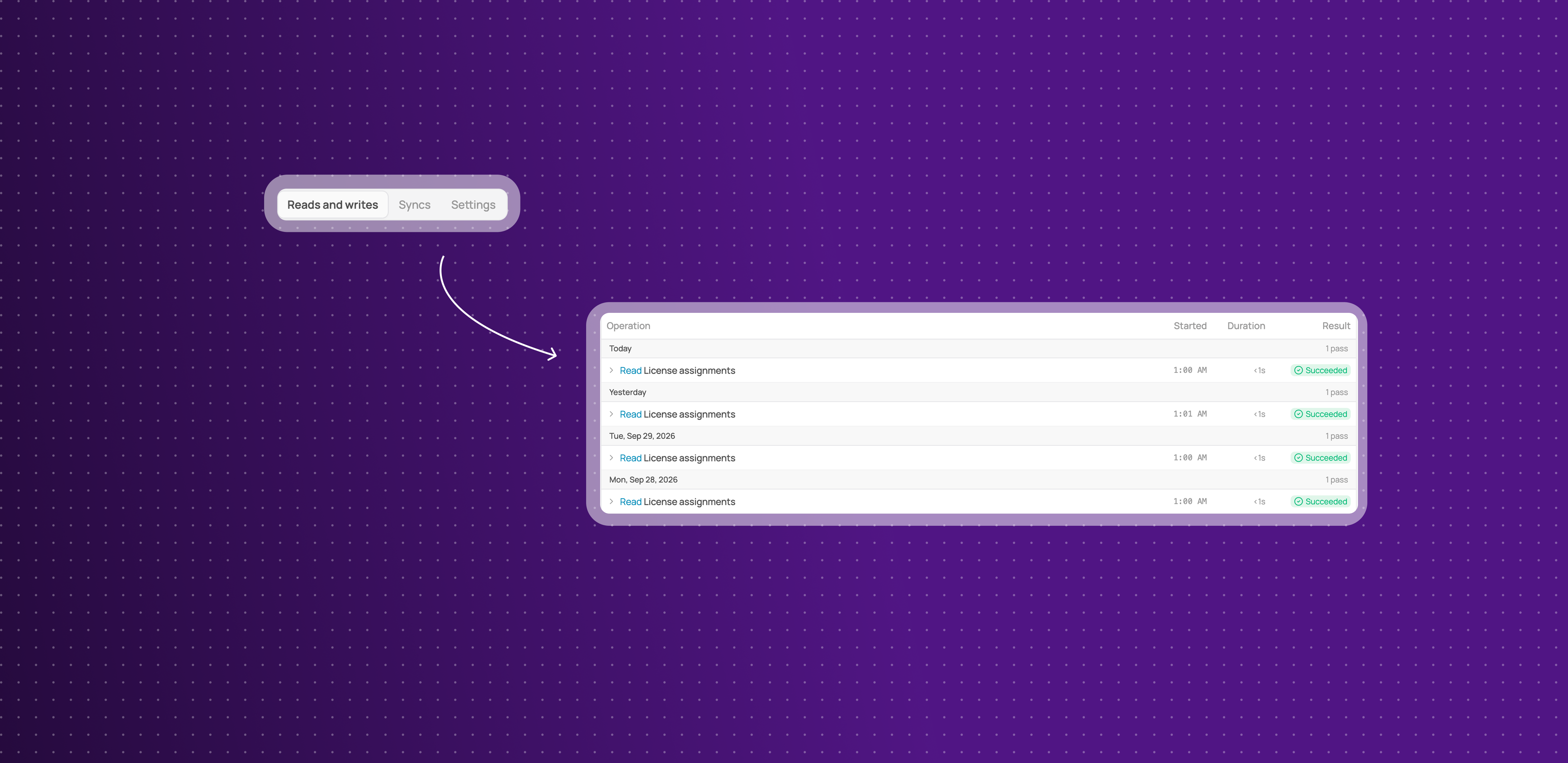
Three tabs: Reads and writes, Syncs and Settings, under a header that shows the connector's status, connection method and last check.
Reads and writes saves as you click: switch an individual read or write on or off and the change is saved straight away, with no Save button.
Every sync run in the Syncs tab: each run is listed by day with its status and duration, and the top of the tab shows the last successful run and how many runs failed.
Skipped runs say why: a run that did not happen tells you the reason, so a paused connector no longer looks broken.
This means you can check whether a connector is healthy, and fix it, from one page.
A Connectors page that shows what you use
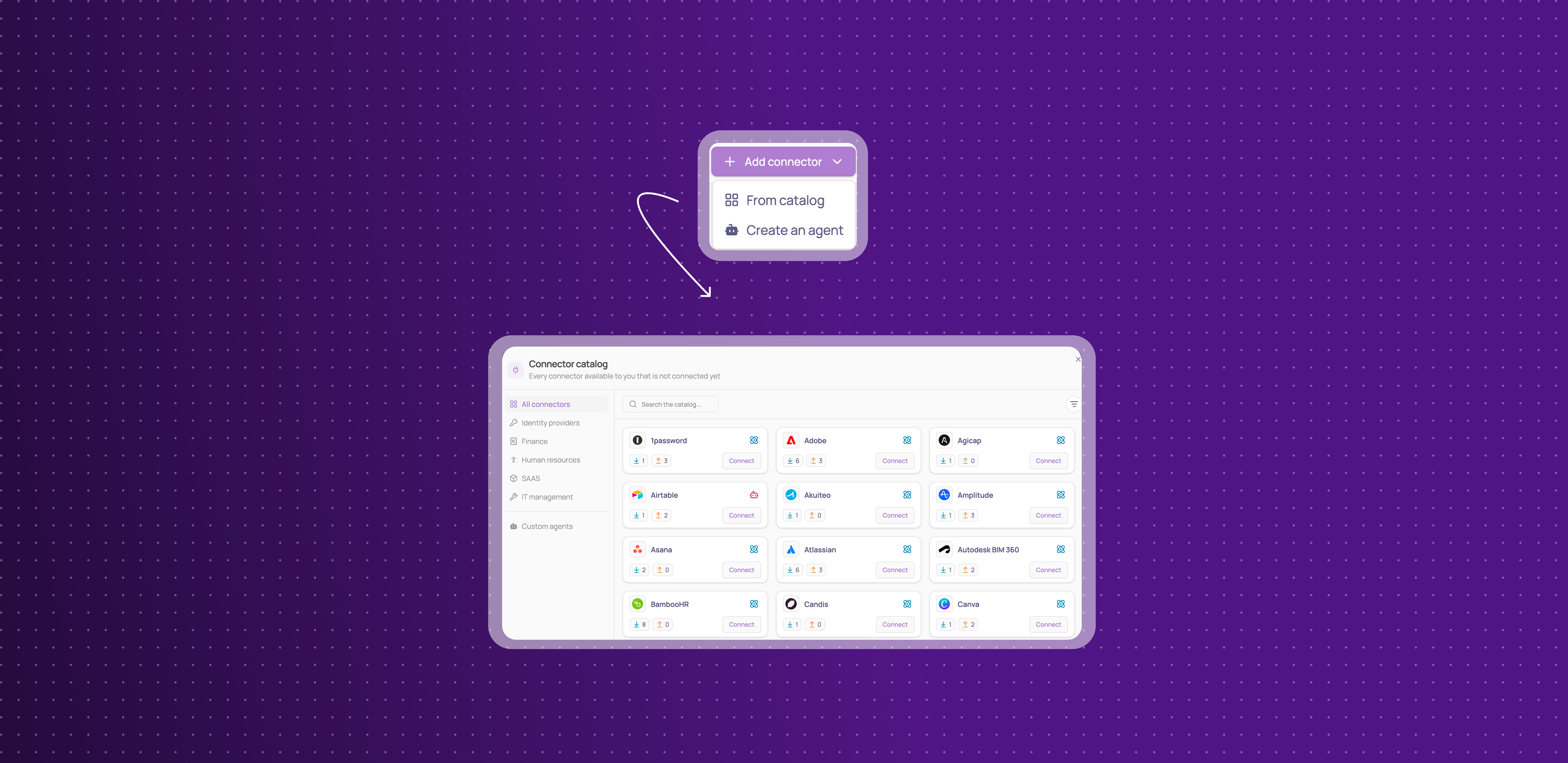
The Connectors page now lists only the connectors you have connected. Everything else is one click away.
Your connectors only: the grid shows the connectors your workspace has connected, with their status.
Suggestions stay visible: suggested connectors still appear in a band above the grid, as smaller cards that link to the connector's page.
Simpler filters: the Type filter now has two values, API and Agent, and the Status filter only offers statuses that apply to connected connectors.
This means the page opens on what needs your attention, not on hundreds of apps you have not connected.
Open Corma straight from your identity provider
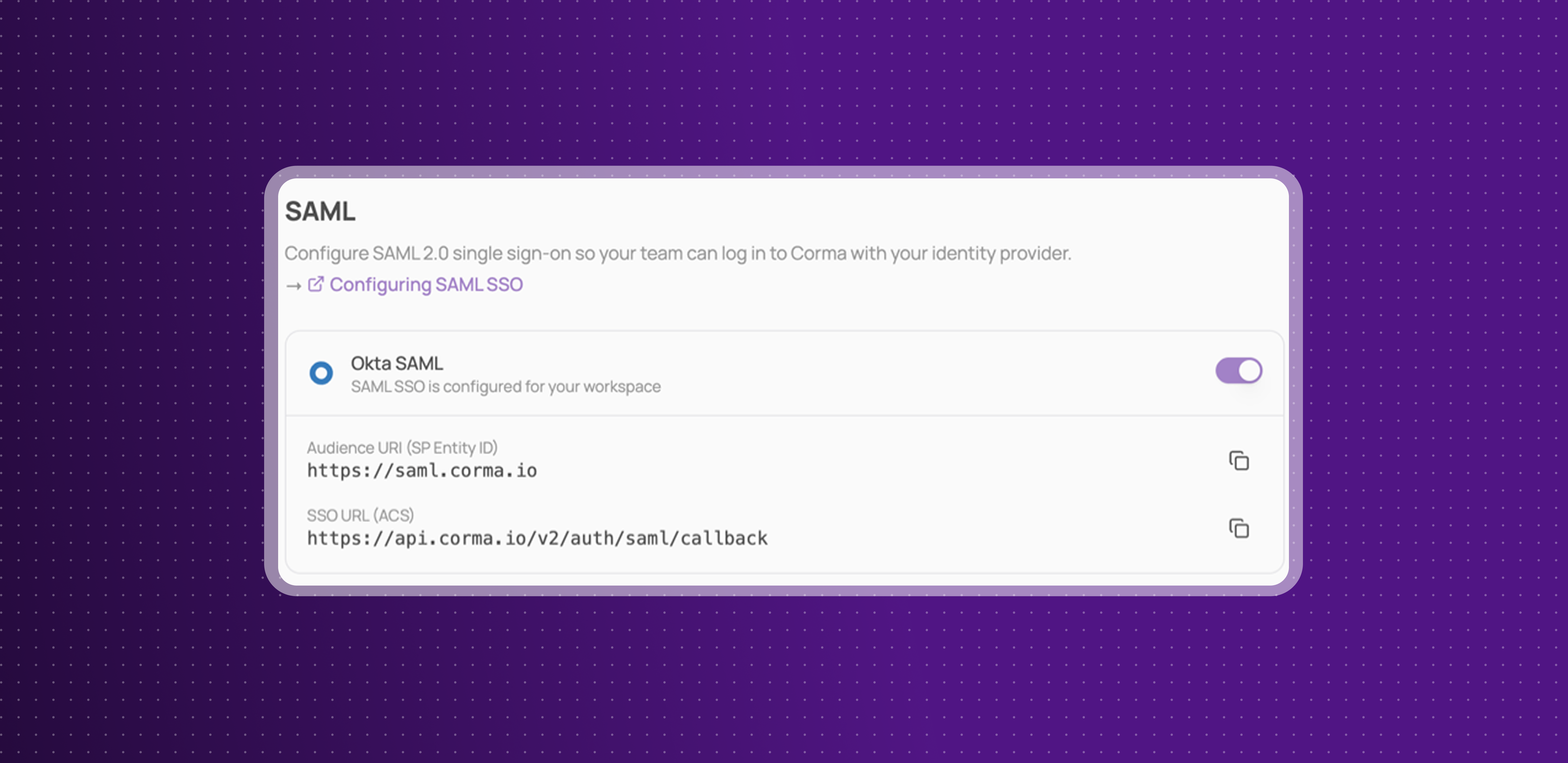
If your workspace signs in with SAML SSO, your team can now open Corma from the Corma tile in their identity provider's dashboard.
One click from the tile: click Corma in Okta, Microsoft My Apps or the Google app launcher and you land in your workspace, signed in.
Nothing to reconfigure: existing SAML connections support it automatically. If you hid the Corma tile earlier, show it again.
Microsoft Entra ID: leave Sign on URL empty in your Corma enterprise app, so the tile signs users in directly.
Same security as before: a tile click goes through the same checks as the Corma sign-in page, including enforced SAML.
This means your team opens Corma the same way they open every other app in your stack.
Import invoices from a CSV file
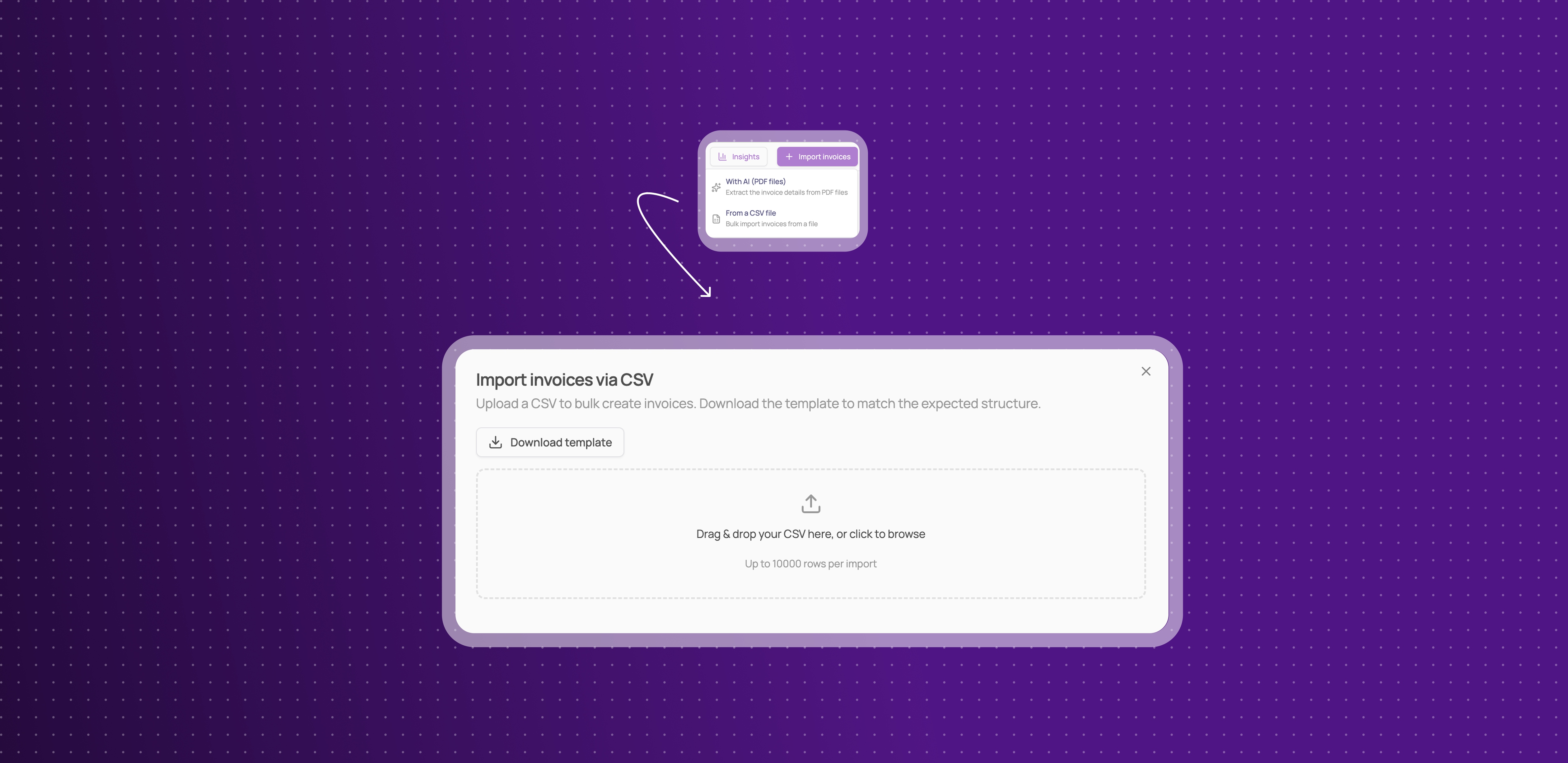
You can now add invoices to Corma in bulk from a spreadsheet, not only from PDF files.
A new import option: open Import invoices on the Invoices page and choose From a CSV file, available on every plan.
Your columns, your formats: start from the template or your own file, map your columns to Corma's fields, and pick your date and amount formats.
No duplicates: invoice numbers already in your workspace, or repeated in the file, are skipped, so importing the same file twice is safe.
Matched to your apps: each invoice is matched to an app from its supplier name. Unmatched ones wait under Unmatched invoices for you to attribute.
This means you can bring months of invoices from your accounting tool into Corma in one step.
Redesigned user and app pages
The page for a single user and the page for a single application have a new layout, so the details you check most are visible as soon as the page opens.
Everything in tabs: an application's page is split into tabs for Overview, Activity, Licenses, Contract, Tokens, Requests and Notes, each showing how many items it holds.
Key details in a side panel: connectors, status, criticality, app owner, access owner and labels now sit together in a panel on the right, next to whatever tab you are viewing.
Desktop agent status on user pages: see whether the desktop agent is set up for a user directly from their page.
This means you can see who uses an app, how it is connected and who owns it without leaving a single page.
Improvements
Onboarding and offboarding steps now run side by side, app by app, so a slow step handled by an agent no longer delays the steps that run through an app's API.
Onboarding thousands of users at once is faster, with many steps processed in parallel instead of one at a time.
You can now launch an offboarding through the public API. It appears in the list of available actions.
The filter bar and column picker now also cover Workflows, Shadow IT policies, Access reviews and SSO tokens, so you can filter field by field, including with "is not", and choose your columns on those pages too.
Sub-pages and tables shown inside other pages now use the new filter bar, and the previous filters have been removed everywhere.
Completed access reviews are no longer hidden by default on the Access reviews page. Filter them out, or save a view that excludes them, to get the previous list back.
The Users table now shows each person's main email under their name, and their department in its own column.
You can now filter the Users page by group membership, with "is part of any" and "is part of all".
License tables have a new App account details column, showing the name, email and account ID as they appear in the app, even when the license is matched to a Corma user.
You can now select several tickets on the Tickets page and Mark as complete, Archive or Export them in one go from the selection bar, or use Select all to act on every ticket at once.
Bulk actions on access reviews, onboardings, offboardings and workflows now work on selections of more than 200 rows. They run in the background and show their progress, instead of asking you to narrow your filter.
Google organizational units now show their full path, such as BDR_user/France, when you pick one in a bundle, so units with the same name can be told apart.
The Get user data workflow action now returns the manager's ID and email, so you can pass the manager to another Get user data step or use their email as a recipient.
Lucca now syncs users, teams and licenses as separate operations, so you can switch each one off on its own and follow its runs in the Syncs tab.
Resolving a ticket manually now works when the action was already done in the app, for example a license that was already revoked.
Settings > Securitynow links to the SAML SSO setup guides on the help center.The Sources hovercard now shows each source's own date.
The audit log now tells an action run by an agent apart from the same action run through the app's API.
The message shown when a saved view contains outdated filters is now clearer.
Public API: the Users endpoints now return
departmentanddepartmentKeyinstead ofteamandteamKey. Requests that create or update users still acceptteamKey, but sending both keys with different values returns an error. If your integration readsteam, update it to readdepartment.
Fixes
Microsoft applications missing from Corma's catalogue has been fixed.
Qonto user syncs failing has been fixed.
Resolving a ticket freezing the page has been fixed.
Marking a provisioning ticket complete from Slack failing has been fixed.
"Skip & create a ticket" not creating the ticket has been fixed.
Tickets not reaching the fallback owner in new workspaces has been fixed.
Start and end date triggers missing users whose date arrived late has been fixed.
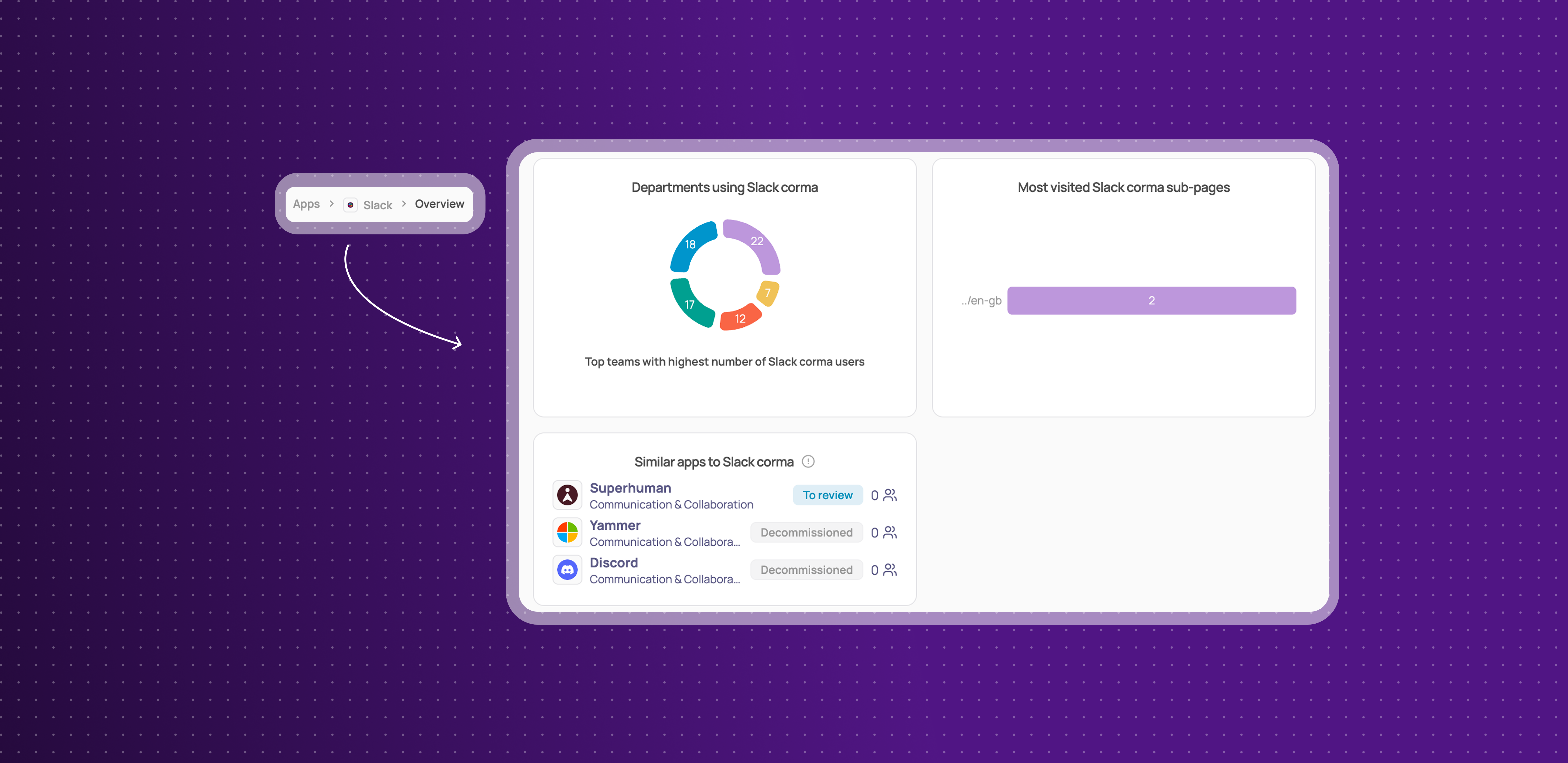
The Sub-pages tab staying empty on an app's Analytics page has been fixed.
A duplicated bundle sharing its workflow with the original has been fixed.
The bulk delete count including items that cannot be deleted has been fixed.
Some Google and Microsoft SSO tokens not being collected has been fixed.
Searching SSO tokens by part of a scope has been fixed.
Deel connections showing as invalid right after connecting has been fixed.
The Slack /request-access-corma command timing out has been fixed.
The AI contract import losing its progress message has been fixed.
Custom agent cards disappearing after connecting has been fixed.
The filter bar overlapping the table has been fixed.