
Corma changelog
Save your views, and see what every connector reads and writes
Saved views, custom columns and better filters
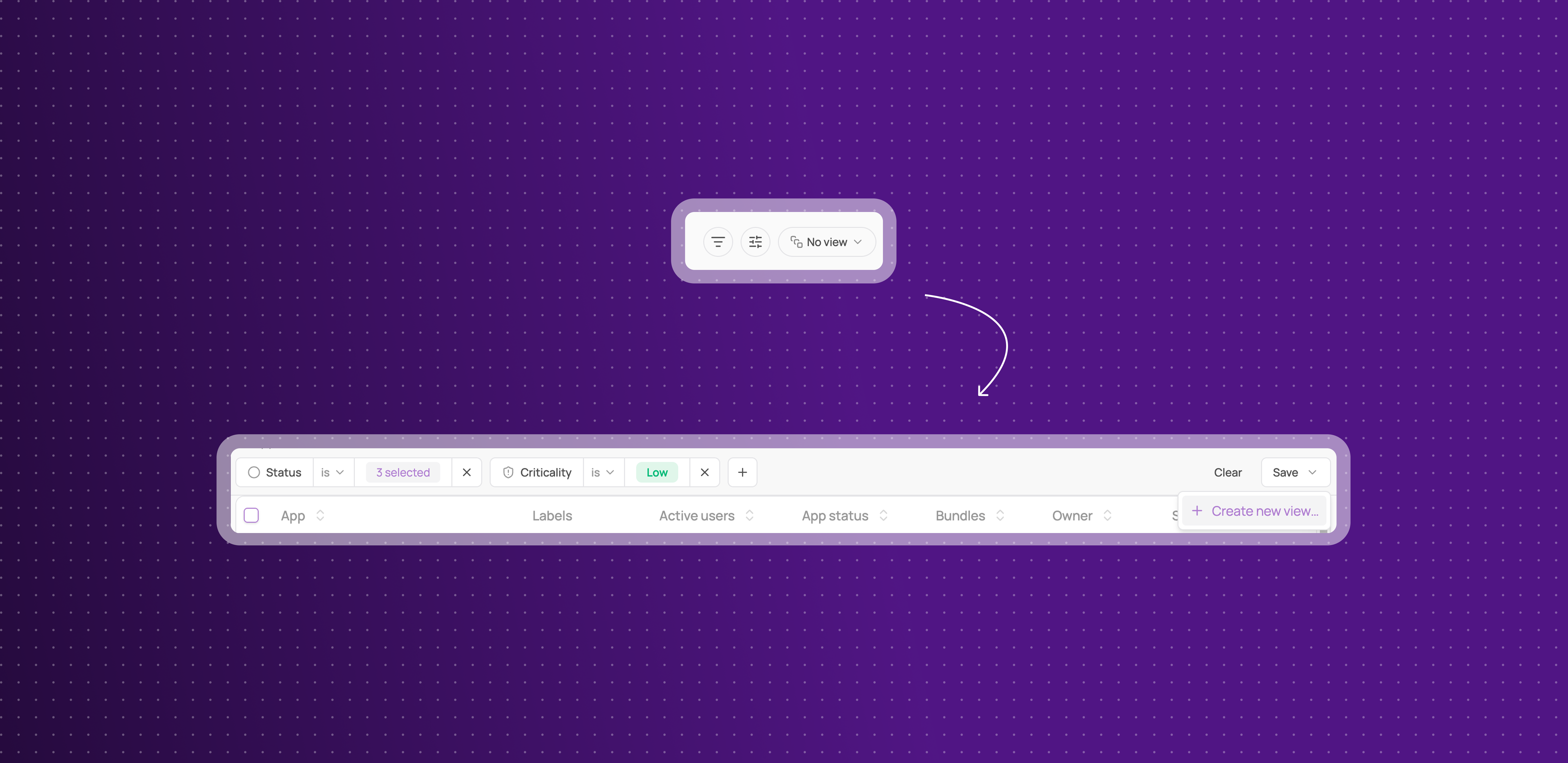
You can now shape a table once and come back to it, on Applications, Accounts and Licenses, Identities and Users, Tickets, and Contracts.
Save a view: name a set of filters and columns, then pick it again from the views dropdown whenever you need it.
A rebuilt filter bar with new operators: build conditions field by field, with operators that suit the field, including "is not" to exclude rather than only include.
Share views to your workspace or keep them to yourself : saves views either as workspace view so any other admin can see it, or save it as a personal view for yourself only.
Define a default view: set on each page a view as a default view and come back to it every time you loads Corma.
Choose your columns: show the fields you care about, hide the rest, and keep that choice per view.
Table or board: switch view mode, and send a link that opens the table exactly as you left it.
This means the filtering you rebuild every morning becomes something you set up once.
Capacities are now reads and writes, with history logs
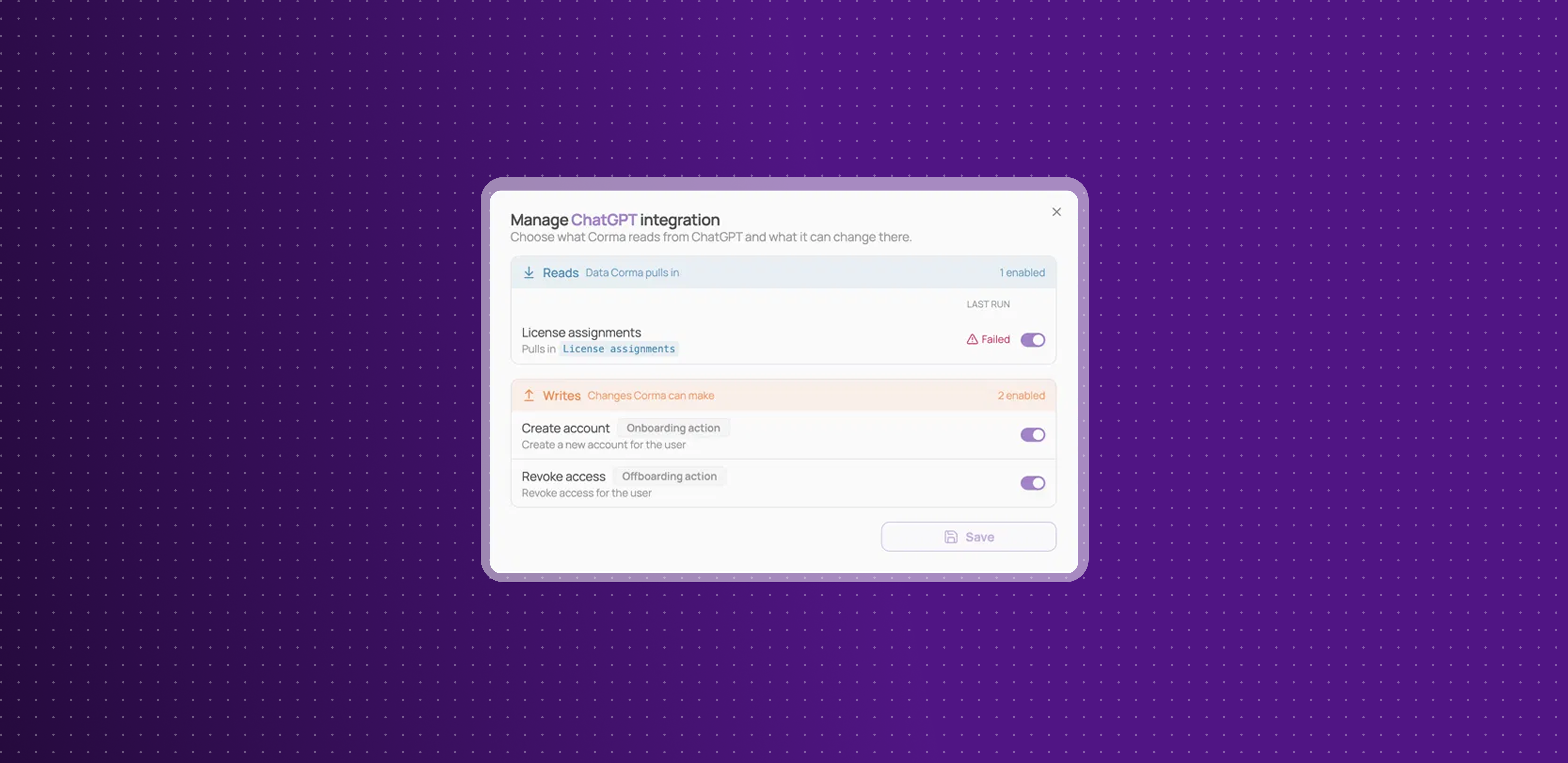
What a connector does is no longer described as capacities. Each connector now tells you plainly what it reads from an app and what it writes back, and lets you control each one.
Reads and writes replace capacities: the same underlying operations, named for what they actually do. Reads are the data Corma pulls in, writes are the changes Corma can make.
Counts on every connector: see how many operations a connector reads and how many it writes before you connect it, not after.
Turn any single operation on or off: open Manage on a connected connector and switch an individual read or write without disconnecting the whole integration.
See what ran and when: each operation shows the outcome of its last run beside it, so a failing sync is visible next to the operation itself instead of buried in a log.
Writes say when they fire: provisioning and deprovisioning actions are tagged as onboarding or offboarding actions, with a line explaining what triggers each one.
This means you can tell exactly what Corma does with an app, in the words you would use yourself, and change it one operation at a time.
Contracts and invoices are now in the public API
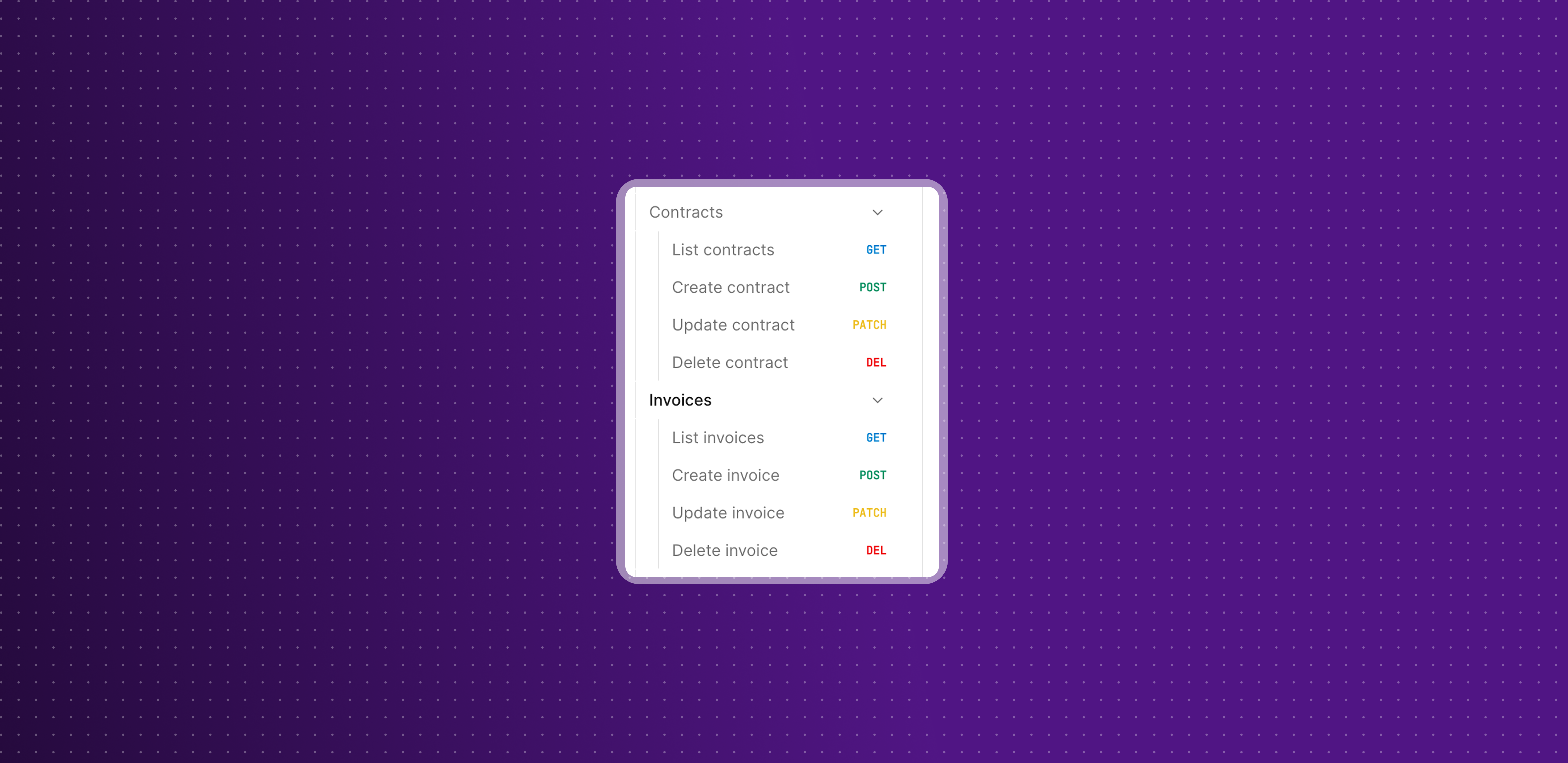
You can now manage contracts, invoices and tickets programmatically, alongside the users, licenses and groups already available.
Contracts and invoices: list, create, update and delete both. Contract responses include seat items with their cost and billing period, plus fixed items and subscription details.
Tickets replace tasks and access requests: the API now matches the product, where those two became tickets. A new Create action endpoint takes over from the legacy Tasks endpoint.
Documented in the API reference: every new endpoint, its parameters and its error cases, in the Dev center.
This means your contract and ticket data can flow into your own finance and ITSM tooling without an export step.
Improvements
Corma now collects more of your Google SSO and SAML applications, including their last activity dates, so more of your stack shows up without extra setup.
Row actions have moved out of the three dots menu at the right of tables and into the selection bar, with 17 new bulk actions across 8 more entities so nothing is lost.
Password reset and creation steps for Google Workspace, Microsoft and AWS now share one recipients picker, with optional subject and message fields, so you can send your own wording along with the temporary password.
Application page cards now cover every status, including restricted, to review and decommissioned, instead of grouping everything into Official and Shadow IT.
The Authentification checkboxes on applications are now labels, so authentication methods work like every other label and can be filtered the same way.
You can now see and edit an employee's personal email from the HR Properties panel on their page.
The main search modal now shows its keyboard shortcuts in a footer.
Public and Internal labels now always appear after your own labels, so yours are the ones shown first in tables.
HubSpot seats are now the source of truth for license types on that integration, so removing a seat in HubSpot updates Corma.
Updating a single license is faster.
Fixes
Google SAML applications not appearing in your SSO applications, and so not being matchable, has been fixed.
A nightly job marking non-Microsoft SSO applications as deleted has been fixed, and the affected records have been repaired.
"Sync members" on a Google or Microsoft identity provider group reporting success while doing nothing has been fixed.
Date-reached workflow triggers never firing when the date landed on the day itself has been fixed.
CSV import failing on users who already exist, instead of updating them, has been fixed.
Nightly Kelio user syncs timing out on large tenants has been fixed.
A declined sync pass showing as a completed run has been fixed, and sources are now ordered by freshness everywhere.
A contract renewal date sent as empty being stored as 1970, and producing renewal reminders dated in the past, has been fixed.
Assigning a country code through the public API when no other user in the workspace had that country has been fixed.