
Corma changelog
Tasks and Requests are now merged as Tickets
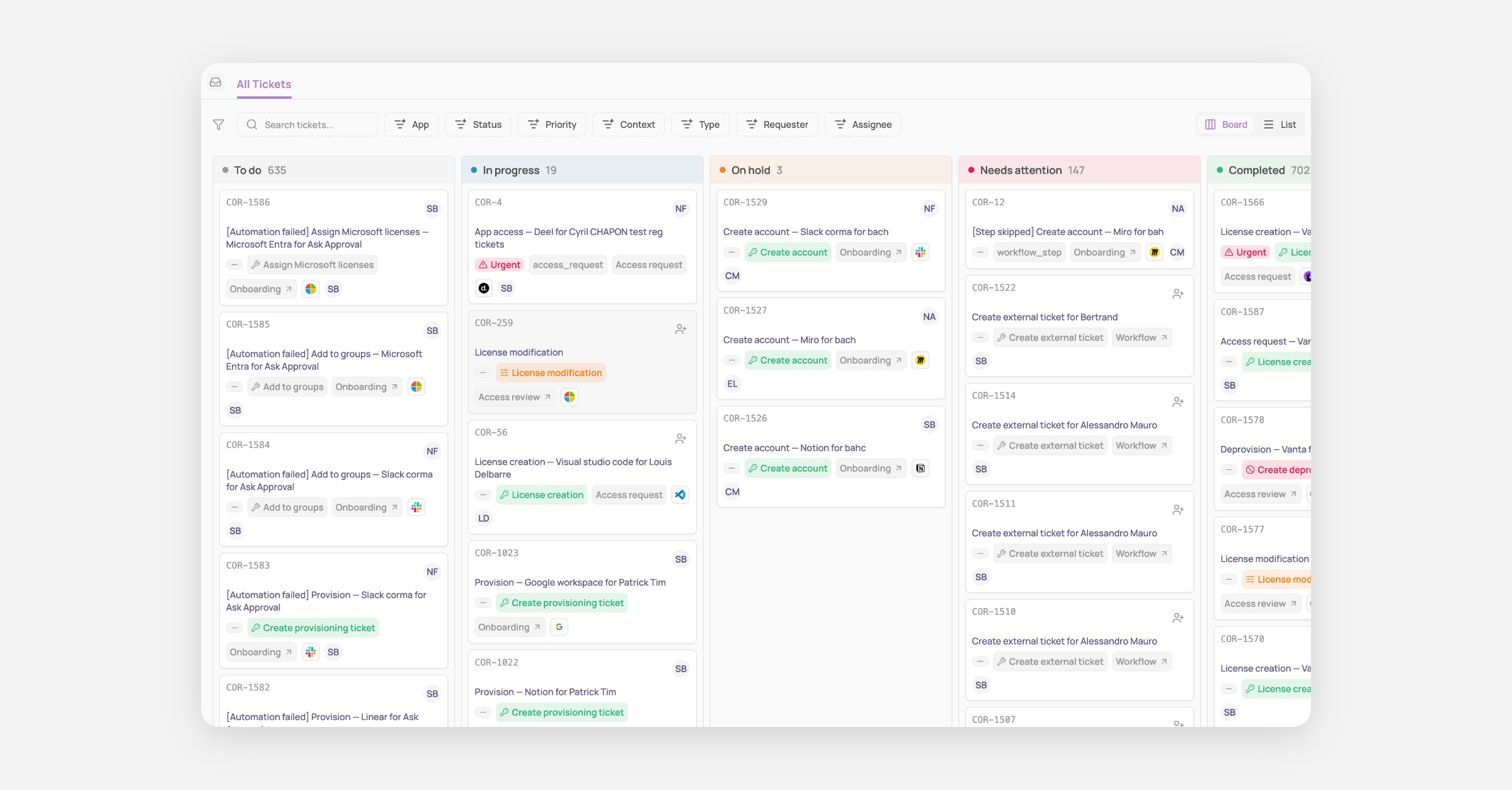
Big announcement today: Tasks and Requests that used to be separate concepts have now been merged as one single concept called “Tickets”!
This is a major shift in the product logic, which aims to greatly simplify how IT teams view and handle every task that requires manual input and is triggered by Corma’s access management solution.
How it was before:
Previously Tasks were all the actions that had to be performed manually and that Corma could not automate via API or Agent. While Requests were all access requests submitted by employees or their managers to gain access to a tool they need to do their job.
Both lived separately; only tasks could generate Jira or Siit tickets, and our users were confused since ultimately both result in the same thing: an IT team member needs to perform a manual action and validate it in Corma so we could update the record of truth of your access and licenses.
Well no more!
How it is now:
As of today, both Tasks and Requests are now living under the same page and concept called Tickets.
This means no more back and forth between what you need to do in Tasks and what you need to do in Requests. Everything is centralized in Tickets, clearly and automatically titled, auto-assigned to the relevant person, and labelled with the full context of this ticket.
An access removal is linked to an access review that was recently completed? You will see it clearly in the ticket and can directly go to the relevant access review to see who made the decision.
This also means that now every ticket, no matter the type of ticket, that lives in Corma can generate a ticket in your main ticketing system. Our goal is to take this further very soon by giving you:
More flexibility to create custom ticket types in Corma (e.g. New app request, Need a password reset, etc…)
A full 2-way synch between Corma tickets and tickets in your ITSM, starting with Jira and Siit.
That’s not all: New Triggers, Actions and APIs
We’re all releasing some new Triggers, Actions and APIs today to go along this massive change in our product:
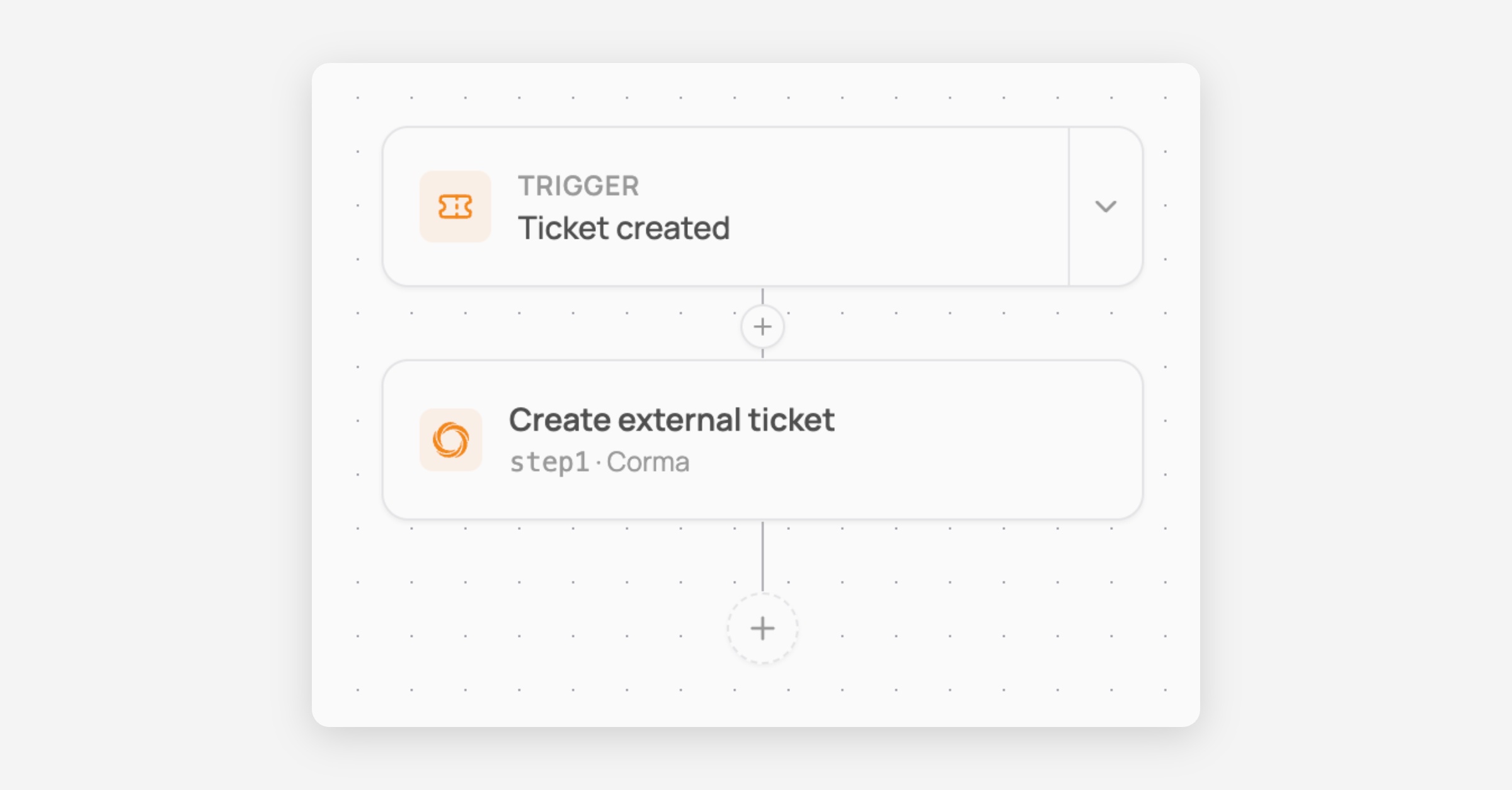
New trigger: Ticket created
You can now trigger workflows whenever a ticket is created in Corma. This allows you to build workflows like the simple one below to create tickets in your main ticketing system every time one is created in Corma so no data silo is created between your tools.
You can go further with our branching system to build much more complex workflows, for instance to put tickets in different Jira projects and with different task types depending on the app being targeted by the workflow!
New workflow action: Ask approval
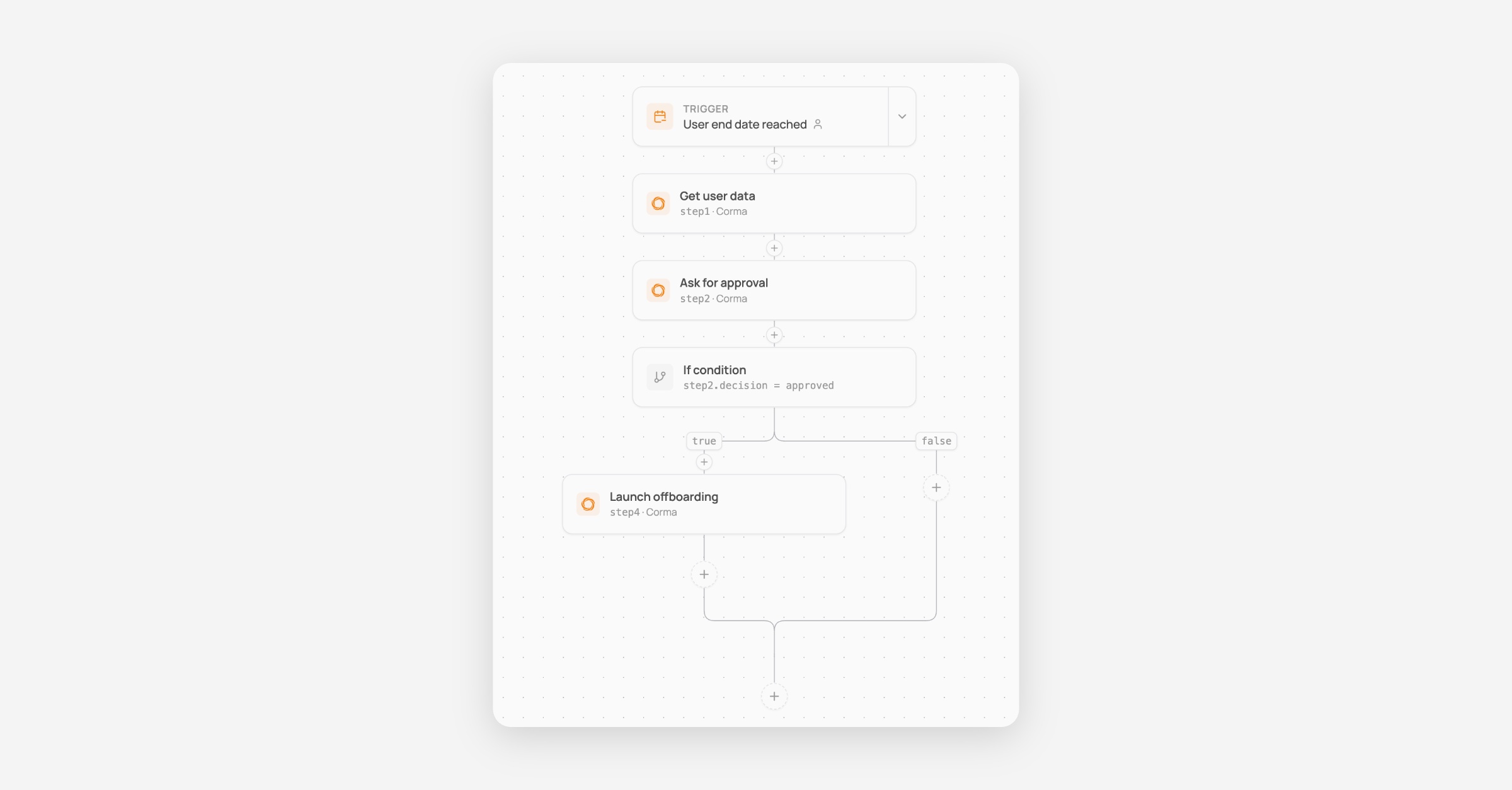
A brand new action to ask approval of anyone before proceeding with the rest of your workflow.
Here is an example below of a workflow where, when a user has their termination date today, it asks the manager for confirmation before deprovisioning all their accounts automatically.
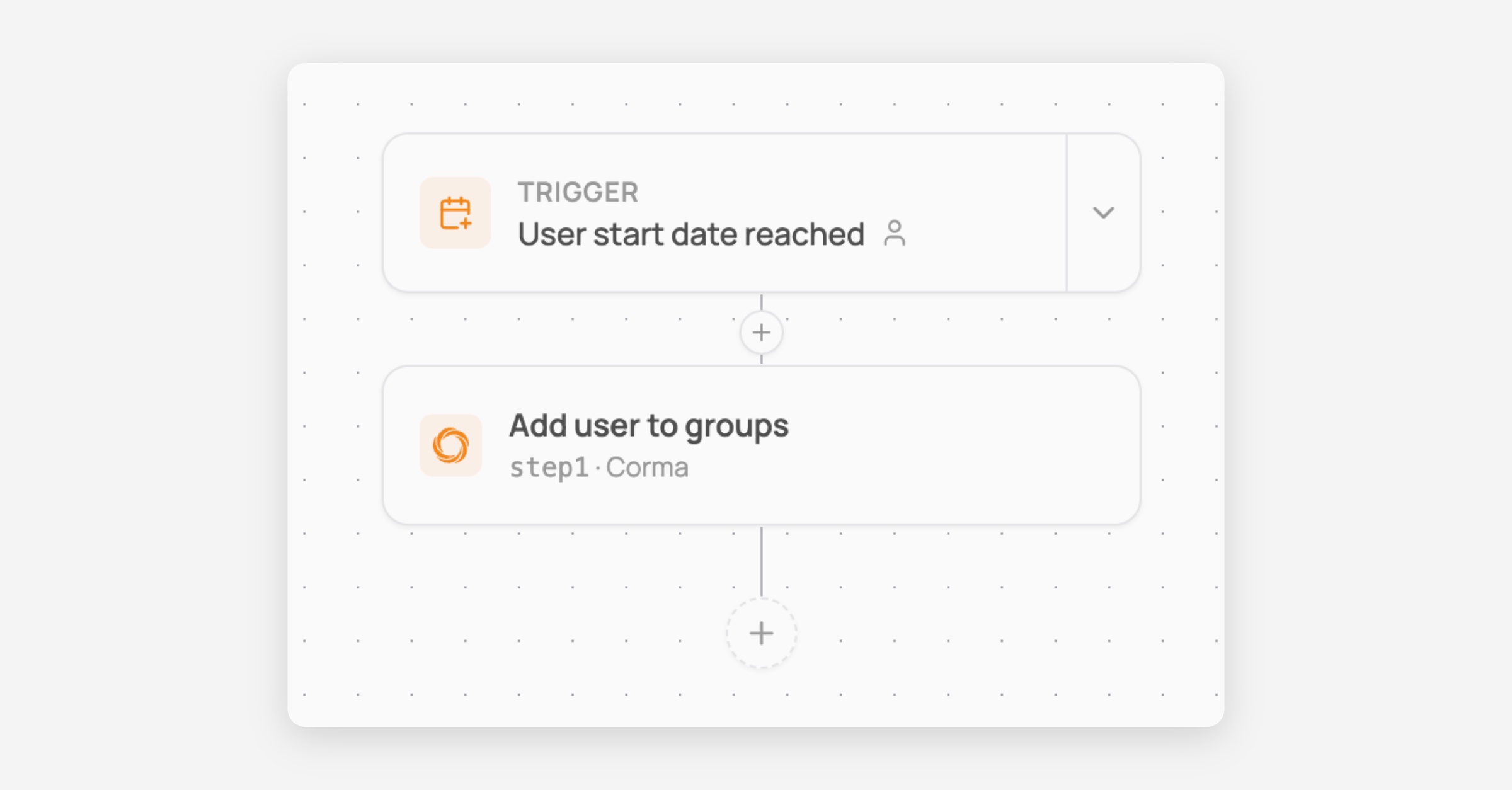
New workflow action: Add user to group
Add user to Corma user groups directly from the workflow as a new automated action
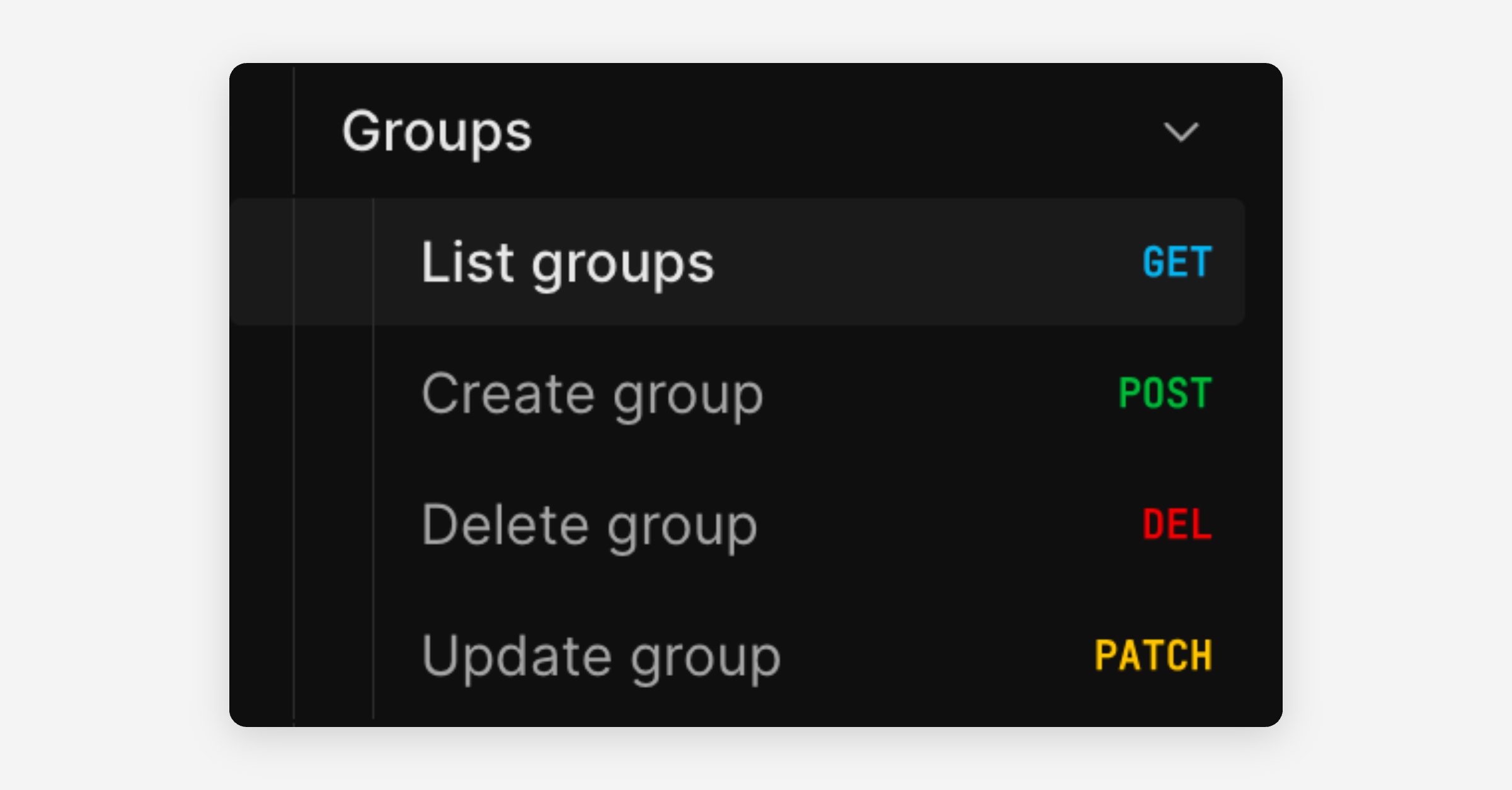
New public APIs: Manage User Groups
Brand new endpoints to manage Corma user groups programmatically outside of Corma.
Perform GET, POST, DELETE and PATCH operations on any group except IdP groups that cannot be modified, as the source of truth lives in the IdP.
And much more of course:
New User Group rule based on user type
Salesforce connector fixes
Activity extractor for ChatGPT agent
Microsoft token skip fix for large paginated responses