
Corma changelog
Dark Mode, Enriched Search, Department renaming, and a new Kelio Integration
Dark Mode, for your eyes only
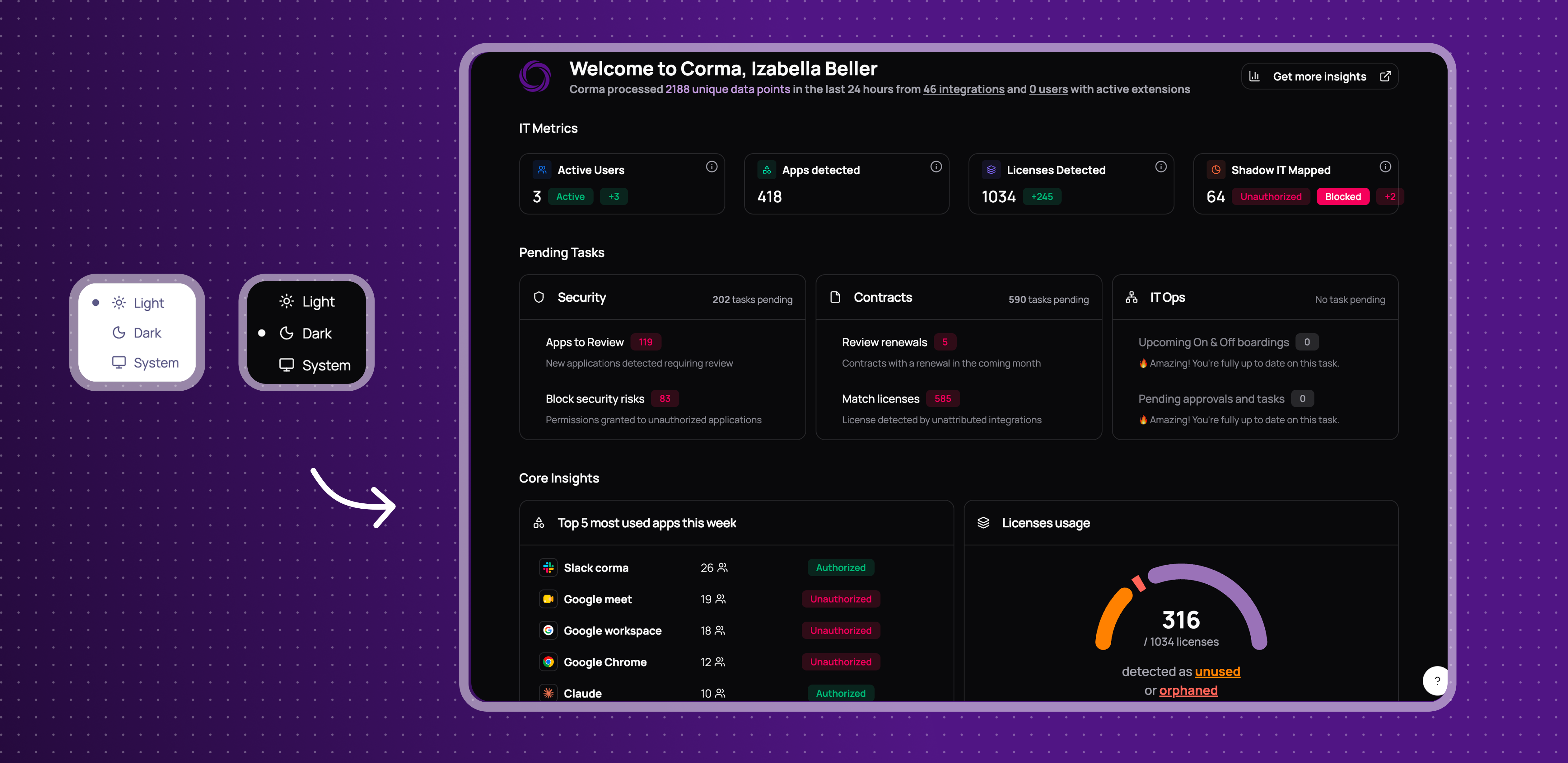
You can now switch Corma's appearance to a dark theme from your profile settings.
Appearance setting: choose your preferred theme from the profile dropdown.
Applies across the app: dark mode carries through every page.
This gives you a more comfortable viewing experience, especially in low-light environments.
A smarter search bar
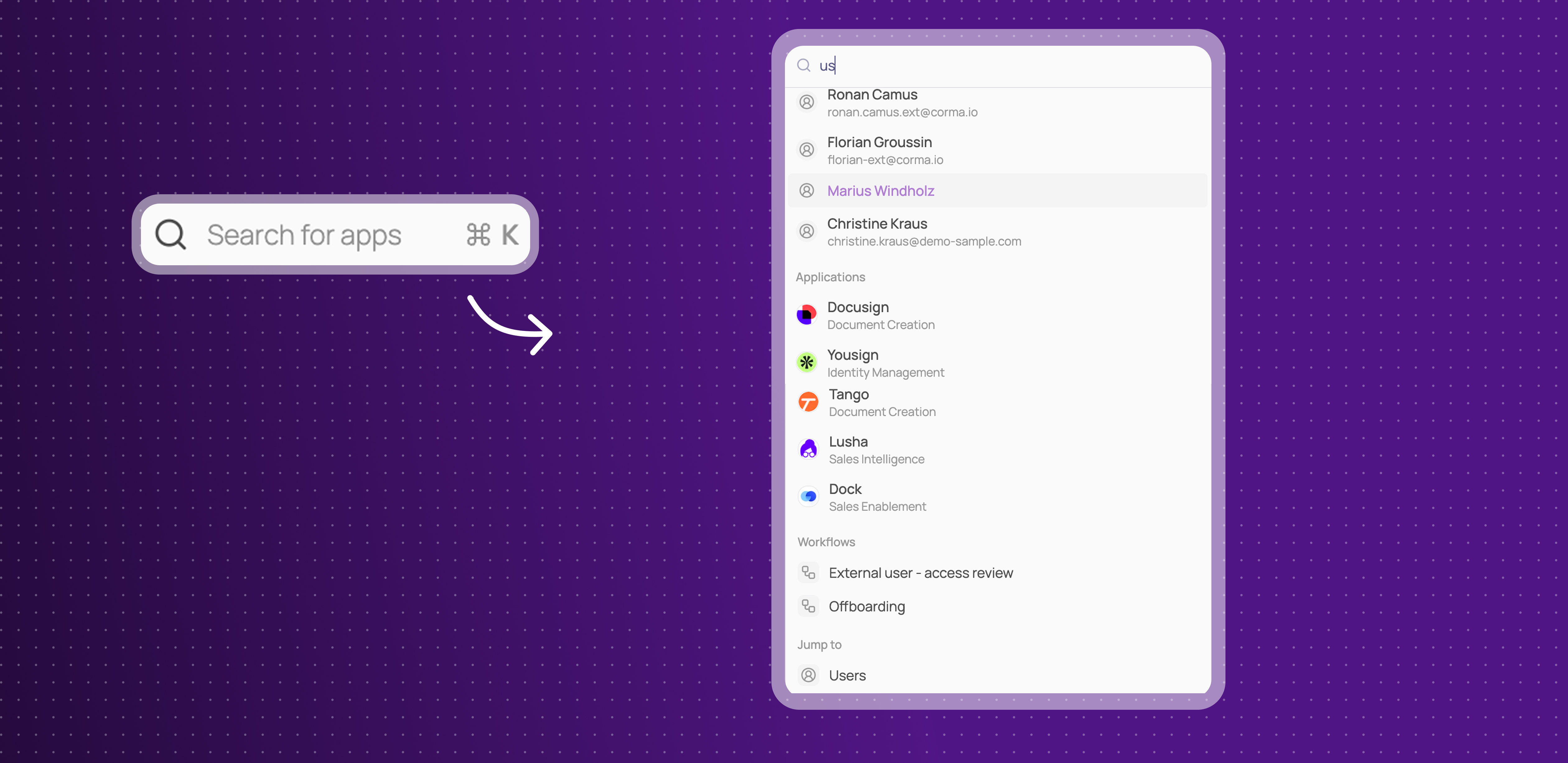
Corma's search now looks across more than just apps. You can find users, workflows, user groups, bundles, and access reviews directly from the search bar.
Search across more than apps: find users, applications, bundles, access reviews, workflows, and user groups all from one search bar.
Faster navigation: jump straight to the page or item you're looking for without digging through menus.
This makes it quicker to find exactly what you're looking for, wherever it lives in Corma.
Settings page got a revamp and Team is now Department
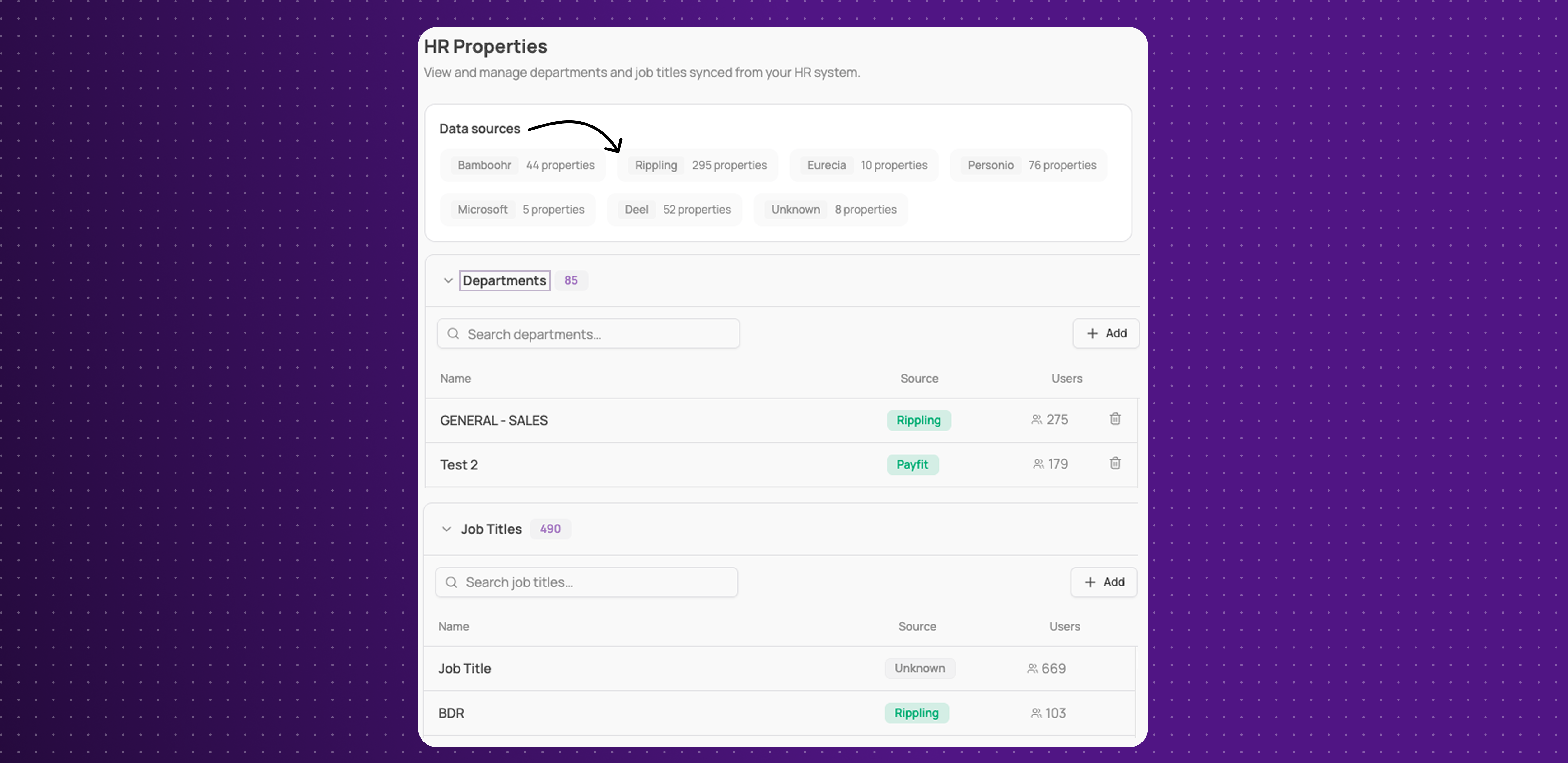
You can now navigate a redesigned, cleaner Settings section, and what was called "Team" is now "Department," with a new view for managing HR properties and where each one comes from.
Cleaner admin panel: a redesigned, less cluttered Settings layout.
Department renaming: "Team" is now "Department" throughout the app.
HR properties view: see and manage your Departments and Job Titles synced from 80+ HR tools, each showing its source and how many users are tied to it.
This gives admins a clearer way to manage company settings and understand where HR data comes from.
Kelio Integration
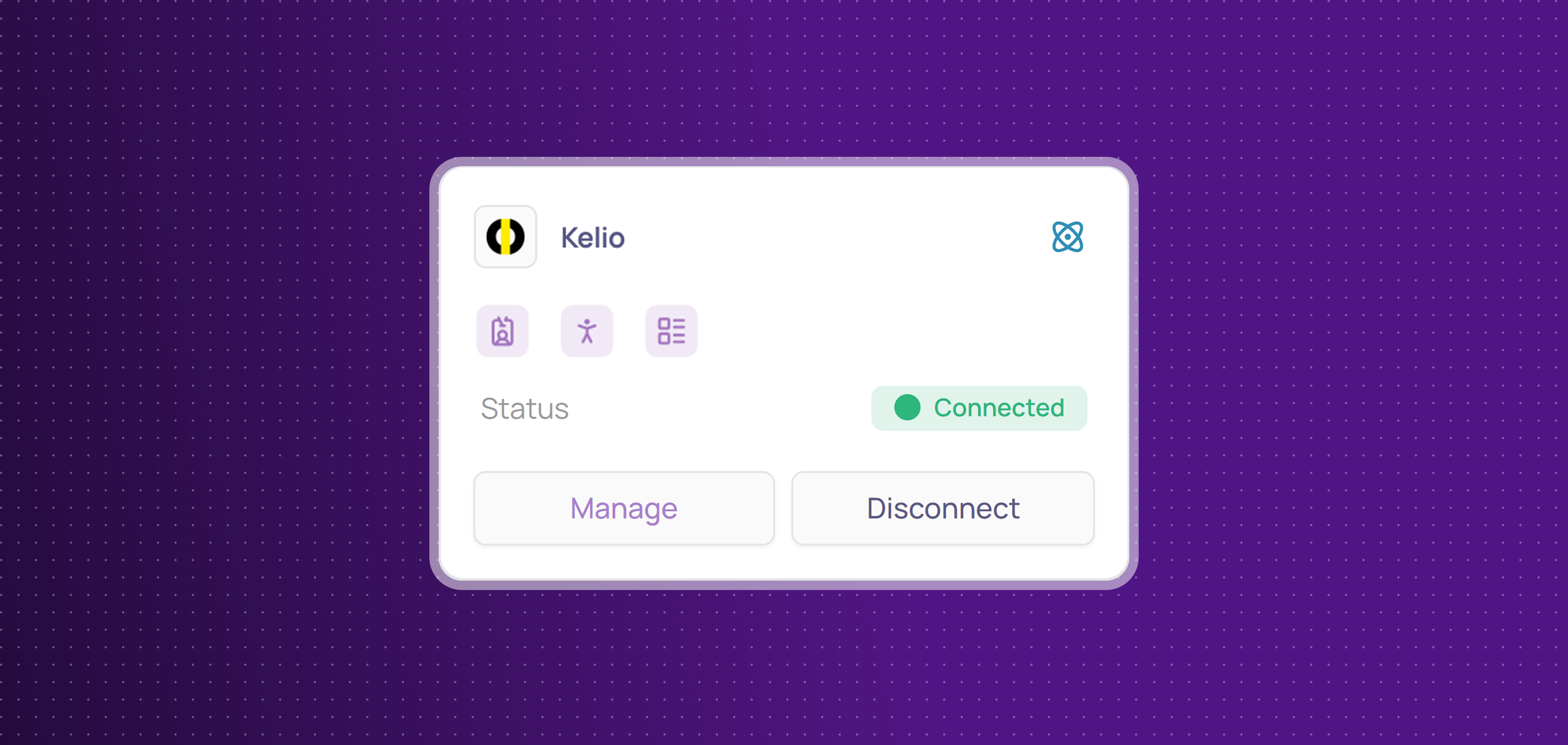
Corma now integrates with Kelio! Kelio is a French HR and time-management platform used to manage employee records, absences, and time tracking.
You can now:
Get HR data: sync manager, department, job title, country, start date, and termination date directly from Kelio.
Improvements
New "Offboard user" button added directly to the Provisioning > Offboarding page.
License revoke actions show what the underlying deprovisioning action will do (e.g. account deletion) before you confirm.
Audit log entries more clearly distinguish suspended users from revoked access, and no longer show a confusing "Ongoing" state.
App descriptions are shown on the employee app store.
New employees not yet assigned to a team no longer see a confusing blank onboarding page.
Fixes
Jira tickets not being created for manual tasks has been fixed.
Copy/paste for email and password in the agent's embedded browser during connector login has been fixed.
Monday.com connector OAuth connection failures have been fixed.
Unauthorized apps not appearing correctly in the employee portal's app list has been fixed.
The employee portal search shortcut has been fixed and now uses Cmd+K, matching the admin portal.
The "request new app" action in the employee portal not submitting has been fixed.
Employees being able to request apps they already have access to has been fixed.
The "no decision" filter on employee-mode access reviews not being uncheckable has been fixed.
Deleting a user sometimes returning an error has been fixed.
Updating an app's owner sometimes failing with no clear error has been fixed.
Usernames created through Corma (e.g. via Google, Slack, or Atlassian) sometimes showing in the wrong format has been fixed.
Redirection links of onboarding has been fixed.
A visual glitch has been fixed.
License and access status occasionally showing stale or taking a long time to update after syncing has been fixed.